01
01
Bagiqo
bagiqo.com
The JSON Formatter pretty-prints, minifies, and validates JSON data, helping developers verify correct JSON syntax an...
Formats, validates, and minifies JSON data with syntax highlighting for easy readability and efficient storage. Ideal for developers to ensure their JSON files are correct before deployment or integration into other applications. Useful for web developers, API creators, data scientists, and anyone who works with JSON data. It helps catch errors, improve code quality, and optimize file sizes,...
The JSON Formatter pretty-prints, minifies, and validates JSON data, helping developers verify correct JSON syntax an...


Formats a JSON string or file with configurable indentation, producing a colour-highlighted object tree for inspection.

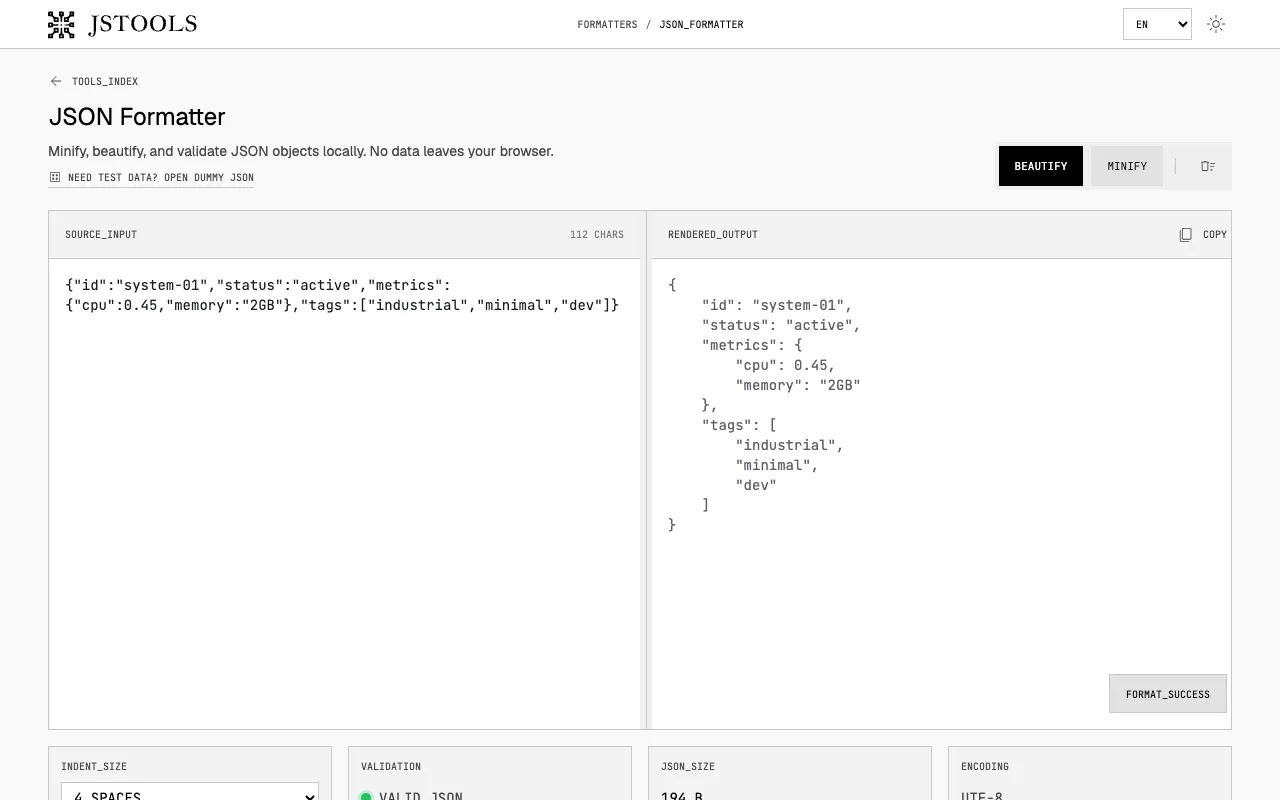
JSON minification, beautification, and validation all happen directly in your browser without external data transmiss...

Side by side
| Tool | Best for | Strengths | Limitations |
|---|---|---|---|
| DevBolt devbolt.dev | Privacy-conscious developers |
|
|
| Bagiqo bagiqo.com | General JSON formatting needs |
|
|
| FreeFormatter freeformatter.com | Developers who want colour-highlighted object trees |
|
|
| Inventive HQ inventivehq.com | Real-time JSON processing with privacy |
|
|
| PineTools pinetools.com | Users who need indentation controls |
|
|
Buyer's guide
When picking a JSON formatter, first decide if privacy matters. If your JSON contains sensitive data, choose a tool that processes everything in your browser so nothing leaves your device. Next, consider what you need the output for: pretty-printing makes nested structures readable, minification reduces file size, and validation catches syntax errors before deployment. Finally, check the interface — some tools highlight errors with line numbers, others focus on visual formatting, and some include ads or limited unit options that may affect your workflow.
Questions