Google Cache Checker
The Google Cache Checker determines whether a specific webpage or URL is currently indexed and cached by Google's sea...
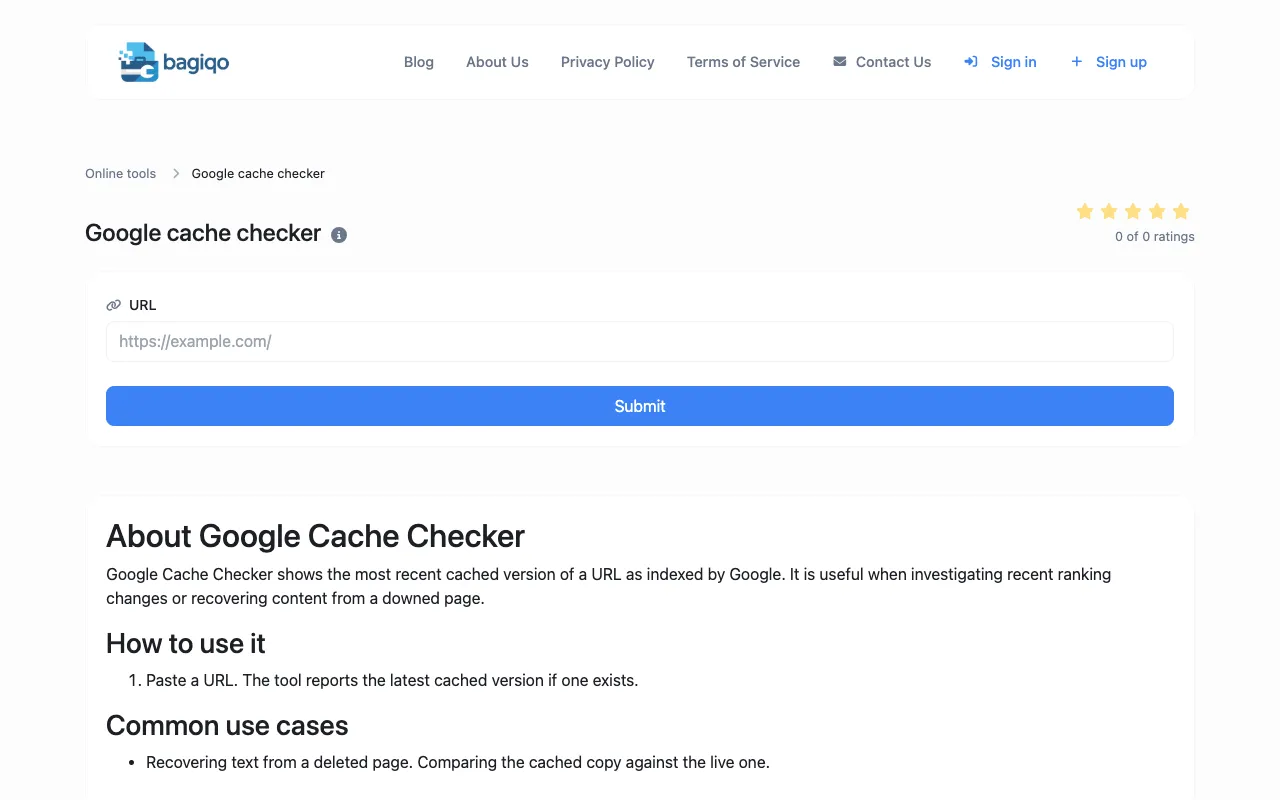
What Google Cache Checker does
The Google Cache Checker determines whether a specific webpage or URL is currently indexed and cached by Google's search engine. Users can verify Google's crawl status, indexation status, and check when Google last cached their content. The tool reports the most recent cached version of a URL as indexed by Google, which is useful when investigating recent ranking changes or recovering content from a downed page. Results show whether a cached version exists and provide details about Google's last crawl of that URL.
How to use the Bagiqo Google Cache Checker
- 1
Paste the URL you want to check into the input field
- 2
Submit the URL to initiate the Google cache lookup
- 3
View the report showing whether a cached version exists
- 4
Review the timestamp and status of Google's last cached version
Best for
SEO professionals, developers, and webmasters who need to verify Google's indexation status and troubleshoot crawl issues or content recovery.
Limitations
- Results depend on Google's current crawl status and may vary over time
- No unit switching or historical data beyond the most recent cache
- Tool reports only the latest cached version, not full archive history
Google Cache Checker FAQ
- How often does Google update its cache for a given URL?
- Google's cache update frequency varies based on how often Google crawls and re-indexes the specific webpage; the tool shows the most recent cached version available at the time of the check.
- Can this tool recover content from a page that has been permanently deleted?
- The tool can show the last cached version of a URL if one exists in Google's index, which may help recover text or structure from a page that is no longer live.
- What does it mean if the tool reports 'no cached version found'?
- This indicates that Google has not indexed a cached version of the URL, or the page has not been crawled recently enough to have a cached snapshot available.
- Is the cached version shown identical to the live webpage?
- The cached version represents Google's last snapshot of the page; there may be differences between the cached copy and the current live version due to subsequent updates or changes.
Similar tools
Based on shared tags