6 tools
Formats plain text into more readable, visually appealing versions by applying various styling options such as indentation, line breaks, and wrapping to improve legibility and structure. Ideal for developers, writers, and anyone looking to clean up or beautify their text for better presentation or readability. Useful for cleaning up code snippets, organizing log files, creating professional-looking documentation, and enhancing the overall readability of any text content by applying consistent formatting rules and styles.
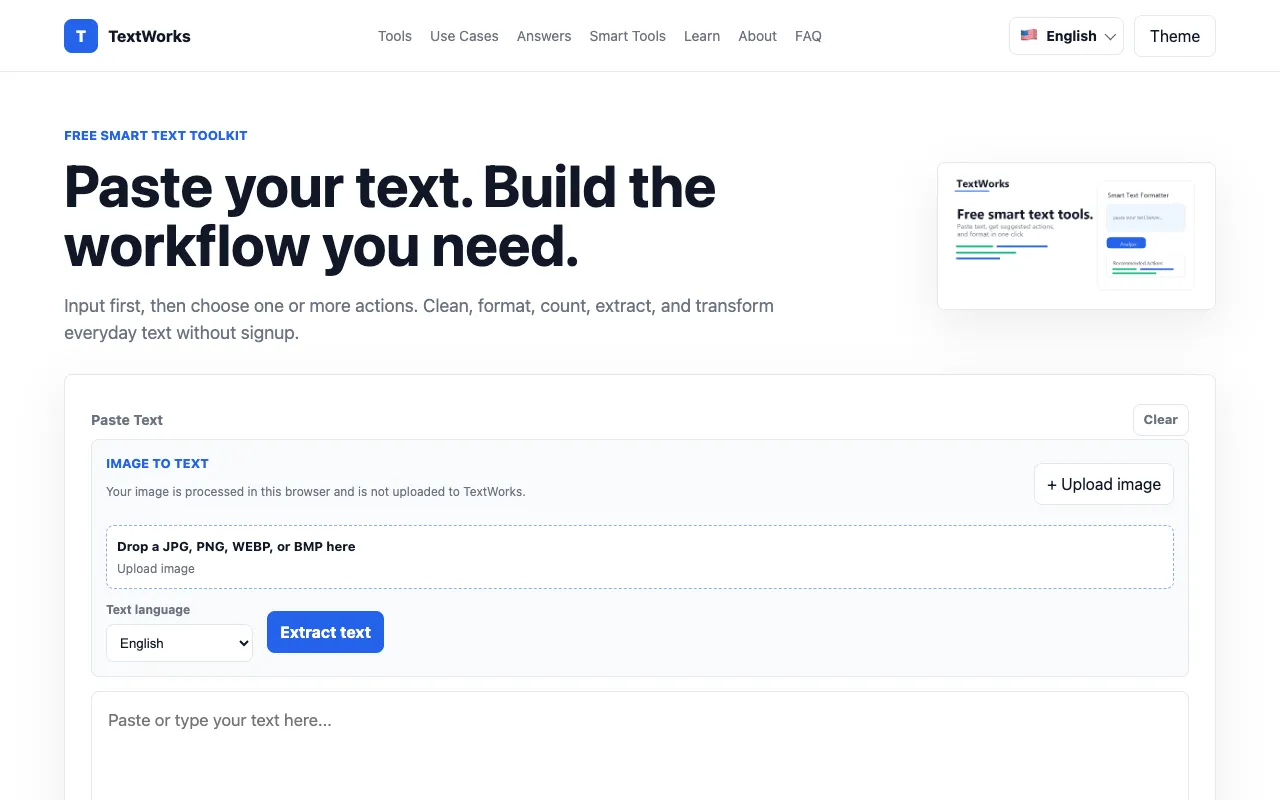
TextWorks is a free browser-based text toolkit offering utilities for text processing without requiring installation or signup. It handles case conversion in multiple styles (title case, sentence case, uppercase, lowercase), word counting, text cleanup, and code formatting. All processing occurs locally in your browser. The platform includes specialized formatters for JSON, SQL, and CSS code, along with conversion tools such as CSV to JSON transformation and email formatting capabilities. The toolkit provides smart text suggestions that appear locally as you work, helping streamline common text manipulation and formatting tasks. Features span case conversion, data cleaning, code formatting, and format transformation, making it well-suited for writers, developers, and data workers who require centralized text processing capabilities and utilities for frequent workflows.
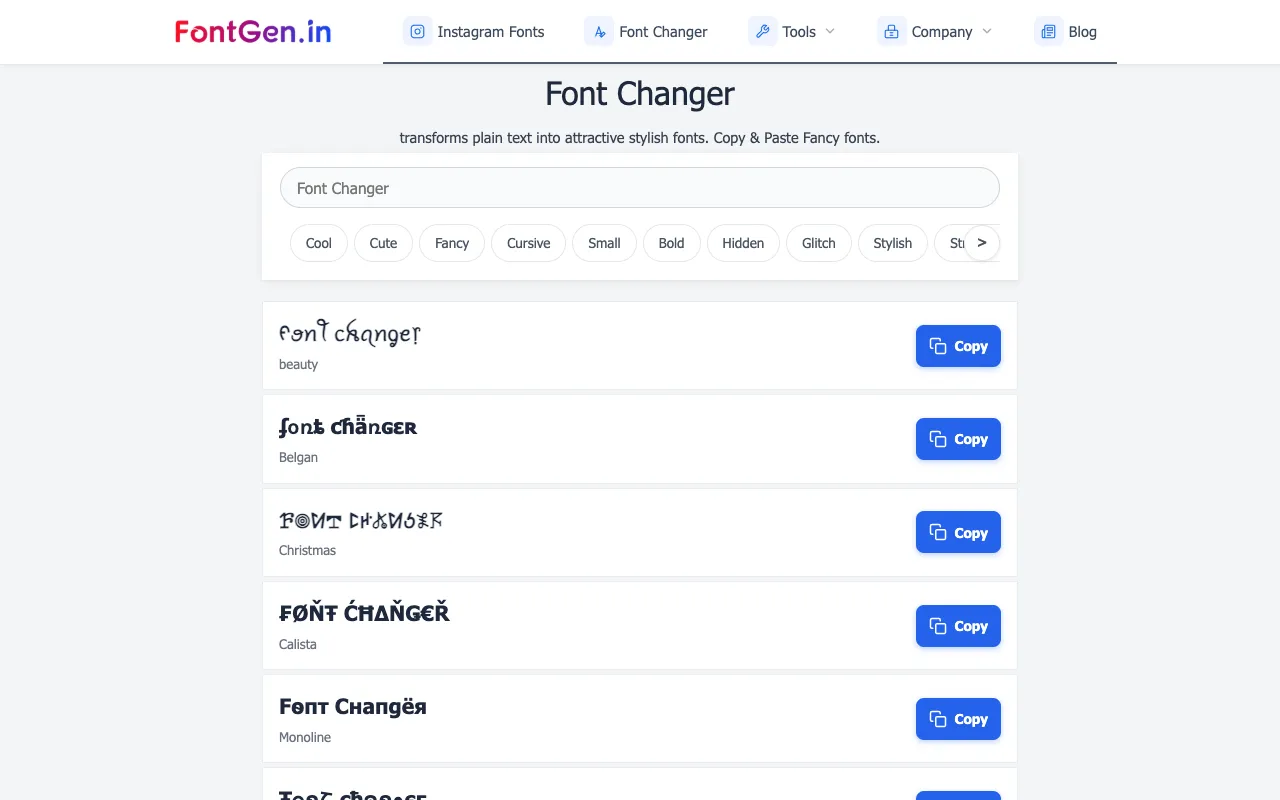
FontGen's Font Style Generator transforms plain text into visually distinctive stylized Unicode fonts, offering multiple design options including cursive, bold, and gothic letter styles. Users simply type their message or name into the text input field at the top of the page, browse through the available style previews, select their preferred design, and click copy to instantly get the styled text ready to paste anywhere online. The tool uses Unicode characters to create the visual variations, allowing the styled text to work seamlessly across all different digital platforms and applications including social media sites, messaging services, and chat applications. This Unicode-based approach ensures universal compatibility and immediate usability without requiring users to install special fonts or any additional software on their devices.
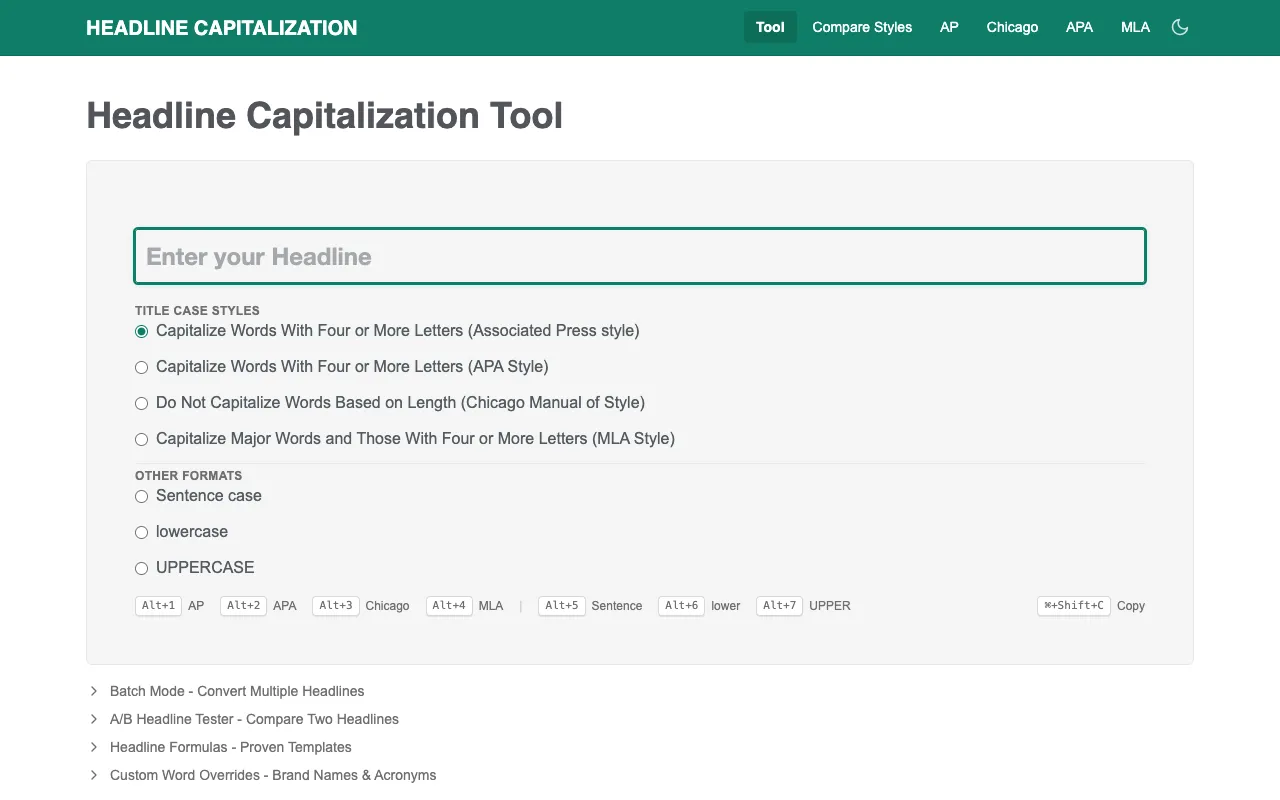
Headline Capitalization applies multiple style guide rules to format titles and headlines according to professional standards. It supports APA, MLA, Chicago, AP, and other major style conventions widely used in academic and professional publishing. Beyond these preset styles, the tool offers standard title case, sentence case, and fully customizable capitalization options for users with specific formatting needs. The tool requires no signup or account creation to use. Simply paste or type your text and select the desired capitalization style to see the formatted result with appropriate capitalization applied. Processing is instantaneous and requires no login or registration, making it convenient for quick one-off formatting needs. The tool is ideal for writers, editors, students, teachers, and professionals who need to ensure their headlines and titles conform to specific style guides for publication or formal submission.
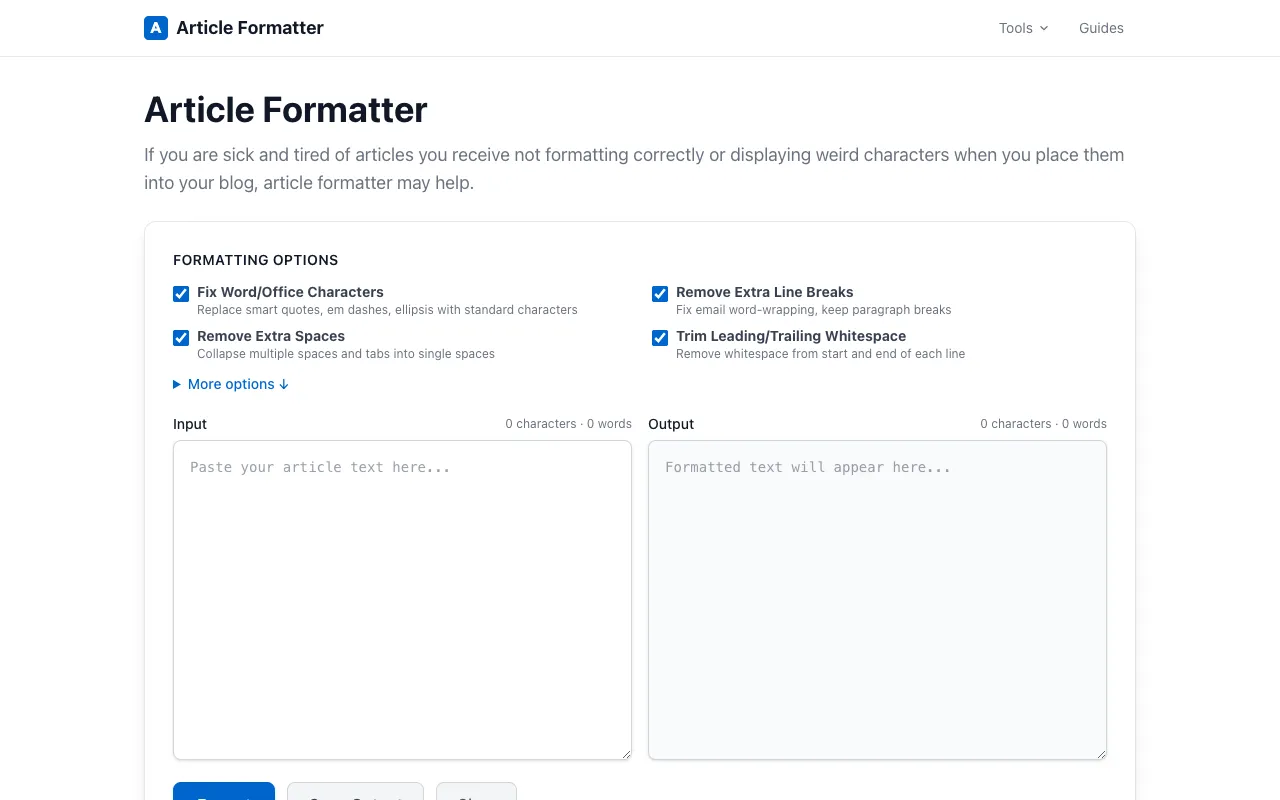
Article Formatter is a free, client-side tool suite designed for formatting and cleaning up text and articles. It provides multiple utilities for analyzing text, including word and character counts, and offers a range of format conversion options such as Markdown to HTML conversion, CSV to table conversion, and JSON formatting. Additional features include text comparison through diff tools and intelligent smart quote fixing to ensure proper punctuation and formatting throughout your content. The tool works entirely in your browser with no sign-up required and no file uploads to external servers, keeping your data private and secure. It's specifically designed for writers, editors, developers, and content creators who need quick and reliable formatting and conversion utilities for articles, documentation, and various types of text content.
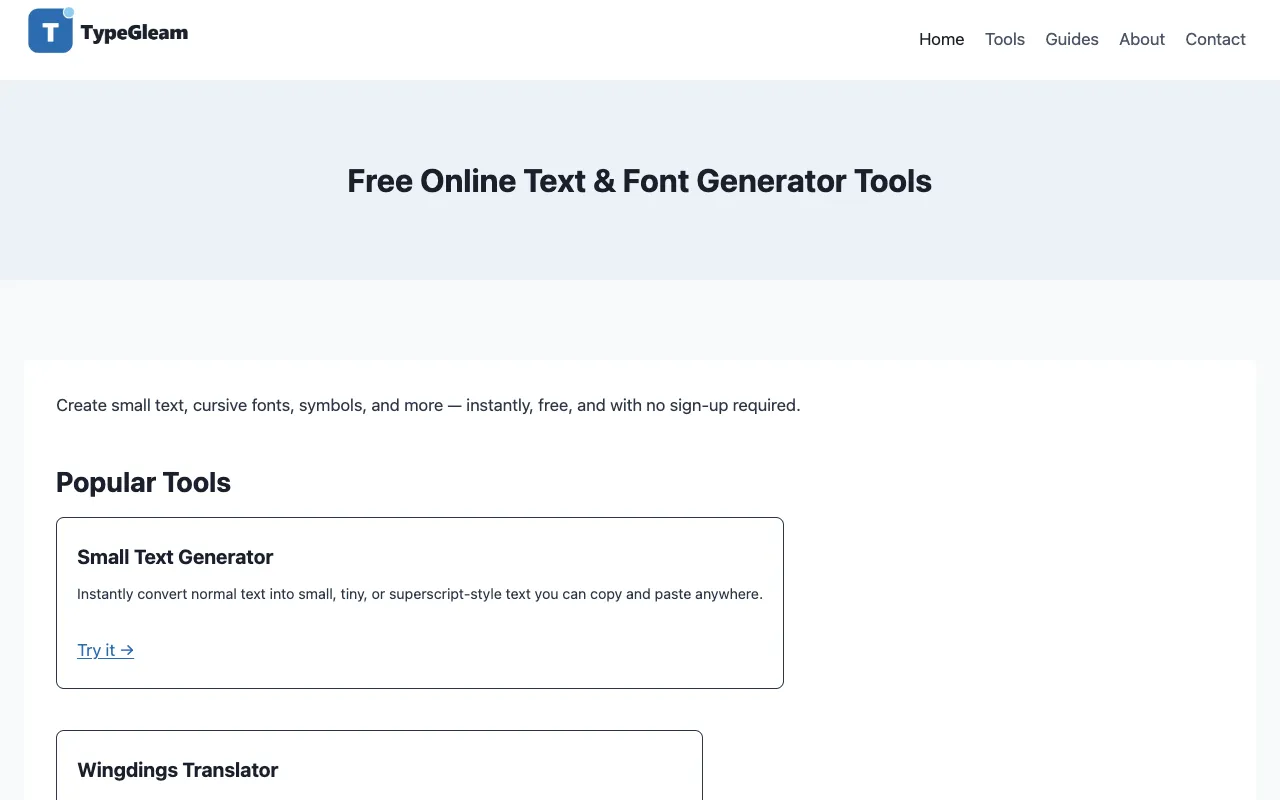
TypeGleam provides a free collection of text and symbol tools accessible directly in your browser, with no account required. The platform offers a wide variety of utilities including fancy Unicode text styles, small and cursive text options, and character transformation features. Users can generate superscript and subscript text, create invisible text, and access Wingdings-style symbols. Additional options include text converters and font utilities for creative expression. The suite includes tools like lenny faces and kaomoji for expressive text communication, making it particularly useful for social media posts, messaging applications, and creative writing projects. All tools are entirely browser-based, requiring no software installation or registration, and all generated results can be easily copied to the clipboard for immediate use elsewhere.