01

01
10015 Tools
10015.io
Resizes an image to specific pixel dimensions or by percentage, with the option to lock the aspect ratio.
Image Resizer is a free online tool that allows users to resize images and videos directly in their web browsers. Ideal for preparing content for social media platforms like YouTube, Instagram, TikTok, Facebook, and LinkedIn, this versatile tool offers a simple interface without requiring any registration or watermarking. With Image Resizer, you can easily adjust the dimensions of your images and...
Resizes an image to specific pixel dimensions or by percentage, with the option to lock the aspect ratio.
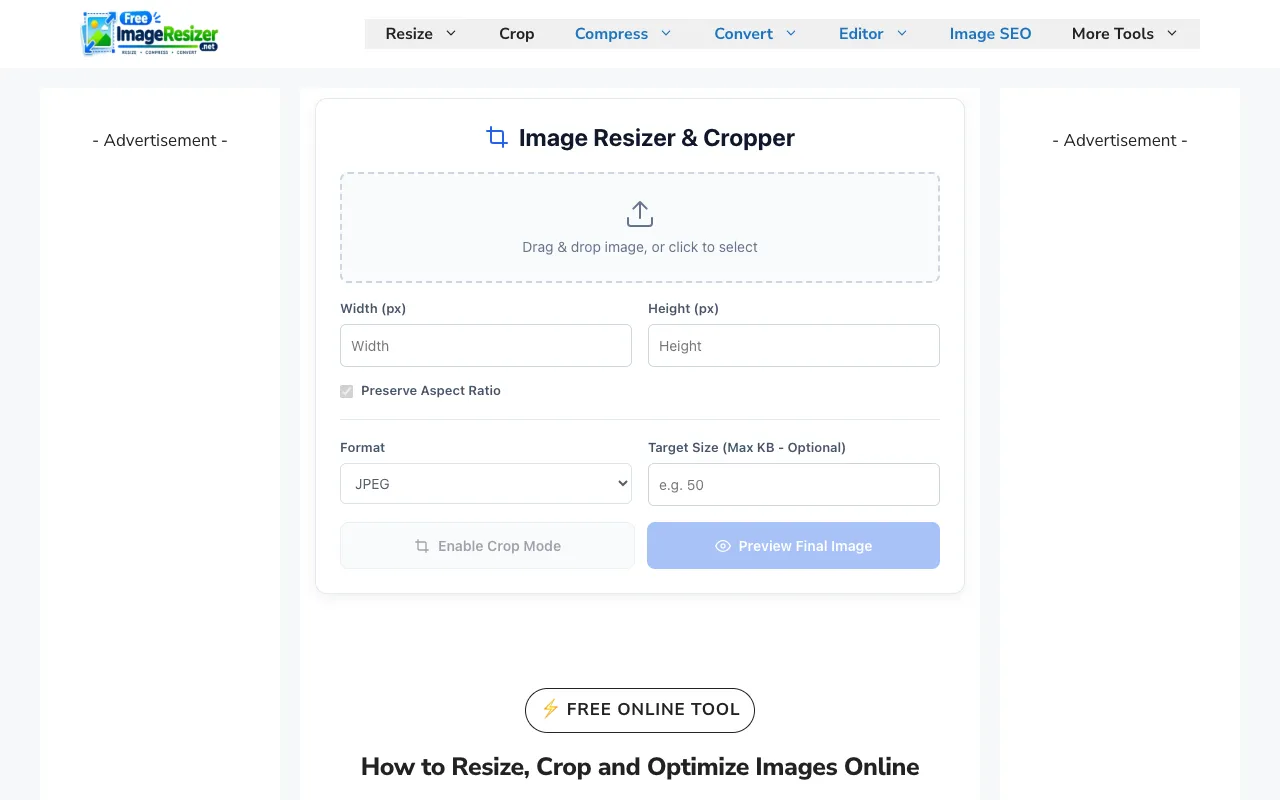
Free Image Resizer is an online tool for resizing, compressing, cropping, and optimizing images directly in your brow...

Image Resizer is a free online tool that allows users to resize images and videos directly in their web browsers. Ide...
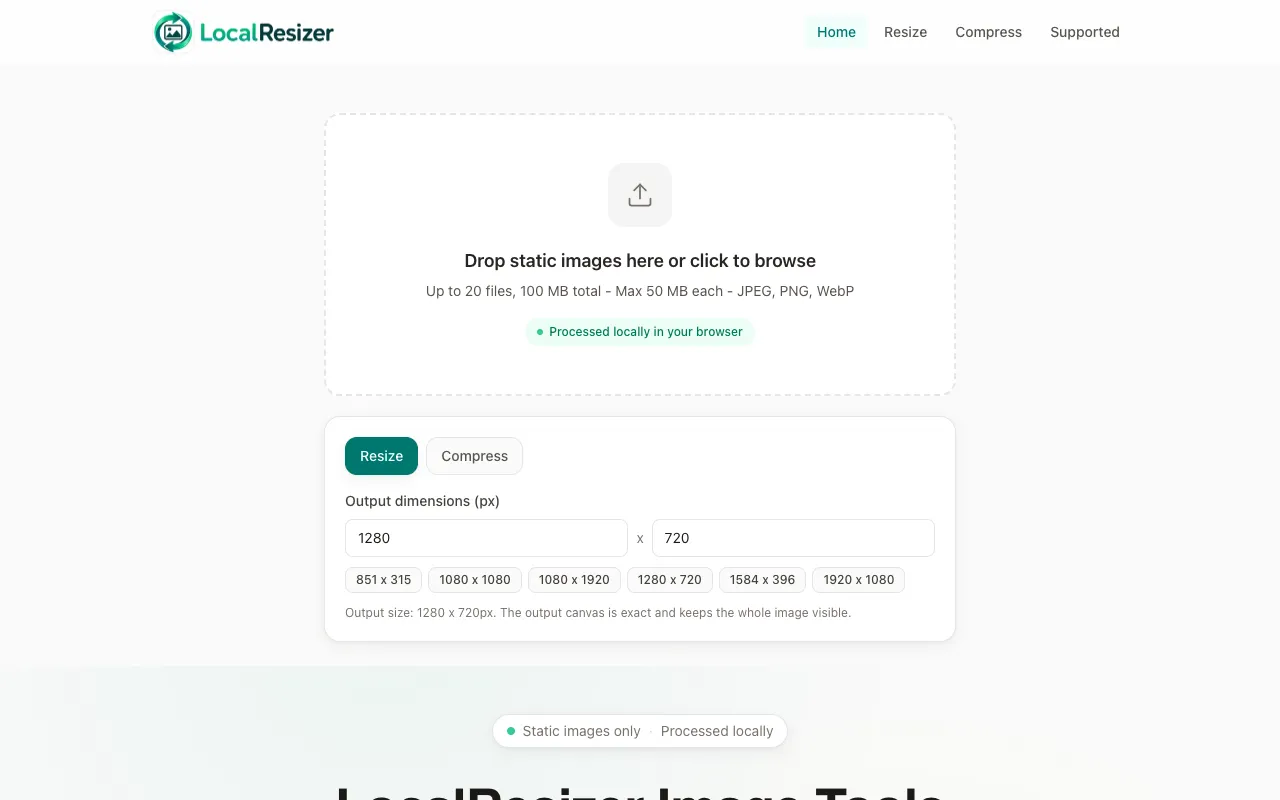
Image resizing performed entirely in your web browser eliminates the need to upload files to external servers. All pr...
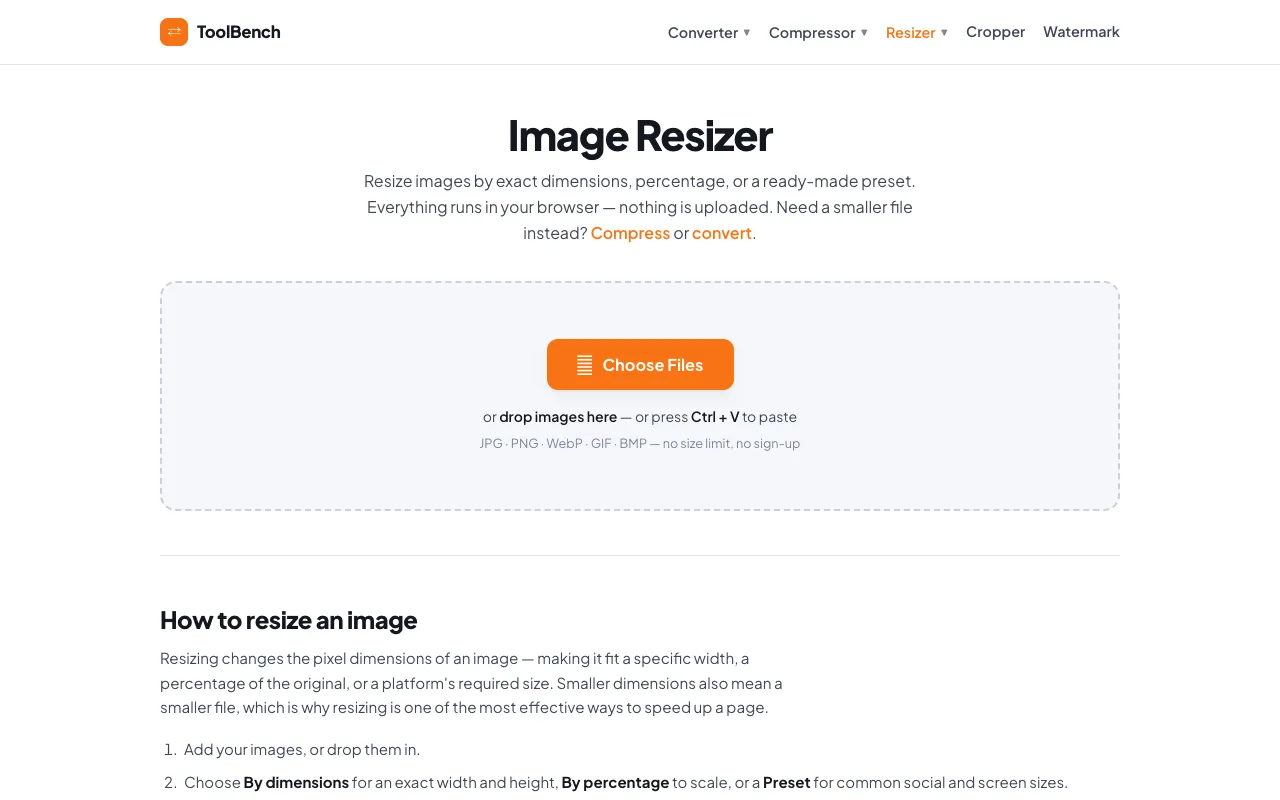
Resize images by exact pixel dimensions, by percentage, or with a social media preset. Handles batches in the browser...
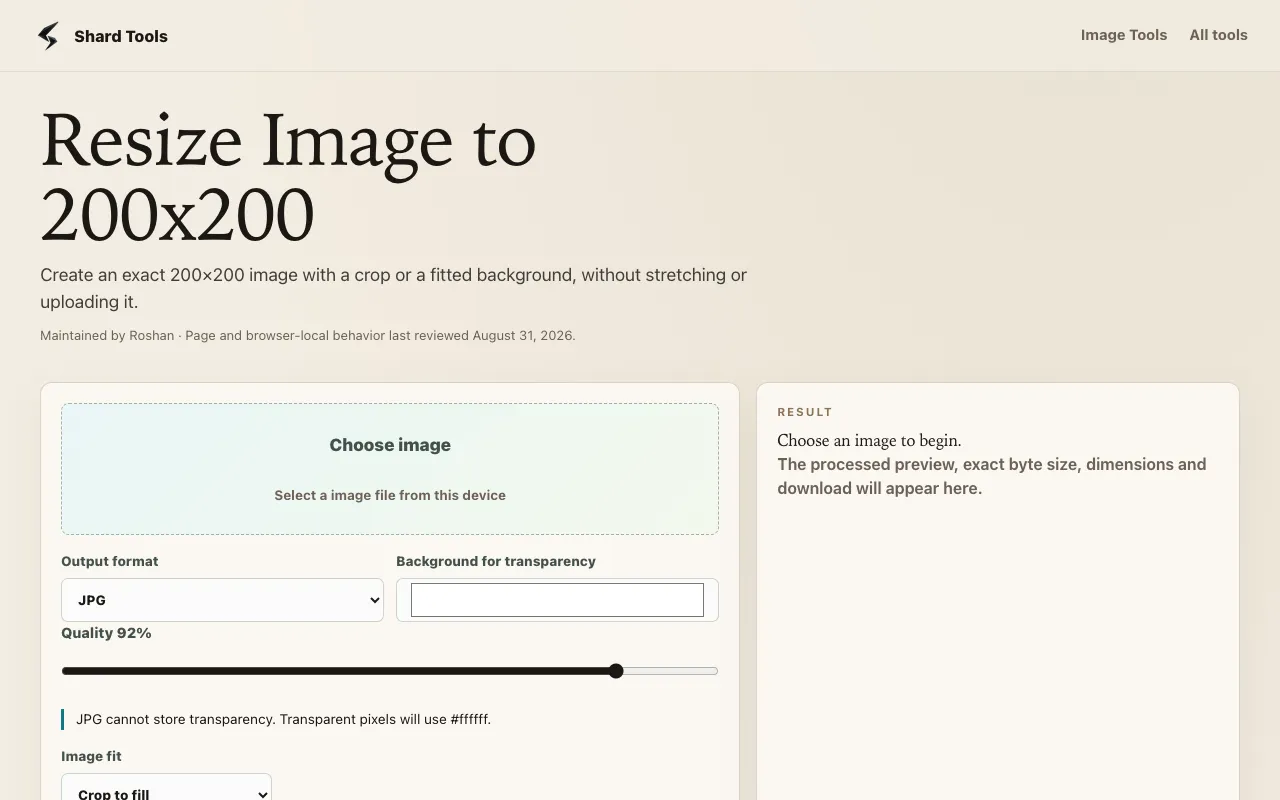
Resize images to exactly 200 by 200 pixels using one of two processing modes. Crop-to-fill creates an edge-to-edge sq...
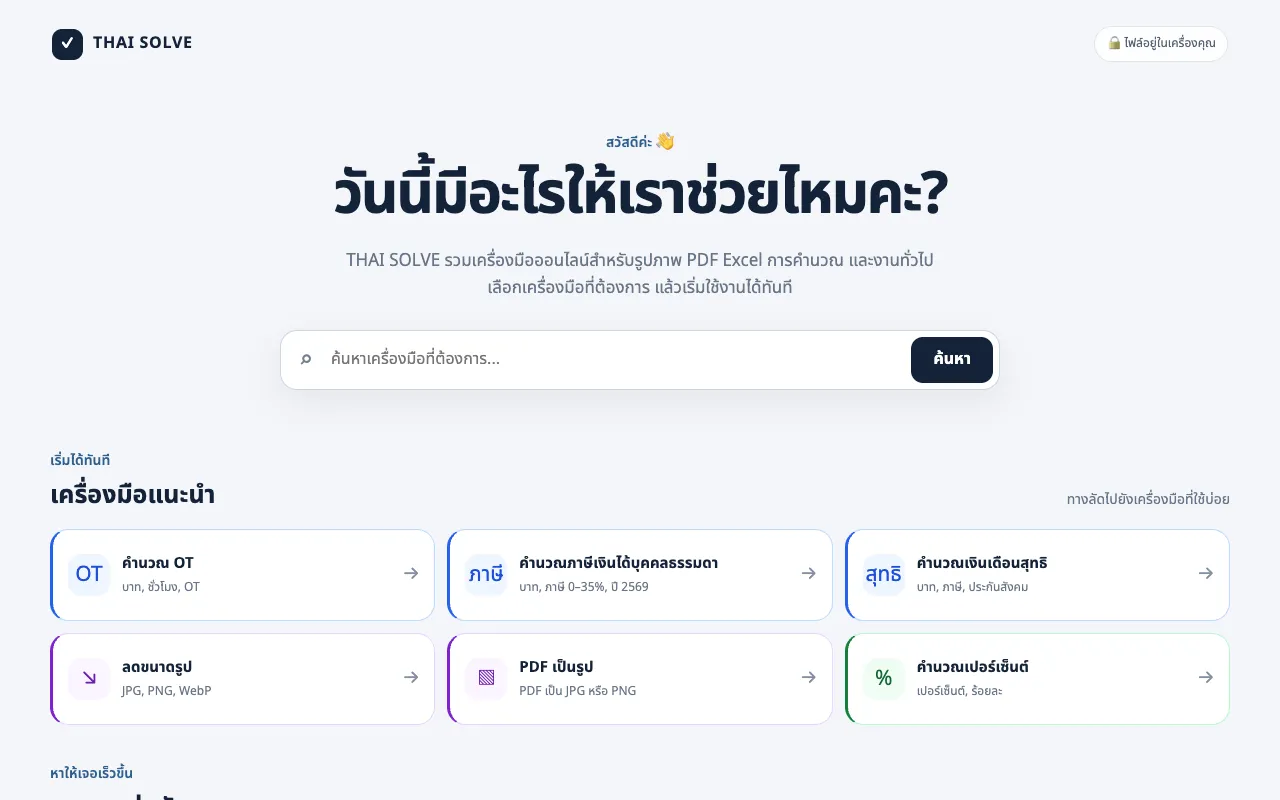
THAI SOLVE is a free, browser-based image optimization platform designed to help users resize and compress images to ...

Side by side
| Tool | Best for | Strengths | Limitations |
|---|---|---|---|
| 10015 Tools 10015.io | Precise pixel or percentage resizing |
|
|
| Free Image Resizer freeimageresizer.net | All-in-one image editing suite |
|
|
| ImageVideoFit imagevideofit.com | Social-media preset resizing |
|
|
| Local Resizer localresizer.com | Privacy-first, local-only processing |
|
|
| MyToolsBench mytoolsbench.com | Batch resizing with no file-size limits |
|
|
Buyer's guide
When picking an image resizer, first decide whether you need exact pixel dimensions or a quick fit for a specific platform. If you are preparing a single image for one network, a tool with platform presets saves time and ensures the correct aspect ratio. If you are working with multiple files, batch support and local-only processing become more important than preset lists. Also consider file-size limits and whether the tool adds ads or watermarks to your output.
Questions