Subtitle Tools Suite
A free browser-based toolkit for managing subtitle files across multiple formats including SRT, VTT, ASS, SSA, and LR...
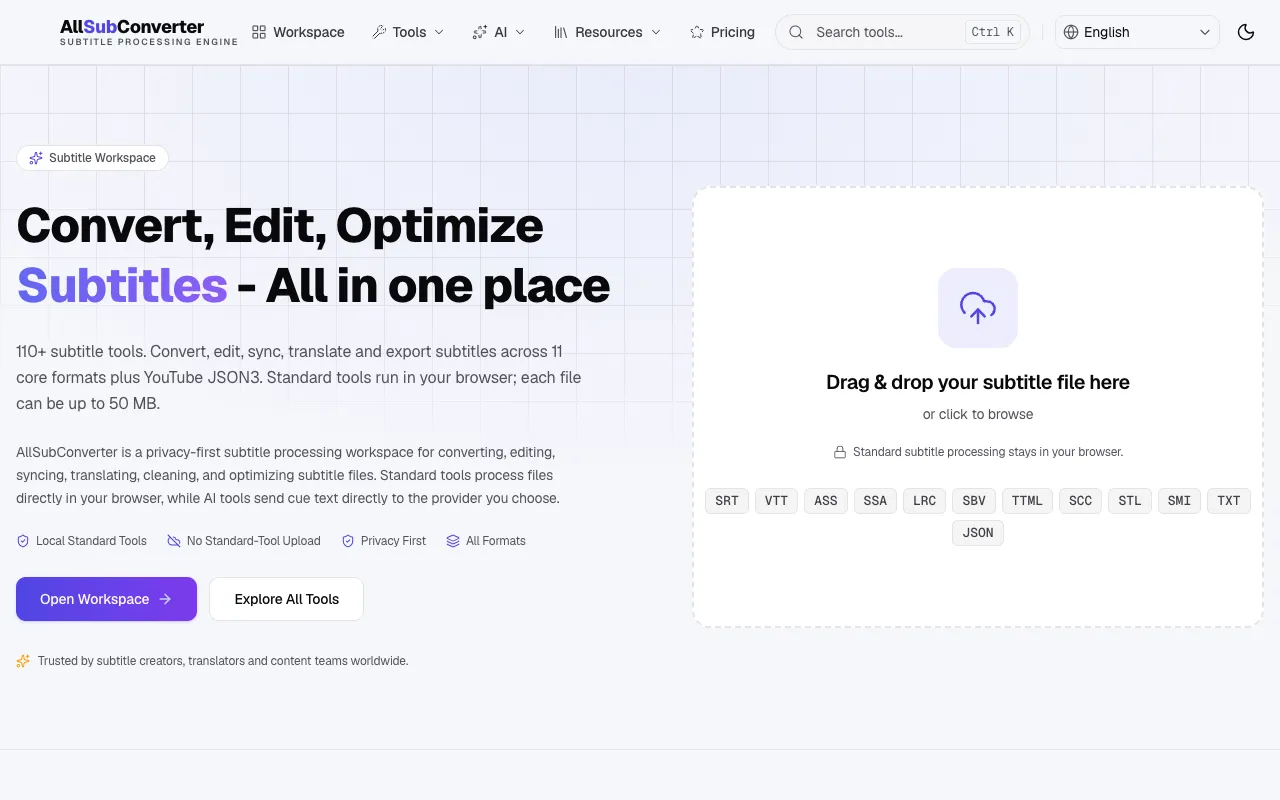
What Subtitle Tools Suite does
AllSubConverter is a browser-based toolkit for subtitle file management. Users can convert, edit, sync, translate, and export subtitles across more than 110 formats, including SRT, VTT, ASS, SSA, LRC, and YouTube JSON3. The platform supports files up to 50 MB each and provides both standard tools that process entirely within the browser and AI-powered tools that send only cue text to a chosen provider. The workflow guides users through five steps—upload, convert, edit and clean, enhance, and export—allowing them to chain tools on a single upload. Privacy is emphasized, with standard processing staying on the user's device and no server uploads for basic functions.
How to use the AllSubConverter Subtitle Tools Suite
- 1
Upload your subtitle file by dragging it into the workspace or clicking to browse
- 2
Convert the file to your desired format using the convert tool without losing subtitle data
- 3
Edit and clean the subtitle text, timing, formatting, and quality issues in the editor
- 4
Enhance the subtitles by translating, annotating, or optimizing with available tools
- 5
Export the finished subtitle in the format you need for your project
Best for
Content creators, translators, and subtitle workers who need to convert, edit, and sync subtitle files across many formats without installing software or paying for premium services.
Limitations
- Large subtitle files may take longer to process depending on device performance
- AI enhancement tools require sending cue text to an external provider
- Standard tools are limited to local device processing and do not include server-based AI features
Subtitle Tools Suite FAQ
- Can I use AllSubConverter without creating an account?
- Yes, AllSubConverter operates as a free online toolkit that requires no account creation for standard subtitle processing tasks.
- What subtitle formats are supported for conversion and editing?
- The platform supports over 110 subtitle formats including SRT, VTT, ASS, SSA, LRC, SBV, TTML, SCC, STL, SMI, TXT, and YouTube JSON3 for both standard and AI-enhanced workflows.
- How does the privacy protection work for subtitle files?
- Standard subtitle processing happens entirely within your browser on your device, keeping files local. AI tools only send cue text and your chosen API key to the provider you select, maintaining privacy for basic operations.
- Is there a file size limit for subtitle uploads?
- Each subtitle file uploaded to AllSubConverter has a maximum size limit of 50 MB for standard processing tools.
Similar tools
Based on shared tags