Text Formatting Suite
Article Formatter is a free, client-side tool suite designed for formatting and cleaning up text and articles. It pro...
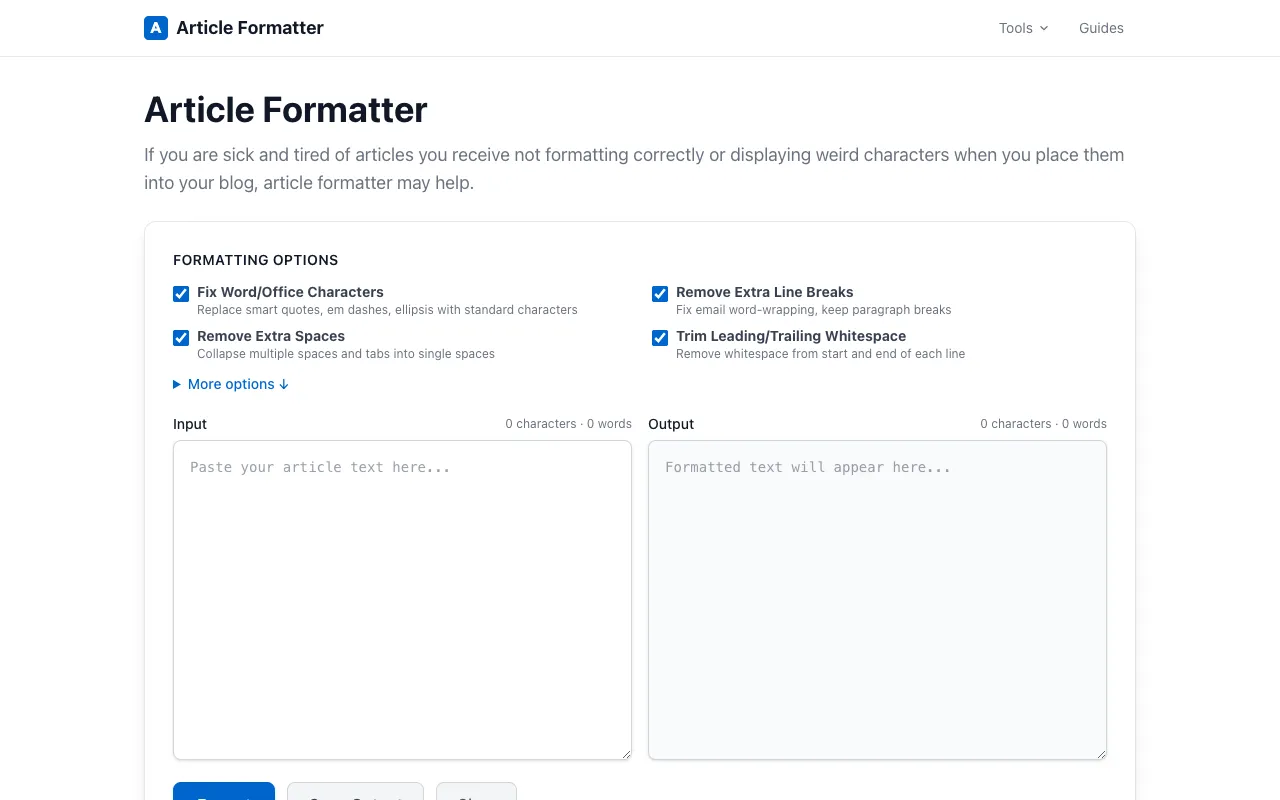
What Text Formatting Suite does
Article Formatter is a free, client-side tool suite designed for formatting and cleaning up text and articles. It provides multiple utilities for analyzing text, including word and character counts, and offers a range of format conversion options such as Markdown to HTML conversion, CSV to table conversion, and JSON formatting. Additional features include text comparison through diff tools and intelligent smart quote fixing to ensure proper punctuation and formatting throughout your content. The tool works entirely in your browser with no sign-up required and no file uploads to external server The site offers a clean, browser-based interface that runs entirely client-side, meaning no text is sent to external servers. It combines multiple text utilities—word and character counts, format conversions, diff comparison, and smart quote fixing—into a single accessible suite without requiring sign-ups or account creation.
How to use the Article Formatter Text Formatting Suite
- 1
Paste or type your text into the editor window
- 2
Select the desired formatting option from the available tools (word count, Markdown to HTML, CSV to table, etc.)
- 3
Review the formatted output displayed in the results area
- 4
Copy the cleaned or converted text for use in your project or document
Best for
Writers, editors, and content creators who need a quick, private way to format, analyze, or convert text without leaving their browser or signing up for an account.
Limitations
- No file upload support for large documents
- Conversion options are limited to the specific formats listed
- Advanced formatting features may be absent compared to dedicated desktop software
Text Formatting Suite FAQ
- Is my text stored or sent to a server when I use Article Formatter?
- No, the tool runs entirely in your browser; your text never leaves your device or gets uploaded to external servers.
- Can I convert Markdown to HTML using this tool?
- Yes, Article Formatter includes a Markdown to HTML conversion feature among its format conversion options.
- Does the tool support CSV to table conversion?
- Yes, the suite offers CSV to table conversion as one of its available format transformation utilities.
- Is there a word count feature in Article Formatter?
- Yes, the tool provides word and character count utilities for analyzing your text.
Similar tools
Based on shared tags