7 tools
Converts images between popular formats, including JPEG, PNG, WebP, GIF, HEIC, AVIF, TIFF, BMP, ICO, SVG, and PDF. Supports batch conversion for processing multiple files efficiently. Ideal for developers, designers, and anyone needing to standardize image files across different platforms or applications. Useful for web developers preparing images for optimized website loading times, graphic designers needing consistent file formats in their projects, and professionals handling a large volume of image data for various purposes.
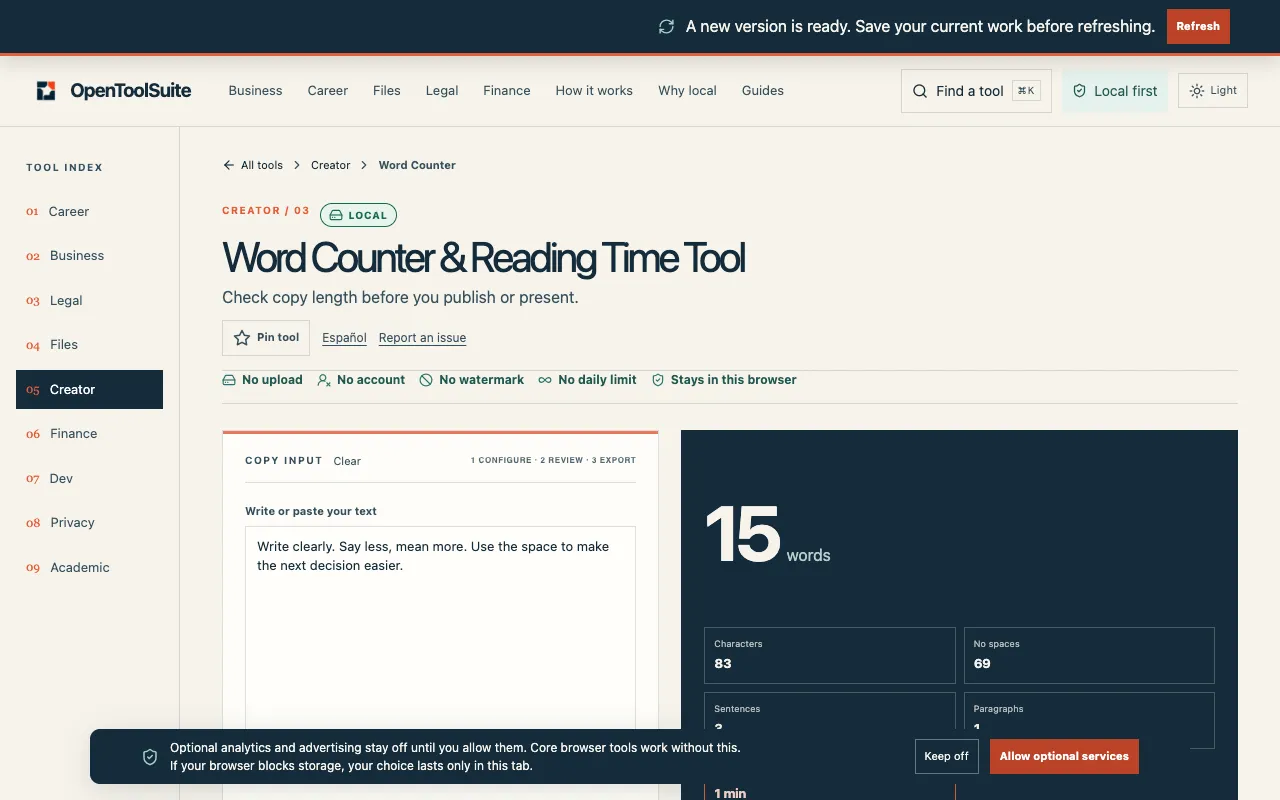
A free word counter tool that analyzes text directly in your browser without requiring signup or uploading your content. It displays word count, character count, sentence count, and provides an estimated reading time for your text. The tool works entirely in your browser window, making it quick and convenient for immediate feedback on your writing. All processing happens locally on your device, so your text remains private and never leaves your browser. Designed for writers, students, educators, and professionals who need quick text analysis, reading time estimates, and word statistics. No account creation required, no external data collection, just straightforward text metrics on demand.
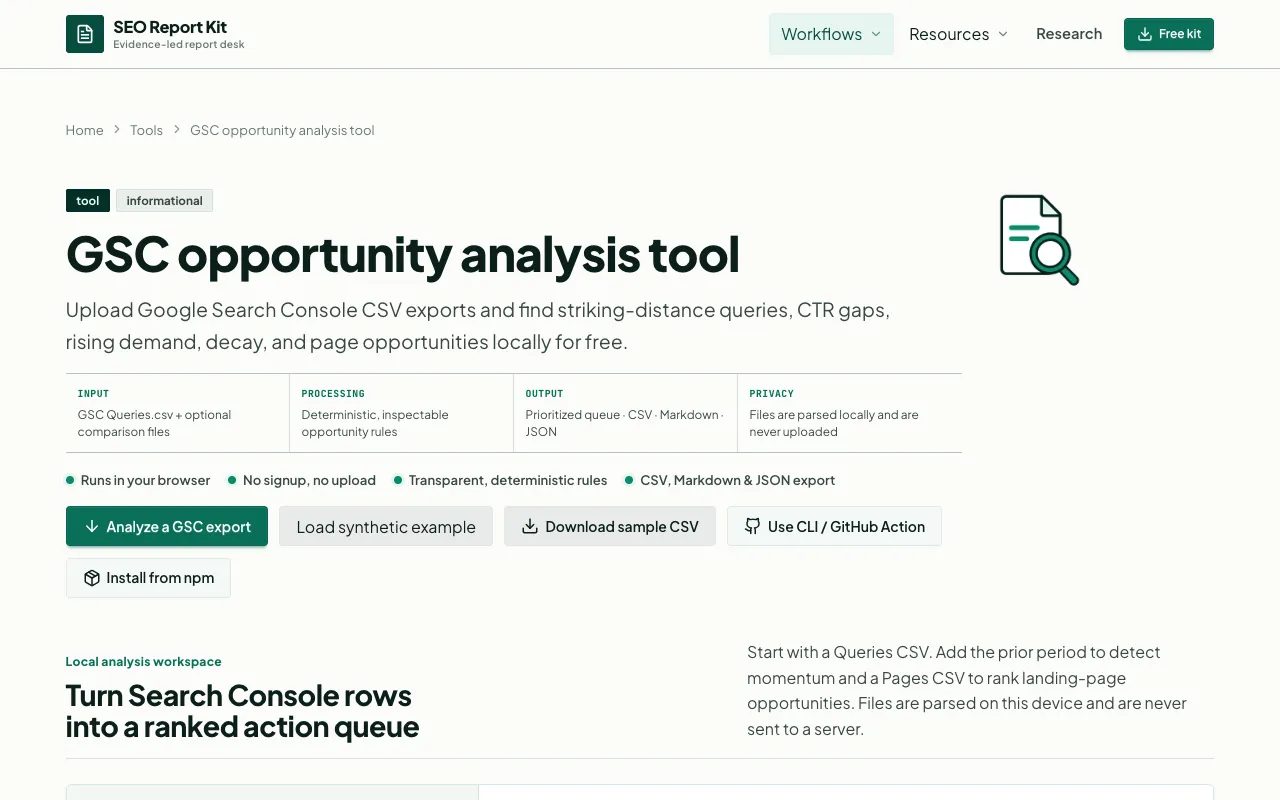
Analyzes Google Search Console performance data to identify and prioritize SEO opportunities based on current search visibility and potential traffic gains. Users import CSV exports directly from Google Search Console into the tool, which processes them locally in your browser without uploading sensitive data or requiring account authentication. This browser-local approach preserves complete privacy and security. Transforms raw GSC metrics into ranked, actionable opportunity queues prioritized by estimated business impact. The tool helps SEO professionals and content managers strategically allocate optimization efforts, focusing on high-value keywords with traffic potential, fixing underperforming pages, and capitalizing on quick-win opportunities that could drive meaningful search traffic improvements.
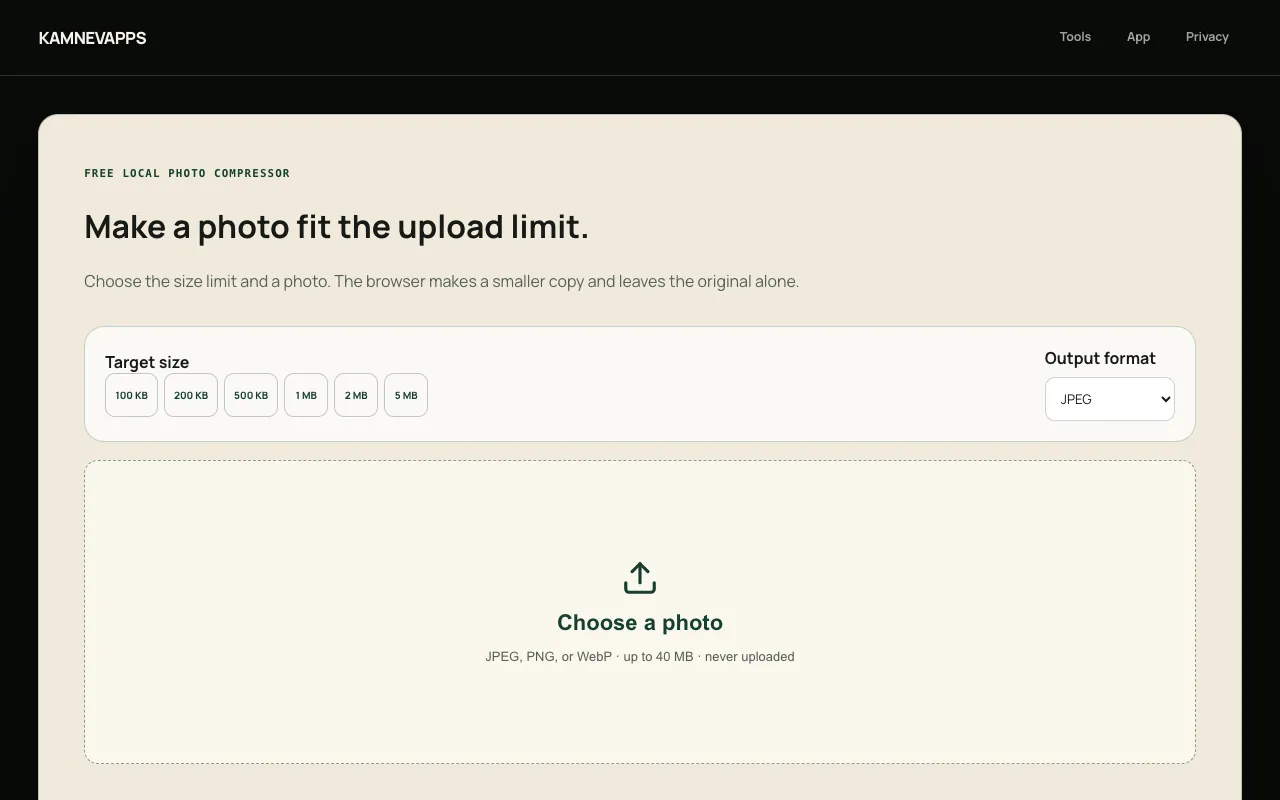
Reduce JPEG, PNG, and WebP photo file sizes to fit common upload limits across different platforms and services. Specify your target file size and compress your images accordingly while maintaining control over output quality. All compression processing happens locally in your browser with no account required, and your photos remain completely on your device—nothing is transmitted to any external server. Test your photos against upload size restrictions before attempting to submit them anywhere. Whether preparing images for email, messaging apps, social media, or cloud storage services, the tool confirms whether your files meet size requirements and helps you adjust compression levels to succeed without repeated failed attempts.
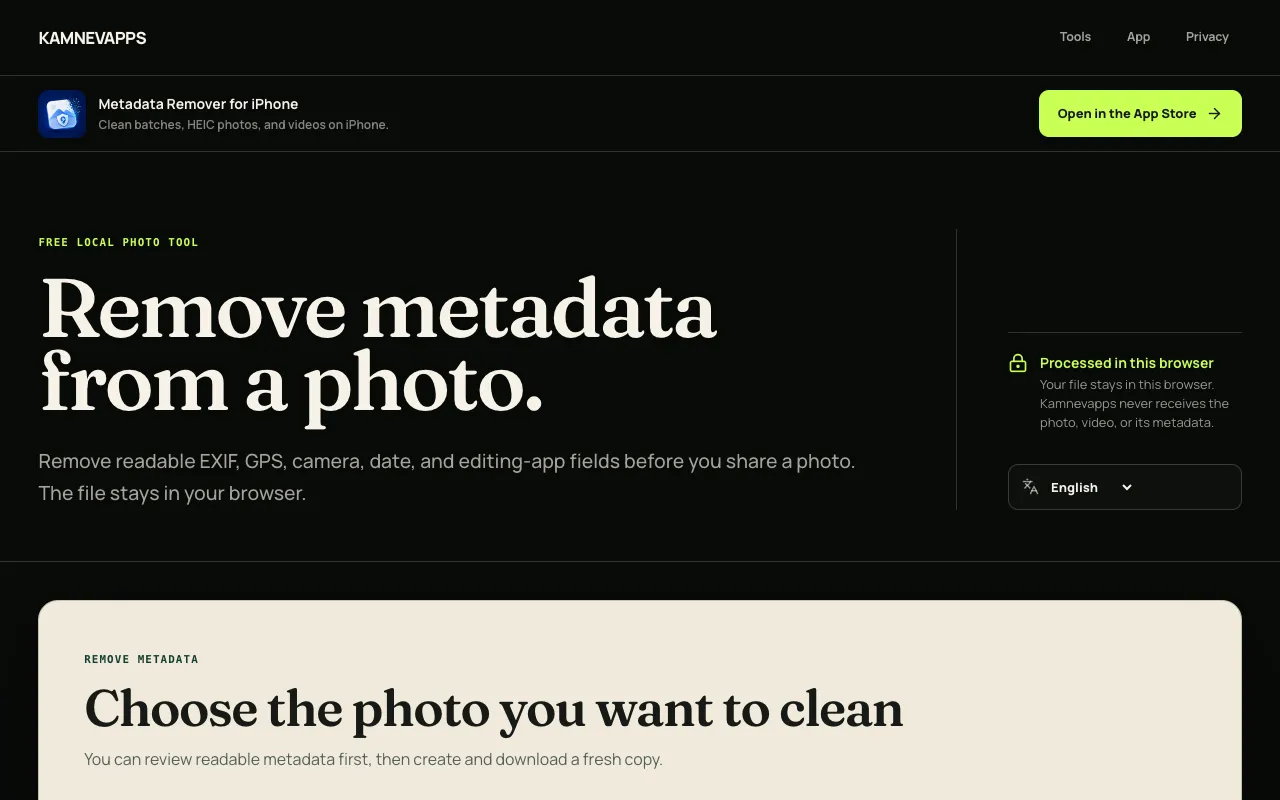
Inspect and remove hidden metadata embedded in your photos, including EXIF image data, GPS location coordinates, camera model and settings, capture date and time, and XMP tags. All inspection and removal happens locally in your browser with no account required, and your photos remain completely on your device—they're never uploaded to any external server or cloud service. Protect your privacy before sharing photos on social media, email, messaging, or with others. Review exactly what metadata is stored in each image file, then selectively remove specific categories of information you want kept private. Use it before posting anywhere to ensure sensitive data like location, timestamp, and camera model information is safely removed.
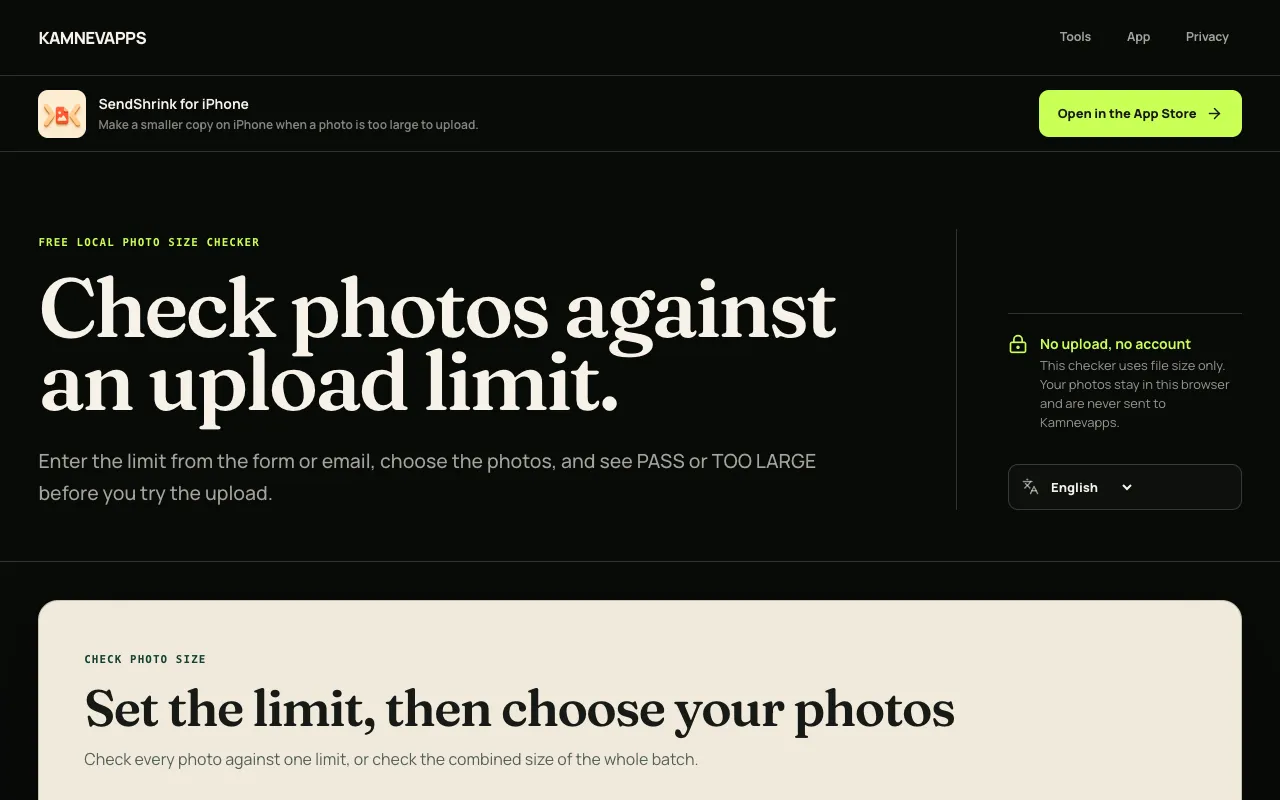
Check whether one photo or a batch of photos will exceed a specified upload-size limit before attempting to upload them anywhere. The tool runs in your browser and instantly reports whether each file fits within the exact size constraint you choose, without uploading, modifying, or transmitting your photos anywhere. Validate your images against specific platform requirements before committing to upload. Whether preparing files for email, social media, cloud storage, or any upload-restricted service, this checker prevents wasted time on rejected uploads by confirming whether your photos meet size requirements in advance. Test batches efficiently without trial-and-error.
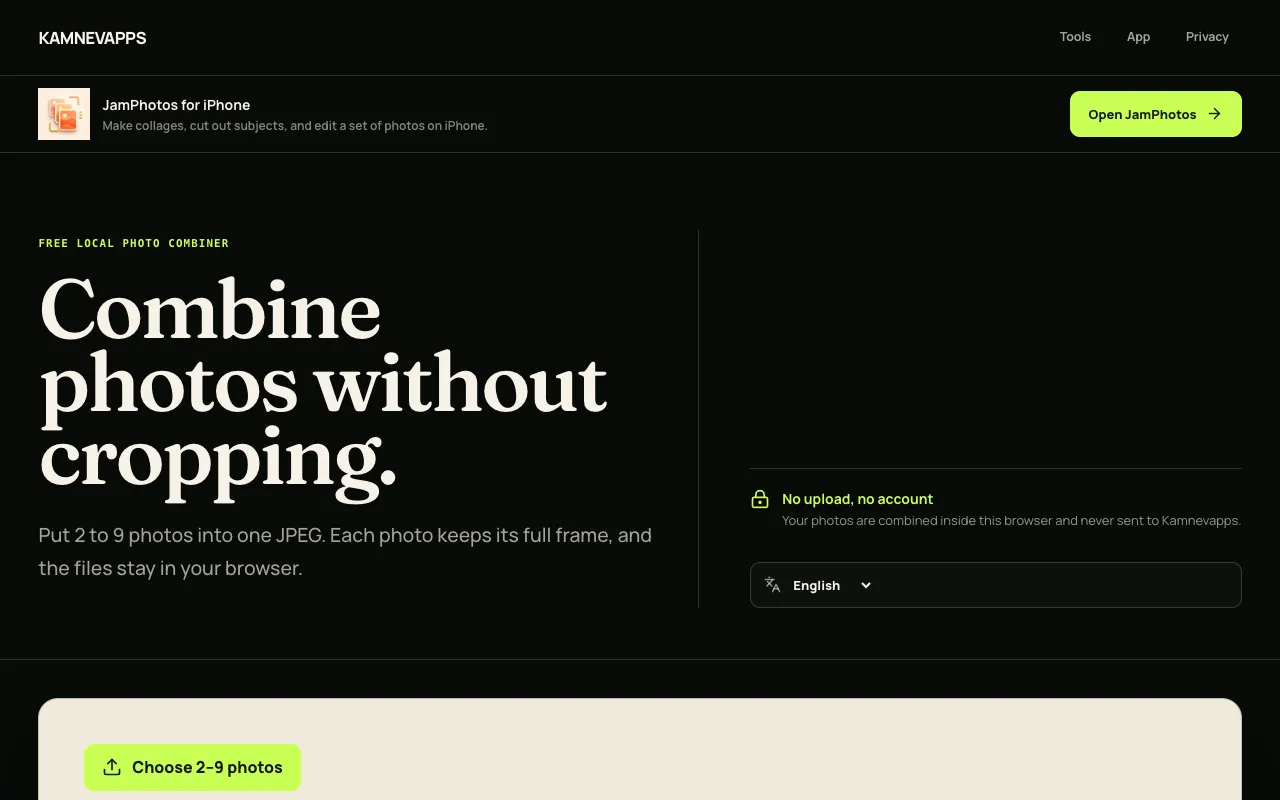
Combine 2 to 9 JPEG, PNG, or WebP images into a single photo using multiple layout options including grid, side-by-side, or stacked arrangements. Reorder your photos in any sequence before combining, then export the final composite result as a JPEG file that downloads directly to your device. All image processing and combining happens locally in your browser with no server uploads. Create photo collages, comparison sheets, before-and-after layouts, or multi-image compositions without needing complex design software. The browser-based tool gives you complete control over photo arrangement, layout selection, and output formatting. No accounts or file uploads required—work with your images entirely locally.