01

01
Inventive HQ
inventivehq.com
Universal image converter supporting 10+ formats: JPEG, PNG, WebP, GIF, HEIC, AVIF, TIFF, BMP, ICO, SVG, and PDF output.
Converts images between popular formats, including JPEG, PNG, WebP, GIF, HEIC, AVIF, TIFF, BMP, ICO, SVG, and PDF. Supports batch conversion for processing multiple files efficiently. Ideal for developers, designers, and anyone needing to standardize image files across different platforms or applications. Useful for web developers preparing images for optimized website loading times, graphic...
Universal image converter supporting 10+ formats: JPEG, PNG, WebP, GIF, HEIC, AVIF, TIFF, BMP, ICO, SVG, and PDF output.
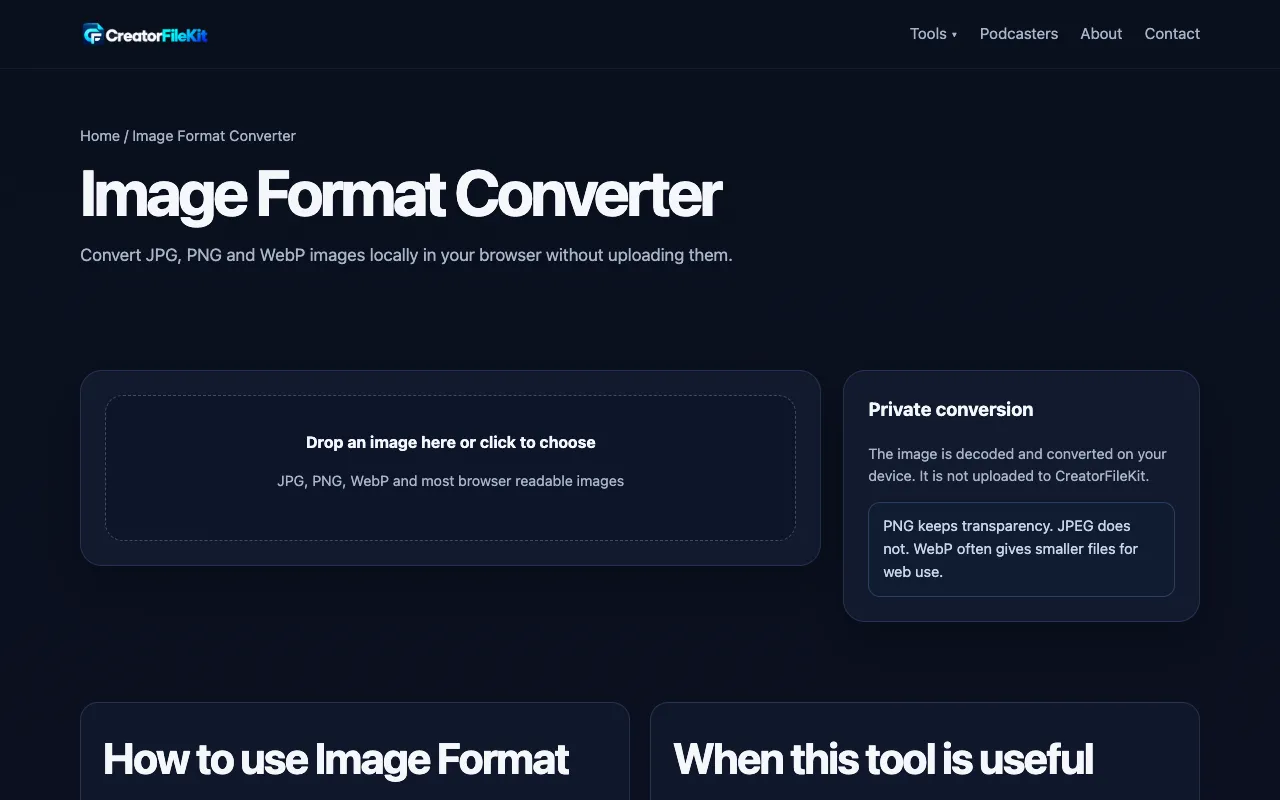
Convert JPG, PNG and WebP images locally in your browser without uploading them.
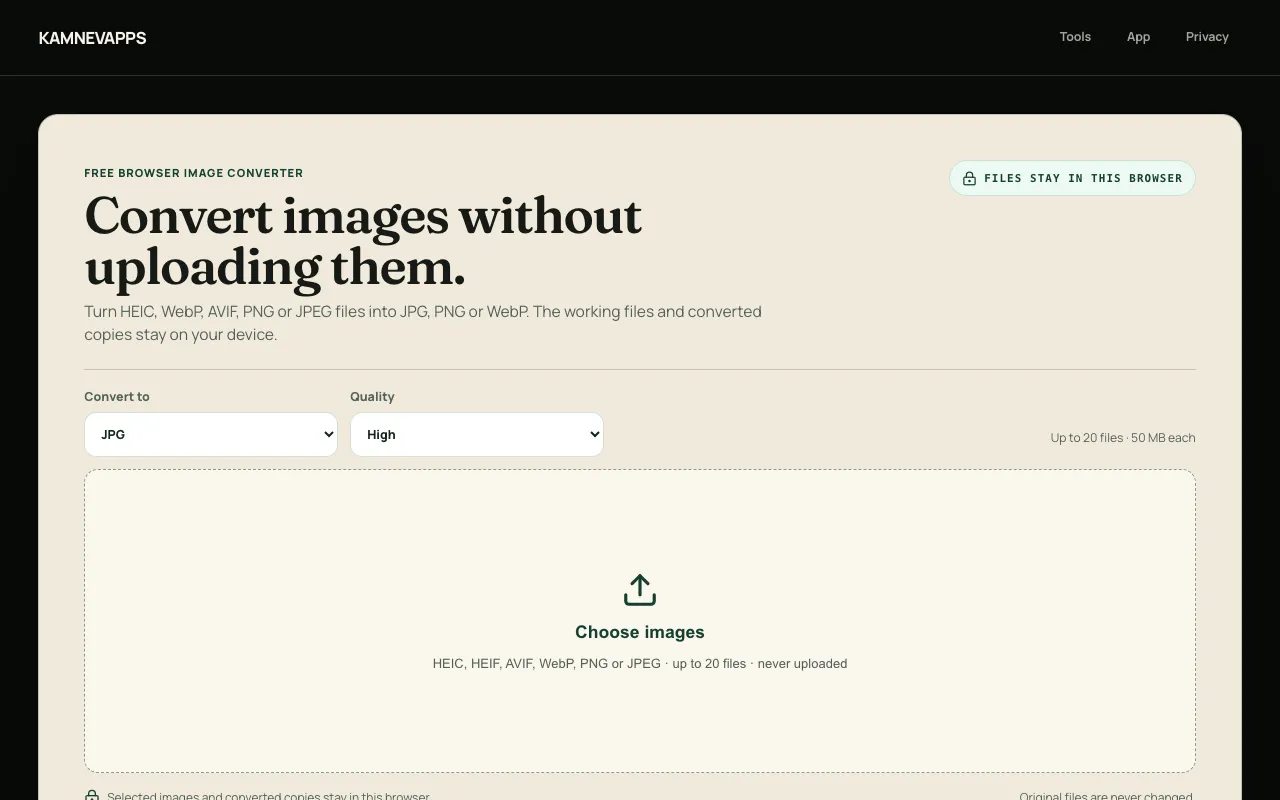
Convert between modern image file formats including HEIC, HEIF, AVIF, WebP, PNG, and JPEG directly in your browser. E...
Side by side
| Tool | Best for | Strengths | Limitations |
|---|---|---|---|
| Inventive HQ inventivehq.com | Broad format compatibility with PDF output |
|
|
| CreatorFileKit creatorfilekit.com | Local browser-only conversion |
|
|
| Kamnevapps kamnevapps.com | Modern format conversion with privacy focus |
|
|
Buyer's guide
When picking an image format converter, first check which source formats you actually need to convert from — HEIC and AVIF support varies significantly across tools. Then consider whether you need PDF output or if standard image formats suffice, since that narrows the field considerably. Privacy matters if you're working with sensitive images; tools that process entirely in your browser without uploading files are worth the trade-off in format flexibility. Finally, think about batch needs: some tools handle multiple files at once while others work one at a time, and this can dramatically affect workflow efficiency for large projects.
Questions