Image Processing Tools
ImageToolsPro is a free online collection of browser-based image tools specifically designed for quick and efficient ...
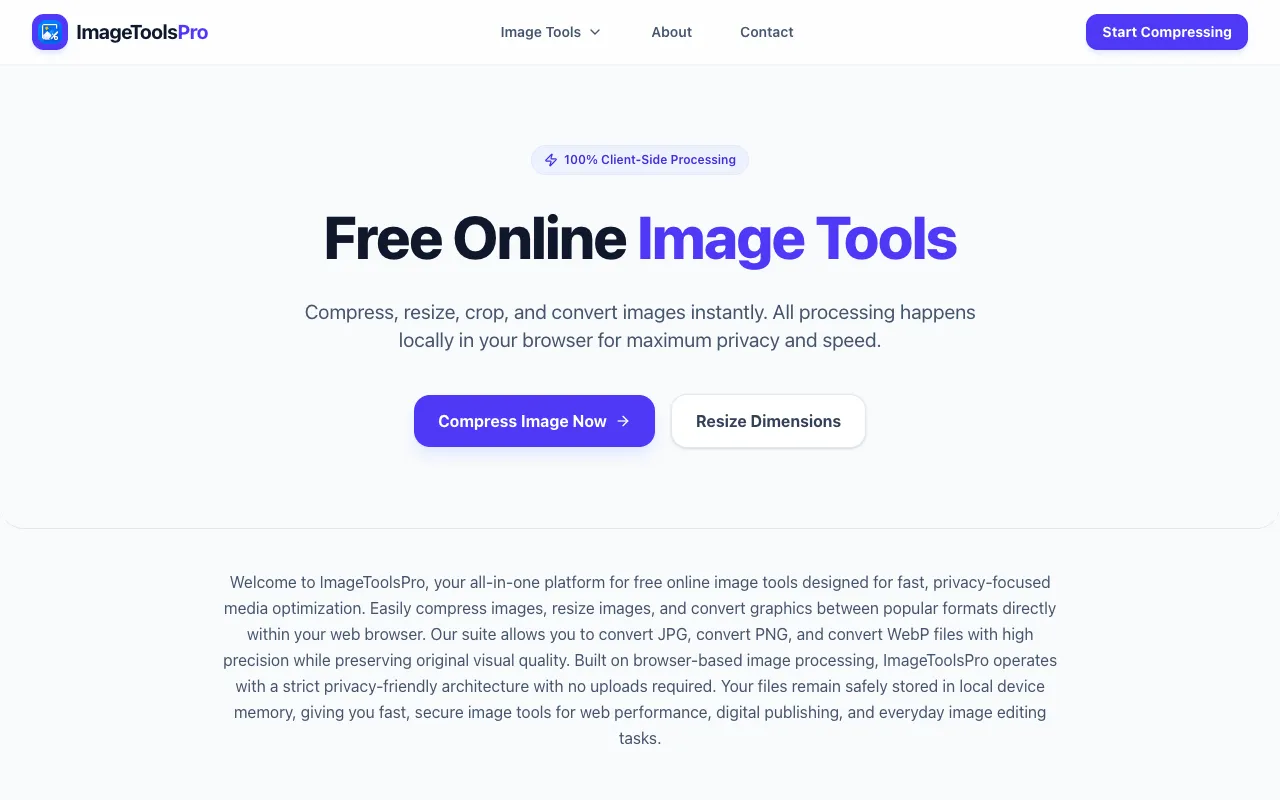
What Image Processing Tools does
ImageToolsPro is a free online collection of browser-based image tools designed for quick and efficient processing of common editing tasks. Users can compress images to reduce file sizes, resize dimensions and aspect ratios, and convert between JPG, PNG, and WebP formats. All processing happens locally in the browser, keeping images secure on the user's device. The platform supports popular image formats natively and provides a straightforward way to handle multiple image adjustments without installing software. It serves as a practical solution for anyone needing to prepare images for web use, email, or sharing while maintaining quality and privacy. ImageToolsPro combines compression, resizing, and conversion into one accessible interface, eliminating the need for multiple standalone applications or complex software. All computations occur locally in the browser, ensuring images never leave the user's device. The platform specifically supports JPG, PNG, and WebP formats, offering a streamlined alternative to desktop editing tools for quick, routine image adjustments.
How to use the ImageToolsPro Image Processing Tools
- 1
Select the desired image tool from the ImageToolsPro menu
- 2
Upload the image file from your device
- 3
Adjust settings such as compression level, dimensions, or output format
- 4
Process the image and download the result to your device
Best for
Casual users and professionals who need to quickly compress, resize, or convert images without installing software, particularly those concerned about privacy since all processing happens locally in the browser.
Limitations
- No unit switching for dimensions
- Results may vary based on original image quality
- Limited to JPG, PNG, and WebP formats
Image Processing Tools FAQ
- Is ImageToolsPro safe to use with private photos?
- Yes, all image processing happens locally in your browser. Your images never leave your device and are not uploaded to any server.
- Can I convert images to formats other than JPG, PNG, or WebP?
- No, ImageToolsPro natively supports only JPG, PNG, and WebP formats for compression, resizing, and conversion.
- Do I need to create an account to use ImageToolsPro?
- No, ImageToolsPro is completely free to use without requiring account creation or registration.
- Will resizing an image reduce its file size significantly?
- Resizing typically reduces file size, but the degree depends on the original dimensions and content. For maximum size reduction, use the compression tool separately.
Similar tools
Based on shared tags