01

01
24Picture
24picture.com
Image Tools Suite offers users an array of functionalities for manipulating and enhancing image resolution directly i...
Image Tools Suite offers users an array of functionalities for manipulating and enhancing image resolution directly in their web browsers. The suite includes tools for resizing images to various dimensions, converting between different image formats, and improving the overall quality of digital photos. All processing is done client-side, ensuring that no data is sent to external servers, and users...
Image Tools Suite offers users an array of functionalities for manipulating and enhancing image resolution directly i...
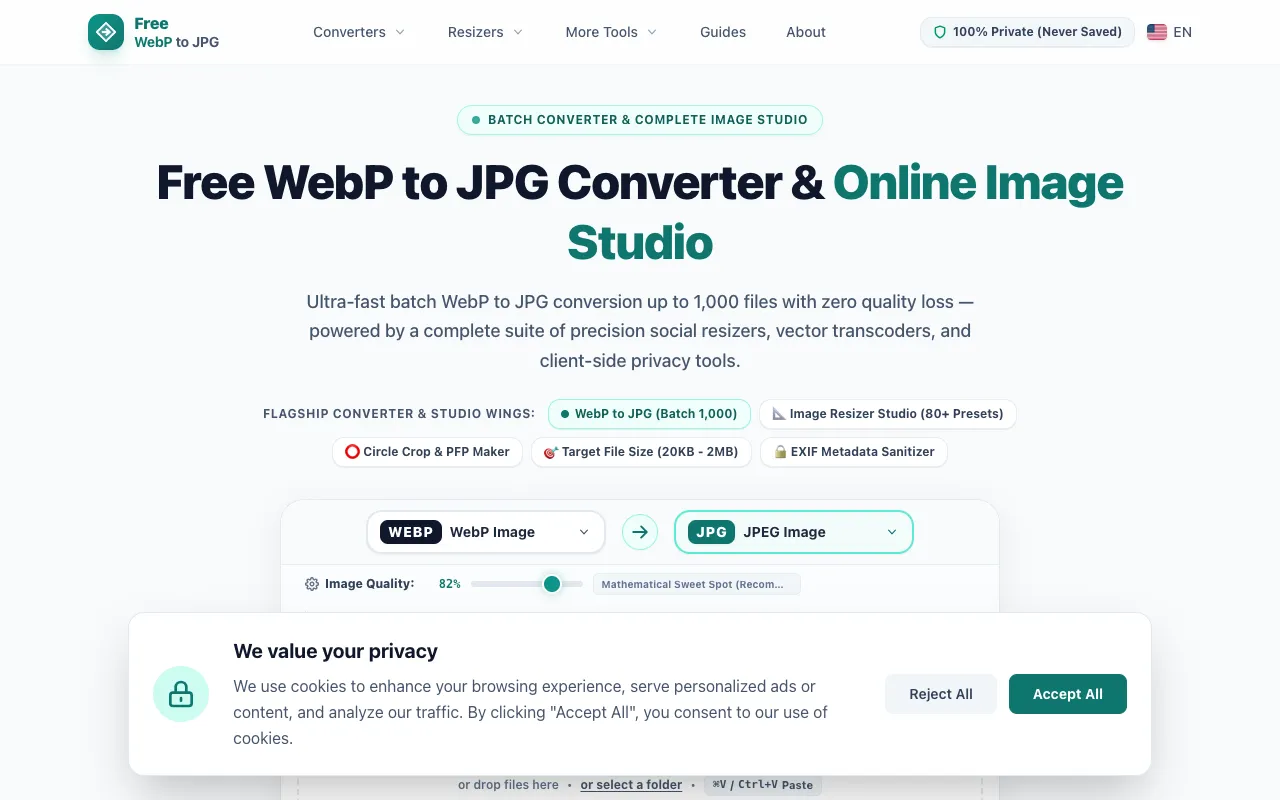
Free WebP to JPG offers a comprehensive suite of image conversion and optimization tools. The platform supports conve...
ImageConver is a free online toolkit for image manipulation, offering dedicated tools for converting between formats,...

MakeroRy is a free online image editing and conversion platform accessed directly through your web browser. The toolk...
Side by side
| Tool | Best for | Strengths | Limitations |
|---|---|---|---|
| 24Picture 24picture.com | Privacy-focused format conversion |
|
|
| Free WebP to JPG freewebptojpg.com | Bulk WebP to JPG conversion |
|
|
| ImageConver imageconver.com | All-in-one image manipulation |
|
|
| MakeroRy makerory.com | Creative professionals and daily workflow |
|
|
Buyer's guide
When picking an image tool, first decide whether you need bulk processing or single-image editing. If you are converting many files at once, look for batch upload and folder support. If you need resizing, compression, or basic edits on individual images, choose a toolkit that combines those functions. Privacy matters if you do not want files sent to servers; client-side processing keeps your data local. Language support and ad presence are also practical differences that affect daily use.
Questions