PDF Tools Suite
PlumeDocs is a free PDF tool suite offering essential document management features including merging multiple PDF fil...
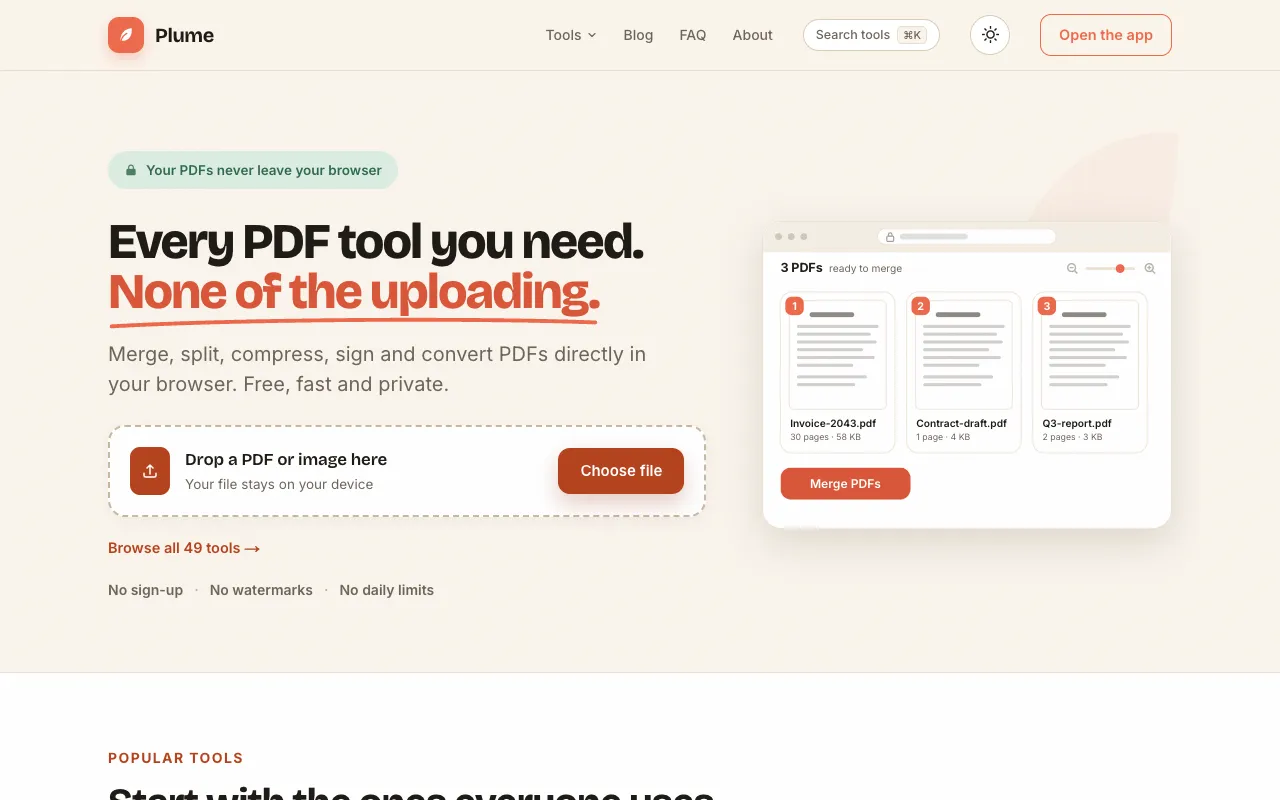
What PDF Tools Suite does
PlumeDocs' PDF Tools Suite provides a browser-based collection of utilities for common PDF management tasks. Users can merge multiple files into one document, split PDFs by page range or individual pages, compress files to reduce size while keeping text selectable, and perform basic edits such as rewriting text, finding and replacing content, and adding images or shapes. The platform also supports page organization, digital signatures, and format conversions like PDF to Word, JPG, or Markdown, all without requiring an account or applying watermarks to output files.
How to use the PlumeDocs PDF Tools Suite
- 1
Open the PlumeDocs website and select the desired PDF tool from the dashboard
- 2
Upload the PDF file by dragging it into the interface or browsing your device
- 3
Adjust settings such as page range, compression level, or output format as needed
- 4
Initiate the processing and download the resulting file once complete
Best for
Ideal for individuals or teams who need quick, one-off PDF manipulations without installing software or creating accounts.
Limitations
- Processing speed depends on file size and browser performance
- Advanced features like OCR or extensive metadata editing may require additional steps
- Very large files may take longer to compress or convert
PDF Tools Suite FAQ
- Do I need to create an account to use PlumeDocs PDF tools?
- No, the platform requires no account to access and processes files directly in your browser.
- Will my uploaded PDFs be stored on PlumeDocs servers after processing?
- No, all PDF processing occurs directly within your web browser rather than uploading files to external servers.
- Can I compress PDF files without losing text quality?
- Yes, the Compress PDF tool shrinks embedded images while keeping text selectable and readable.
- What file formats can I convert PDFs to using PlumeDocs?
- You can convert PDFs to Word, JPG, PNG, Excel, CSV, Markdown, and various image formats with options for OCR on scanned documents.
More PDF Tools Suite tools
- 01MyDocFlowmydocflow.app
MyDocFlow is a free online toolkit designed for comprehensive PDF document manipulation. Users can perform multiple o...
- 02PDF Studiopdfsstudio.com
PDF Studio is a free online PDF toolkit designed for students, professionals, and businesses needing versatile docume...
- 03PDF Technopdftechno.com
PDF Techno is a free, all-in-one platform for managing and transforming PDF files. The suite includes comprehensive t...
- 04PDF for Freepdfforfree.in
PDF for Free offers a comprehensive browser-based toolkit for working with PDFs, images, and business documents. The ...
- 05Toolknittoolknit.com
PDF Tools Suite offers a comprehensive set of online tools for managing and manipulating PDFs directly in your web br...
- 06pdfzuspdfzus.de
pdfzus offers a comprehensive suite of PDF manipulation tools designed to work directly in your web browser without r...
Similar tools
Based on shared tags