PDF Tools Suite
PDF Studio is a free online PDF toolkit designed for students, professionals, and businesses needing versatile docume...
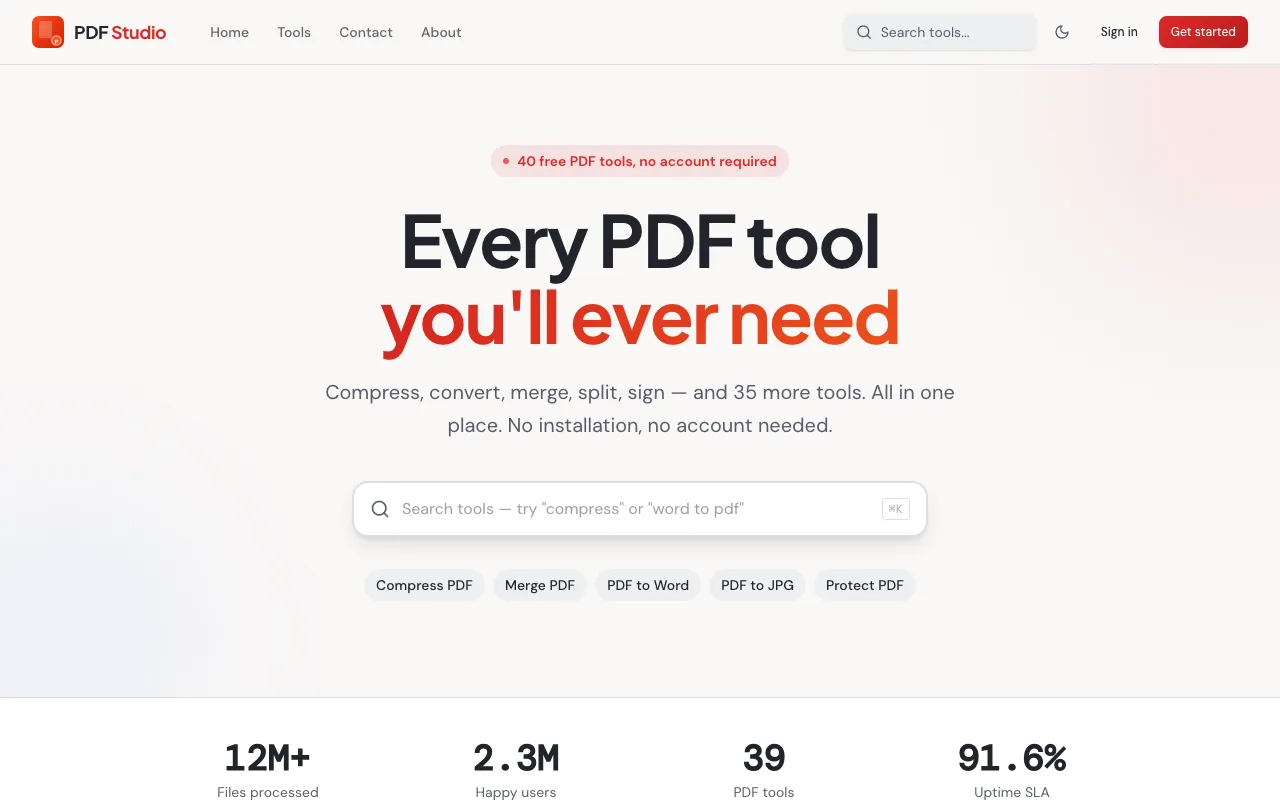
What PDF Tools Suite does
PDF Tools Suite is a free online toolkit for managing PDF documents directly in a web browser. It provides a range of functions including merging, splitting, rotating, compressing, and extracting pages, allowing users to handle document tasks without installing software. The platform is designed for students, professionals, and businesses needing versatile document management solutions, supporting operations from basic organization to format conversion and security settings.
How to use the PDF Studio PDF Tools Suite
- 1
Open the PDF Tools Suite page on pdfsstudio.com
- 2
Select the desired PDF operation from the available tool list
- 3
Upload the target PDF file using the upload button
- 4
Adjust any specific settings for the chosen task and initiate processing
- 5
Download the resulting file once processing completes
Best for
Students, professionals, and businesses needing a no-registration, browser-based solution for versatile PDF manipulation without software installation.
Limitations
- All file processing happens online, requiring internet connectivity
- No unit switching or offline functionality available
- Results and capabilities depend on the specific tool selected from the suite
PDF Tools Suite FAQ
- Is PDF Studio free to use without signing up?
- Yes, the platform requires no registration, making it immediately accessible for users who need quick PDF manipulation without creating an account.
- Can I use PDF Tools Suite on a mobile device?
- Yes, as a browser-based toolkit, PDF Tools Suite can be accessed on any device with a web browser and internet connection, including smartphones and tablets.
- How secure are my PDF files when using this online tool?
- The platform focuses on user privacy and data security, with all file processing happening online, though users should review the site's privacy policy for specific data handling details.
- What types of PDF operations are available in the suite?
- The suite offers comprehensive PDF operations including merging, splitting, rotating, compressing, extracting pages, converting, editing, organizing, and securing PDF files directly in the browser.
More PDF Tools Suite tools
- 01MyDocFlowmydocflow.app
MyDocFlow is a free online toolkit designed for comprehensive PDF document manipulation. Users can perform multiple o...
- 02PDF Technopdftechno.com
PDF Techno is a free, all-in-one platform for managing and transforming PDF files. The suite includes comprehensive t...
- 03PDF for Freepdfforfree.in
PDF for Free offers a comprehensive browser-based toolkit for working with PDFs, images, and business documents. The ...
- 04PlumeDocsplumedocs.com
PlumeDocs is a free PDF tool suite offering essential document management features including merging multiple PDF fil...
- 05Toolknittoolknit.com
PDF Tools Suite offers a comprehensive set of online tools for managing and manipulating PDFs directly in your web br...
- 06pdfzuspdfzus.de
pdfzus offers a comprehensive suite of PDF manipulation tools designed to work directly in your web browser without r...
Similar tools
Based on shared tags