Security9 options compared

Password Generator

Generates strong, random passwords designed to enhance digital security. This tool constructs complex alphanumeric strings by mixing uppercase letters, lowercase letters, numbers, and symbols. To maintain maximum privacy and security, the password creation process occurs entirely within the user's browser environment without transmitting data over the internet. Users simply input their desired...

Editors’ Top PickBased on community votes
Other OptionsRanked by votes
  1. Screenshot of Calculator.net
    03
    Calculator.net
    calculator.net

    A random password generator to create strong and secure passwords. To ensure security, they are generated on the webp...

  2. Screenshot of PasswordSeguro
    06
    PasswordSeguro
    passwordseguro.com

    PasswordSeguro is a free online password generator that creates strong, random passwords directly in your browser. Th...

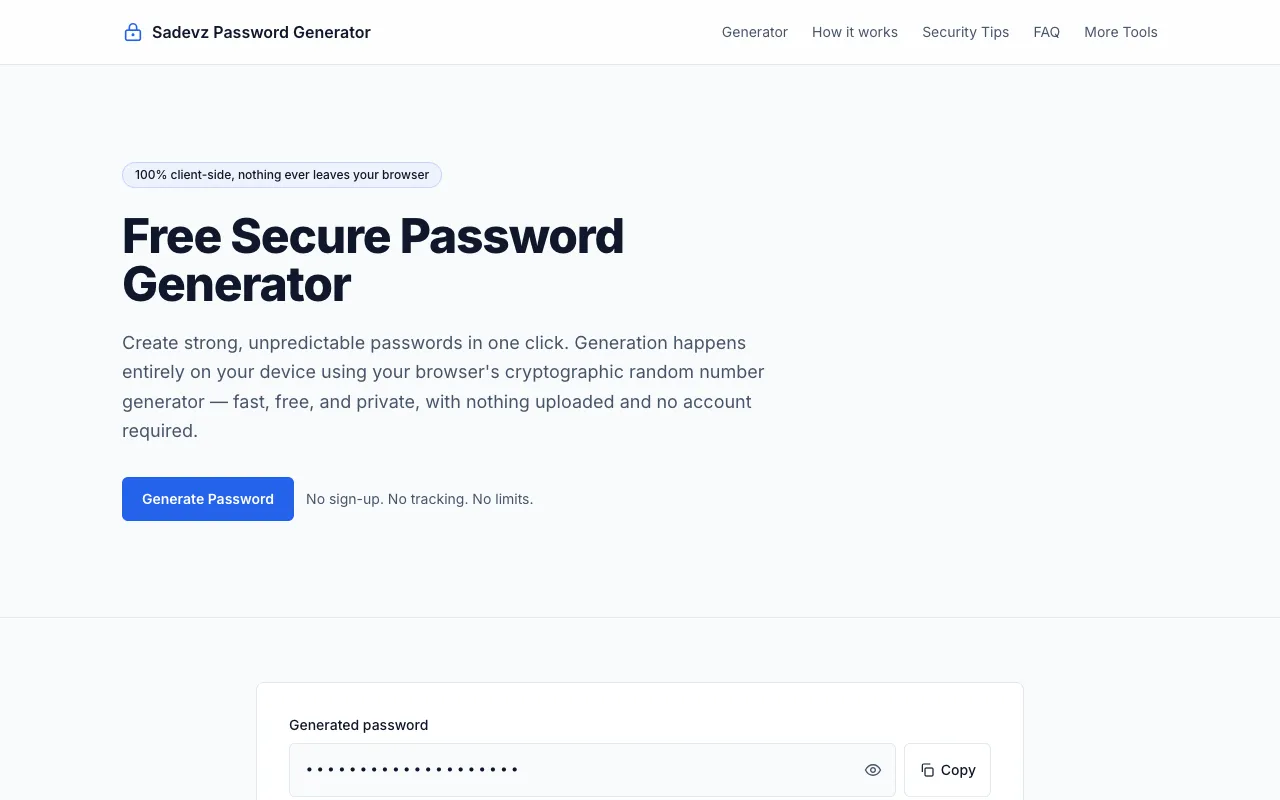
  3. Screenshot of Sadevz
    09
    Sadevz
    sadevz.com

    Password Generator is a free security tool for creating strong, random passwords directly in your browser without any...

Side by side

Password Generator options compared

ToolBest forStrengthsLimitations
CodeBeautify
codebeautify.org
Quick password creation with clear options
  • Clear character-type checkboxes
  • High community votes (5) suggesting reliability
  • No mention of cryptographic security measures
Inventive HQ
inventivehq.com
Customizable password length and complexity
  • Customizable character set options
  • Produces high volume of secure credentials
  • Live page could not be fetched, limiting current assessment
Calculator.net
calculator.net
Standard password generation with exclusion options
  • Explicitly generates passwords locally in browser
  • Includes options to exclude ambiguous characters and brackets
  • Fewer advanced customization options compared to others
RapidTables
rapidtables.com
Cryptographically secure password generation
  • Uses cryptographically secure random number generator
  • Password generated locally, not sent to server
  • Allows exclusion of similar characters
  • Only 1 community vote, suggesting less peer validation
DevBolt
devbolt.dev
Security professionals needing entropy metrics
  • Shows strength meter and entropy estimate
  • Uses crypto.getRandomValues() Web Crypto API
  • Processes passwords locally in browser
  • Designed for security professionals, may be overkill for casual users
PasswordSeguro
passwordseguro.com
Privacy-focused password generation
  • All passwords generated locally, never leave device
  • No downloads or installations required
  • Emphasizes client-side approach for complete privacy
  • 0 community votes, limited independent validation
PineTools
pinetools.com
Users who want to avoid ambiguous characters
  • Explicitly avoids characters like O and 0
  • Customizable length and number of passwords
  • 0 community votes, basic interface
RANDOM.ORG
random.org
Users requiring true randomness
  • Backed by true randomness from RANDOM.ORG
  • Combines multiple character types for robust keys
  • Uses cryptographically secure method
  • 0 community votes, less familiar interface
Sadevz
sadevz.com
Quick generation without signup or limits
  • 100% client-side generation, nothing uploaded
  • No sign-up, tracking, or limits
  • Excludes similar and ambiguous characters
  • 0 community votes, newer site with less track record

Buyer's guide

How to choose a password generator

When picking a password generator, the most important factor is where the password is created. Tools that generate passwords entirely within your browser keep your credentials private and eliminate the risk of interception. Look for options that let you customize character types and length to match the specific requirements of the accounts you're securing. If you manage many accounts, a generator with clear exclusion options for ambiguous characters (like 1, l, I, o, O) can prevent login errors. For high-stakes accounts, prioritize tools that explicitly use cryptographically secure random number generators, as these produce truly unpredictable strings rather than pseudo-random patterns.

Questions

Password Generator FAQ

Are browser-based password generators safe to use?
Yes, as long as the tool generates passwords entirely within your browser without sending them to a server. CodeBeautify, RapidTables, and DevBolt all perform generation locally, meaning your password never leaves your device, which protects it from interception or logging.
Should I include symbols in my generated password?
Include symbols if the website or app you're creating the password for allows them. Most modern platforms support special characters, which significantly increases password strength. However, if you frequently log in from mobile devices or older systems, you may encounter compatibility issues, so check the specific service's password requirements first.
Can I use these generators for my most sensitive accounts?
For high-security accounts like email or banking, use a generator that explicitly states it uses a cryptographically secure random number generator, such as RapidTables or DevBolt. These tools use your browser's built-in crypto APIs to produce unpredictable passwords. Still, many security experts recommend using a dedicated password manager for your most critical credentials rather than relying on online generators.
What does it mean to exclude ambiguous characters?
Excluding ambiguous characters removes symbols that look similar, such as the number 1 and lowercase l, or the number 0 and uppercase O. This is helpful if you're manually typing the password and want to avoid mistakes, though it slightly reduces the total character pool and password entropy.
Do these tools store or remember the passwords I generate?
No, reputable password generators like those from CodeBeautify, RapidTables, and DevBolt create passwords entirely in your browser and do not transmit or store them. The generated password appears only on your screen; once you leave the page or refresh, it is gone. Always verify the tool's privacy claims before use.
Keep Exploring

Related tools in Security

View all →