Media Compression Suite
NeatCompress offers free, browser-based compression for videos, images, and PDFs. All processing happens locally on y...
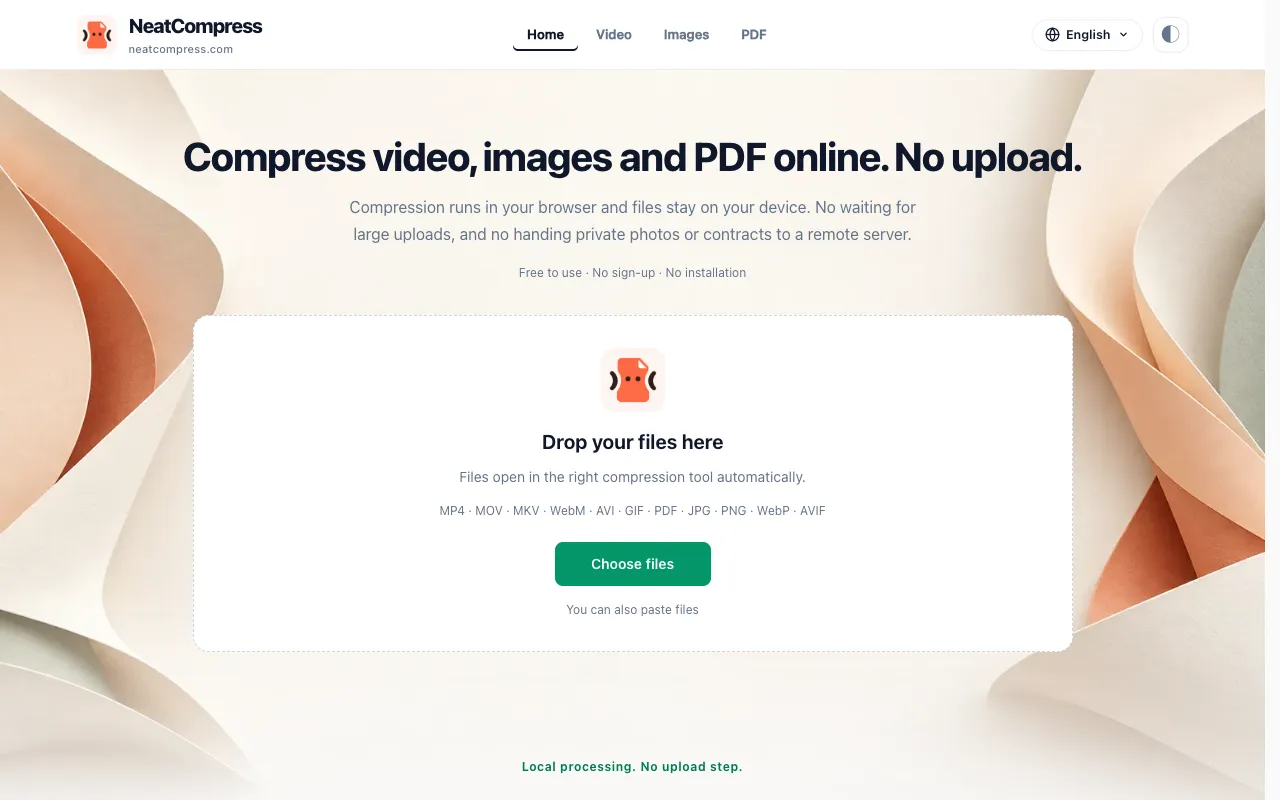
What Media Compression Suite does
NeatCompress is a browser-based compression suite for video, image, and PDF files. Users upload files to reduce their size, receiving smaller versions ready for sharing or storage. The output preserves the original file's essential content while trimming unnecessary data, and because all processing occurs within the browser, the original files remain on the user's device throughout the session.
How to use the NeatCompress Media Compression Suite
- 1
Drop video, image, or PDF files onto the NeatCompress interface or paste them directly
- 2
The tool automatically detects the file type and opens the appropriate compression settings
- 3
Adjust compression level or parameters if desired, then initiate the local processing
- 4
Download the compressed file to your device; the original stays on your computer
Best for
This option suits content creators, educators, and privacy-conscious users who need to reduce file sizes for email, uploads, or sharing without sending sensitive media to external servers.
Limitations
- File size and processing speed depend on your device memory, browser capabilities, and the specific file format
- Very large files may take longer to compress locally based on hardware performance
- No unit switching or advanced format conversion options beyond the supported input types
Media Compression Suite FAQ
- Do I need to create an account or pay to use NeatCompress?
- No sign-up is required and the service is free to use; you can compress files without creating an account or paying any fees.
- Are my files uploaded to NeatCompress servers when I compress them?
- No, files never leave your browser; compression runs locally on your device, ensuring your media stays under your control.
- What video and image formats does NeatCompress support?
- The tool supports common formats including MP4, MOV, MKV, WebM, AVI, GIF for video, and JPG, PNG, WebP, AVIF for images, as well as PDF documents.
- How does the compression speed compare to cloud-based tools?
- Compression speed depends on your device's hardware and browser capabilities; since there is no upload or server processing step, the total time is typically shorter than cloud alternatives that include transfer time.
Similar tools
Based on shared tags