PDF Tools Suite
PDF for Free offers a comprehensive browser-based toolkit for working with PDFs, images, and business documents. The ...
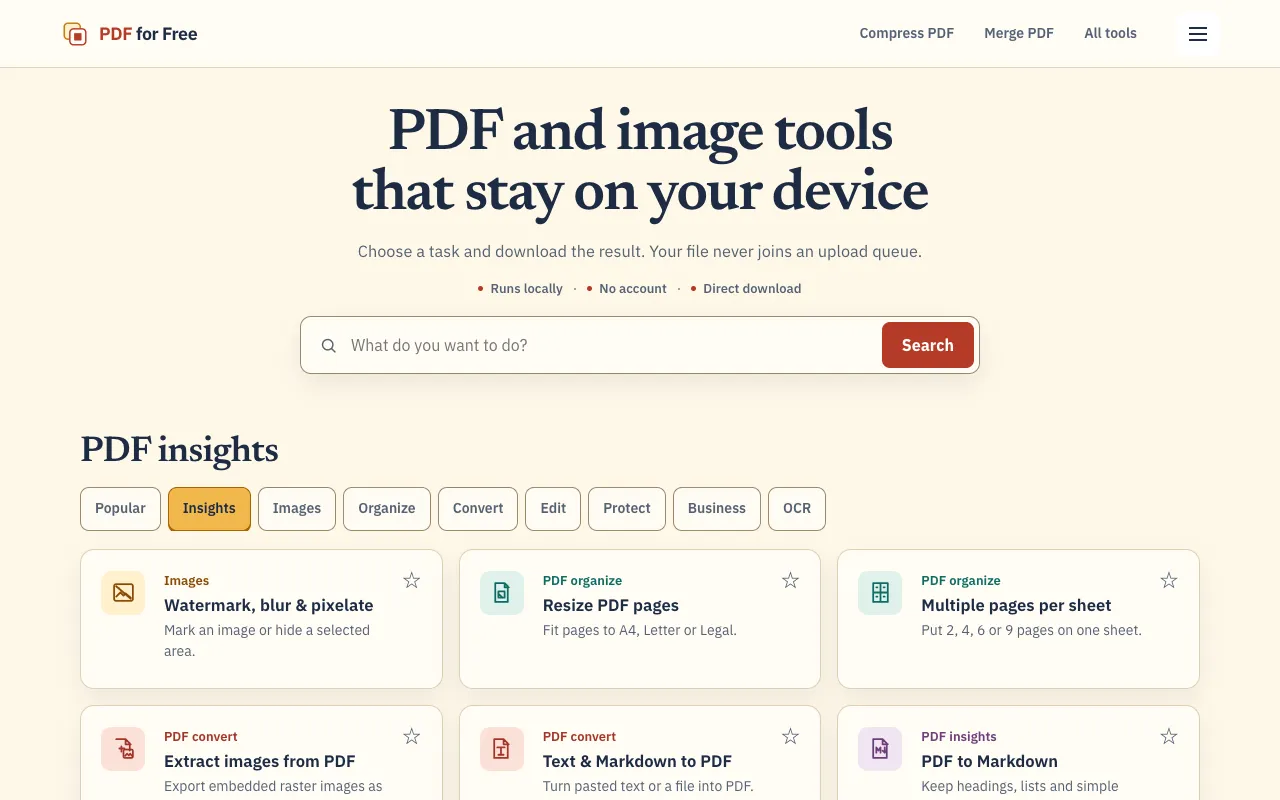
What PDF Tools Suite does
PDF for Free's PDF Tools Suite is a browser-based toolkit that handles common PDF tasks — merging, splitting, rotating, compressing, and extracting pages — entirely within the web browser. Users upload a file, select the desired operation, and download the processed result without installing software or creating an account. Beyond basic manipulation, the suite includes PDF insights (summarize, extract text, outline, keywords), image editing (watermark, blur, pixelate), and business document generation (invoices, receipts, quotations). The platform emphasizes privacy by processing files locally in the browser whenever possible, keeping documents on the user's device.
How to use the PDF for Free PDF Tools Suite
- 1
Open PDF for Free and choose a task from the task categories or search bar
- 2
Upload the PDF or image file from your device
- 3
Select the specific operation (e.g., merge, split, compress, extract, convert)
- 4
Wait for the tool to process the file locally in your browser
- 5
Download the resulting file to your device
Best for
Ideal for individuals or teams who need quick, one-off PDF manipulation without installing software or sharing files externally.
Limitations
- Processing speed depends on file size and browser performance
- Some advanced features may require a separate subscription or upgrade
- Large files may take longer to process locally
PDF Tools Suite FAQ
- Do I need to create an account to use PDF for Free's tools?
- No account creation is required; you can upload and process files directly in your browser without registering.
- Are my files processed on the server or kept private on my device?
- The platform prioritizes user privacy by processing files locally in the browser whenever possible, ensuring documents stay on your device.
- Can I use these tools for free, or are there hidden costs?
- The service offers a comprehensive set of tools at no cost, though some advanced features may require a separate subscription or upgrade.
- What file types can I upload besides PDFs?
- The suite supports PDFs, images, and business documents, allowing you to work with multiple formats within the same platform.
More PDF Tools Suite tools
- 01MyDocFlowmydocflow.app
MyDocFlow is a free online toolkit designed for comprehensive PDF document manipulation. Users can perform multiple o...
- 02PDF Studiopdfsstudio.com
PDF Studio is a free online PDF toolkit designed for students, professionals, and businesses needing versatile docume...
- 03PDF Technopdftechno.com
PDF Techno is a free, all-in-one platform for managing and transforming PDF files. The suite includes comprehensive t...
- 04PlumeDocsplumedocs.com
PlumeDocs is a free PDF tool suite offering essential document management features including merging multiple PDF fil...
- 05Toolknittoolknit.com
PDF Tools Suite offers a comprehensive set of online tools for managing and manipulating PDFs directly in your web br...
- 06pdfzuspdfzus.de
pdfzus offers a comprehensive suite of PDF manipulation tools designed to work directly in your web browser without r...
Similar tools
Based on shared tags