01
01
BytePane
bytepane.com
BytePane offers a comprehensive collection of free browser-based developer tools designed for common coding workflows...
BytePane offers a comprehensive collection of free browser-based developer tools designed for common coding workflows and daily development tasks. The platform includes JSON formatting tools for cleaning and validating JSON data, Base64 encoding and decoding utilities for quick conversions, and a regex testing environment for pattern matching and validation. Additional tools cover UUID generation...
BytePane offers a comprehensive collection of free browser-based developer tools designed for common coding workflows...
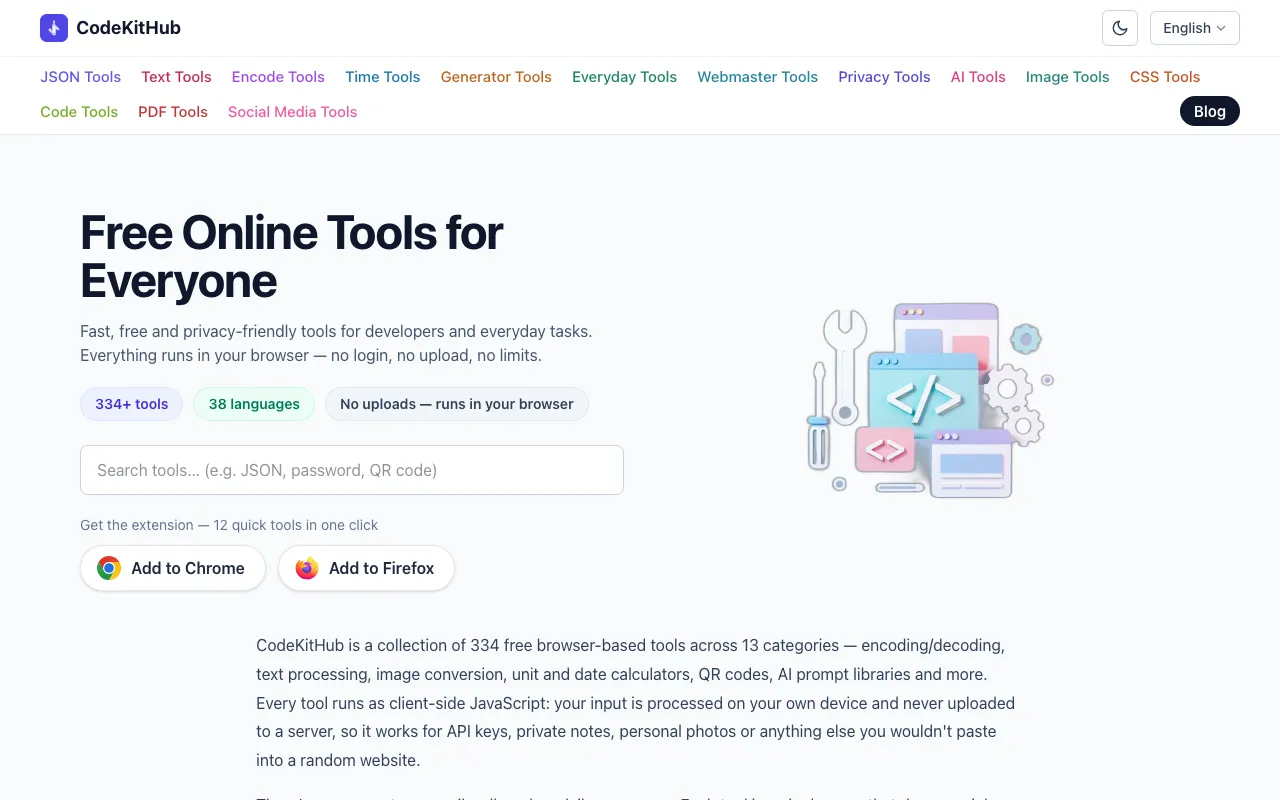
CodeKitHub is a free collection of over 120 browser-based tools designed for developers and everyday users who need q...
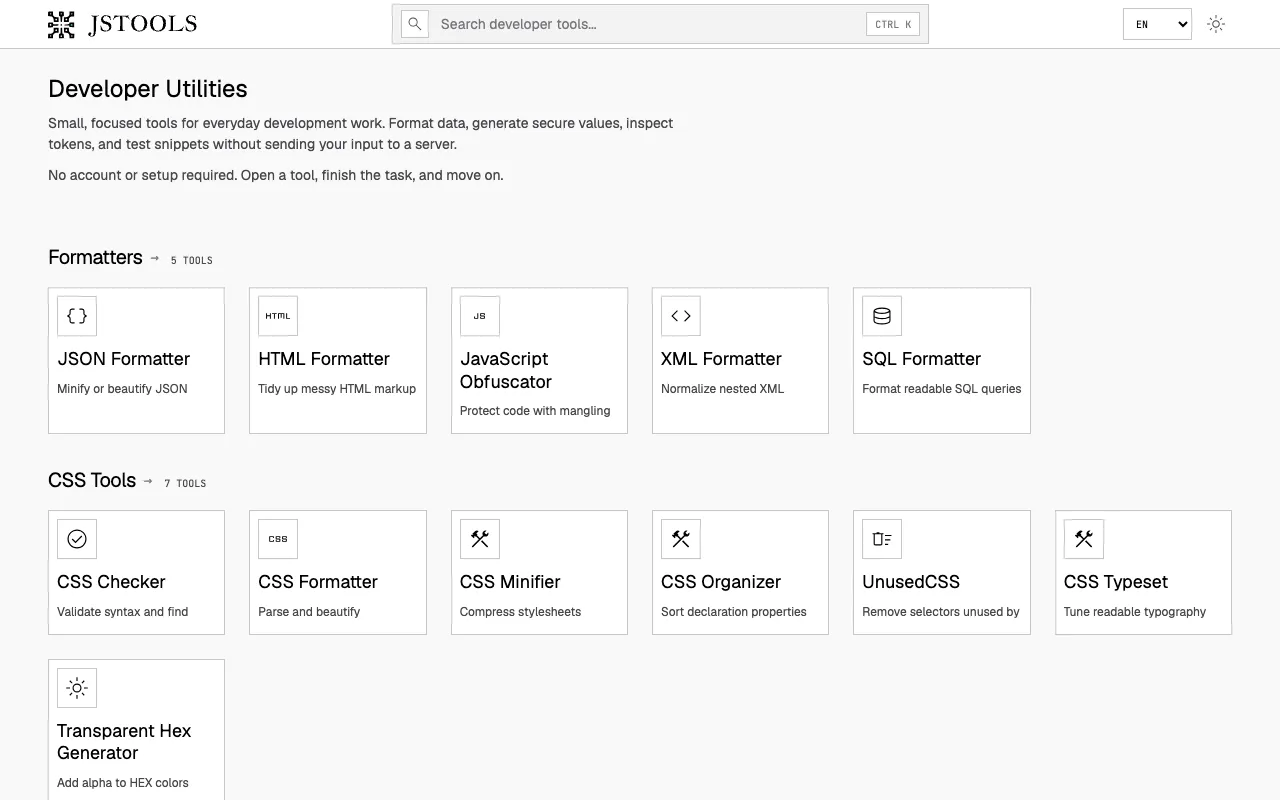
A free collection of privacy-first developer utilities for formatting code, inspecting JSON and tokens, generating se...
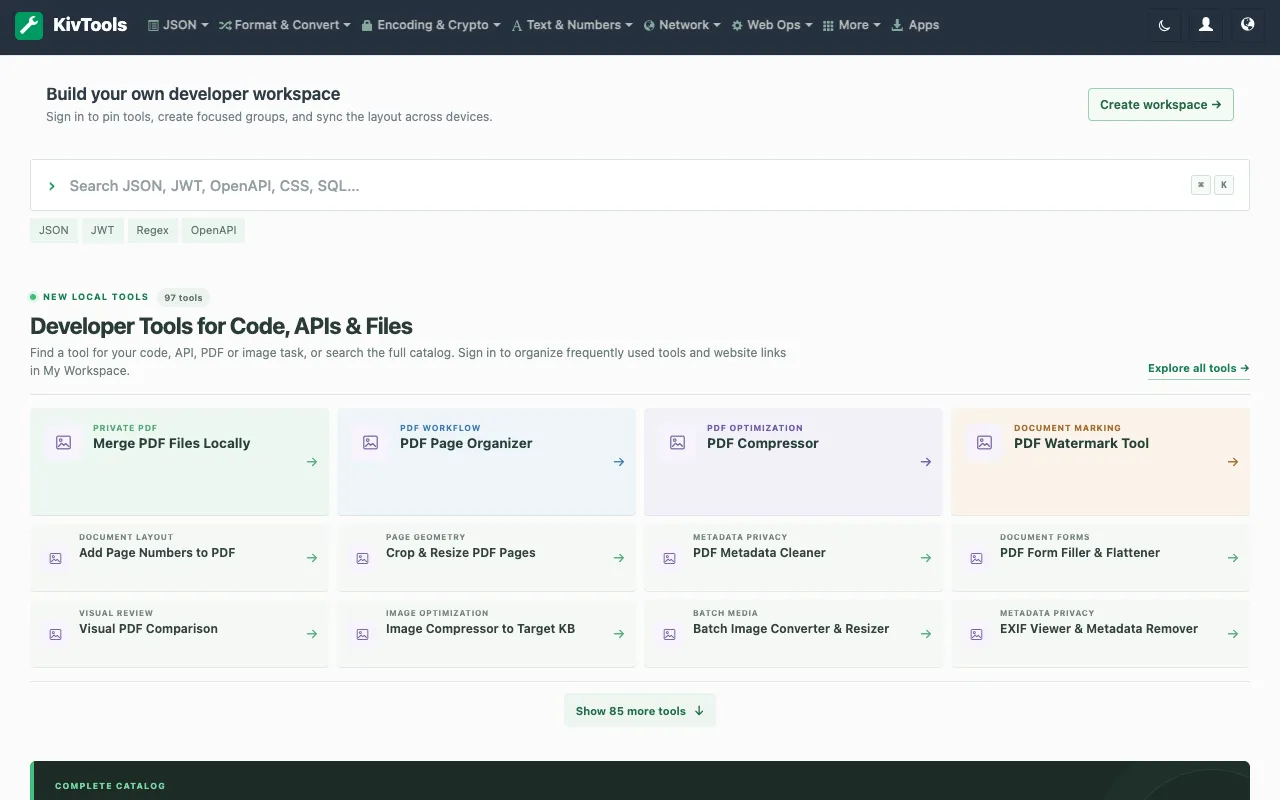
KivTools offers a comprehensive suite of browser-based developer utilities designed with local-first principles at th...
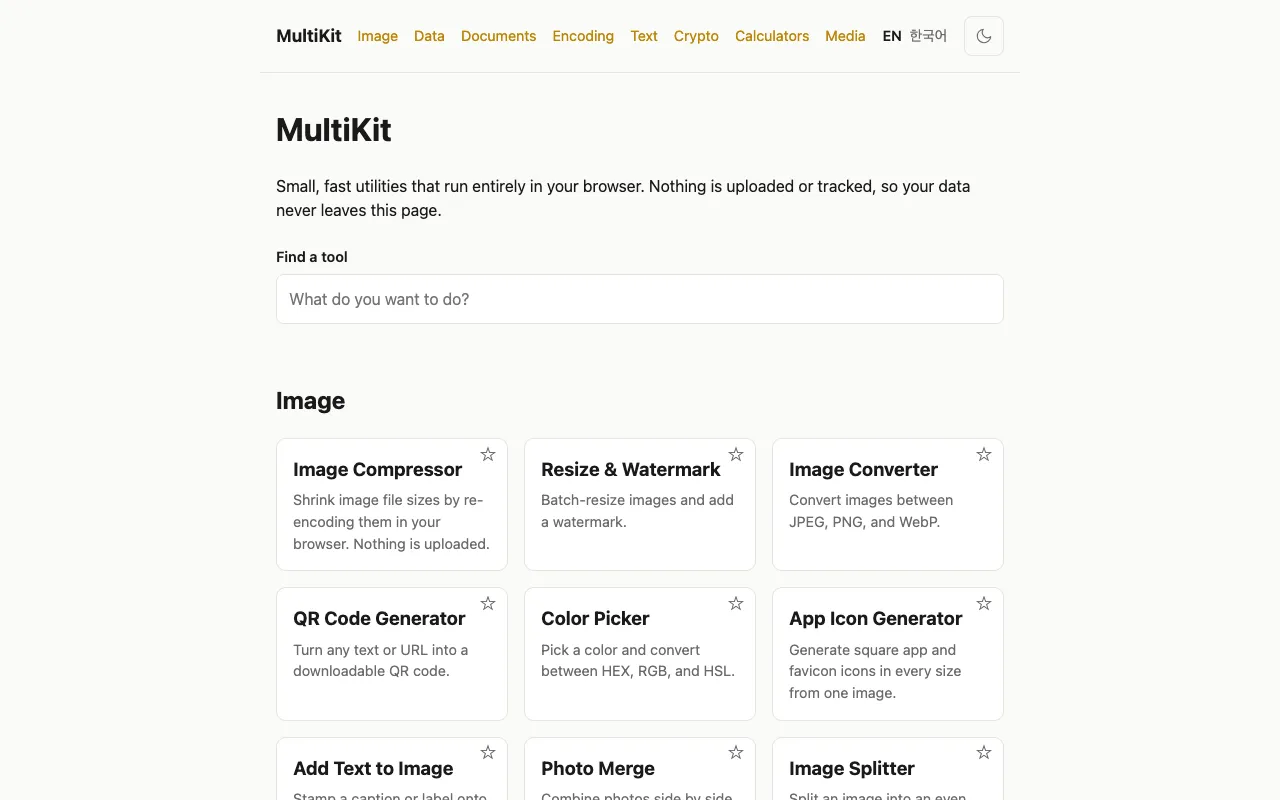
MultiKit is a free collection of 40+ browser-based tools designed for developers and everyday productivity tasks. The...
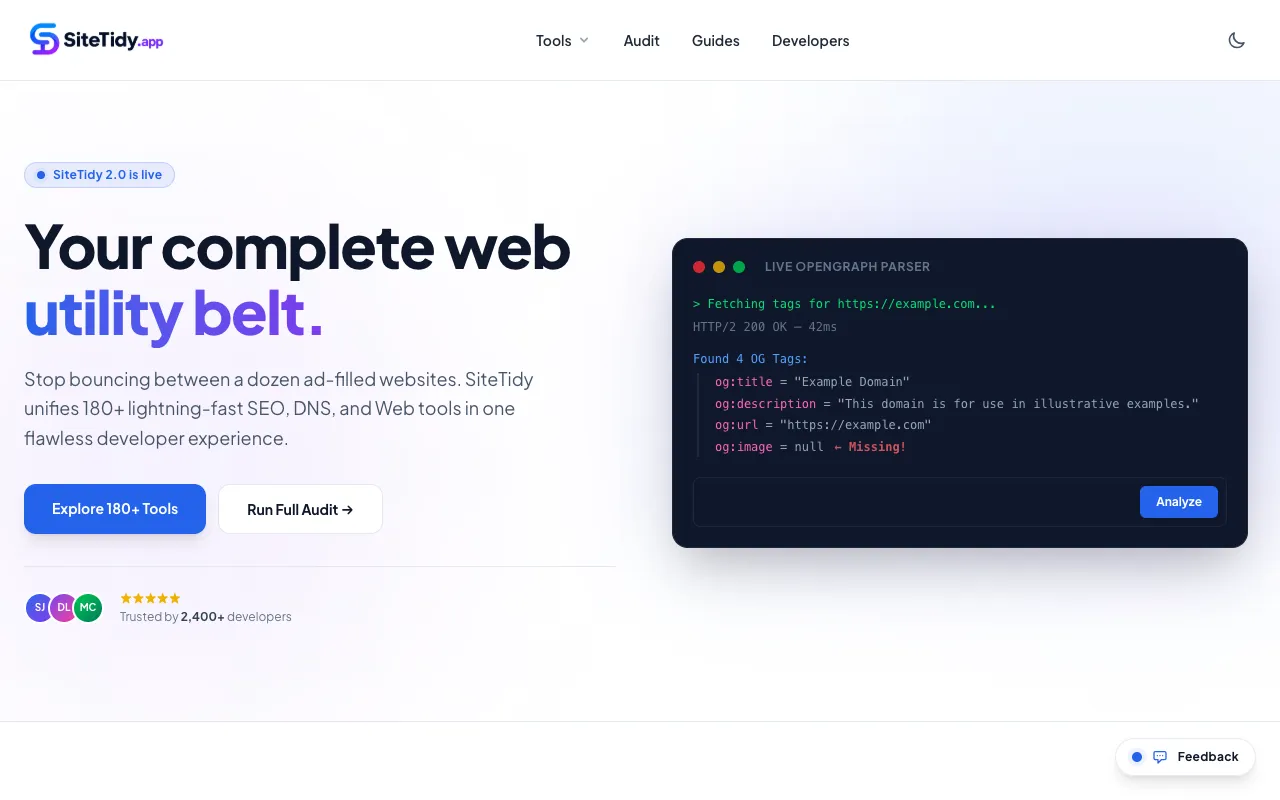
SiteTidy is a browser-based platform providing 180+ tools for SEO, web development, and website maintenance. The coll...
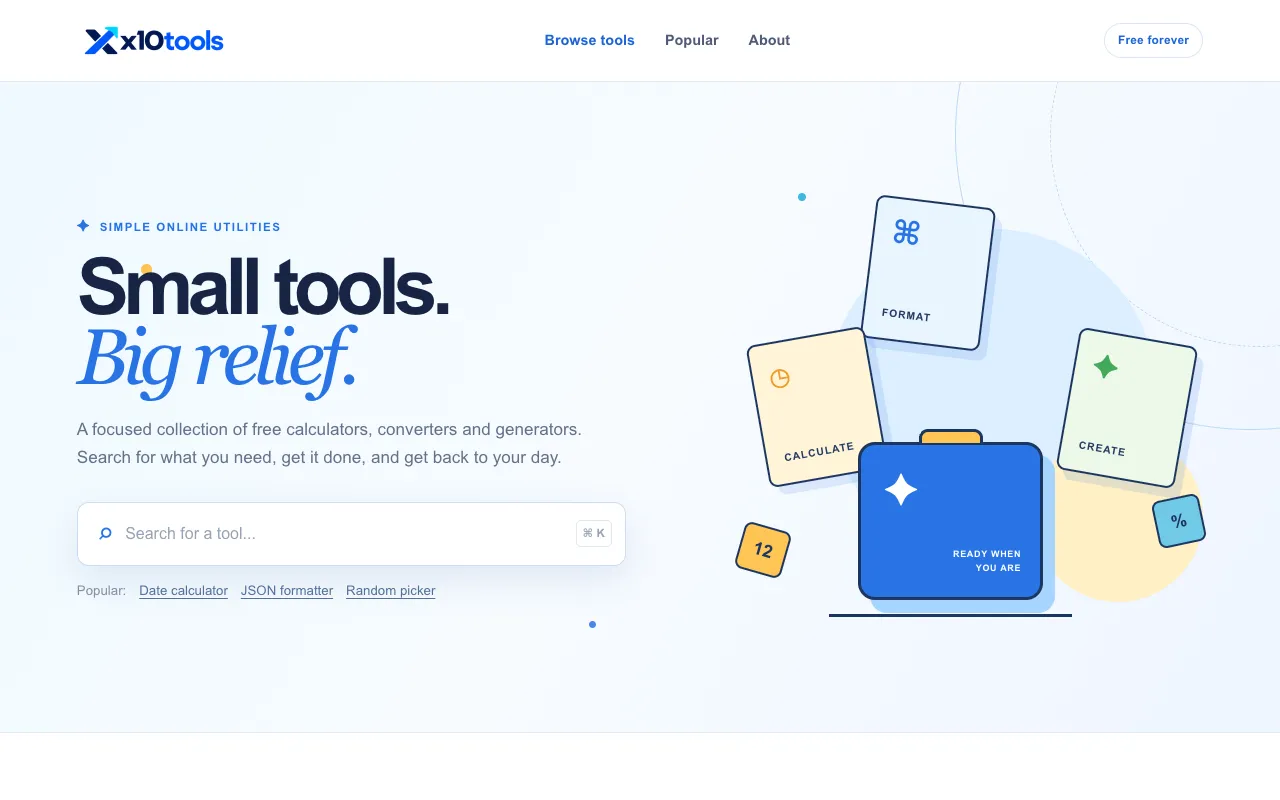
X10Tools provides a free suite of browser-based utilities designed for developers and everyday users. The collection ...
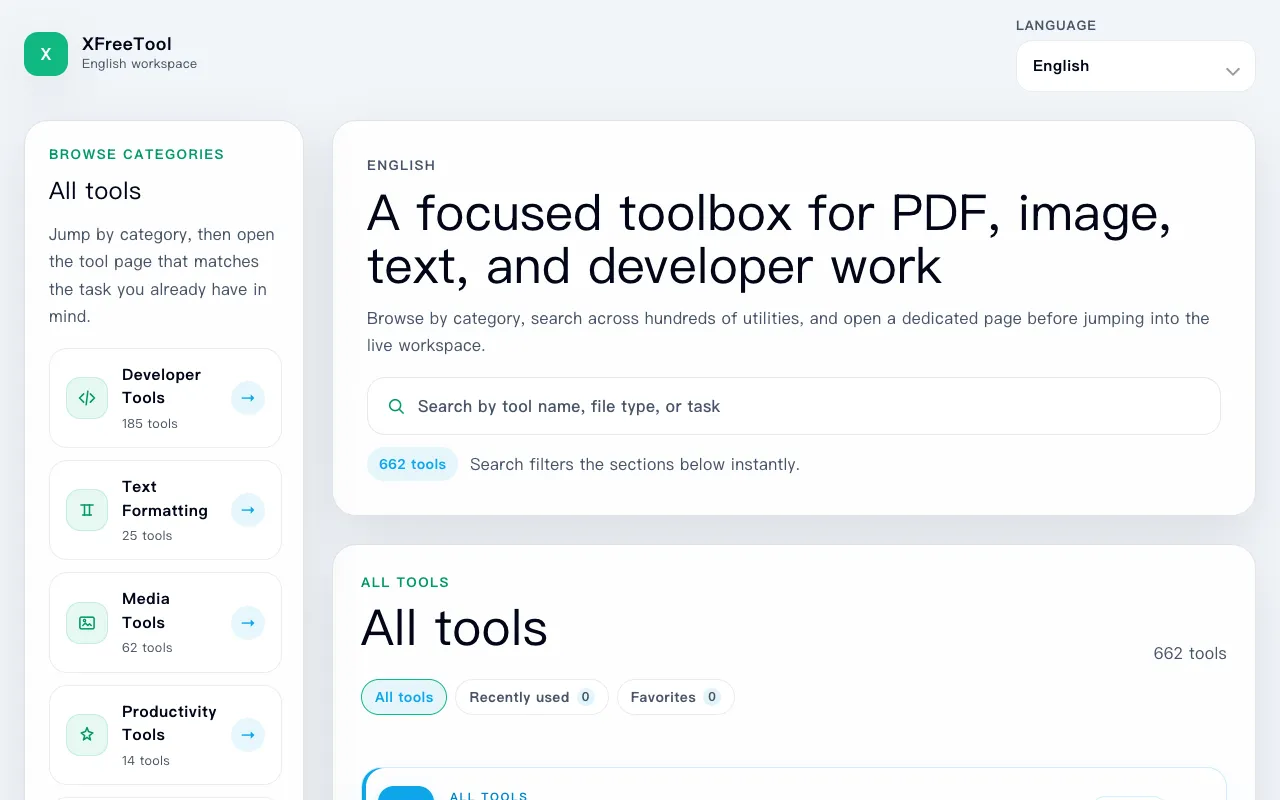
XFreeTool is a comprehensive browser-based toolbox offering 650+ practical utilities accessible directly in your web ...
Side by side
| Tool | Best for | Strengths | Limitations |
|---|---|---|---|
| BytePane bytepane.com | JSON, Base64, regex tasks |
|
|
| SiteTidy sitetidy.app | SEO and website maintenance tools |
|
|
| CodeKitHub codekithub.com | Wide variety of quick solutions |
|
|
| JavaScript Tools jstools.space | Privacy-first code formatting and inspection |
|
|
| X10Tools x10tools.com | Quick developer utilities like timestamps and hashes |
|
|
Buyer's guide
When picking a developer tools suite, first identify which specific tasks you perform most often — JSON formatting, regex testing, Base64 encoding, or a broader set of utilities. Then consider whether you prioritize tool depth within a focused category or breadth across many categories. Privacy matters if you work with sensitive data like API keys; choose tools that process everything client-side without uploading to servers. Finally, decide if you prefer a single site that handles multiple task types or are comfortable jumping between specialized tools.
Questions