PDF Tools Suite
MyDocFlow is a free online toolkit designed for comprehensive PDF document manipulation. Users can perform multiple o...
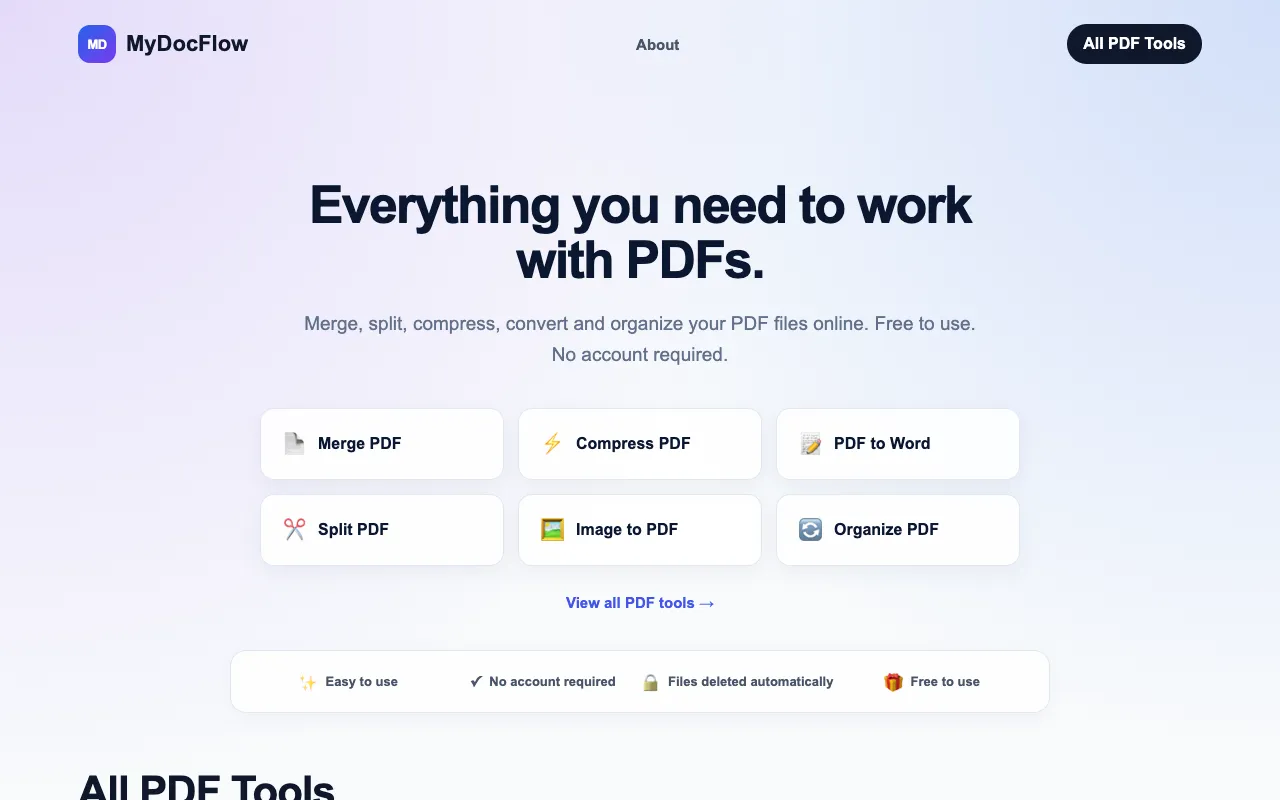
What PDF Tools Suite does
PDF Tools Suite on MyDocFlow is a browser-based toolkit for common PDF manipulation tasks. Users can merge multiple files into one document, split large PDFs into individual pages, compress files to reduce size, rotate pages, and extract specific sections. Additional capabilities include organizing page order, adding watermarks, password-protecting documents, and converting PDFs to editable Word files or image formats like JPG. All processing happens online without requiring software installation or account creation.
How to use the MyDocFlow PDF Tools Suite
- 1
Visit MyDocFlow and select the desired PDF tool from the list.
- 2
Upload the PDF file you wish to manipulate from your device.
- 3
Adjust any available settings, such as page range for splitting or compression level.
- 4
Initiate the processing and download the resulting file once complete.
- 5
Repeat or choose another tool as needed for further edits.
Best for
Ideal for individuals or teams needing quick, one-off PDF edits without installing software or creating an account.
Limitations
- Processing times may vary based on file size and internet connection.
- Free tier may have file size limits for compression or conversion.
- Advanced features like AI interaction are listed as coming soon.
PDF Tools Suite FAQ
- Can I use PDF Tools Suite on MyDocFlow without creating an account?
- Yes, the platform does not require users to create an account to access its PDF manipulation features.
- Are uploaded files deleted after processing on MyDocFlow?
- Yes, files are deleted automatically from the server after processing is complete.
- What file formats can I convert PDFs to using this tool?
- You can convert PDFs to Word documents and image formats such as JPG, as well as convert images to PDF.
- Is there a cost to use the PDF manipulation tools on MyDocFlow?
- The PDF Tools Suite is free to use, with no account required for basic operations.
More PDF Tools Suite tools
- 01PDF Studiopdfsstudio.com
PDF Studio is a free online PDF toolkit designed for students, professionals, and businesses needing versatile docume...
- 02PDF Technopdftechno.com
PDF Techno is a free, all-in-one platform for managing and transforming PDF files. The suite includes comprehensive t...
- 03PDF for Freepdfforfree.in
PDF for Free offers a comprehensive browser-based toolkit for working with PDFs, images, and business documents. The ...
- 04PlumeDocsplumedocs.com
PlumeDocs is a free PDF tool suite offering essential document management features including merging multiple PDF fil...
- 05Toolknittoolknit.com
PDF Tools Suite offers a comprehensive set of online tools for managing and manipulating PDFs directly in your web br...
- 06pdfzuspdfzus.de
pdfzus offers a comprehensive suite of PDF manipulation tools designed to work directly in your web browser without r...
Similar tools
Based on shared tags