PDF Tools Suite
pdfzus offers a comprehensive suite of PDF manipulation tools designed to work directly in your web browser without r...
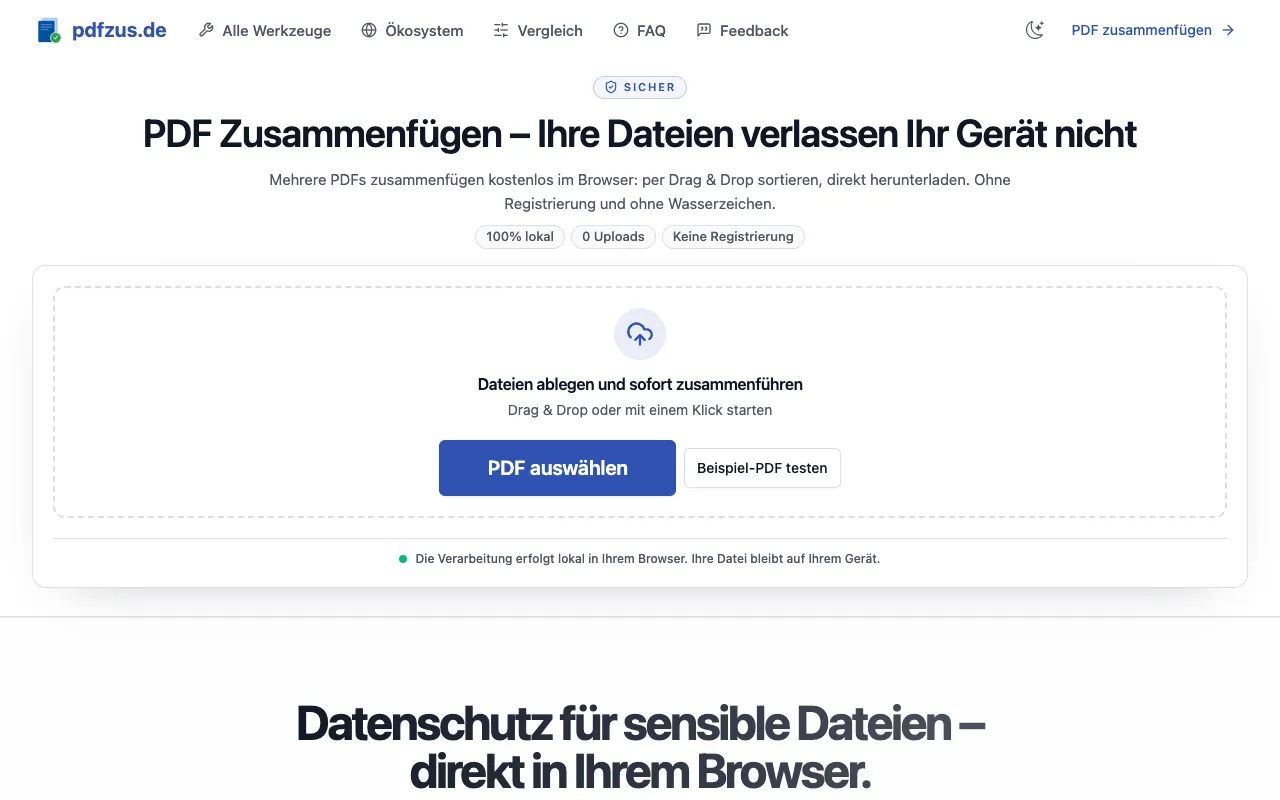
What PDF Tools Suite does
PDF Tools Suite is a browser-based collection for common PDF manipulation tasks. Users can merge multiple files into one document, split pages, rotate, compress, and extract individual pages without installing software or creating an account. The platform emphasizes data privacy by processing files locally on the user's device, ensuring no uploads or transfers to external servers occur. Results are downloaded directly after processing, and the service adds no watermarks to output files. It supports various workflows from simple page reordering to document compression, making it suitable for both casual and professional use.
How to use the pdfzus PDF Tools Suite
- 1
Open the PDF Tools Suite site and select the desired tool, such as PDF Zusammenfügen for merging.
- 2
Upload the PDF files by dragging them into the interface or clicking to browse your device.
- 3
Rearrange the page order using drag-and-drop if merging, or specify extraction ranges if splitting.
- 4
Click the processing button to begin; the tool works locally in your browser.
- 5
Download the resulting PDF file to your device once processing completes.
Best for
This option suits individuals and professionals who need quick, watermark-free PDF manipulation without account requirements or file size limits, especially those handling sensitive documents who prioritize local processing for privacy.
Limitations
- Processing limits may apply for very large files or batch operations, though specific thresholds are not detailed in the material.
- Advanced features like OCR, form filling, or electronic signatures are not mentioned as included capabilities.
- Reliance on browser capabilities means performance may vary depending on device and browser version.
PDF Tools Suite FAQ
- Do I need to create an account to use PDF Tools Suite?
- No account creation is required. The service allows immediate processing of PDF files without registration, and no watermarks are added to the output files.
- Are my PDF files uploaded to external servers when using this tool?
- No, all processing happens locally in your browser. Your files never leave your device, ensuring data privacy and security for sensitive documents.
- Can I merge PDF files without adding a watermark?
- Yes, merging PDFs through PDF Tools Suite does not add any watermarks to the resulting document. The output files are clean and ready for immediate use.
- What types of PDF operations are available in the suite?
- The suite offers merging, splitting, rotating, compressing, and extracting pages from PDF documents. All core workflows function directly in the web browser without software installation.
More PDF Tools Suite tools
- 01MyDocFlowmydocflow.app
MyDocFlow is a free online toolkit designed for comprehensive PDF document manipulation. Users can perform multiple o...
- 02PDF Studiopdfsstudio.com
PDF Studio is a free online PDF toolkit designed for students, professionals, and businesses needing versatile docume...
- 03PDF Technopdftechno.com
PDF Techno is a free, all-in-one platform for managing and transforming PDF files. The suite includes comprehensive t...
- 04PDF for Freepdfforfree.in
PDF for Free offers a comprehensive browser-based toolkit for working with PDFs, images, and business documents. The ...
- 05PlumeDocsplumedocs.com
PlumeDocs is a free PDF tool suite offering essential document management features including merging multiple PDF fil...
- 06Toolknittoolknit.com
PDF Tools Suite offers a comprehensive set of online tools for managing and manipulating PDFs directly in your web br...
Similar tools
Based on shared tags