PDF Tools Suite
PDF Techno is a free, all-in-one platform for managing and transforming PDF files. The suite includes comprehensive t...
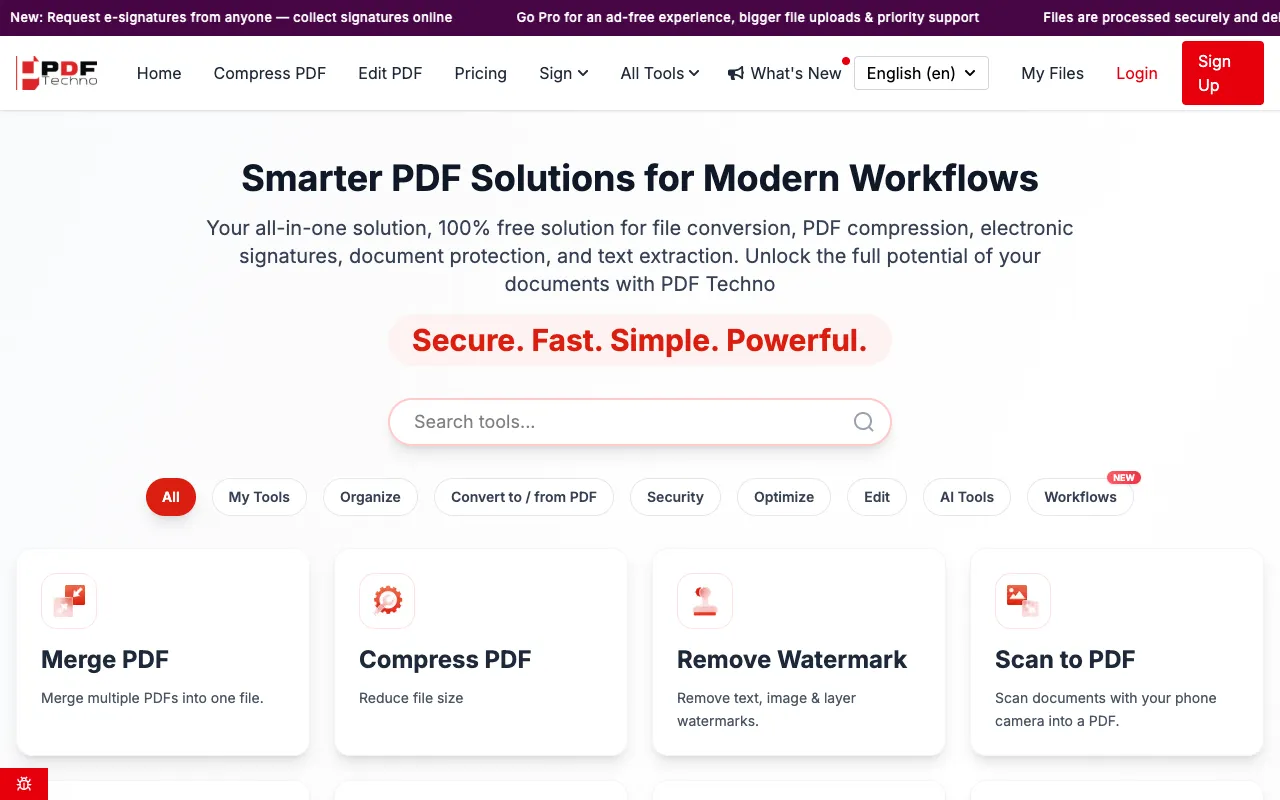
What PDF Tools Suite does
PDF Tools Suite is a browser-based collection of utilities for common PDF tasks. Users can merge multiple files into one, split a document into separate pages, compress file size, rotate or rearrange pages, and convert PDFs to image formats or other document types. The platform also handles document security with password protection and electronic signature features, as well as text and data extraction. All functions run directly in the web browser without requiring software installation or account creation.
How to use the PDF Techno PDF Tools Suite
- 1
Open the PDF Tools Suite page on pdftechno.com
- 2
Select the desired tool from the list of available functions
- 3
Upload the PDF file from your device
- 4
Adjust any settings if prompted and initiate the process
- 5
Download the resulting file once processing is complete
Best for
This option suits users who need a quick, no-cost solution for basic PDF manipulation without installing software or creating an account.
Limitations
- File size limits may apply for free users
- Some advanced features might require a premium upgrade
- Processing speed depends on internet connection
PDF Tools Suite FAQ
- Is PDF Tools Suite free to use?
- Yes, all features on PDF Techno are available without cost or registration requirements according to the stored notes.
- Do I need to create an account to use the PDF tools?
- No, the platform allows users to access and use all features without registration requirements.
- Can I convert PDFs to other file formats using this suite?
- Yes, the suite includes conversion tools for formats such as Word, Excel, PowerPoint, HTML, and various image types including JPG, PNG, and BMP.
- What types of PDF modifications are available in the suite?
- Available modifications include merging, splitting, rotating, compressing, extracting pages, adding electronic signatures, protecting with passwords, and repairing damaged files.
More PDF Tools Suite tools
- 01MyDocFlowmydocflow.app
MyDocFlow is a free online toolkit designed for comprehensive PDF document manipulation. Users can perform multiple o...
- 02PDF Studiopdfsstudio.com
PDF Studio is a free online PDF toolkit designed for students, professionals, and businesses needing versatile docume...
- 03PDF for Freepdfforfree.in
PDF for Free offers a comprehensive browser-based toolkit for working with PDFs, images, and business documents. The ...
- 04PlumeDocsplumedocs.com
PlumeDocs is a free PDF tool suite offering essential document management features including merging multiple PDF fil...
- 05Toolknittoolknit.com
PDF Tools Suite offers a comprehensive set of online tools for managing and manipulating PDFs directly in your web br...
- 06pdfzuspdfzus.de
pdfzus offers a comprehensive suite of PDF manipulation tools designed to work directly in your web browser without r...
Similar tools
Based on shared tags