Image Compressor
Image Compressor is a free online tool for reducing image file sizes while preserving visual quality directly in your...
What Image Compressor does
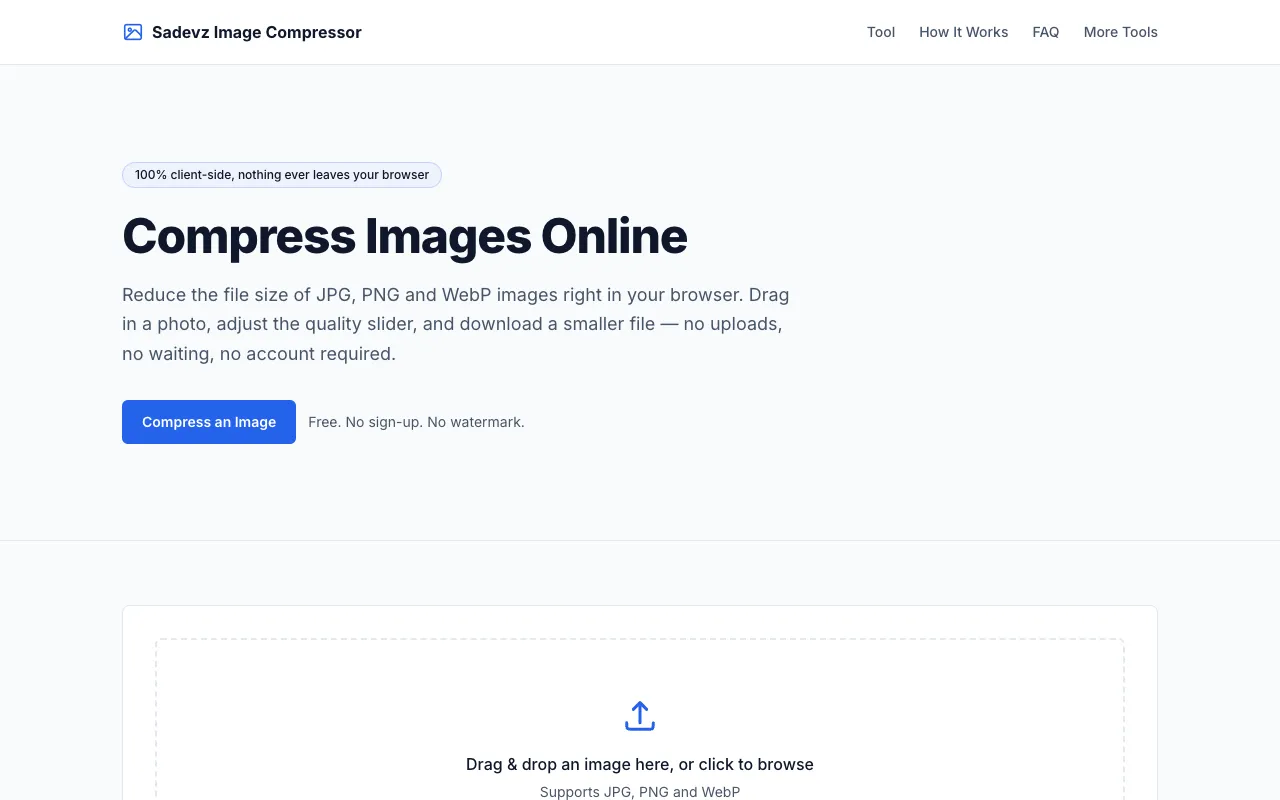
Image Compressor is a free online tool for reducing image file sizes while preserving visual quality directly in your browser. Upload any image and the tool automatically compresses it using advanced algorithms, allowing you to download the smaller file for use on websites, emails, or storage. The tool supports common image formats and lets you control the compression level to balance file size reduction against image quality. All processing occurs in your browser, protecting your privacy and requiring no account signup or file uploads to external servers.
How to use the Sadevz Image Compressor
- 1
Upload an image by dragging and dropping or selecting a JPG, PNG or WebP file
- 2
Adjust the quality slider and optionally change the output format to see a compressed preview and updated file size
- 3
Once satisfied with the size and quality trade-off, download the compressed file directly to your device
- 4
Repeat the process with additional images as needed without account requirements
- 5
All compression happens locally in your browser using the HTML canvas API
Best for
Ideal for professionals, students, and anyone needing to shrink image files for email attachments or web uploads without compromising visual integrity or requiring account signup.
Limitations
- Quality setting only applies to JPEG and WebP output; PNG output is always lossless
- No batch processing mentioned in the available material
- File size reduction estimates depend on original image content and selected quality level
Image Compressor FAQ
- Does the Image Compressor require uploading files to a server?
- No, compression happens entirely in your browser using the HTML canvas API. Your images are never uploaded, logged, or stored on a server.
- Can I compress PNG files without losing quality?
- PNG output is always lossless, but the quality slider only applies to JPEG and WebP output formats.
- What image formats does the Sadevz Image Compressor support?
- The tool supports JPG, PNG, and WebP formats for compression.
- How do I balance file size reduction with image quality?
- Move the quality slider to adjust the compression level; the compressed preview and new file size update automatically to show the trade-off.
More Image Compressor tools
- 01Inventive HQinventivehq.com
Compress images to a target file size while preserving quality. Reduce JPEG, PNG, WebP sizes for email or web.
- 02Compress to 100KBcompressto100kb.com
A browser-based image compression tool lets you reduce files to a specific size limit of your choosing. The tool supp...
- 03ConvertAndEditconvertandedit.com
Compress JPG and PNG images directly in your browser with granular control over output quality and dimensions. Adjust...
- 04DevBoltdevbolt.dev
Compresses and resizes images with adjustable quality for JPEG, WebP, and PNG.
- 05MyToolsBenchmytoolsbench.com
Compress JPG, PNG, WebP and GIF images in your browser. Set a target file size, tune quality with a live preview, res...
- 06TinyPNGtinypng.com
Smart lossy compression for PNG, JPEG, WebP, and AVIF that reduces file sizes by 50-80% with minimal quality loss.
- 07XConvertxconvert.com
Reduces file size for JPG, PNG, GIF, and WebP images.
Similar tools
Based on shared tags