7 tools
Compresses images to reduce file size while maintaining quality, supporting JPEG, PNG, and WebP formats for efficient email or web use. Ideal for professionals, students, and anyone needing to shrink image files without compromising their visual integrity, enhancing uploading speeds and storage efficiency.
Converts messages between plain text and Morse code with ease. Users input their text, and the tool instantly translates it into Morse code dots and dashes or vice versa. Ideal for anyone needing to communicate in Morse code, including hams, emergency responders, and those learning the international distress signal. Helps users who need to send or receive messages using Morse code, such as radio operators, hikers, and individuals practicing distress signals. Also useful for educational purposes, allowing students and enthusiasts to learn about Morse code syntax and history.
Converts normal texts to leet-speak and vice versa using an online tool. Simply enter your text and select the direction of conversion, either from regular to leet-speak or from leet-speak back to regular. Ideal for users looking to encode messages in a fun, playful way or decode mysterious leet-speak communications.
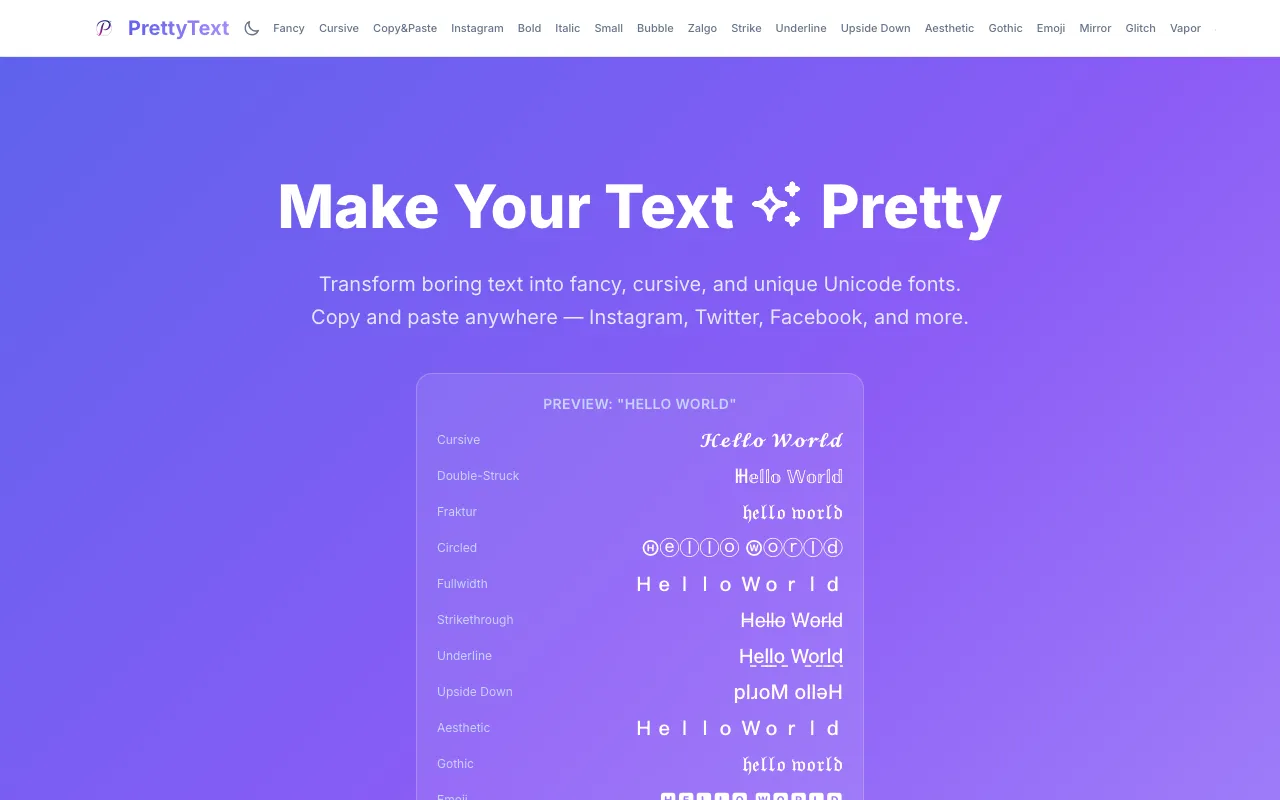
PrettyText is a free browser-based text formatter that instantly transforms plain text into stylized Unicode versions. Paste any text and choose from multiple formatting styles including bold, italic, strikethrough, cursive, upside down, Zalgo, and other decorative text effects. Each style generates a unique Unicode variation ready to copy and paste directly into your application of choice. The tool runs entirely client-side with no login or account required, and no file uploads needed. It's designed for social media users who want to enhance their bios, Discord messages, Reddit posts, and other social platforms with distinctive text styling that stands out. All processing happens in your browser, ensuring your text never leaves your device while you create custom-styled text variations.
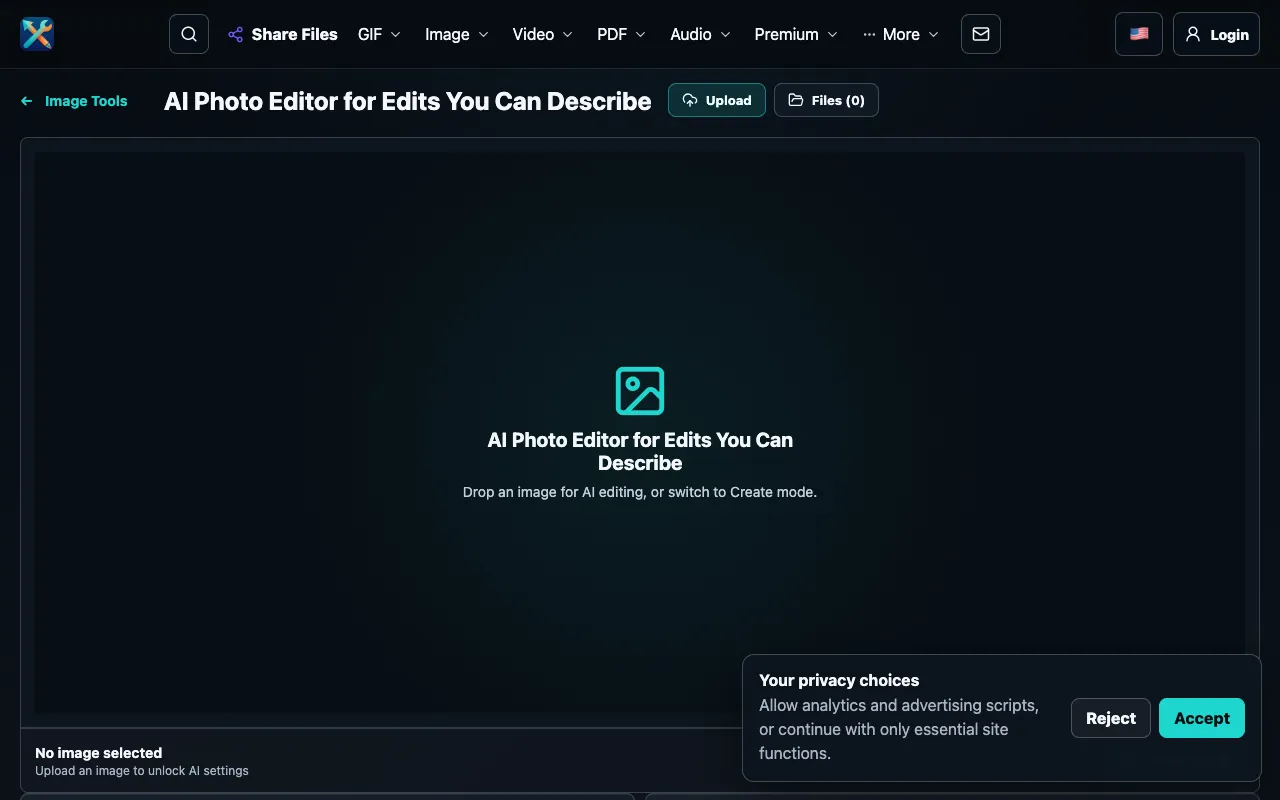
Edit existing photos or generate new images entirely by describing the desired result in plain language. Type your vision and the AI transforms it into visual output, whether modifying an existing photo or creating from scratch. No design experience, specialized skills, or prior training required to use this AI-powered editor. The streamlined browser interface operates without requiring account creation or login, allowing immediate access. The underlying AI engine interprets natural language descriptions to generate accurate visual results, whether making adjustments to existing images or creating completely new images from text descriptions. Useful for quick creative iteration, visual prototyping, and exploring AI image generation capabilities.
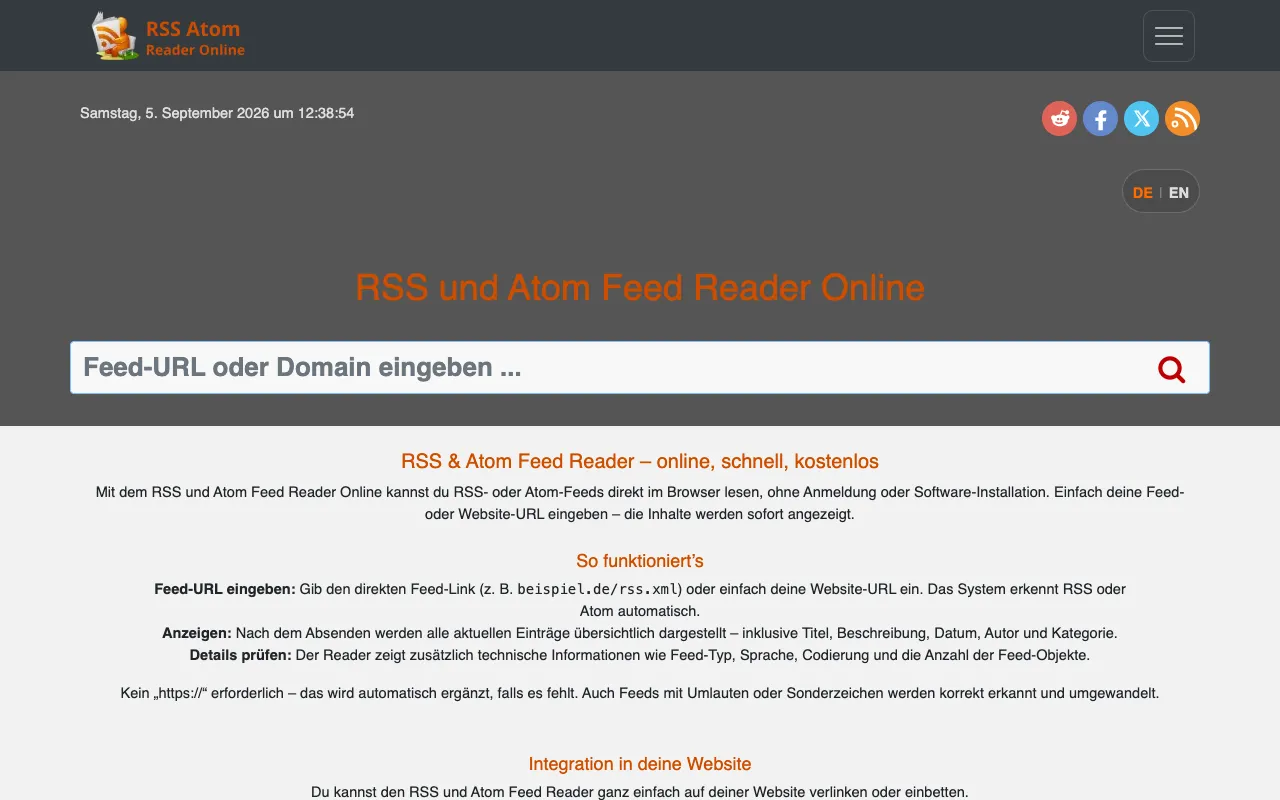
RSSAtom is a free online RSS and Atom feed reader that runs directly in your web browser. It allows users to read, test, and validate RSS or Atom feeds without any software installation or account registration required. The platform automatically discovers RSS or Atom feeds from any website URL, making it straightforward to identify available feeds from a source. Users can examine feed structure and content directly online. The reader displays feed entries alongside detailed technical information about the feed structure, metadata, and encoding details. RSSAtom handles common feed issues and encoding problems gracefully, providing clear feedback for debugging purposes. This makes it particularly valuable for developers, bloggers, and content creators who need to test, debug, or verify feed functionality. The browser-based approach means no setup is needed to begin using the tool.
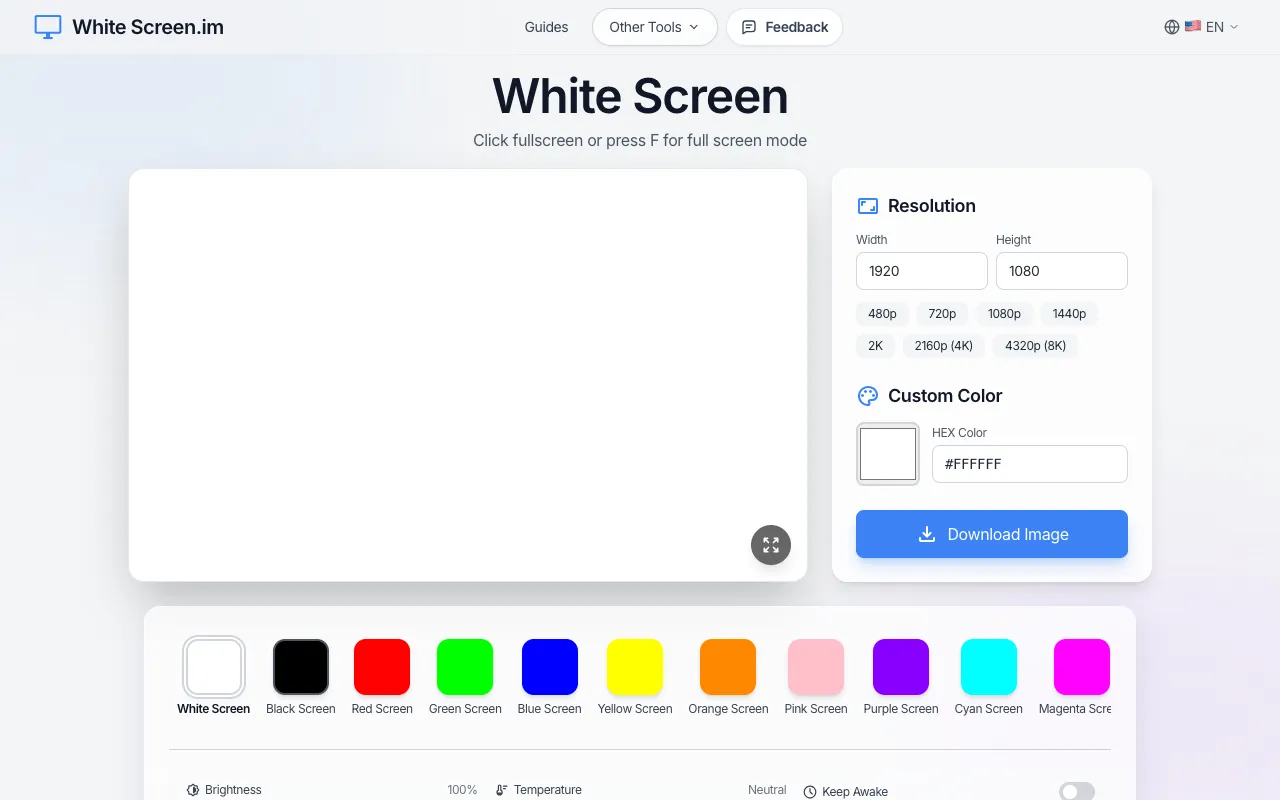
A fullscreen white display that runs directly in your browser without requiring any account or download. Simply open the website and your entire screen fills with pure white light, instantly ready for use. The full-brightness display is optimized for maximum illumination across your monitor. The tool serves multiple purposes: detect dead pixels on displays, provide fill light during video calls or photography sessions, illuminate spaces for creative work, and assist with general screen cleaning tasks. Its simplicity and instant availability make it accessible on any device with a web browser, making it useful for photographers, videographers, and anyone needing emergency lighting or display testing.