Communication & Media
Our Communication & Media category features 13 free tools designed to enhance your digital communication skills across various platforms and scenarios. From thank you email generators to LinkedIn headline creators, these resources offer a comprehensive suite of tools tailored for professionals aiming to improve their online presence, manage their networks effectively, and communicate more efficiently in both personal and professional settings. Whether you are a job seeker looking to perfect your LinkedIn profile or an entrepreneur planning to send follow-up emails to potential clients, our category has the right tool for you.
16 tools


Guide
About communication & media tools
The tools in this category address common challenges in professional digital communication, from crafting messages to managing technical file needs. You will find generators for emails, LinkedIn profiles, and networking outreach, alongside practical utilities like image compression and subtitle translation. These resources help users save time, maintain consistency, and present a polished image across platforms without requiring advanced design or writing skills.
Before selecting a tool, consider the specific format and audience you are targeting. Email generators focus on tone and structure, while LinkedIn tools optimize visibility and professional branding. For technical needs, image compressors reduce file size for easier sharing, and subtitle translators handle multiple file formats. Matching the tool to your goal—whether it is a job application, client follow-up, or routine network message—ensures the output feels authentic and effective.
A frequent mistake is using a generic template without tailoring the content to your personal situation. Generated text should always be reviewed and customized to reflect your voice and the particular context. Additionally, be mindful of file requirements: image compressors support JPEG, PNG, and WebP, while subtitle translators work with SRT, VTT, ASS, SSA, and SUB formats. Checking compatibility beforehand prevents rework and ensures the tool meets your workflow needs.
Find the right tool
Communication & Media tools by task
Message Generators
These tools help you draft professional communications quickly, whether you are following up after an interview, resigning from a role, or reaching out to a new connection. They provide structure and key phrasing, but the output works best when personalized to your situation and the recipient.
Profile & Brand Tools
Designed to improve how you present yourself online, these generators assist with LinkedIn headlines, summaries, and professional bios. They also include an elevator-pitch creator for short introductions and a profile reviewer that evaluates existing sections for completeness and impact.
Technical Utilities
These tools handle common technical tasks that support communication, such as reducing image file size for email or web use, and translating subtitle files across multiple formats. They are lightweight, browser-based utilities that require no installation and work immediately upon upload.
Signature & Formatting
A polished email signature and well-structured documents contribute to a professional image. The signature generator creates custom HTML signatures, while the word-cloud generator visualizes key themes from text, useful for brainstorming or summarizing feedback.
Questions
Communication & Media FAQ
- Can I use these tools for job applications without paying?
- Yes, all 16 tools in this category are free to use. You can generate thank-you emails, LinkedIn summaries, resignation letters, and other application materials at no cost, though you should review and customize the output to fit your personal situation.
- How do I choose between an email generator and a LinkedIn profile tool?
- Use an email generator when you need a quick, formatted message for a specific recipient, such as a follow-up or thank-you note. Choose a LinkedIn profile tool when you want to optimize your About section, headline, or bio to improve visibility and attract the right connections on the platform.
- What file formats does the subtitle translator support?
- The subtitle translator supports SRT, VTT, ASS, SSA, and SUB formats. You can upload your file, select the target language, and download the translated version without needing specialized software.
- Do I need to install anything to use the image compressor or cross-device transfer tool?
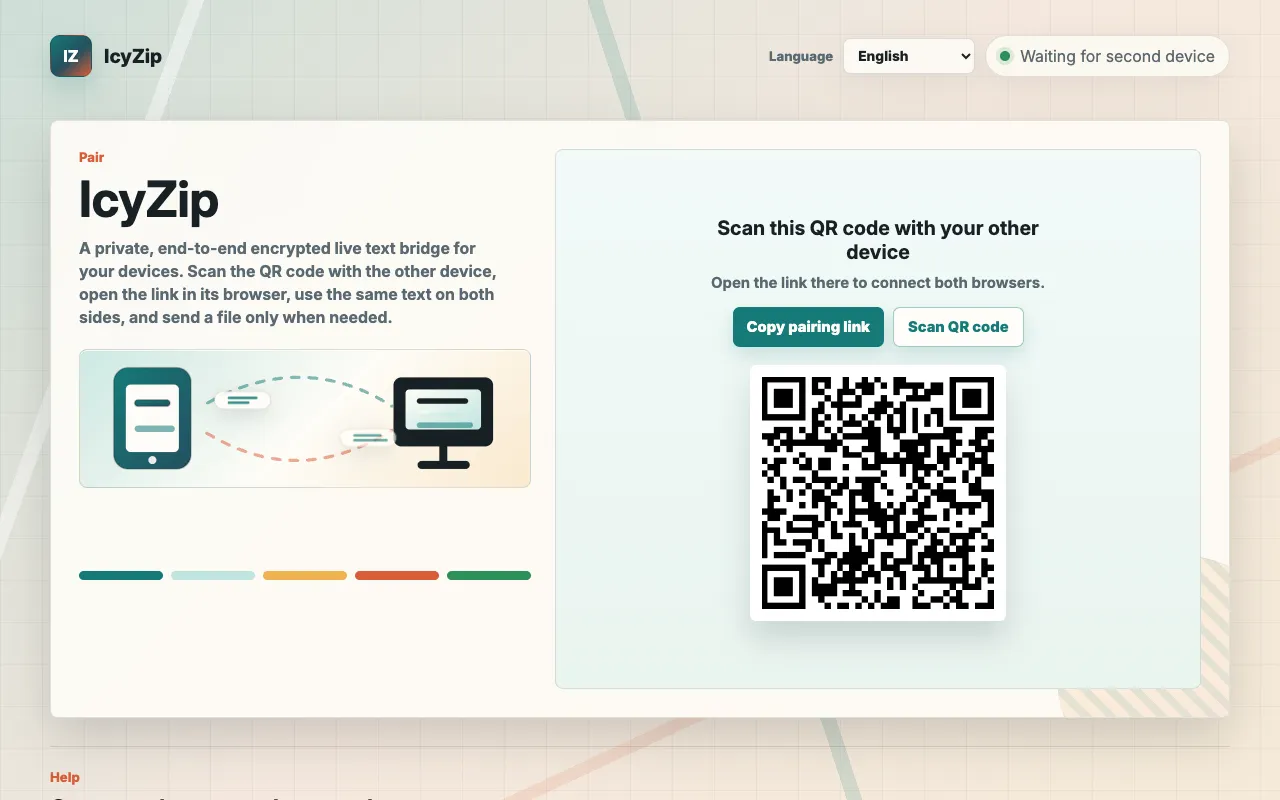
- No installation is required. Both the image compressor and cross-device transfer tools run directly in your browser. The image compressor reduces file size for JPEG, PNG, and WebP formats, while cross-device transfer lets you share text and files between phones and computers using a QR code or link.
- Is the output from these generators ready to send immediately?
- The generated text provides a strong starting point, but it is recommended that you edit and personalize the content before sending. Adding specific details, adjusting the tone, and verifying facts ensures the final message reflects your voice and the particular context.