01

Generates QR codes for URLs, text, and contact information. Users input data through a simple interface, select desired settings like size and color, then download or share the generated QR code image. Developers, businesses, and individuals looking to enhance digital communication and accessibility would use this tool. It helps in creating quick response codes that can be easily scanned to...

Generates QR codes for URLs, text, or contact data with customisable colours and downloadable PNG output.


Generates QR codes for URLs, contact cards, email links, and Wi-Fi credentials, with customisable size.

Generates a QR code for any text, URL, or contact info, with customisable colours, error-correction level, and downlo...
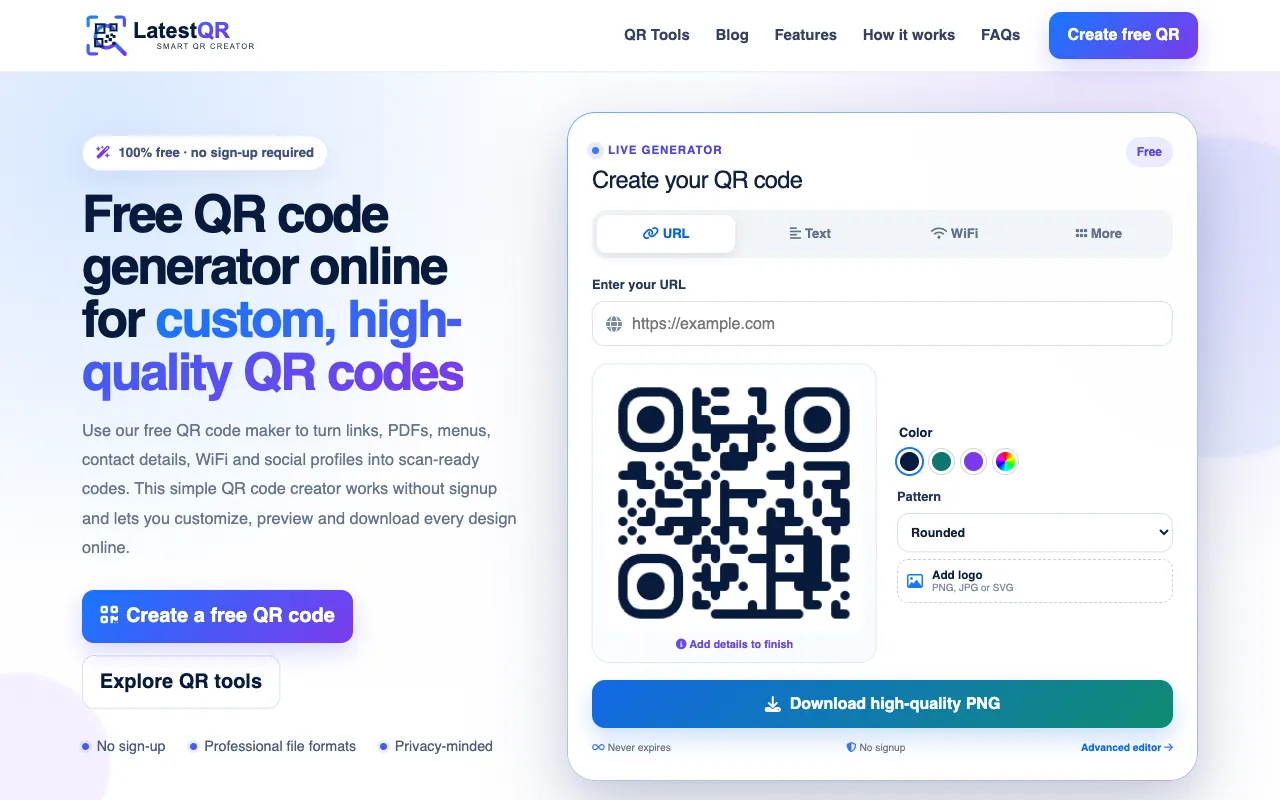
LatestQR is a free online QR code generator that creates high-quality, customizable QR codes without requiring signup...

Side by side
| Tool | Best for | Strengths | Limitations |
|---|---|---|---|
| Inventive HQ inventivehq.com | Developers needing instant, local QR generation |
|
|
| 10015 Tools 10015.io | Quick QR generation with PNG download |
|
|
| DevBolt devbolt.dev | Privacy-conscious users who want browser-based generation |
|
|
| FreeFormatter freeformatter.com | Users needing diverse QR types (contact, email, Wi-Fi) |
|
|
| IT Tools it-tools.tech | Basic QR code generation with colour options |
|
|
| LatestQR latestqr.com | Users wanting extensive format options and customization |
|
|
| Newtum newtum.com | Quick QR generation with colour scheme adjustments |
|
|
Buyer's guide
When picking a QR code generator, first consider what type of data you need to encode — some tools specialize in URLs while others support contacts, Wi‑Fi credentials, PDFs, or payment links. Next, check whether the tool offers the visual customization you care about, such as color changes, logo insertion, or frame styles, and verify that the output format (PNG, SVG, JPG) matches how you plan to use the code. Finally, decide if privacy is a priority; browser‑based generators like DevBolt keep your data on your device, while others may process information on a server.
Questions