3 tools
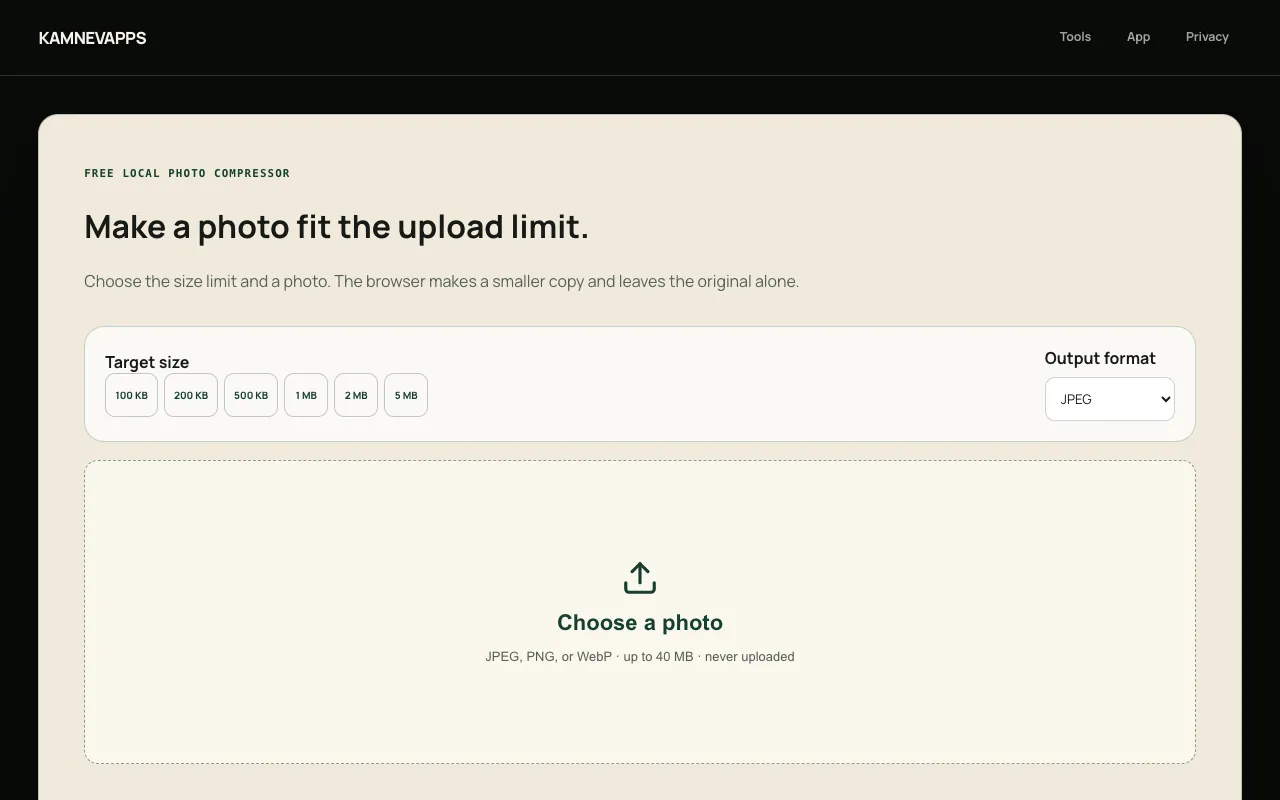
Compresses images to reduce file size while maintaining quality, supporting JPEG, PNG, and WebP formats for efficient email or web use. Ideal for professionals, students, and anyone needing to shrink image files without compromising their visual integrity, enhancing uploading speeds and storage efficiency.
Efficiently managing large document sizes is simplified through targeted file optimization. By analyzing and refining the underlying structure of a PDF, the compressor shrinks file sizes without altering the visual integrity of the content. This utility proves essential for developers and technical teams who must adhere to strict file size limitations or optimize document delivery for high-traffic web applications. The optimization process focuses on stripping away unnecessary metadata and reorganizing internal data streams to reduce the overall footprint. Since all compression is handled client-side, documents are processed entirely within the browser, ensuring that sensitive information is never transmitted to an external server. Users receive a compact, shareable file that maintains professional standards while being significantly easier to store and distribute.
Reduce JPEG, PNG, and WebP photo file sizes to fit common upload limits across different platforms and services. Specify your target file size and compress your images accordingly while maintaining control over output quality. All compression processing happens locally in your browser with no account required, and your photos remain completely on your device—nothing is transmitted to any external server. Test your photos against upload size restrictions before attempting to submit them anywhere. Whether preparing images for email, messaging apps, social media, or cloud storage services, the tool confirms whether your files meet size requirements and helps you adjust compression levels to succeed without repeated failed attempts.