General Conversion5 options compared

Color Converter

Converts colors between RGB, Hex, CMYK, and other formats for web and print design. Users can easily switch color representations to meet specific needs in digital and print projects. Web designers, graphic artists, and anyone involved in color selection for projects will find this tool invaluable for ensuring consistent and accurate color application across different mediums.

Editors’ Top PickBased on community votes
Other OptionsRanked by votes
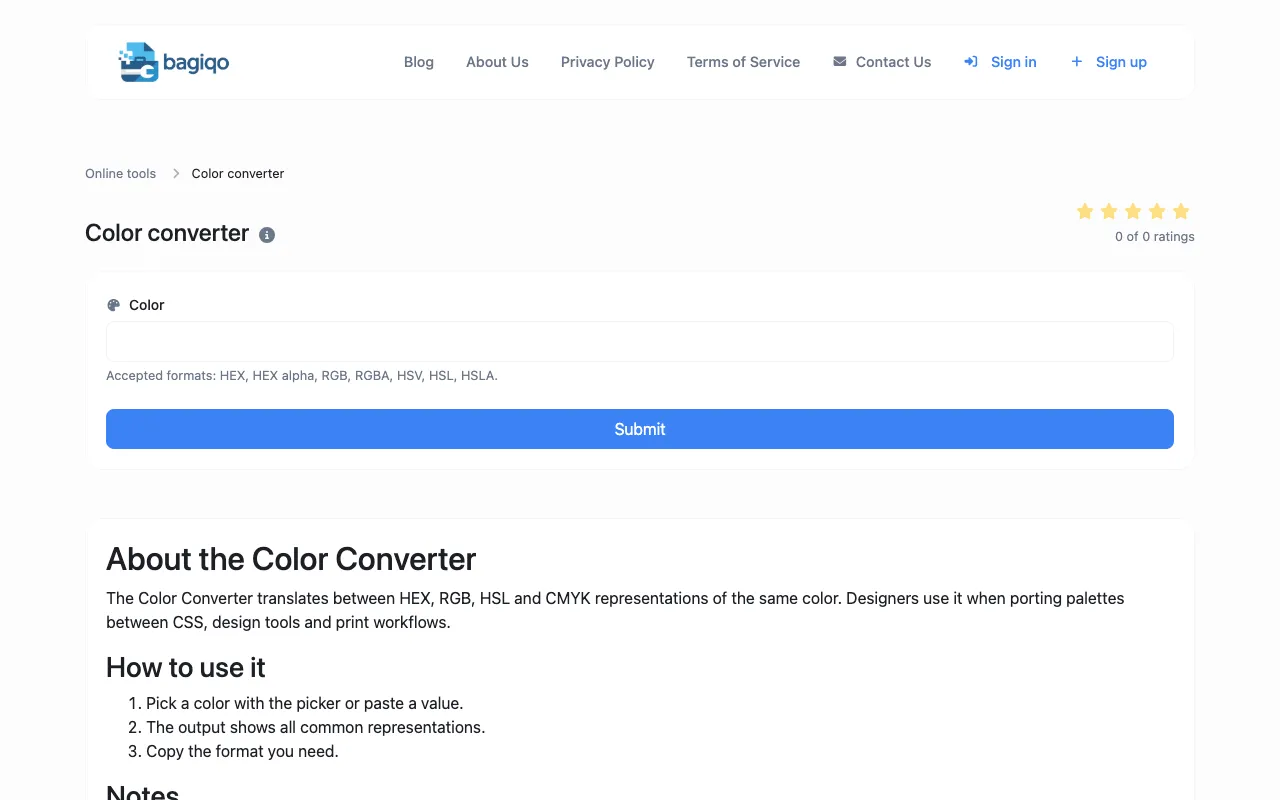
  1. Screenshot of Bagiqo
    02
    Bagiqo
    bagiqo.com

    The Color Converter translates between multiple color formats including HEX, RGB, HSL, HSV, CMYK, and other color spa...

  2. Screenshot of IT Tools
    04
    IT Tools
    it-tools.tech

    Converts colors between HEX, RGB, HSL, HSV, and CMYK with a live picker and side-by-side preview.

Side by side

Color Converter options compared

ToolBest forStrengthsLimitations
Omni Calculator
omnicalculator.com
Designers needing full format support
  • Supports RGB, Hex, CMYK, HSL, HWB, NCol formats
  • Includes color theory explanations for print vs web
  • Site hosts ads and external links
  • No mention of client-side only processing
Bagiqo
bagiqo.com
Professionals needing cross-platform consistency
  • Translates HEX, RGB, HSL, HSV, CMYK, and other color spaces
  • Emphasizes color consistency across design tools and code
  • CMYK is an approximation; pre-calibrated profiles vary by printer/paper/ink
  • No community votes or ratings visible
DevBolt
devbolt.dev
Developers prioritizing privacy and speed
  • Processes conversions entirely in your browser; data never leaves your device
  • Includes live color preview and one-click copy for any format
  • Only supports HEX, RGB, and HSL formats
  • No CMYK or HSV support for print workflows
IT Tools
it-tools.tech
Users wanting an interactive color picker with side-by-side preview
  • Live picker and side-by-side format comparison
  • Real-time accurate color matching for any output medium
  • No community votes or ratings available
  • Live page excerpt could not be fetched
XConvert
xconvert.com
Quick conversions with instant preview and CSS output
  • Converts to HEX, RGB, HSL, CMYK, and HSV side by side
  • Generates ready-to-paste CSS custom properties
  • Runs entirely in browser with no processing delay
  • Ads on the page
  • Fewer unit options compared to Omni Calculator

Buyer's guide

How to choose a color converter

When picking a color converter, first identify which color models you actually need β€” RGB and Hex are essential for digital work, while CMYK is required for any print project. If you are designing for both web and print, choose a tool that handles all four formats without requiring separate lookups. Privacy matters if you are working with proprietary color values; browser-only tools like DevBolt keep your data on your device. Finally, consider whether you need educational context or just fast conversions; Omni Calculator includes color theory explanations, while XConvert focuses on immediate, side-by-side results.

Questions
Color Converter FAQ

Can I convert between RGB and CMYK accurately for print projects?
Yes, but CMYK values are an approximation. Not all RGB colors can be reproduced in print, and pre-calibrated profiles vary by printer, paper, and ink, so always verify with your specific print vendor.
Do these tools work offline or do they send my data to a server?
It depends on the tool. DevBolt processes conversions entirely in your browser so your data never leaves your device, while other converters like Omni Calculator and XConvert require an internet connection to function.
Which format should I use for web design β€” Hex, RGB, or HSL?
Hex is the standard for CSS and HTML markup. RGB is widely supported across design software. HSL is the most intuitive for making systematic adjustments like changing lightness or saturation without affecting the hue.
Are these color converters free to use?
All tools listed are free online converters. Some, like Omni Calculator, are ad-supported, while others like DevBolt and XConvert offer browser-only processing without requiring an account.
Can I use these tools to match colors across different design software?
Yes. Input a color code from one program and the converter will output equivalent values for other formats, helping you maintain consistency when porting palettes between CSS, design tools, and print workflows.
Keep Exploring

Related tools in General Conversion

View all β†’