Image and PDF Tools Suite
Free Image Tools is a browser-based suite for image and PDF editing, designed for users who need quick file operation...
What Image and PDF Tools Suite does
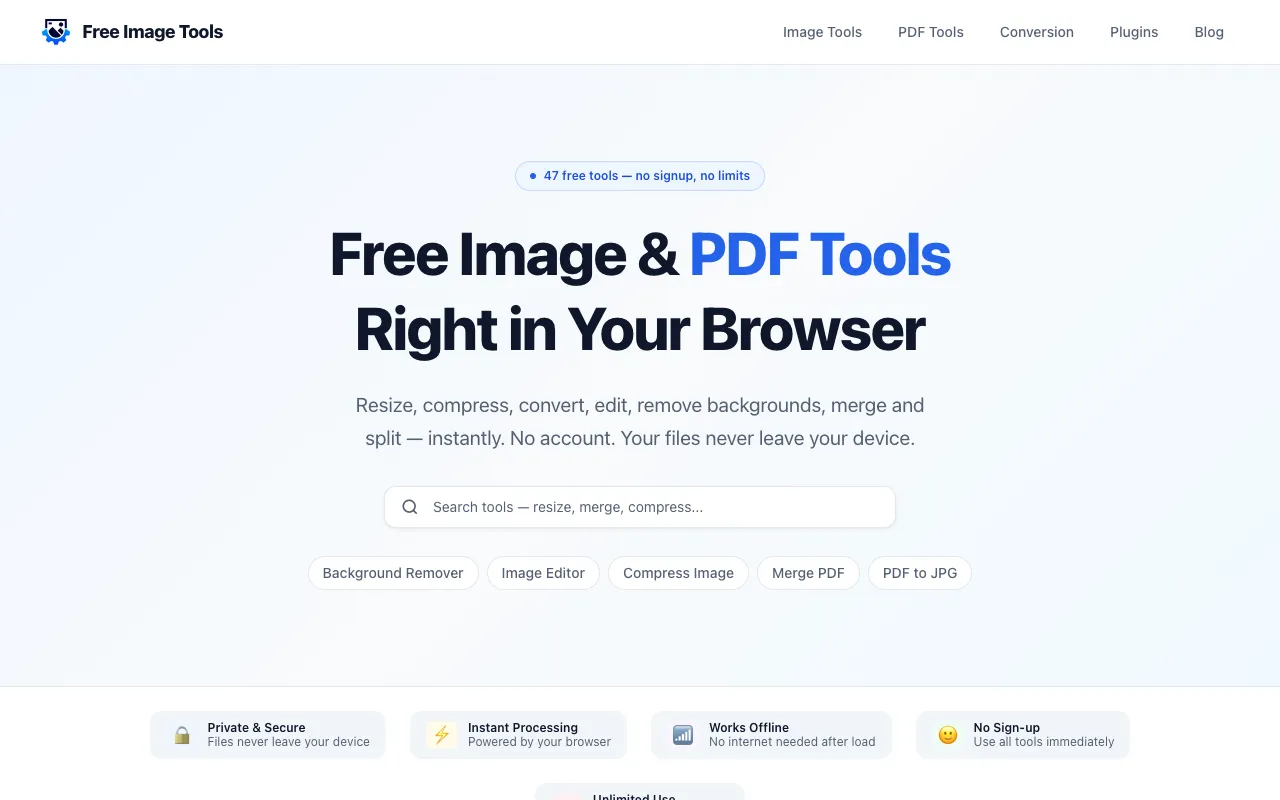
Free Image Tools is a browser-based suite that handles image and PDF editing without requiring software installation or account creation. Users gain access to 47 free tools for resizing, compressing, cropping, format conversion, watermarking, background removal, and PDF operations like merging, splitting, and page rotation. All processing occurs locally in the browser, ensuring files never leave the user's device, which addresses privacy concerns common with online editors.
How to use the Free Image Tools Image and PDF Tools Suite
- 1
Open the Free Image Tools website and select the desired tool from the 47 available options
- 2
Upload the image or PDF file you wish to edit using the file upload interface
- 3
Adjust the specific settings for your chosen operation, such as dimensions, quality, or aspect ratio
- 4
Apply the changes and download the processed file directly to your device
- 5
Repeat or switch tools as needed without limits or daily quotas
Best for
Ideal for users who need quick, one-off file operations without installing desktop software or creating accounts, particularly those prioritizing privacy since files process locally in the browser.
Limitations
- Browser-dependent performance may vary with very large files
- Advanced professional features found in desktop editing software are absent
- Format options are limited to those supported by the browser-based engine
Image and PDF Tools Suite FAQ
- Can I use Free Image Tools without creating an account?
- Yes, the platform requires no signup or account creation; all 47 tools are available immediately upon visiting the site.
- Are my files secure when using this tool?
- Processing happens locally in your browser, meaning your files never leave your device, which addresses common privacy concerns for sensitive documents.
- What file formats are supported for image conversion?
- The tools support common formats including JPG, PNG, WEBP, and GIF for conversion and editing operations.
- Is there a limit on how many files I can process?
- No, the service offers unlimited use with no daily quotas or limits on the number of files you can edit or convert.
Similar tools
Based on shared tags