Face Blurrer
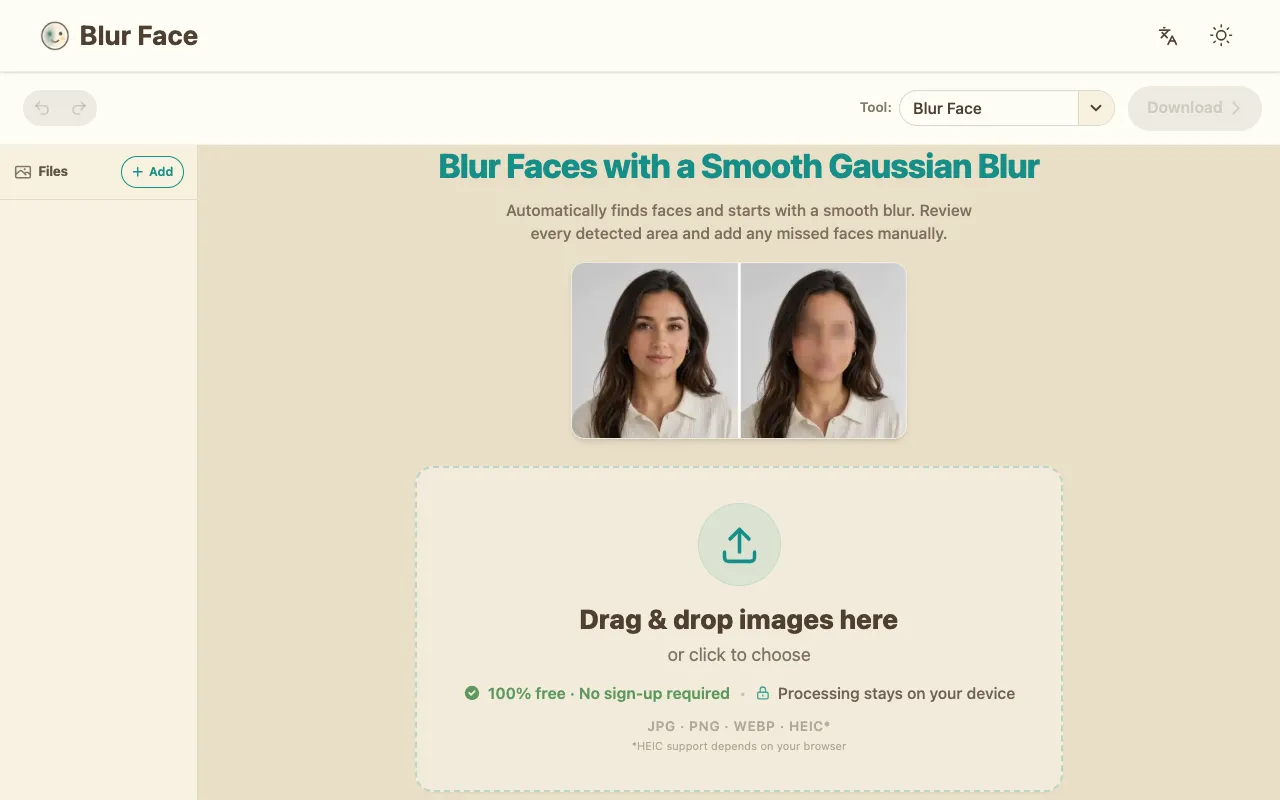
Blur Face is a browser-based tool that uses automatic face detection to identify and blur faces in your images, with ...
What Face Blurrer does
Blur Face is a browser-based tool that uses automatic face detection to identify and blur faces in your images, with all processing performed locally on your device. Images never leave your browser or travel to external servers, ensuring your photos remain completely private and protected. The tool automatically removes EXIF metadata from your images before download, stripping away potentially sensitive information such as timestamp data and GPS location. It is instantly accessible without requiring account creation, login, or any personal information, making it quick and simple to anonymize faces. The interface offers automatic Gaussian blur with the option to manually add redactions if anything was missed, supporting JPG, PNG, WebP, and HEIC formats. A batch download feature allows multiple images to be combined into a ZIP file or PDF.
How to use the Blur Face Face Blurrer
- 1
Add Files or drag and drop images onto the Blur Face interface
- 2
Wait for automatic face detection to identify and blur detected faces
- 3
Review detected areas and use the Add Area tool to manually blur any missed faces
- 4
Download the processed image(s) individually or as a combined ZIP or PDF
Best for
This option suits anyone needing to quickly anonymize photos locally without uploading images to external servers or creating an account.
Limitations
- Processing may be limited by browser memory for very large batches of images
- HEIC format support depends on the user's browser capabilities
- Manual redaction is required if automatic detection misses faces
Face Blurrer FAQ
- Do I need to create an account to use Blur Face?
- No, the tool is instantly accessible without requiring account creation, login, or any personal information.
- Where are my images processed when I use Blur Face?
- All processing stays on your device; images never leave your browser or travel to external servers.
- Can I blur faces in PDFs using Blur Face?
- The tool currently focuses on image files, but there is a separate PDF Face Blur option available for blurring faces in PDF documents.
- What image formats does Blur Face support?
- The tool supports JPG, PNG, WebP, and HEIC formats, though HEIC support depends on your browser capabilities.
Similar tools
Based on shared tags