Device Tests Suite
A collection of free browser-based tests designed to quickly check various aspects of your computer and input devices...
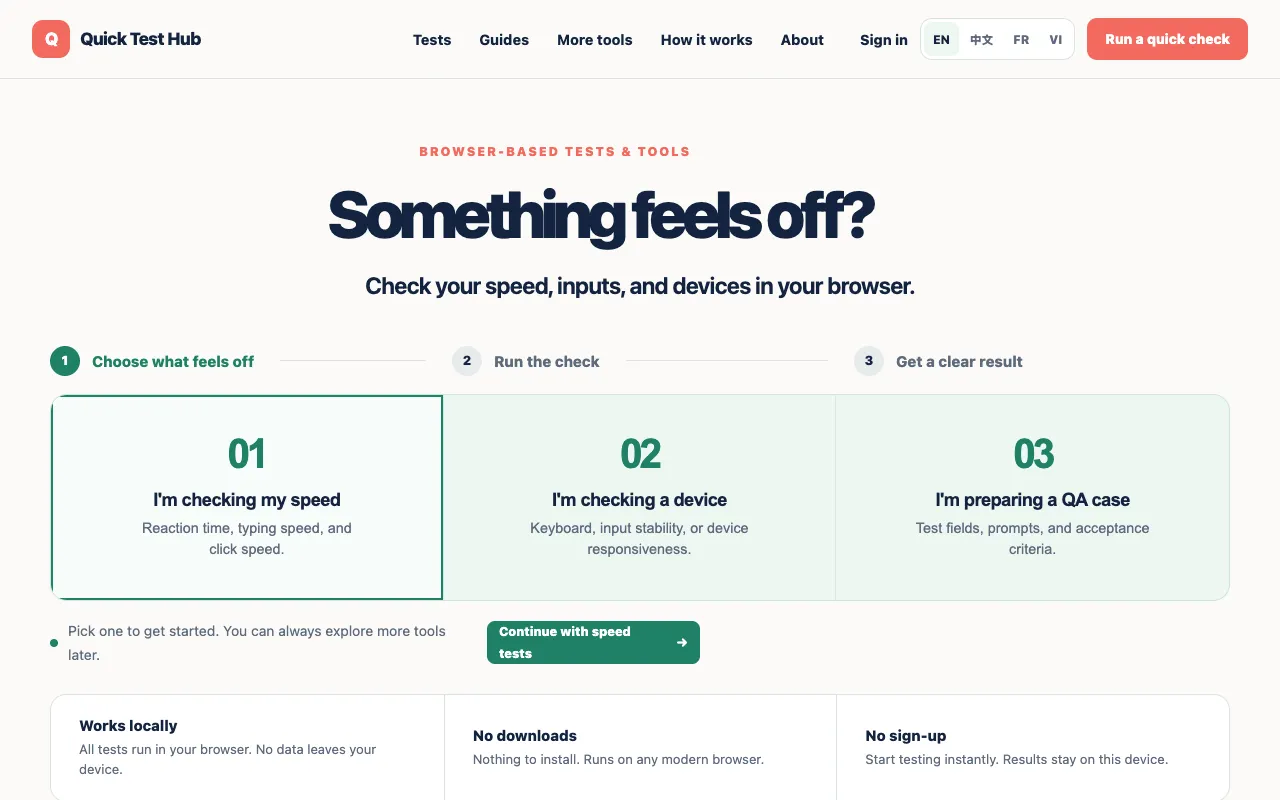
What Device Tests Suite does
Device Tests Suite on Quick Test Hub is a collection of free browser-based tests that quickly check various aspects of your computer and input devices. The suite includes reaction time measurement, typing speed assessment, clicks per second (CPS), and evaluations of webcam, microphone, keyboard, and gamepad functionality. You can run diagnostics on speed, input stability, and device responsiveness without any setup or registration. The results provide immediate feedback on your device's performance and capabilities, making it useful for troubleshooting or preparation before important tasks.
How to use the Quick Test Hub Device Tests Suite
- 1
Pick a test category from the homepage menu
- 2
Select the specific test you want to run
- 3
Follow the on-screen prompts to complete the check
- 4
View the immediate feedback showing your device's performance metrics
Best for
This option suits anyone who needs quick, browser-based diagnostics of computer speed and input devices without installing software or creating an account.
Limitations
- Tests run within the browser and may not match professional-grade diagnostic software
- Results are estimates based on current browser conditions
- No option to save or export test history across sessions
Device Tests Suite FAQ
- Do I need to download anything to use the Device Tests Suite?
- No, all tests run directly in your browser without requiring software installation or downloads.
- Can I test my webcam and microphone with this suite?
- Yes, the suite includes a WebRTC Test that checks camera, microphone, screen sharing, and other media devices.
- What kind of results will I get from the typing speed test?
- The typing speed test provides words per minute (WPM), accuracy percentage, test duration, and error count.
- Are the test results saved or stored anywhere?
- Results stay on your device; the suite is designed so no data leaves your browser and nothing is stored on the server.
Similar tools
Based on shared tags