Line Break Remover
Remove line breaks from text and clean up pasted content in a single action. TextCleanly's tool offers flexible optio...
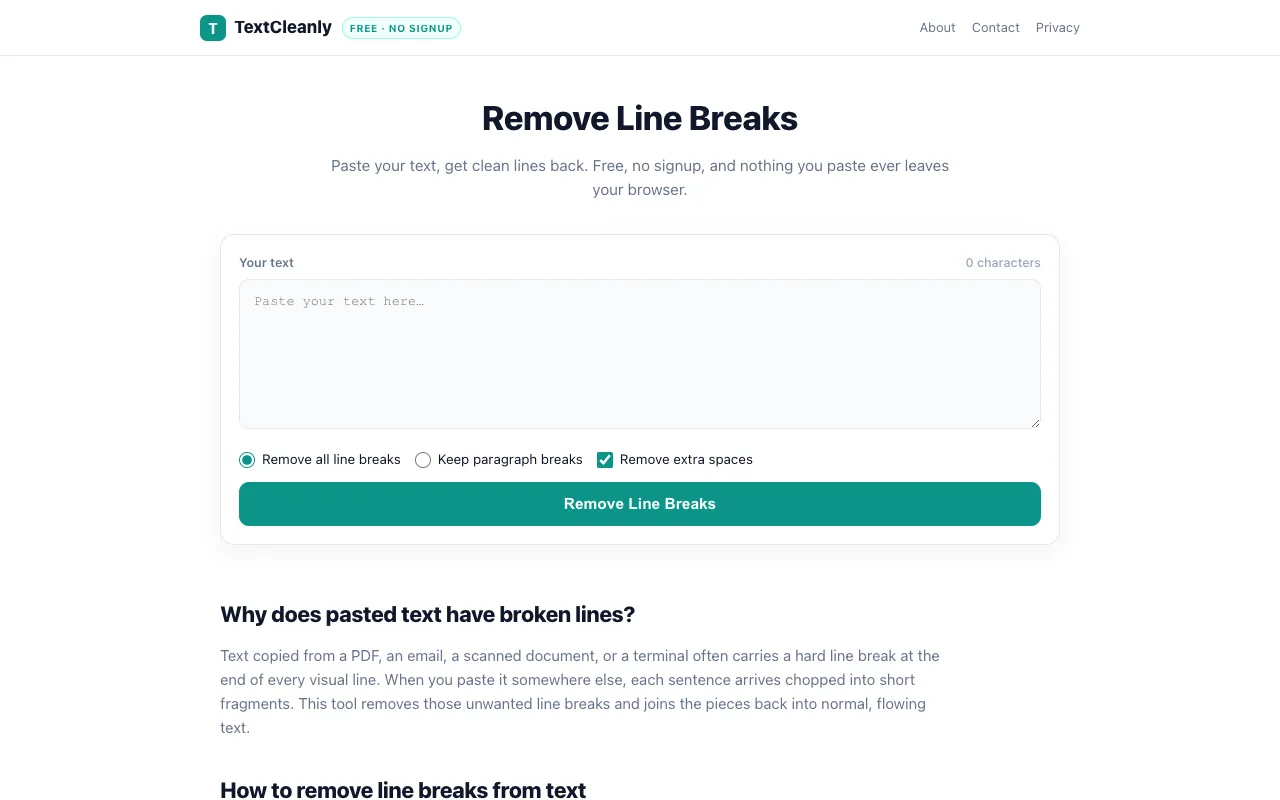
What Line Break Remover does
Remove Line Breaks Online by TextCleanly is a free, browser-based tool that strips unwanted line breaks from copied text. Users paste their content and choose between removing all line breaks or keeping paragraph spacing, producing clean, flowing text ready for pasting into documents, emails, or code. The service emphasizes privacy by processing everything locally in the browser with no signup required, ensuring pasted content never leaves the user's device. It handles text from diverse sources including PDFs, Word documents, Excel cells, and emails, making it a versatile formatting utility.
How to use the TextCleanly Line Break Remover
- 1
Paste your text into the input box on TextCleanly
- 2
Select whether to Remove all line breaks or Keep paragraph breaks
- 3
Click the Remove Line Breaks button to process the text
- 4
Copy the cleaned result or clear the box to start over
Best for
Writers, students, and professionals who frequently copy text from PDFs, emails, or documents and need to quickly reformat it into clean paragraphs without manual editing.
Limitations
- No unit switching or advanced text transformation options
- Results depend on the user's ability to select the appropriate break-preservation mode
- Processing occurs entirely client-side with no cloud backup or history retention
Line Break Remover FAQ
- Will my pasted text be saved or sent to a server?
- No, TextCleanly processes all text locally in your browser; nothing you paste is uploaded or stored anywhere.
- What is the difference between Remove all line breaks and Keep paragraph breaks?
- Remove all line breaks joins every line into continuous text, while Keep paragraph breaks preserves blank lines between paragraphs as they appeared in the original source.
- Can I use this tool to clean text copied from a PDF?
- Yes, the tool is specifically designed to fix text from PDFs, emails, Word documents, and Excel cells that arrive with broken line breaks.
- Is there a character limit for the text I can paste?
- The interface displays a character count as you paste, but no explicit limit is mentioned; the tool is designed for quick formatting tasks rather than large document processing.
Similar tools
Based on shared tags