Image Effects Converter
Convert JPG, PNG, and WebP images directly in your browser with an array of creative effects and artistic filters. Tr...
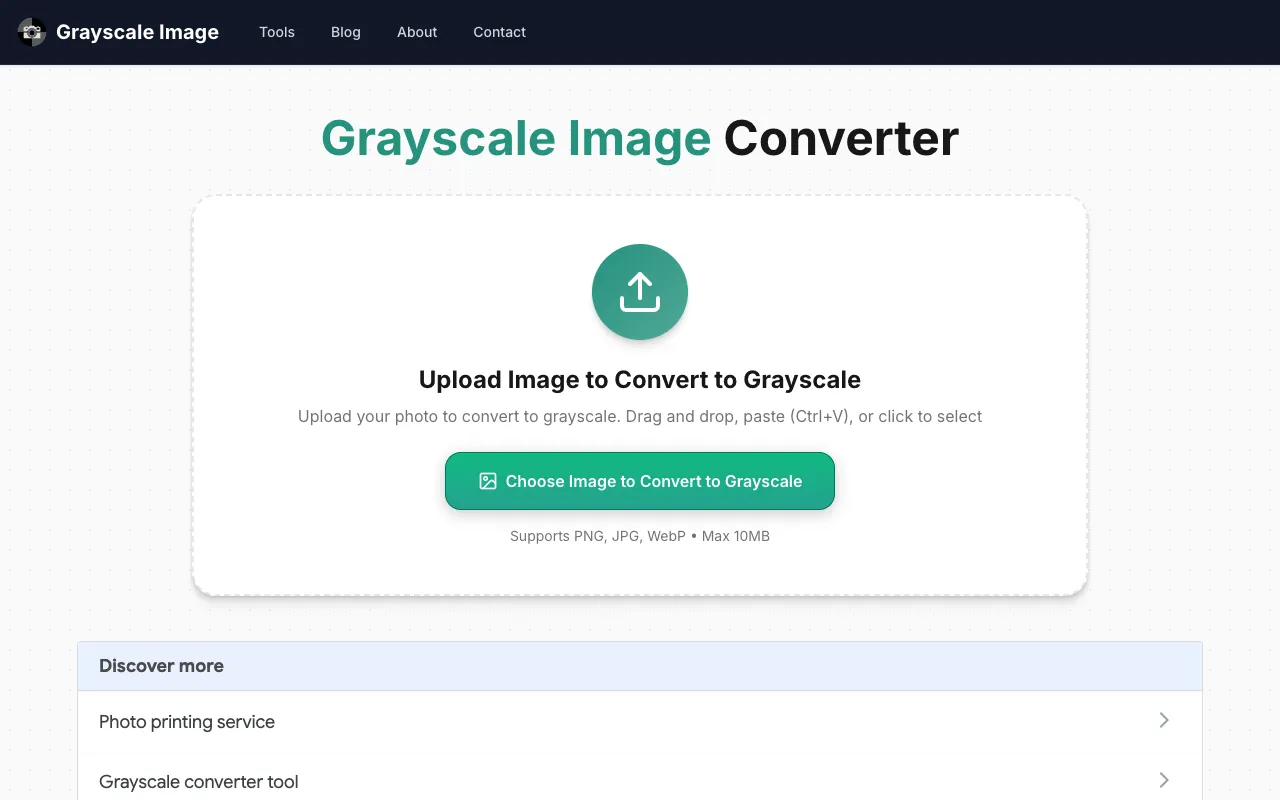
What Image Effects Converter does
Image Effects Converter is a browser-based tool that transforms photos into grayscale or applies artistic filters like black-and-white, sepia, posterization, dithering, duotone, and tinting. The output is a new image file ready for download or further use. All processing happens locally in the user's browser, ensuring that uploaded images never leave their device. This setup guarantees privacy, as no data is transmitted to external servers during conversion. The tool supports common formats including JPG, PNG, and WebP, making it accessible for various photo editing needs without software installation.
How to use the Grayscale Image Image Effects Converter
- 1
Open the Image Effects Converter on the Grayscale Image site
- 2
Upload a JPG, PNG, or WebP image from your device
- 3
Select desired effect from the available filter options
- 4
Preview the transformed image in the browser
- 5
Download the processed image file to your device
Best for
Casual users and photographers who want quick, private image transformations without installing software, especially those needing monochrome or artistic filter effects for personal projects.
Limitations
- No unit switching or format conversion beyond the supported inputs
- Advanced editing features like layers or adjustments are absent
- Processing speed depends on the user's device and image size
Image Effects Converter FAQ
- Can I use this tool on a mobile phone or tablet?
- Yes, the tool runs in any modern browser on mobile devices, though larger images may load slower on cellular connections.
- Will my uploaded images be stored or shared anywhere?
- No, all image processing occurs locally in your browser; the site does not transmit or store your photos on any server.
- What image formats are supported for upload and download?
- The tool accepts JPG, PNG, and WebP files for input and outputs processed images in the same format you uploaded.
- Is there a file size limit for images I can convert?
- The material does not specify file size limits, but very large images may take longer to process depending on your device's capabilities.
Similar tools
Based on shared tags