Image Resizer
THAI SOLVE is a free, browser-based image optimization platform designed to help users resize and compress images to ...
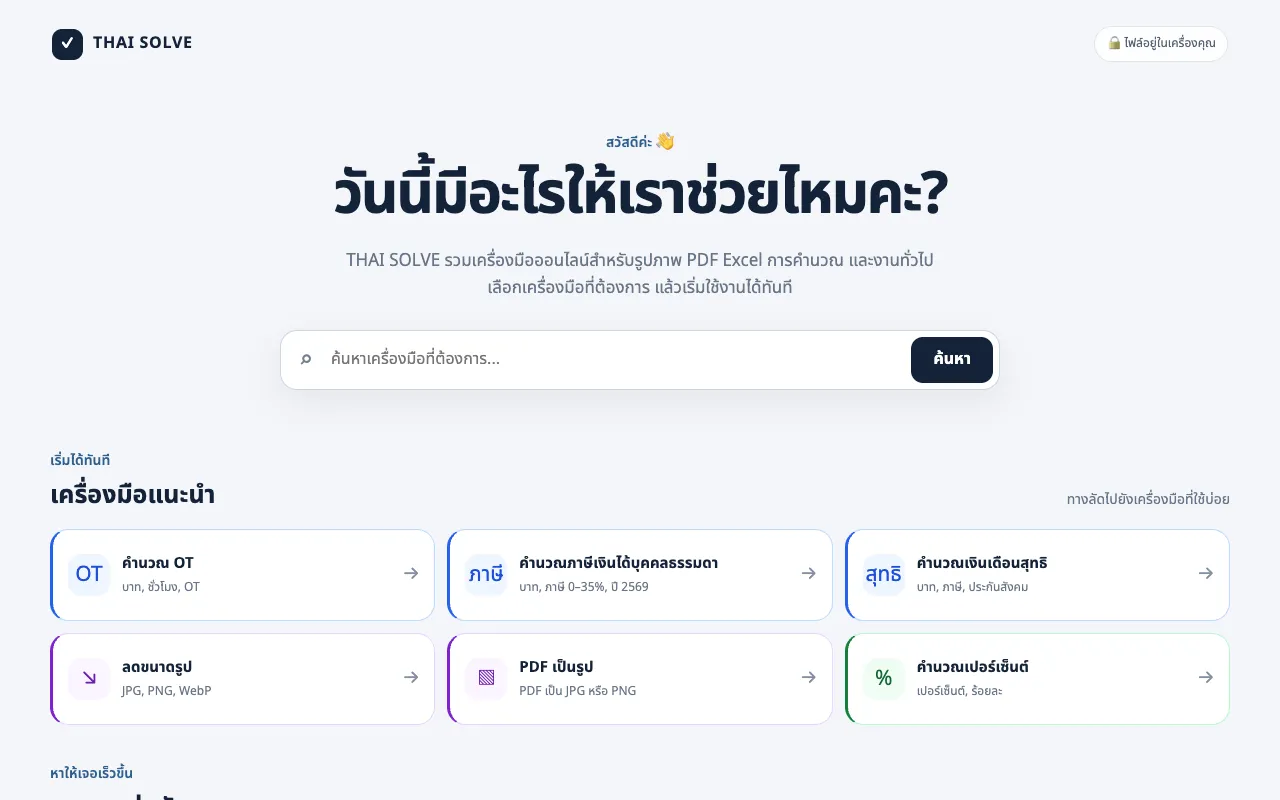
What Image Resizer does
Image Resizer is a free online tool that allows users to resize images and videos directly in their web browsers. It is ideal for preparing content for social media platforms like YouTube, Instagram, TikTok, Facebook, and LinkedIn. The tool offers a simple interface without requiring any registration or software installation, making it accessible for quick adjustments on any device. Users can input their media files and select specific dimensions or presets to fit platform requirements, receiving a processed output ready for immediate upload.
How to use the THAI SOLVE Image Resizer
- 1
Open the Image Resizer tool on THAI SOLVE and click the upload button to select an image or video file from your device.
- 2
Choose the desired output dimensions by entering specific pixel values or selecting a social media preset from the available options.
- 3
Adjust settings such as aspect ratio locking or compression level if prompted, then initiate the resizing process.
- 4
Download the resized file to your device once processing completes, or share it directly to your chosen platform.
- 5
Repeat the process for additional files, as the tool supports multiple uploads without requiring account creation.
Best for
Content creators and social media managers who need to quickly adjust image and video dimensions for multiple platforms without installing software or paying for subscriptions.
Limitations
- Processing occurs entirely in the browser, so very large files may take longer depending on device performance.
- The interface is in Thai language, which may require translation for non-Thai speakers.
- No advanced editing features such as filters, color correction, or format conversion beyond resizing are offered.
Image Resizer FAQ
- Do I need to create an account to use the Image Resizer on THAI SOLVE?
- No, the tool is completely free and does not require registration or account creation to resize images and videos.
- Are my files uploaded to THAI SOLVE's servers when I use the resizer?
- No, all processing occurs entirely on the user's local device with no uploads to external servers, ensuring complete privacy.
- Can I resize videos as well as images using this tool?
- Yes, Image Resizer supports both images and videos, making it versatile for different types of social media content.
- What social media platforms does Image Resizer support presets for?
- The tool is ideal for preparing content for YouTube, Instagram, TikTok, Facebook, and LinkedIn with appropriate dimension options for each platform.
More Image Resizer tools
- 0110015 Tools10015.io
Resizes an image to specific pixel dimensions or by percentage, with the option to lock the aspect ratio.
- 02Free Image Resizerfreeimageresizer.net
Free Image Resizer is an online tool for resizing, compressing, cropping, and optimizing images directly in your brow...
- 03ImageVideoFitimagevideofit.com
Image Resizer is a free online tool that allows users to resize images and videos directly in their web browsers. Ide...
- 04Local Resizerlocalresizer.com
Image resizing performed entirely in your web browser eliminates the need to upload files to external servers. All pr...
- 05MyToolsBenchmytoolsbench.com
Resize images by exact pixel dimensions, by percentage, or with a social media preset. Handles batches in the browser...
- 06Shard Toolsshard.tools
Resize images to exactly 200 by 200 pixels using one of two processing modes. Crop-to-fill creates an edge-to-edge sq...
- 07XConvertxconvert.com
Adjusts dimensions and aspect ratio of image files.
Similar tools
Based on shared tags