Image Resizer
Free Image Resizer is an online tool for resizing, compressing, cropping, and optimizing images directly in your brow...
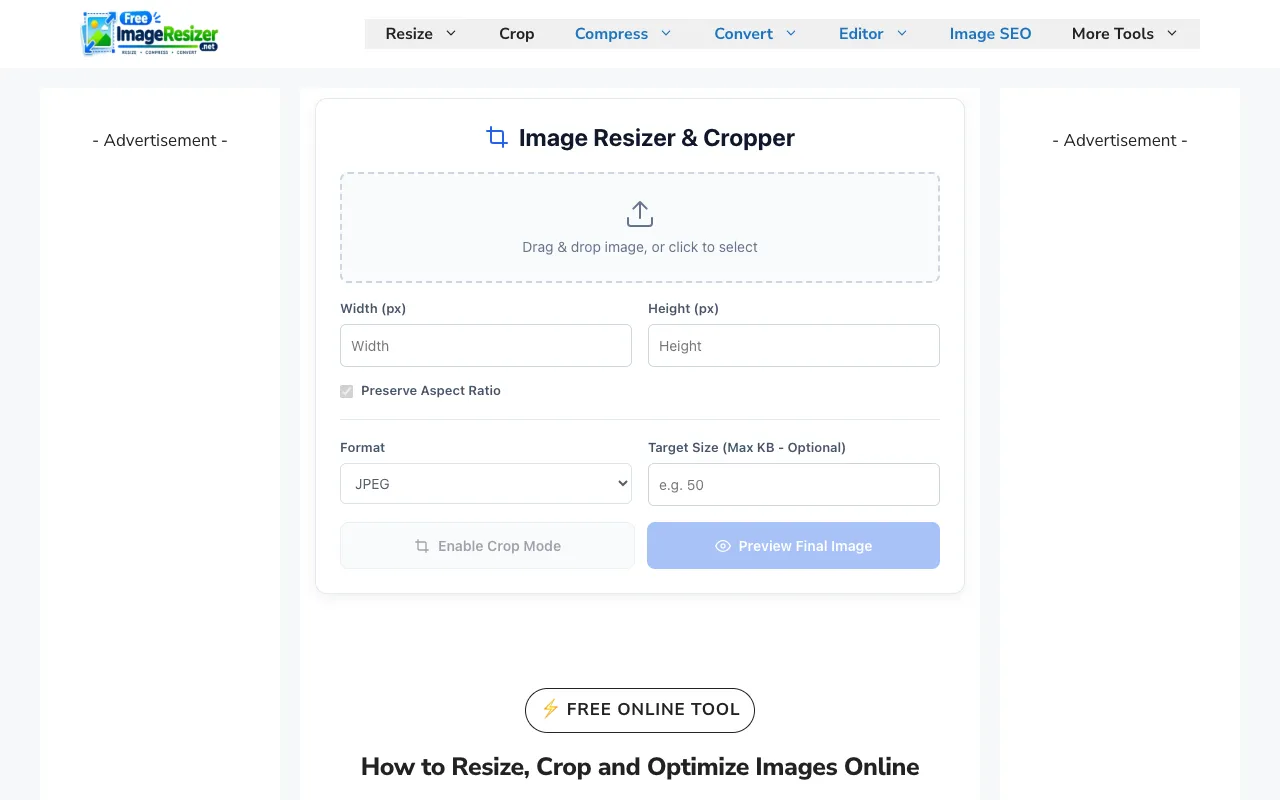
What Image Resizer does
Free Image Resizer is a browser-based tool that lets users resize, compress, crop, and optimize images and videos without installing software. It supports JPG, PNG, and WebP formats and can adjust files to specific pixel dimensions or reduce file size for faster web loading. The platform is built for quick social media preparation, handling formats common to YouTube, Instagram, TikTok, Facebook, and LinkedIn. Users can crop unwanted sections and optimize images before publishing, all within a simple, responsive interface that requires no technical expertise or registration.
How to use the Free Image Resizer Image Resizer
- 1
Open Free Image Resizer and click the upload button to select an image or video file from your device
- 2
Choose resize options by entering specific pixel dimensions or reducing file size, and lock the aspect ratio if desired
- 3
Use the crop tool to remove unwanted sections or adjust the framing for your target platform
- 4
Click the optimize or compress button to reduce file size, then download the processed file to your computer
Best for
Casual users and content creators who need a quick, no‑install way to resize and optimize images and videos for social media platforms without registering or paying for software.
Limitations
- File size limits may apply for very large uploads
- Advanced editing features found in desktop software are not available
- Processing speed depends on internet connection and browser performance
Image Resizer FAQ
- Do I need to create an account to use Free Image Resizer?
- No, the tool runs entirely in your browser and does not require registration or login to resize, compress, or crop images.
- What image and video formats does Free Image Resizer support?
- It supports JPG, PNG, and WebP formats for images, and common video formats can be resized directly in the browser.
- Can I resize multiple images at once using Free Image Resizer?
- The basic version handles single files; batch processing may require a different tool or the premium version of this service.
- Will resizing an image reduce its quality?
- The tool includes compression options to reduce file size, but excessive compression can affect visual quality; users can adjust settings to balance size and clarity.
More Image Resizer tools
- 0110015 Tools10015.io
Resizes an image to specific pixel dimensions or by percentage, with the option to lock the aspect ratio.
- 02ImageVideoFitimagevideofit.com
Image Resizer is a free online tool that allows users to resize images and videos directly in their web browsers. Ide...
- 03Local Resizerlocalresizer.com
Image resizing performed entirely in your web browser eliminates the need to upload files to external servers. All pr...
- 04MyToolsBenchmytoolsbench.com
Resize images by exact pixel dimensions, by percentage, or with a social media preset. Handles batches in the browser...
- 05Shard Toolsshard.tools
Resize images to exactly 200 by 200 pixels using one of two processing modes. Crop-to-fill creates an edge-to-edge sq...
- 06THAI SOLVEthaisolve.com
THAI SOLVE is a free, browser-based image optimization platform designed to help users resize and compress images to ...
- 07XConvertxconvert.com
Adjusts dimensions and aspect ratio of image files.
Similar tools
Based on shared tags