Image Resizer
Resize images by exact pixel dimensions, by percentage, or with a social media preset. Handles batches in the browser...
What Image Resizer does
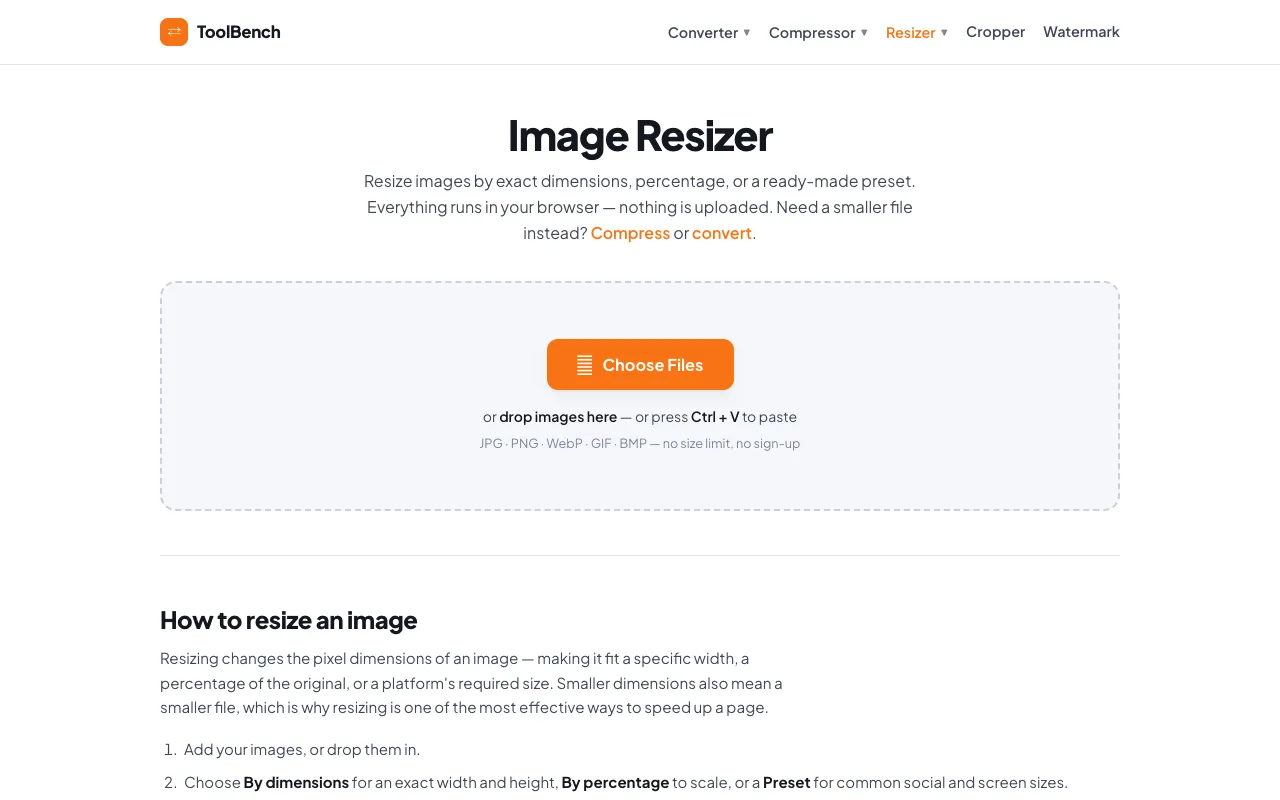
Image Resizer is a free online tool that lets you resize JPG, PNG, WebP, and GIF files directly in your browser. You can adjust images by exact pixel dimensions, by percentage, or by choosing from ready-made presets sized for social platforms like Instagram, Facebook, YouTube, and Twitter. The result is a smaller file that loads faster on the web, and everything is processed locally so your images stay private.
How to use the MyToolsBench Image Resizer
- 1
Open Image Resizer and drag your files onto the page or click Choose Files to select images from your device.
- 2
Pick a resizing method: enter exact width and height in pixels, scale by percentage, or select a preset sized for a specific social platform.
- 3
Keep the aspect ratio locked so the image doesn't stretch, or uncheck it to crop to fill the target dimensions.
- 4
Click Resize to process the images instantly in your browser, then download each file individually or grab them all as a ZIP archive.
Best for
Content creators who need to quickly prepare images for multiple social platforms without uploading files to external servers or creating an account.
Limitations
- No unit switching — dimensions are entered in pixels only.
- No built-in compression beyond what resizing provides.
- Presets are fixed sizes; custom dimensions require manual entry.
Image Resizer FAQ
- Can I resize multiple images at once?
- Yes, Image Resizer supports batch processing. You can select several files and they will all be resized to the same dimensions without uploading to a server.
- Does resizing reduce the file size of my images?
- Yes, smaller pixel dimensions result in smaller file sizes, which helps images load faster on websites and social media platforms.
- Are my images uploaded to the internet when I use this tool?
- No, all resizing happens within your browser. Your images are never sent to a server, so they remain private.
- What image formats does Image Resizer support?
- The tool accepts JPG, PNG, WebP, GIF, and BMP files with no stated file size limit.
More Image Resizer tools
- 0110015 Tools10015.io
Resizes an image to specific pixel dimensions or by percentage, with the option to lock the aspect ratio.
- 02Free Image Resizerfreeimageresizer.net
Free Image Resizer is an online tool for resizing, compressing, cropping, and optimizing images directly in your brow...
- 03ImageVideoFitimagevideofit.com
Image Resizer is a free online tool that allows users to resize images and videos directly in their web browsers. Ide...
- 04Local Resizerlocalresizer.com
Image resizing performed entirely in your web browser eliminates the need to upload files to external servers. All pr...
- 05Shard Toolsshard.tools
Resize images to exactly 200 by 200 pixels using one of two processing modes. Crop-to-fill creates an edge-to-edge sq...
- 06THAI SOLVEthaisolve.com
THAI SOLVE is a free, browser-based image optimization platform designed to help users resize and compress images to ...
- 07XConvertxconvert.com
Adjusts dimensions and aspect ratio of image files.
Similar tools
Based on shared tags