11 tools
Generates custom fonts by allowing users to upload their own text, choose from various font styles, adjust size, color, and other attributes, then download the resulting font file in formats like TTF or OTF. Ideal for designers, developers, educators, and anyone needing personalized typography for projects.
Image Resizer is a free online tool that allows users to resize images and videos directly in their web browsers. Ideal for preparing content for social media platforms like YouTube, Instagram, TikTok, Facebook, and LinkedIn, this versatile tool offers a simple interface without requiring any registration or watermarking. With Image Resizer, you can easily adjust the dimensions of your images and videos to fit specific requirements, ensuring your media looks great across different social platforms.
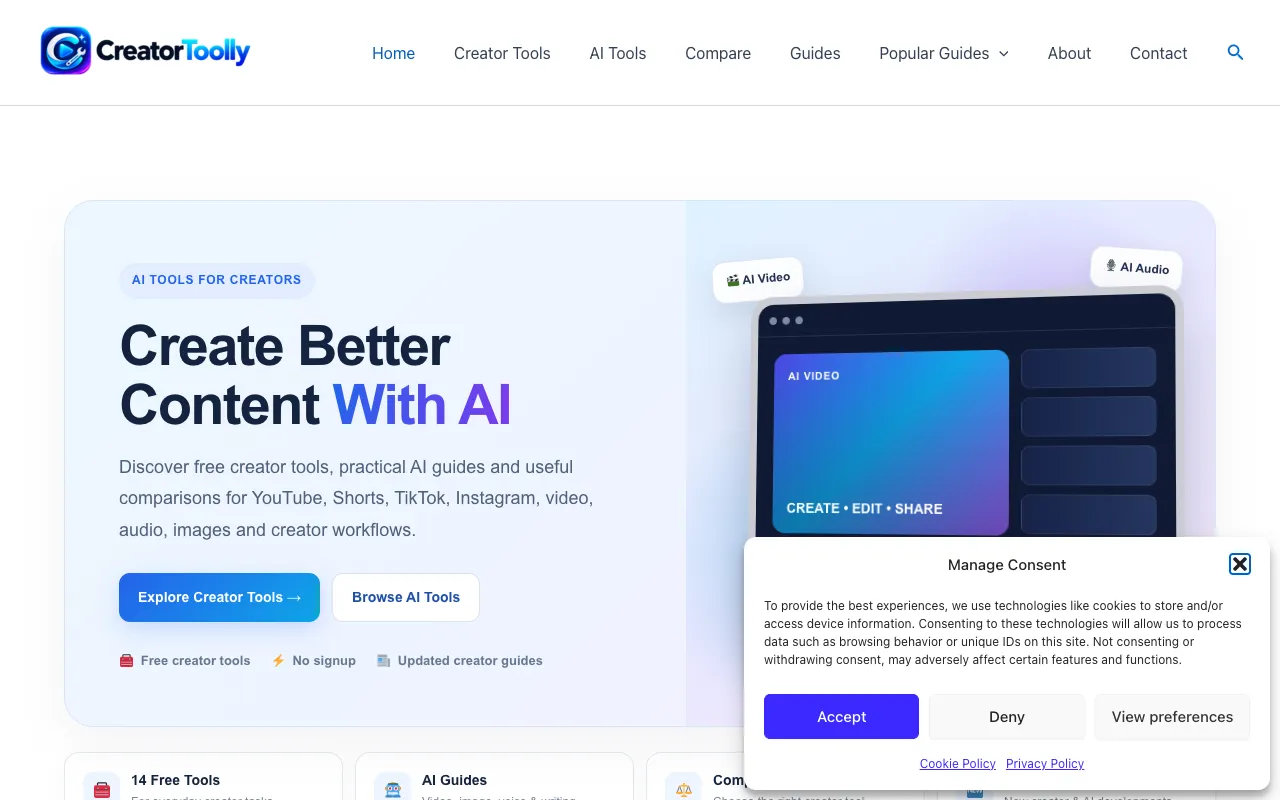
CreatorToolly provides a comprehensive collection of free, browser-based tools designed specifically for social media creators working on YouTube, TikTok, and Instagram. The platform includes specialized generators for video titles, tags, hashtags, and captions that help creators optimize their content for better discoverability and audience engagement across different platforms. These generators leverage common best practices in social media optimization to save creators time during content planning and publishing workflows. Beyond its generator tools, CreatorToolly offers image editing and manipulation capabilities, along with detailed comparisons of popular AI applications to help creators evaluate and choose the right tools for their specific needs. The suite also includes educational resources and guides tailored to creator workflows, providing both practical utilities and strategic insights for improving content quality and channel growth.
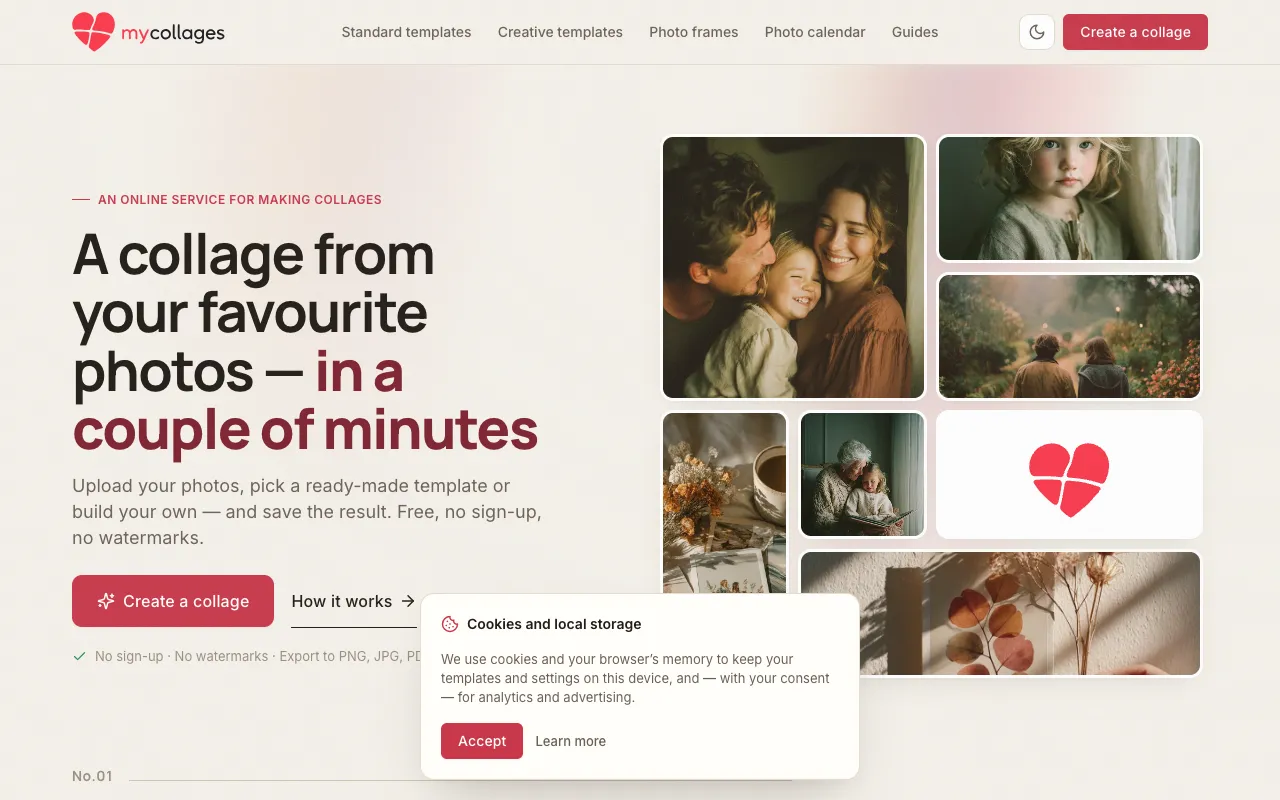
A free online photo collage maker that runs entirely in your browser without requiring installation, sign-up, or watermarks. The platform provides over 100 customizable templates in both rectangular grid layouts and creative shape designs, allowing users to combine multiple photos, add decorative frames, text overlays, stickers, and visual filters to create unique compositions. Each photo can be edited directly within the interface using comprehensive editing options including crop, rotate, blur, perspective transformation, and flip functions. The finished collage can be exported in multiple formats: PNG and JPG for digital use, MP4 for video sharing, or print-ready PDF for physical printing. The editor works seamlessly on both desktop and mobile browsers, and all photo processing occurs locally on the user's device without uploading any files to external servers.
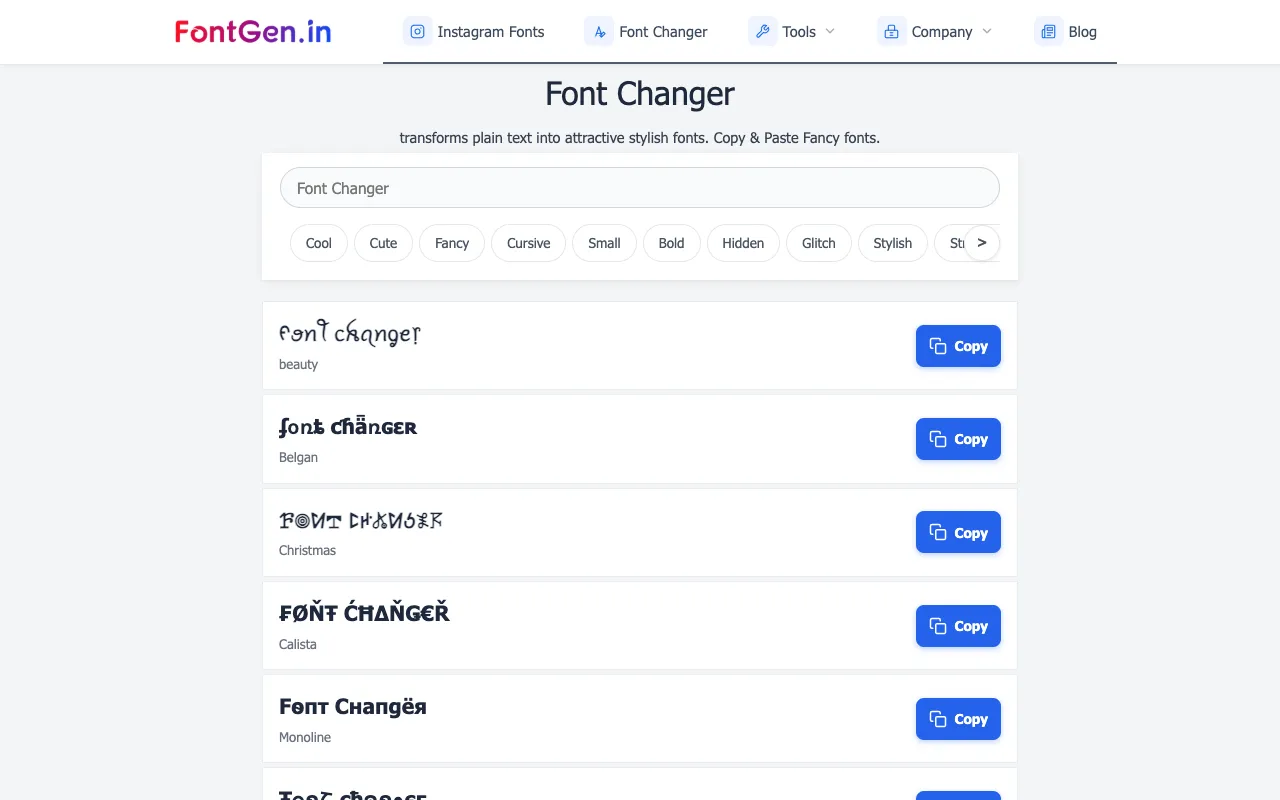
FontGen's Font Style Generator transforms plain text into visually distinctive stylized Unicode fonts, offering multiple design options including cursive, bold, and gothic letter styles. Users simply type their message or name into the text input field at the top of the page, browse through the available style previews, select their preferred design, and click copy to instantly get the styled text ready to paste anywhere online. The tool uses Unicode characters to create the visual variations, allowing the styled text to work seamlessly across all different digital platforms and applications including social media sites, messaging services, and chat applications. This Unicode-based approach ensures universal compatibility and immediate usability without requiring users to install special fonts or any additional software on their devices.
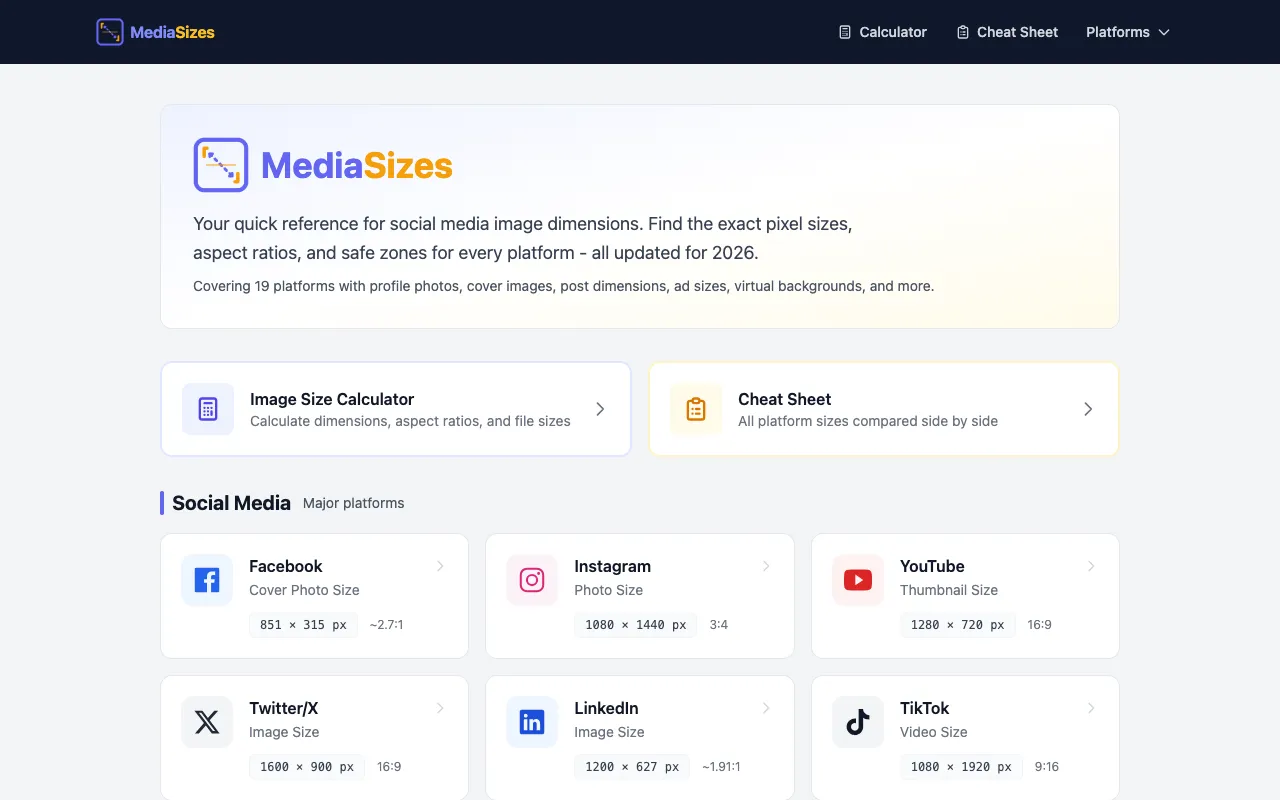
Media Sizes is a free reference guide providing image and video dimension specifications for every major social media platform, including Instagram, Facebook, TikTok, YouTube, Reddit, and many others. The site maintains current, accurate specifications for each platform's unique size requirements, helping creators understand what dimensions their content needs for optimal display. The platform includes a built-in resize calculator that makes it simple to adapt media to each platform's exact specifications. Rather than manually calculating aspect ratios and file dimensions, users can quickly reference the correct sizes and use the calculator to convert their content to the proper dimensions. This tool is particularly useful for content creators, designers, and social media managers who work across multiple platforms.
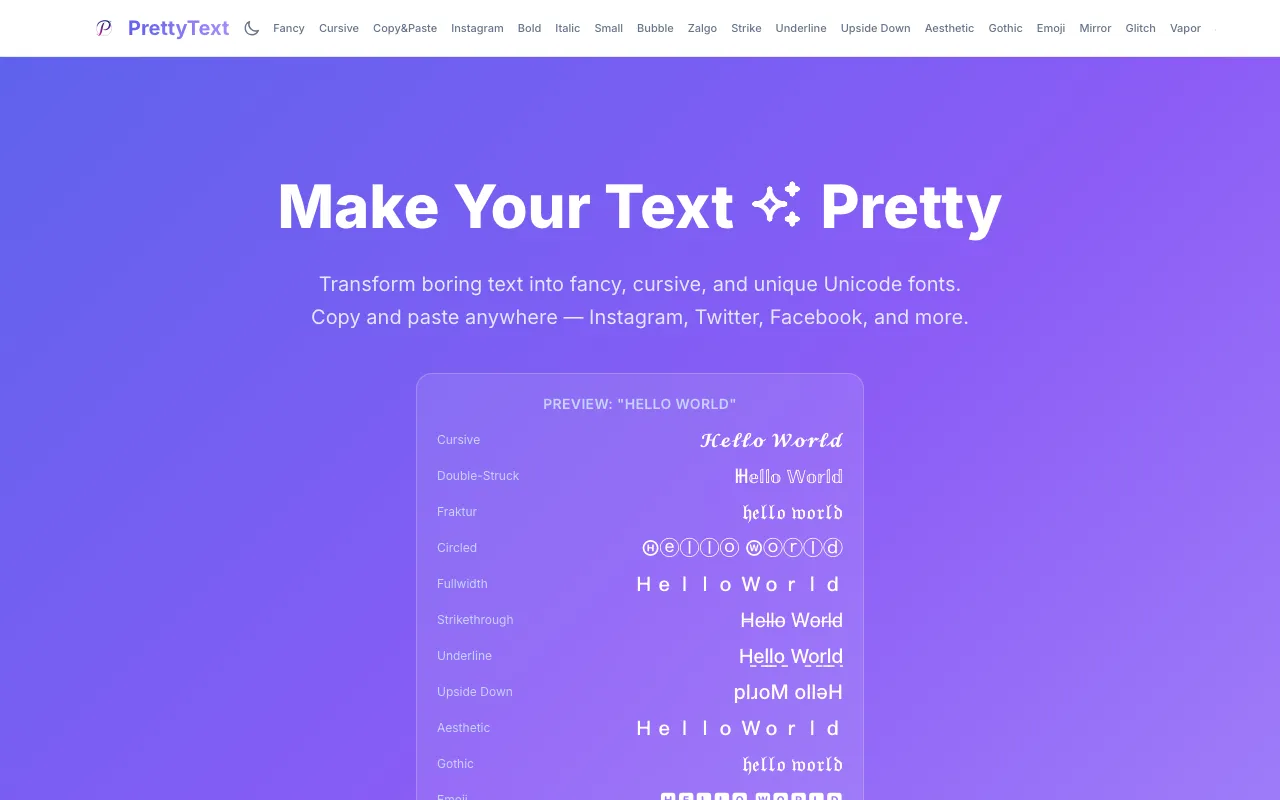
PrettyText is a free browser-based text formatter that instantly transforms plain text into stylized Unicode versions. Paste any text and choose from multiple formatting styles including bold, italic, strikethrough, cursive, upside down, Zalgo, and other decorative text effects. Each style generates a unique Unicode variation ready to copy and paste directly into your application of choice. The tool runs entirely client-side with no login or account required, and no file uploads needed. It's designed for social media users who want to enhance their bios, Discord messages, Reddit posts, and other social platforms with distinctive text styling that stands out. All processing happens in your browser, ensuring your text never leaves your device while you create custom-styled text variations.
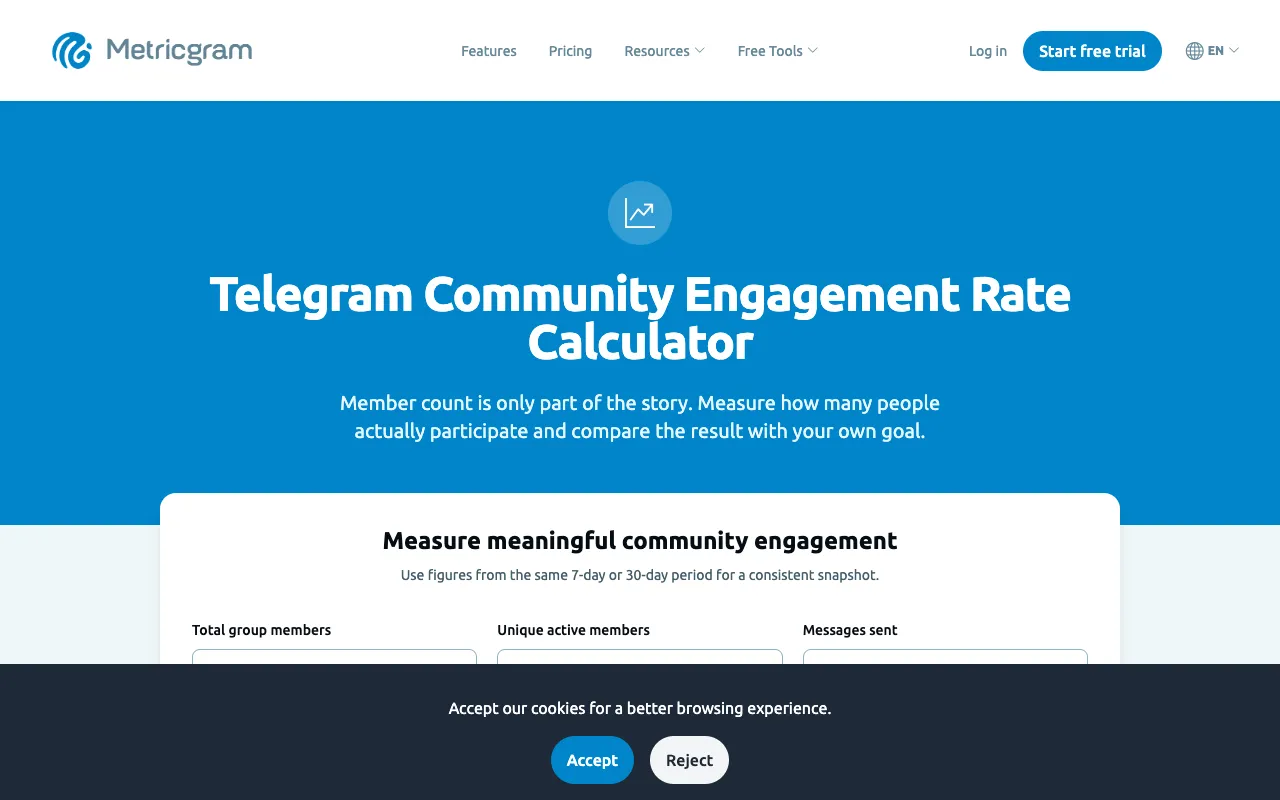
Calculates comprehensive engagement metrics for Telegram communities without requiring an account or login. Enter your community's member count, active member count, total messages sent, number of replies, and total reactions to generate detailed engagement analysis. The tool instantly computes active-member rate, messages per active member, reply rate, and reactions per 100 messages—providing key indicators of community health, member participation patterns, and overall engagement performance. Community managers and Telegram administrators use these metrics to understand member engagement levels and track growth trends. The calculator accepts raw community statistics from your Telegram group and produces actionable engagement insights instantly, enabling data-driven decisions for optimizing community strategies, refining content approach, enhancing member experience, and improving overall participation quality.
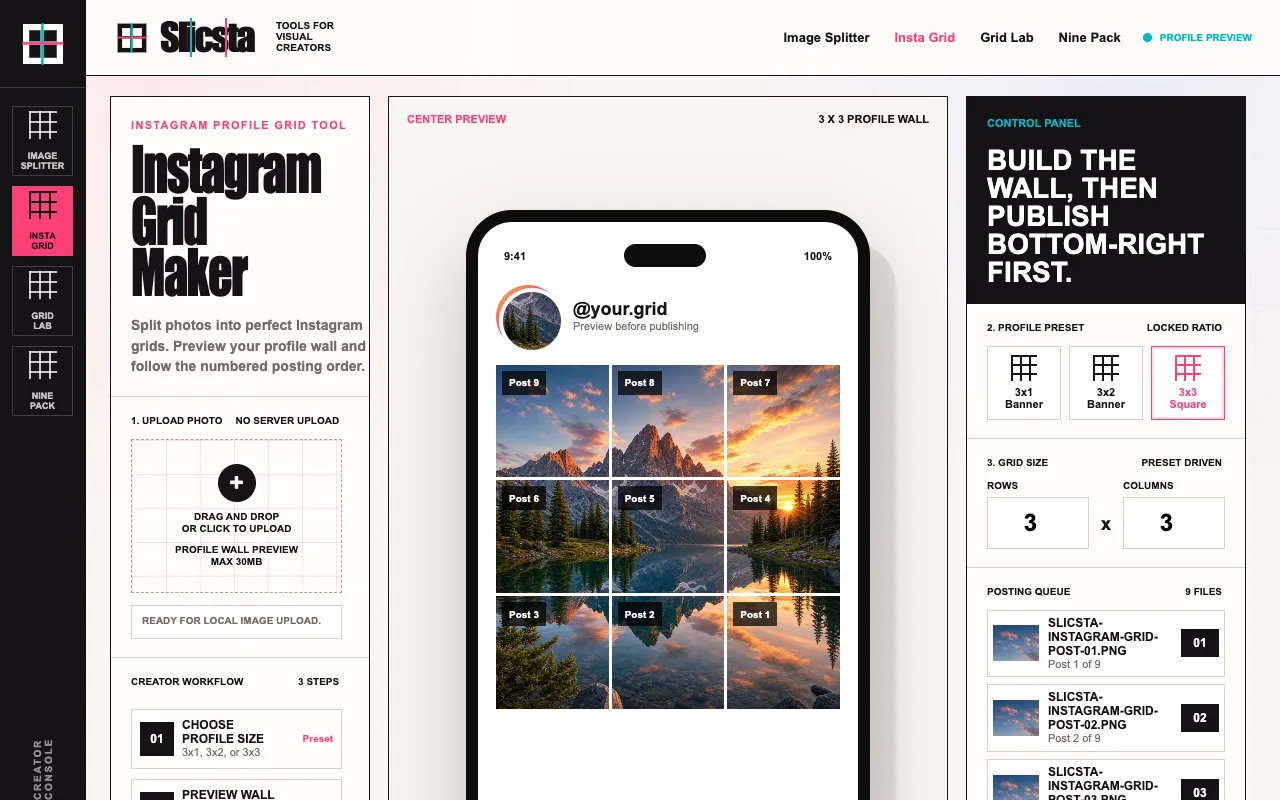
Splits a single photo into a customized multi-grid layout optimized for Instagram posts. Users can select from 3x1, 3x2, or 3x3 grid configurations to determine how the image will be divided and arranged. The tool provides a live preview showing exactly how the grid pieces will appear when displayed on an Instagram profile wall, allowing users to evaluate the composition and aesthetic impact before downloading. Each grid piece is numbered sequentially to indicate the correct posting order. The resulting grid pieces are packaged together and downloaded as a single ZIP file, streamlining the process of uploading multiple images to Instagram. This approach enables content creators to post cohesive multi-image carousel or feed posts while maintaining complete visual control over the appearance and layout of their Instagram profile. Ideal for users seeking to coordinate visual themes across their feed.
CreatorKit Studio is a browser-based toolkit designed for content creators and marketing professionals seeking to streamline their digital content workflows. It offers a comprehensive suite of tools spanning content creation, SEO optimization, social media management, subtitle generation, image processing, and writing workflow support. The platform consolidates these traditionally separate functions into a single integrated environment, reducing the need to switch between multiple applications. The toolkit is built to support the complete content lifecycle, from initial creation and optimization through publication and distribution. Its feature set includes tools for crafting written content, optimizing for search engines, preparing visual assets, generating subtitles, managing social media presence, and coordinating writing tasks. By centralizing these capabilities, the toolkit aims to improve productivity and simplify the overall content management and creation process.
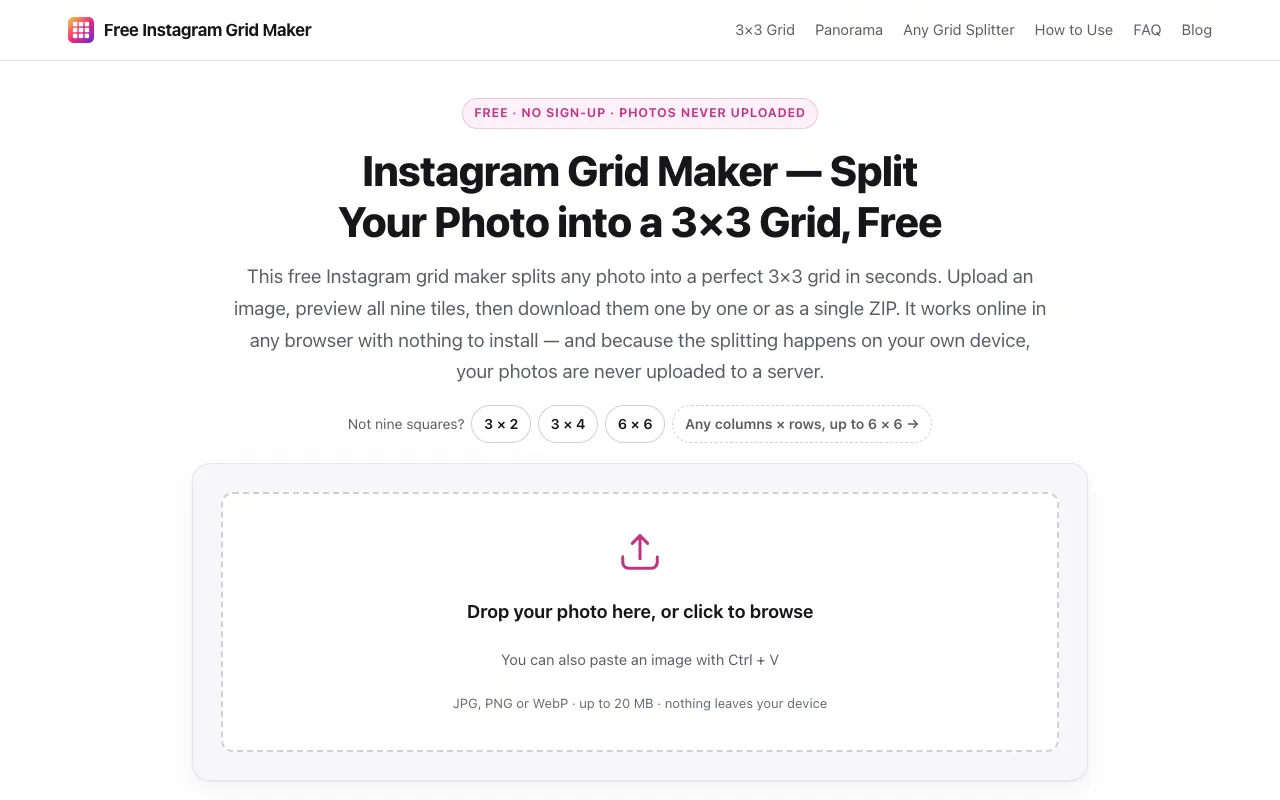
Split a single photo into nine square tiles for a 3x3 Instagram profile grid layout. The application processes your image locally in your browser, keeping your photos private and never uploading them to any server. After processing, it generates a ZIP file with all tiles pre-named in posting order, making it simple to upload them to Instagram in sequence to recreate the complete grid effect on your profile. The service requires no account sign-up, adds no watermarks to images, and imposes no daily usage limits. This makes it an accessible solution for anyone wanting to create an organized, cohesive Instagram profile layout without complex setup, additional software, or privacy concerns.