Wallpaper Theme Generator
A browser-based theme generator designed for Codex Desktop that transforms wallpapers into custom color schemes. The ...
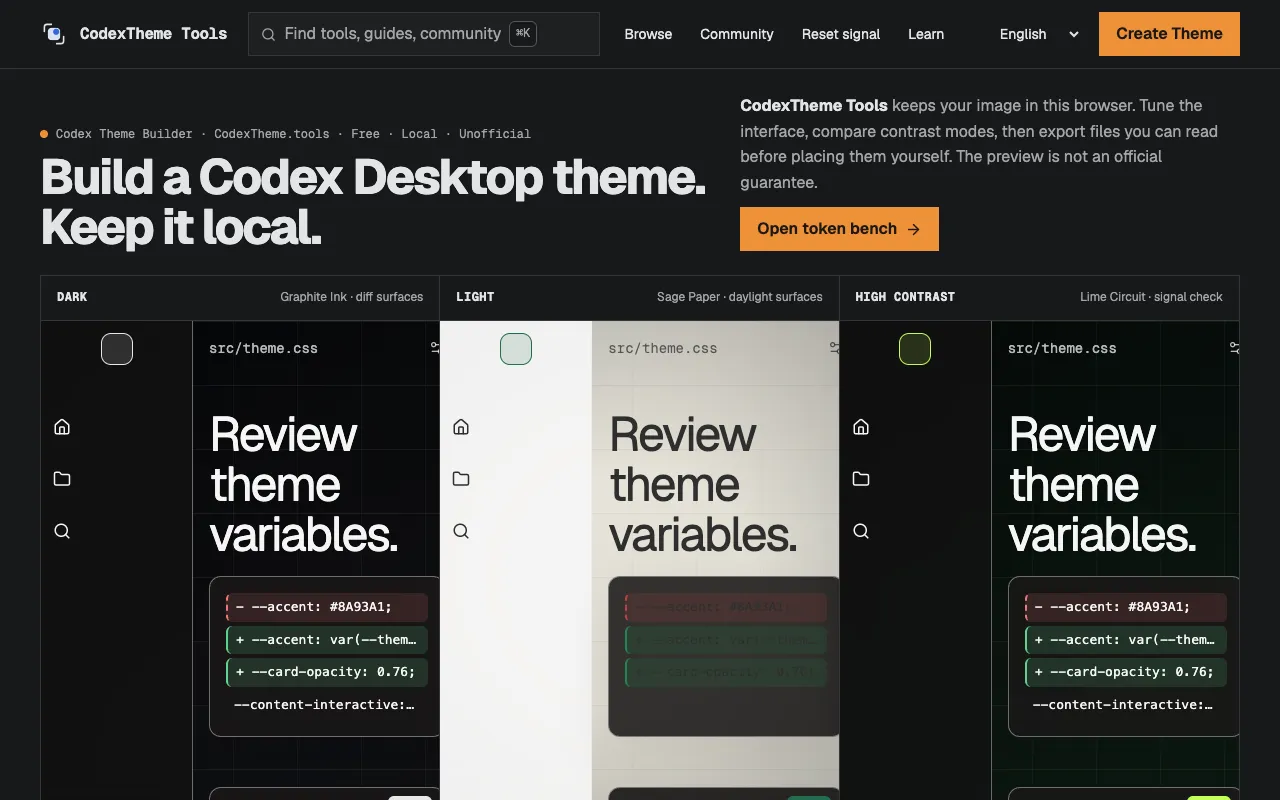
What Wallpaper Theme Generator does
Wallpaper Theme Generator is a browser-based tool that transforms any wallpaper into a custom color scheme designed for Codex Desktop. It analyzes the dominant colors and tones in your chosen background image to extract readable palettes, then generates theme variations that maintain visual harmony and readability across the desktop interface. The result is a set of coherent colors that adapt to your background, ensuring text and UI elements remain legible without requiring any image uploads.
How to use the CodexTheme Wallpaper Theme Generator
- 1
Open the Wallpaper Theme Generator on CodexTheme
- 2
Select or upload a wallpaper image from your device
- 3
Review the generated color palette and theme variations
- 4
Apply the chosen theme to your Codex Desktop interface
Best for
Users who want to personalize their Codex Desktop look by creating a custom theme that matches any wallpaper while keeping text readable.
Limitations
- No unit switching between light and dark modes
- Processing occurs only within the browser session
- Palette options may be limited by the source image's color range
Wallpaper Theme Generator FAQ
- Do I need to upload my wallpaper to a server?
- No, all processing happens locally in your browser—no images are sent to external services or servers.
- Can I use the generated theme with other desktop software?
- The themes are specifically designed for Codex Desktop, but the color palettes can inspire custom themes in other applications.
- What if my wallpaper has very few dominant colors?
- The generator extracts the available tones from the image; results will reflect the image's actual color range, which may produce a more limited palette.
- How do I ensure the text remains readable after applying a theme?
- The tool intelligently ensures sufficient contrast between text and UI elements based on the extracted colors, maintaining readability across the desktop interface.
Similar tools
Based on shared tags