QR Code Decoder
QR Code Decoder lets you decode QR codes from images, screenshots, and live camera input. The tool instantly reads an...
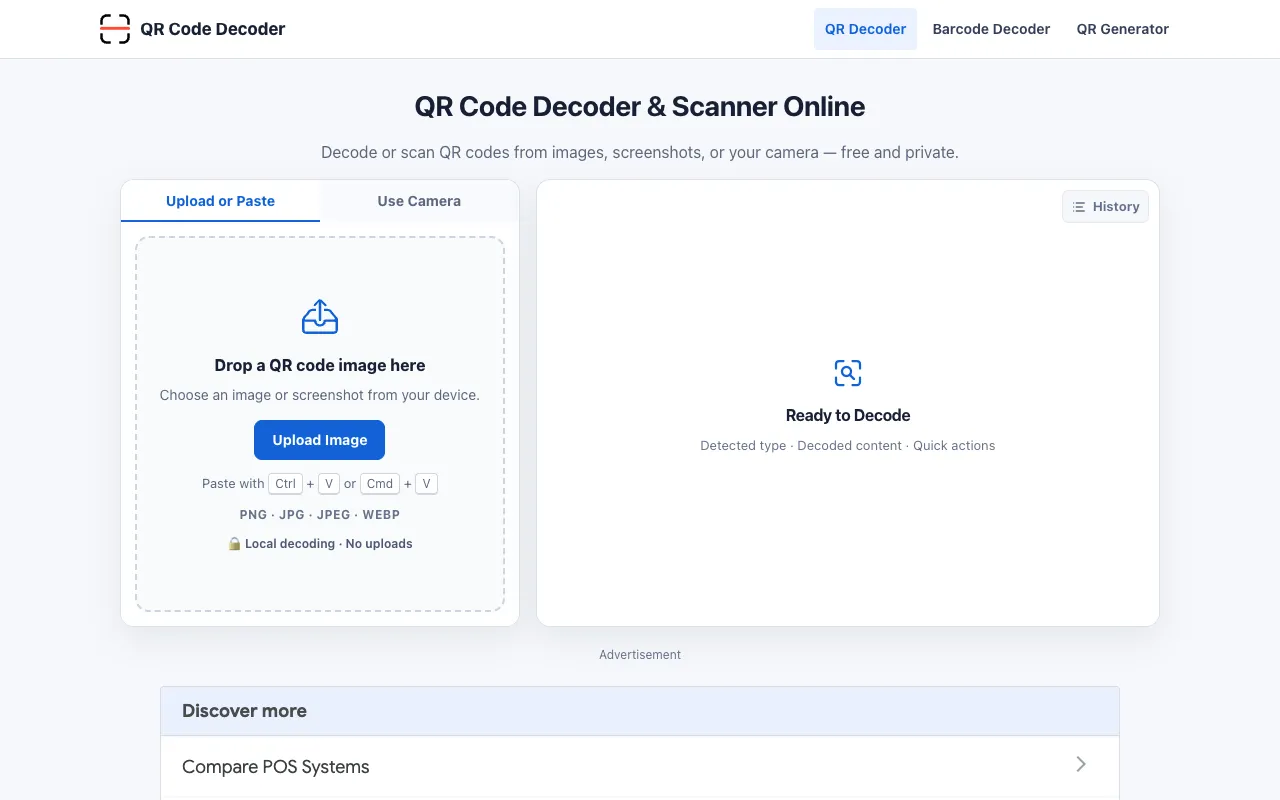
What QR Code Decoder does
QR Code Decoder is a browser-based tool that instantly reads QR codes from uploaded images, screenshots, or a live camera feed. It extracts the embedded data—URLs, text, contact details, Wi‑Fi credentials, events, and more—without ever sending the image to a server. The same site also includes a QR code generator that lets you customize colors, frames, and logos, all processed locally in your browser for privacy.
How to use the QR Code Decoder QR Code Decoder
- 1
Upload or drop a QR code image, paste a screenshot, or click "Start Camera" to scan live
- 2
Wait for the decoder to automatically detect and read the code
- 3
Review the structured result showing the format and decoded content
- 4
Copy the value or download it; inspect any URLs before opening
Best for
Anyone who needs to quickly decode QR codes from existing images or camera input without uploading files elsewhere, especially users who value privacy and also want a simple generator for custom codes.
Limitations
- Requires a clear, unobstructed QR code within the image frame
- Camera access is browser‑prompted and may not work on all devices or browsers
- No explicit support for batch decoding or file type conversion beyond PNG/JPG/JPEG/WEBP
QR Code Decoder FAQ
- Do I need to create an account or pay to use the decoder?
- No account or payment is required; the tool is free and runs entirely in your browser.
- Is my QR code image or scanned data stored or sent anywhere?
- No—all decoding happens locally in your browser; images and results are not uploaded to the site’s servers.
- Can I decode a QR code from a photo taken with my phone?
- Yes—you can upload PNG, JPG, JPEG, or WEBP files, including screenshots, directly from your device.
- What types of content can the decoder extract?
- It extracts URLs, text, contact information, Wi‑Fi network details, email, SMS, locations, and event data, presenting each in structured fields.
Similar tools
Based on shared tags