Image Tools2 options compared

Compress JPG

Reduces JPG file size with smart compression. Users can upload JPEG images to the tool, which applies an optimized algorithm to shrink the file without significantly affecting image quality. Ideal for web designers, bloggers, and anyone looking to reduce storage space or improve website load times by compressing photos. Would use it for efficiently managing digital assets, especially when dealing...

Editors’ Top PickBased on community votes
Other OptionsRanked by votes

Side by side

Compress JPG options compared

ToolBest forStrengthsLimitations
MyToolsBench
mytoolsbench.com
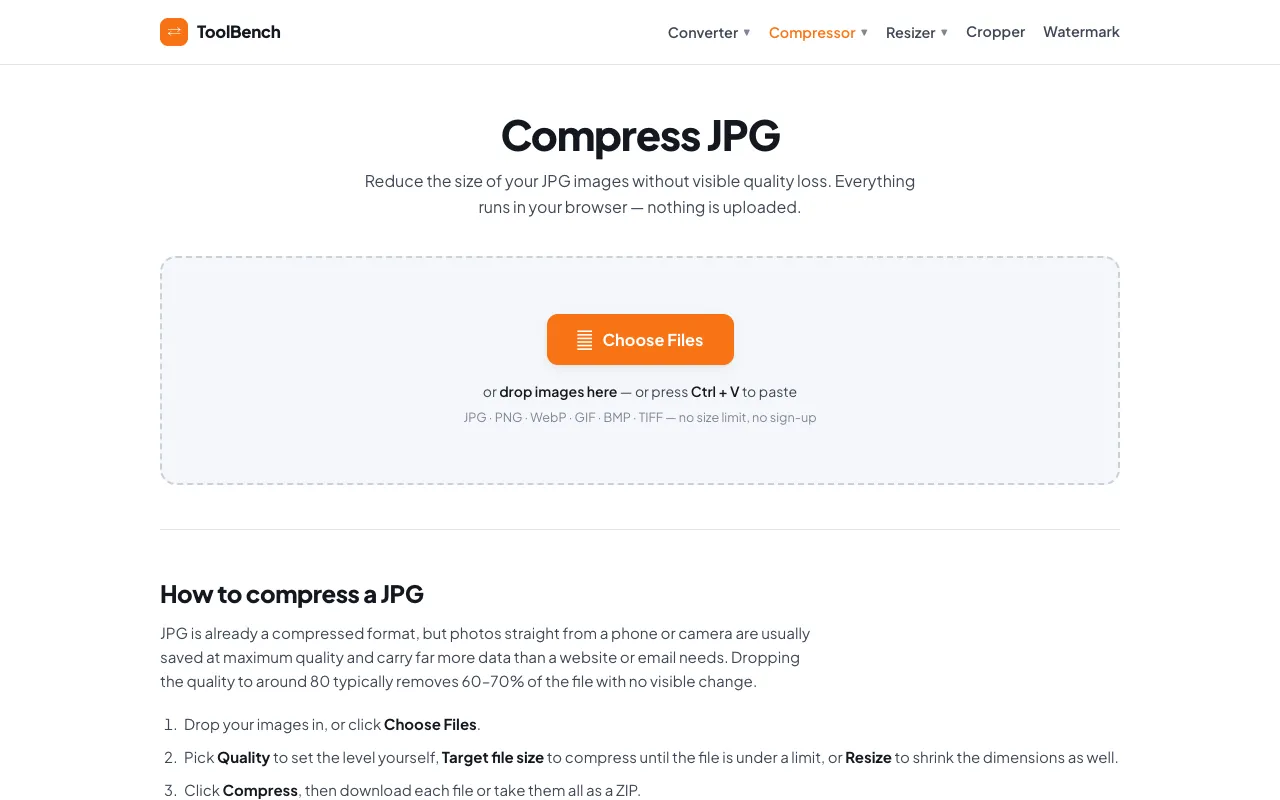
Users needing size targets and metadata stripping
  • Target size in KB/MB
  • Quality adjustment
  • Strip EXIF metadata
  • Ads on the page
  • Fewer unit options than desktop software
Online JPG Tools
onlinejpgtools.com
Quick compression without extra steps
  • Simple interface
  • Maintains visual quality
  • No sign-up required
  • No target size or quality sliders
  • No metadata removal

Buyer's guide

How to choose a compress jpg

If you have a specific file size goal — like keeping a header image under 200 KB — look for a tool that lets you set a target size and adjust quality. If you just need to shrink a few photos fast and don't care about metadata, a simpler compressor without sliders will save you time.

Questions

Compress JPG FAQ

Can I compress multiple JPGs at once?
MyToolsBench supports batch processing and a 'Download all (ZIP)' option, while Online JPG Tools does not mention multi-file upload in the excerpt.
Will compression remove hidden data like GPS location?
MyToolsBench includes an option to strip EXIF metadata, including GPS location and camera details. Online JPG Tools does not advertise metadata removal.
Does compressing a JPG lose quality?
Both tools reduce file size by adjusting compression level. MyToolsBench lets you choose quality levels (80 typically removes 60–70% of file size with no visible change), while Online JPG Tools uses smart algorithms to maintain visual quality.
Is my image uploaded to a server or processed locally?
MyToolsBench processes files locally in the browser and never uploads them. Online JPG Tools does not specify whether processing is local or server-based.
Can I resize the image dimensions as well as compress quality?
MyToolsBench includes a Resize option to set maximum width. Online JPG Tools focuses on compression level only, with no dimension resizing mentioned.
Keep Exploring

Related tools in Image Tools

View all →