Design Tools
16 tools

Guide
About design tools tools
Design tools in this category help creators turn ideas into visual assets without installing software or paying fees. The tools cover a wide range of tasks, from generating ASCII art and photo collages to creating avatars, holographic cards, and 3D models. They are useful for hobbyists, educators, and anyone who needs quick visual outputs for social media, presentations, or personal projects.
Before choosing a tool, consider the type of output you need and the format you plan to use. Some tools, like the ASCII Art Generator and Grid Tools Suite, work with text or reference images to produce structured patterns, while others, such as the Photo Collage Maker and Wallpaper Theme Generator, focus on color and layout. If you are working with 3D data, the STL Viewer and Voxel Model Editor let you inspect and edit block-based models. Always check the export options of each tool to ensure the result fits your intended platform.
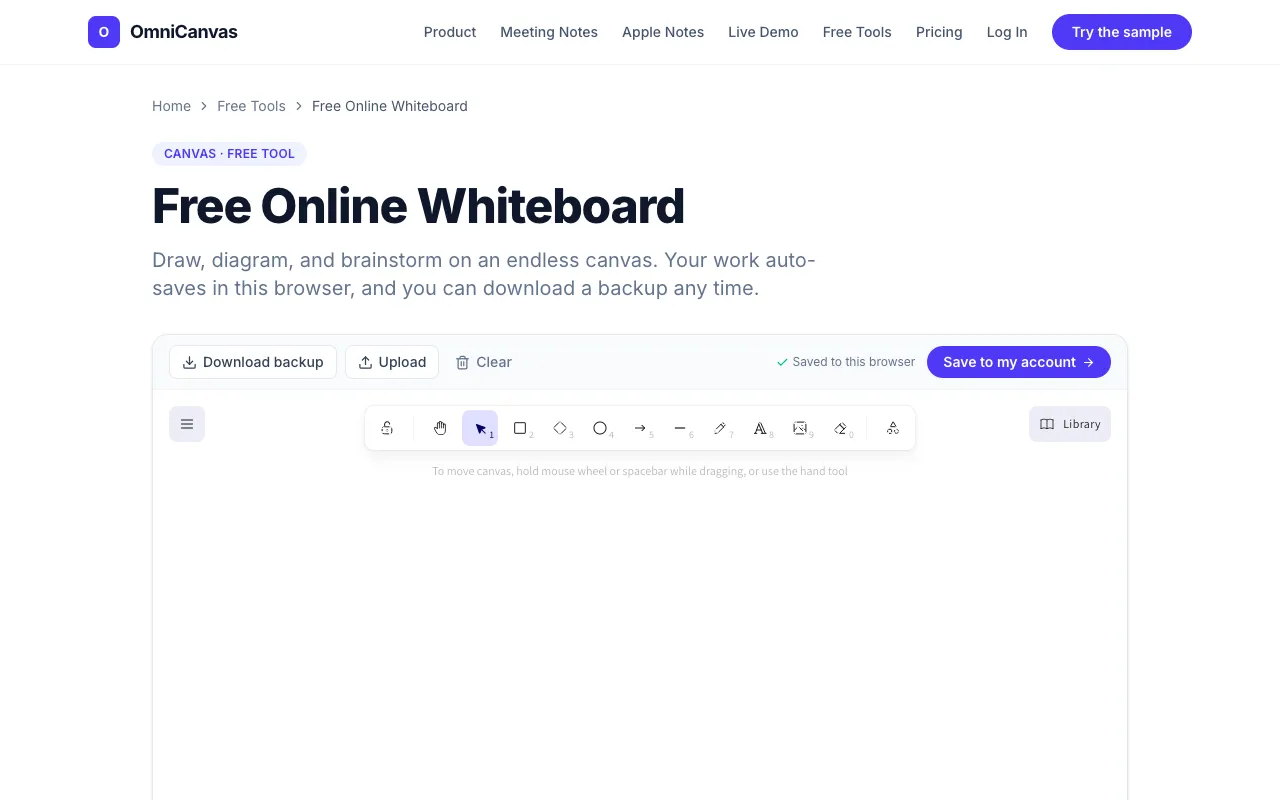
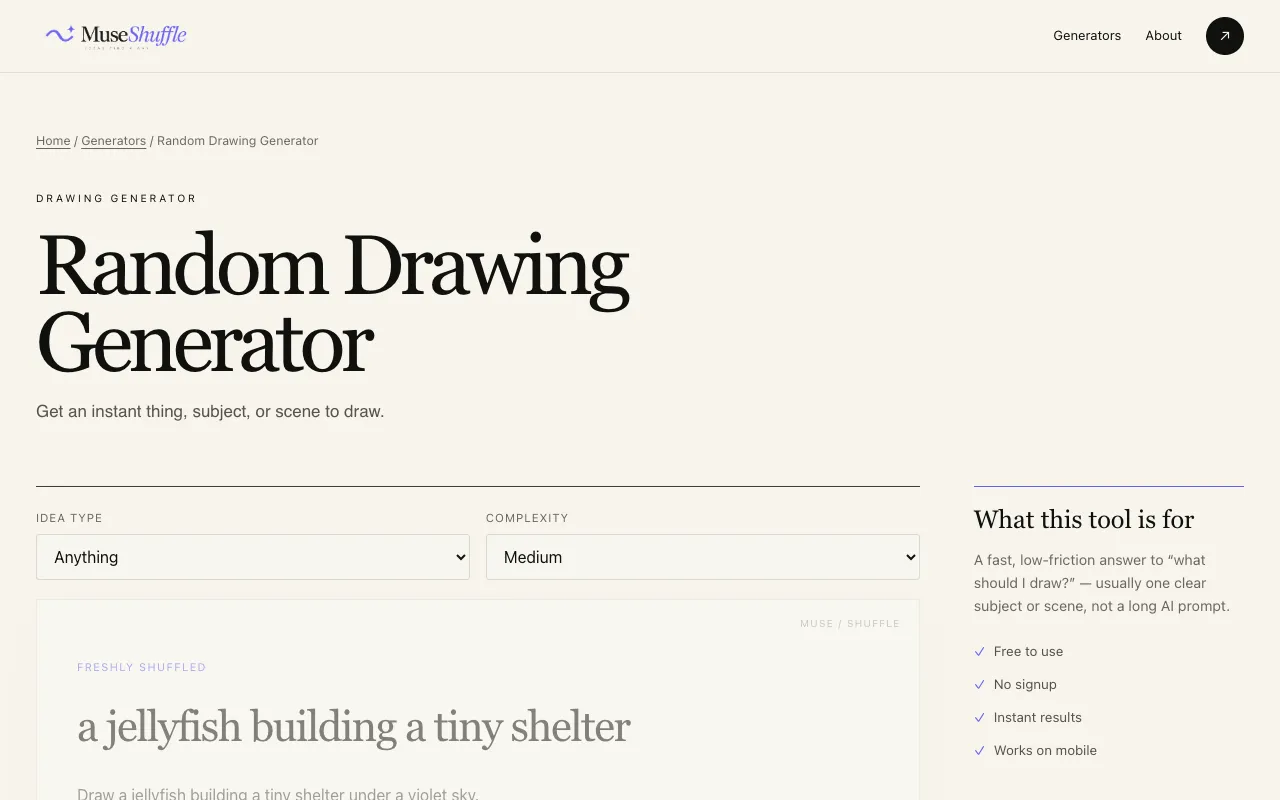
A common mistake is assuming all tools support the same file types or customization levels. The Rhinestone Pattern Generator and Crochet Pattern Generator, for example, produce grids tailored to textile work, whereas the Random Drawing Generator provides creative prompts rather than finished artwork. Users should also be aware that some tools, like the Free Online Whiteboard, rely on browser storage and may lose data if cache is cleared.
Find the right tool
Design Tools tools by task
Text and Image Conversion
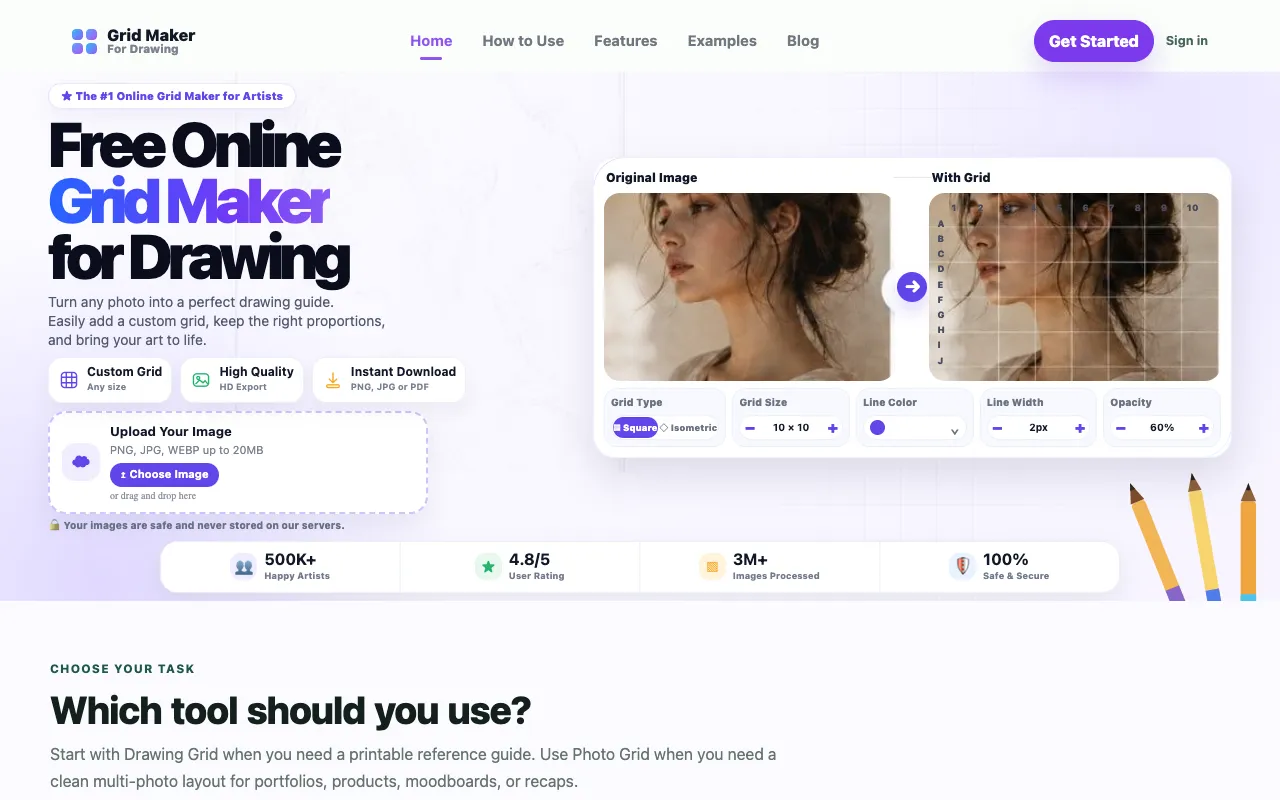
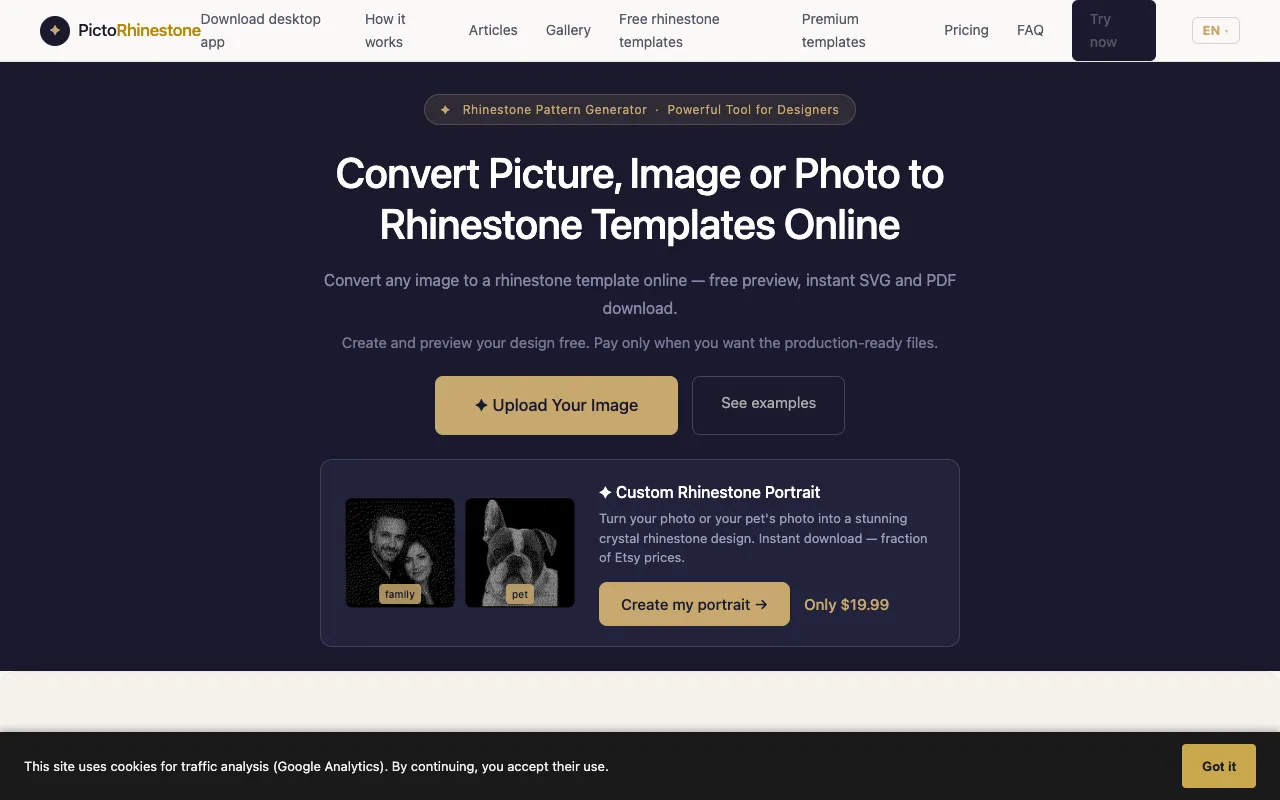
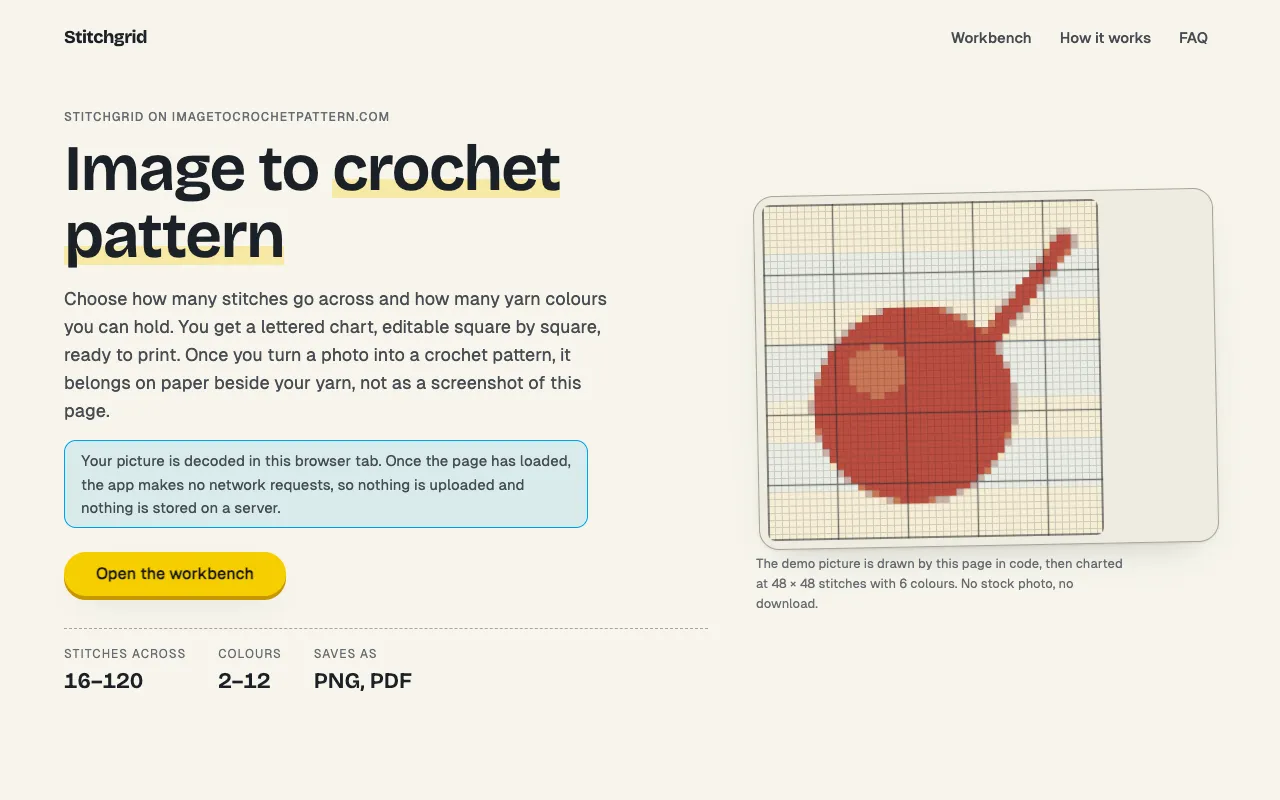
These tools transform plain text or photographs into structured visual formats. The ASCII Art Generator converts text and images into retro character-based art using decorative fonts, while the Grid Tools Suite overlays drawing grids onto reference photos for artists. The Crochet Pattern Generator and Rhinestone Pattern Generator produce color-coded patterns suitable for textile and apparel projects.
Collage and Layout Design
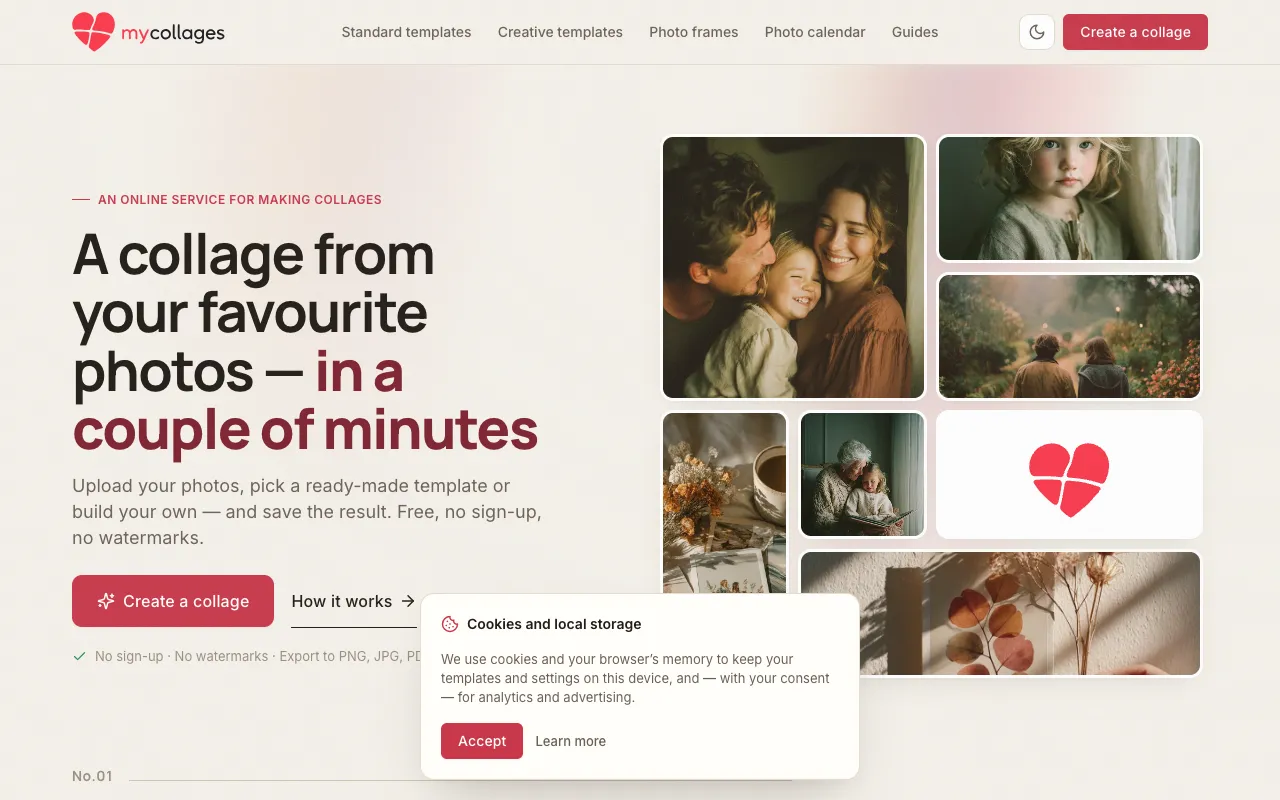
Tools in this group help users combine multiple images or colors into a single composition. The Photo Collage Maker allows browser-based collage creation without sign-up or watermarks, and the Wallpaper Theme Generator extracts color schemes from existing wallpapers to create custom themes. These are ideal for social media graphics, mood boards, or desktop personalization.
Avatars and Card Creation
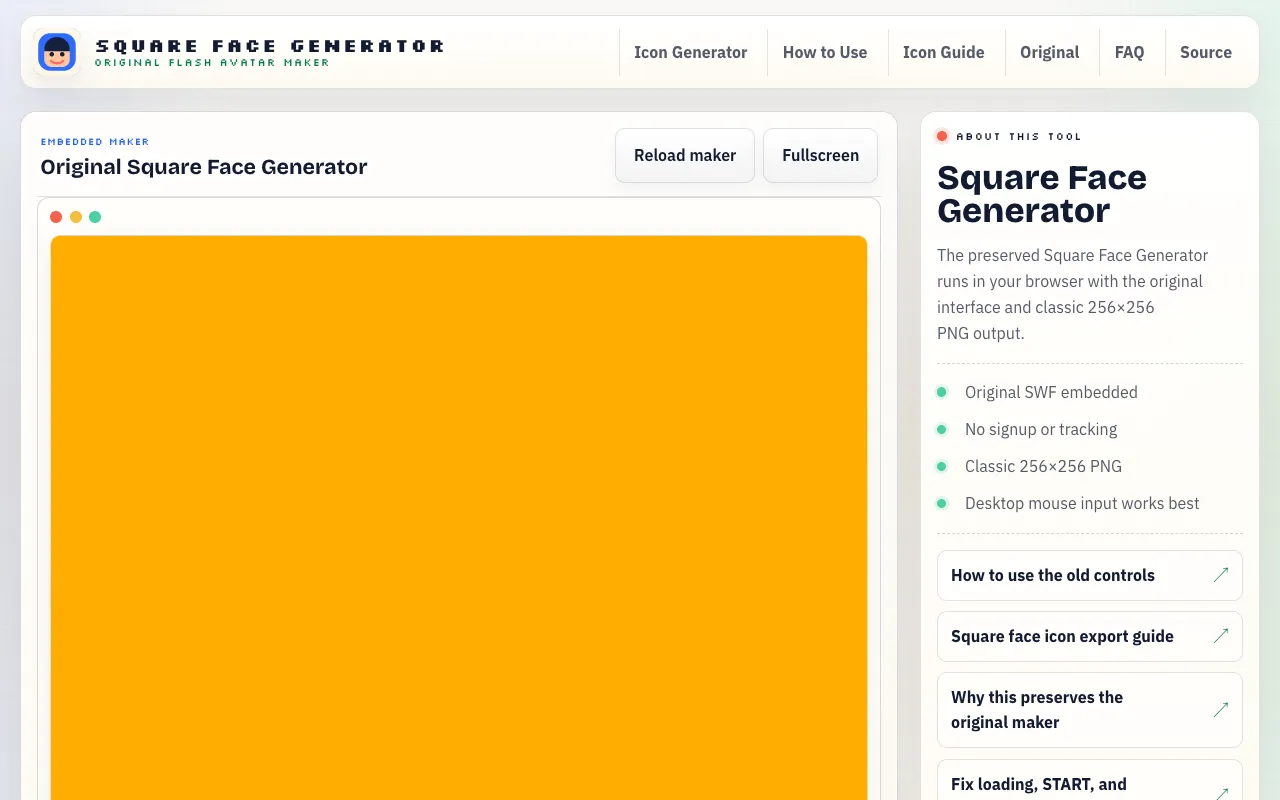
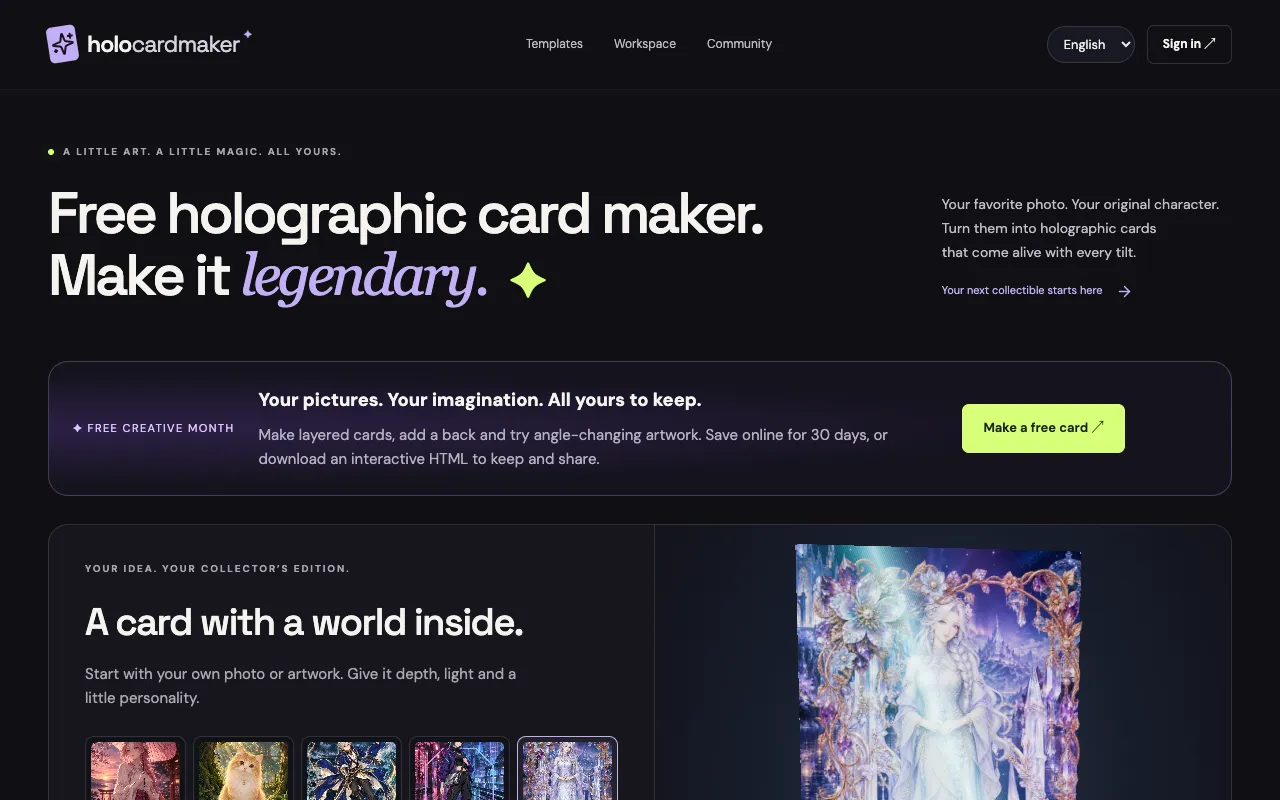
These generators produce stylized personal or promotional graphics. The Avatar Generator creates square-faced retro characters, while the Holographic Card Maker turns photos into interactive trading cards with layered image effects. Both are commonly used for profile pictures, event invites, or fan art projects.
3D and Planning Utilities
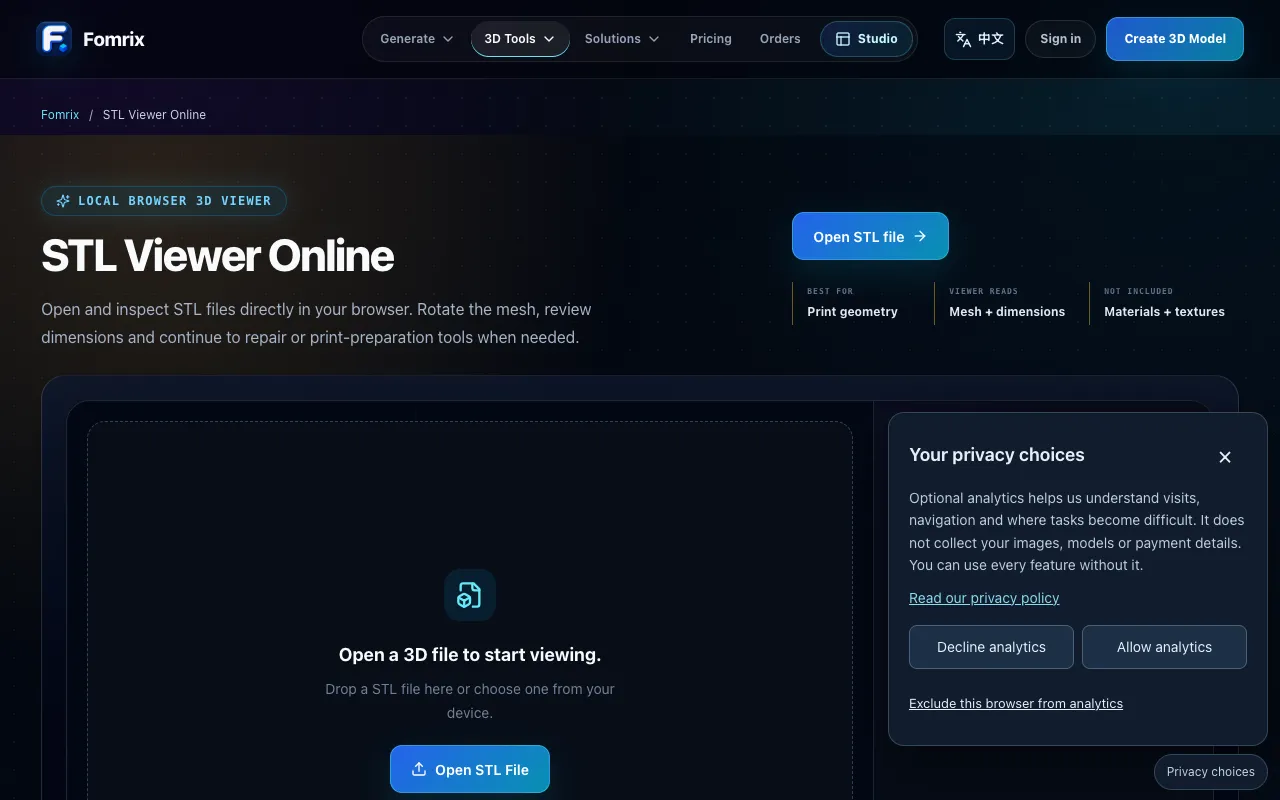
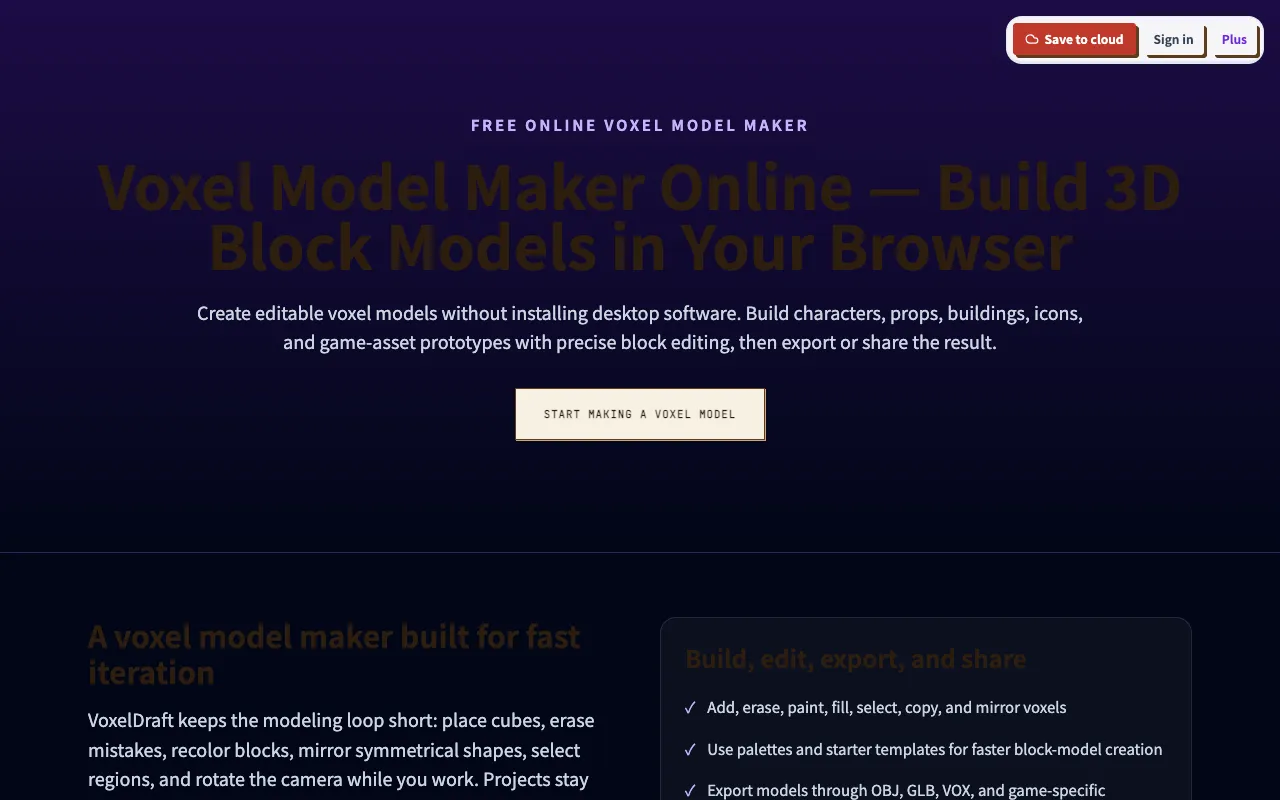
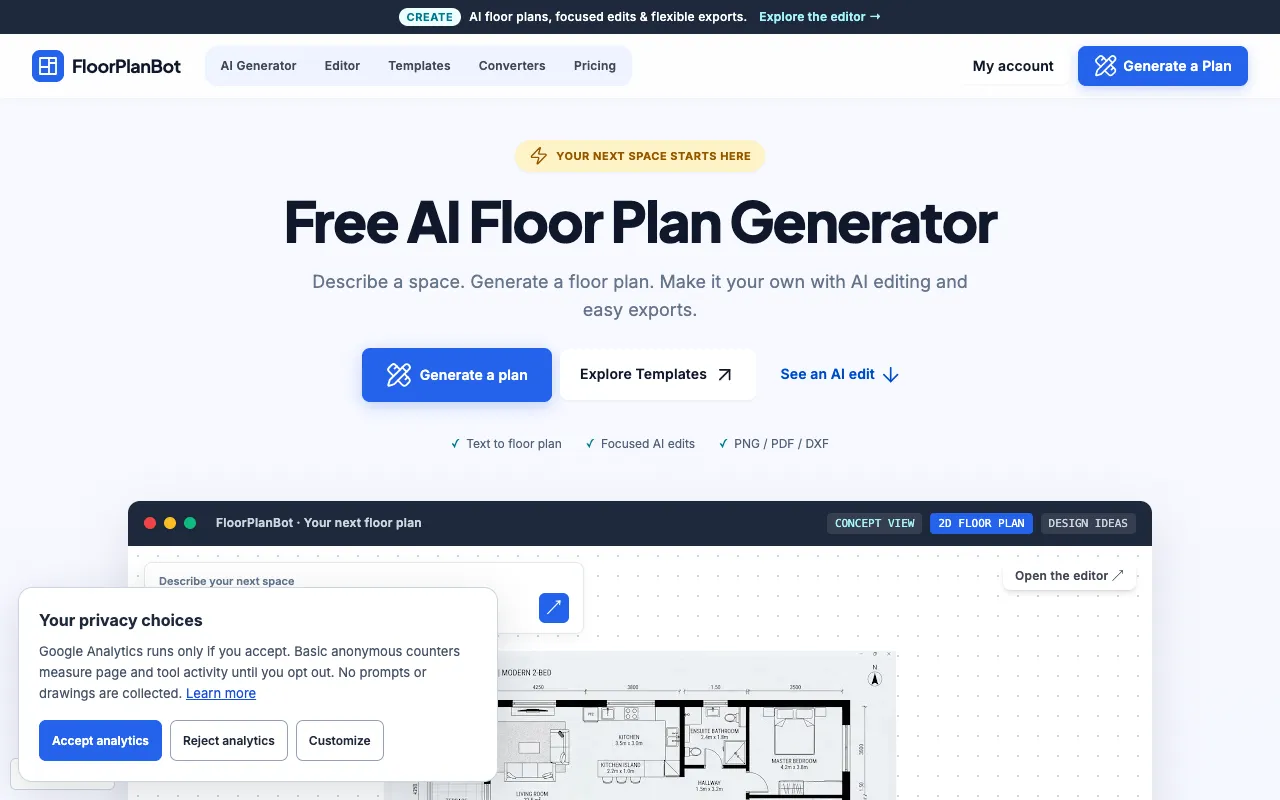
For users working with three-dimensional or spatial data, the STL Viewer provides browser-based inspection of 3D files, and the Voxel Model Editor offers editing tools for block art and game assets. The Floor Planning Tools provide schematic templates and measurement conversions for early-stage home design, and the Random Drawing Generator supplies drawing prompts for creative inspiration.
Video and Asset Conversion
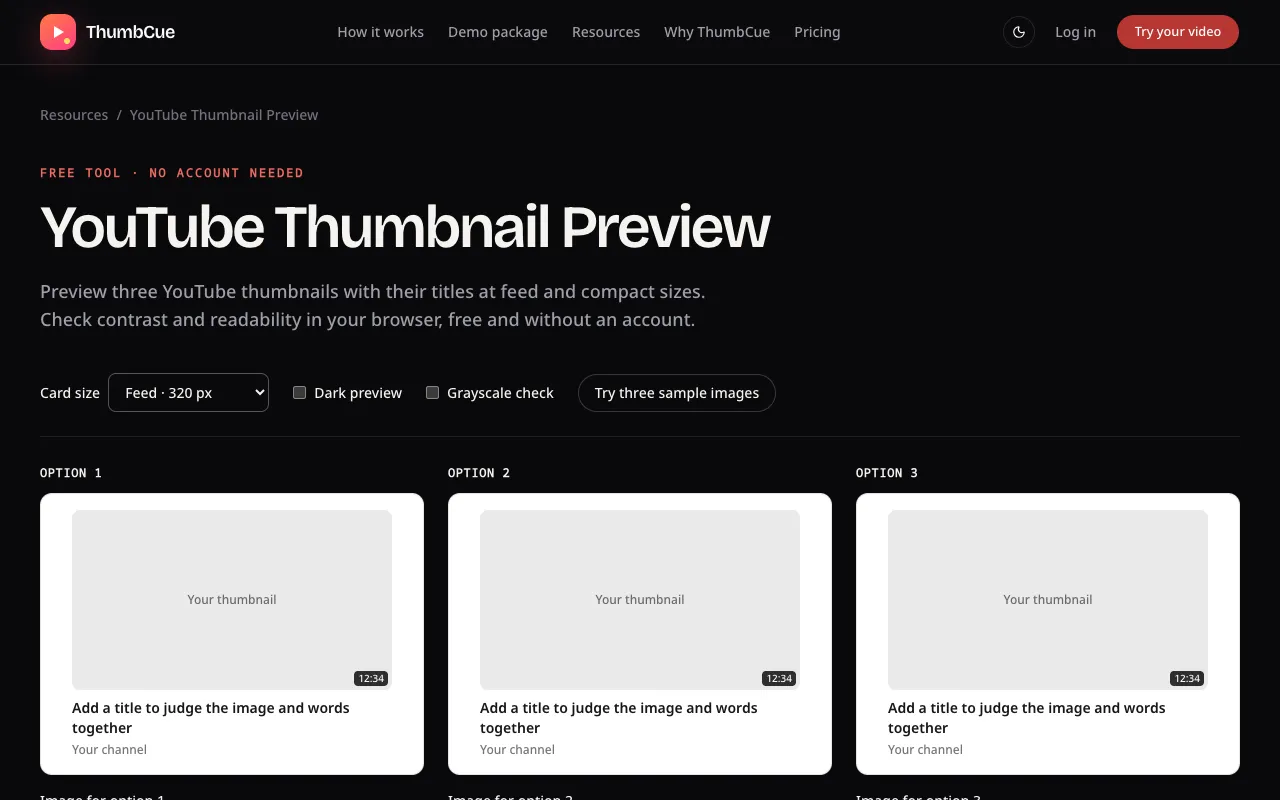
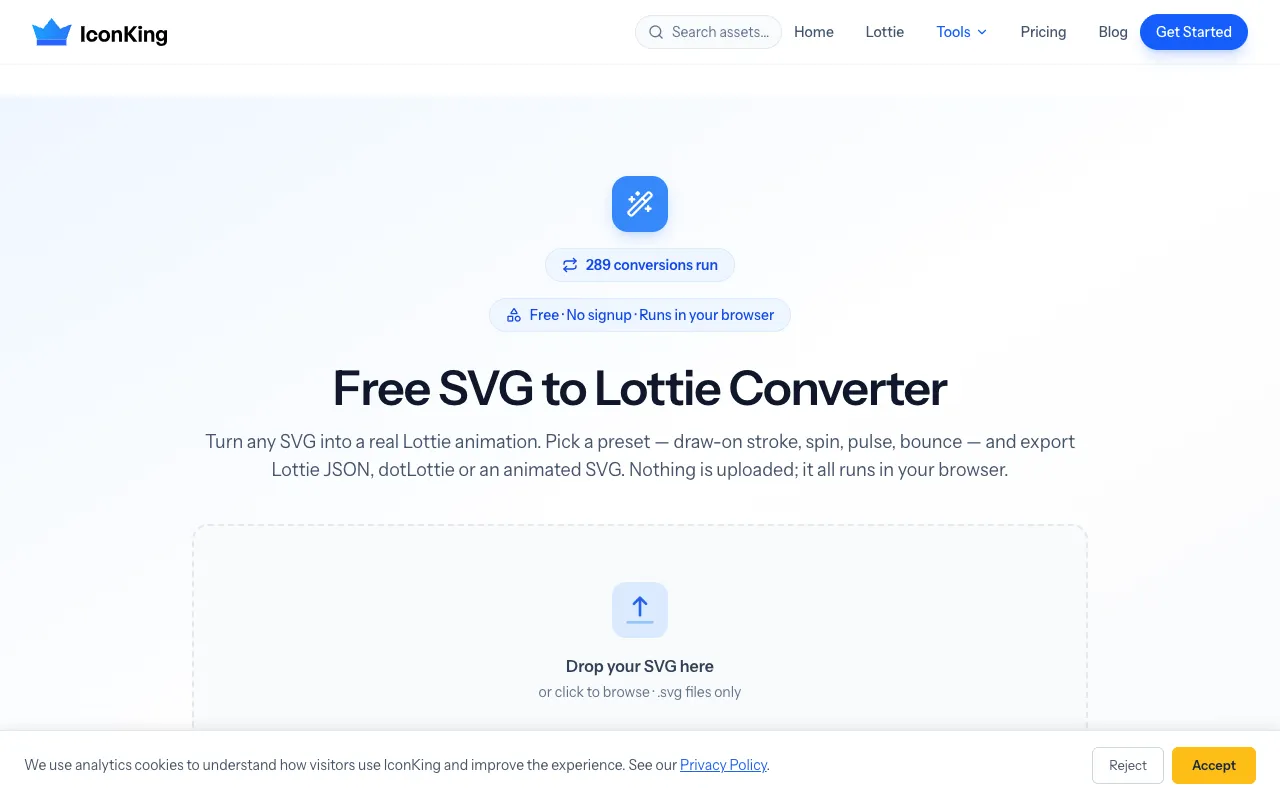
These tools help prepare media for specific platforms or formats. The YouTube Thumbnail Preview lets creators view how their thumbnail will appear at different video sizes before publishing, and the SVG to Lottie Converter transforms static icons into animated formats for web and app use. Both streamline the workflow for content creators publishing online.
Questions
Design Tools FAQ
- Can I use these tools without creating an account?
- Yes, every tool listed in this category runs entirely in the browser and does not require sign-up or subscription. You can generate, edit, and export your project directly from the page.
- What file formats can I export from these tools?
- Export options vary by tool. The ASCII Art Generator and Grid Tools Suite output text or image files, while the Voxel Model Editor and STL Viewer work with 3D formats. Check each tool’s description for supported downloads such as PNG, SVG, or STL.
- Are the generated designs watermark-free?
- Most tools in this category explicitly advertise no watermarks, including the Photo Collage Maker and Free Online Whiteboard. However, it is recommended to review the output settings of each specific tool before downloading.
- Which tool should I use for creating patterns for crafts like crochet or rhinestones?
- The Crochet Pattern Generator produces color-coded grids from photographs, while the Rhinestone Pattern Generator creates precise patterns for apparel decoration. Choose based on whether your project involves stitching or textile embellishment.
- Can I edit my project after I generate it?
- Some tools allow limited editing after generation. The Free Online Whiteboard autosaves to your browser and supports sticky notes and drawings, while the Voxel Model Editor provides core editing features like painting and moving blocks. For tools that produce final artwork, edits may require re-running the generator with adjusted inputs.