YouTube Thumbnail Preview
A free browser-based tool for YouTube creators to preview and evaluate thumbnail images before publishing videos. It ...
What YouTube Thumbnail Preview does
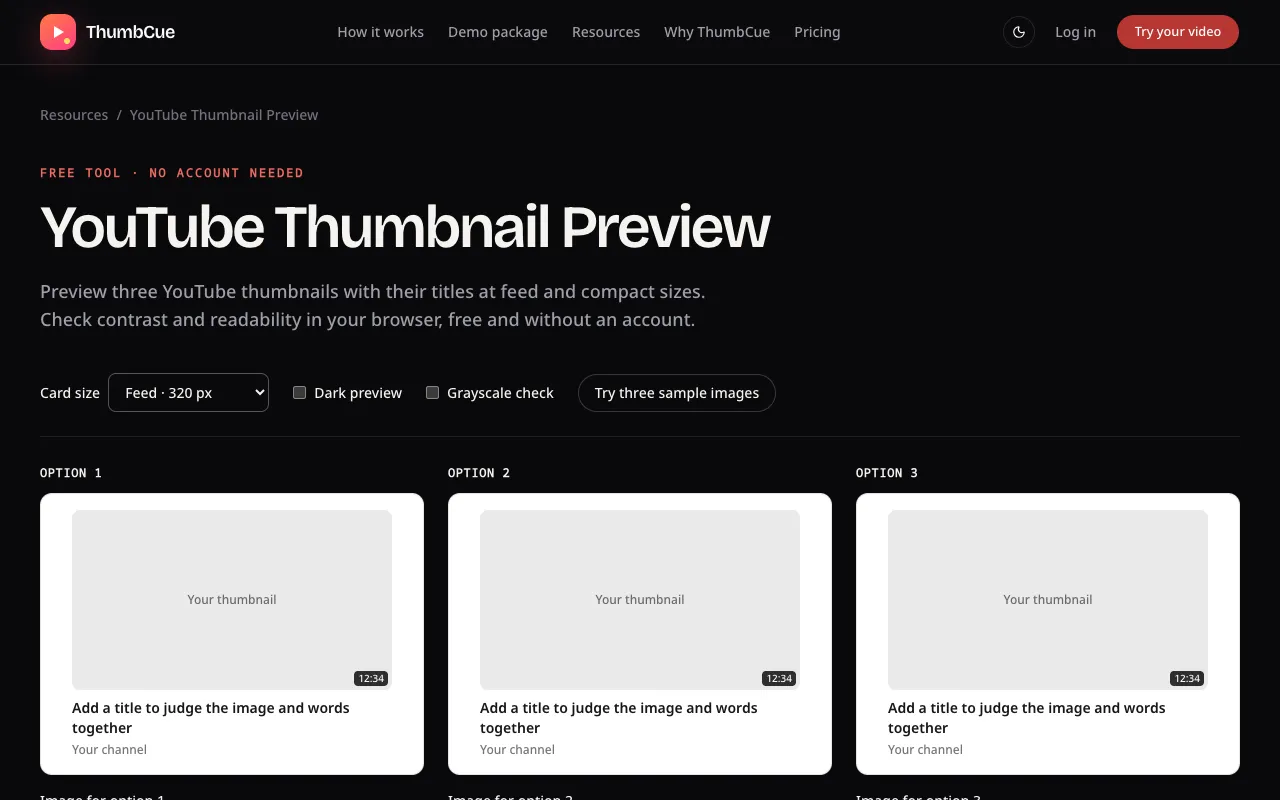
ThumbCue is a free browser-based tool for YouTube creators to preview and evaluate thumbnail images before publishing videos. It displays custom thumbnail designs at various sizes and across different display contexts, showing exactly how the image will appear on YouTube's platform. Users can upload up to three images with titles to compare how the design reads at a glance, checking readability and visual appeal without needing to register or create an account.
How to use the ThumbCue YouTube Thumbnail Preview
- 1
Upload up to three thumbnail images (JPG, PNG, or WebP, up to 25 MB each) and add a title for each option
- 2
Select comparison views such as card size, compact mode, dark preview, or grayscale check to see how the thumbnail renders in different contexts
- 3
Review how the image and text work together at small sizes to verify readability and visual impact
- 4
Download the final design as a JPEG or keep it in the tab for future reference before publishing to YouTube
Best for
YouTube creators who want to preview custom thumbnail designs at multiple sizes and contexts before publishing, especially those testing readability and visual appeal without account setup.
Limitations
- Results are simulated and not a live YouTube result or CTR prediction
- Images and titles stay in the current tab and clear when leaving or reloading
- No unit switching or advanced editing features beyond preview and comparison
YouTube Thumbnail Preview FAQ
- Can I use ThumbCue without creating an account?
- Yes, the tool requires no registration or account creation and can be used immediately without setup.
- What image formats and file sizes does ThumbCue accept?
- ThumbCue accepts JPG, PNG, or WebP files up to 25 MB each for uploading thumbnail options.
- How many thumbnail options can I compare at once?
- You can add up to three images and titles to compare side by side in the preview tool.
- Does ThumbCue predict click-through rates or show live YouTube results?
- No, ThumbCue provides a simulated feed for comparison purposes only and does not predict CTR or show live YouTube results.
Similar tools
Based on shared tags