Holographic Card Maker
Holo Card Maker transforms photos and original artwork into interactive holographic trading cards. The intuitive edit...
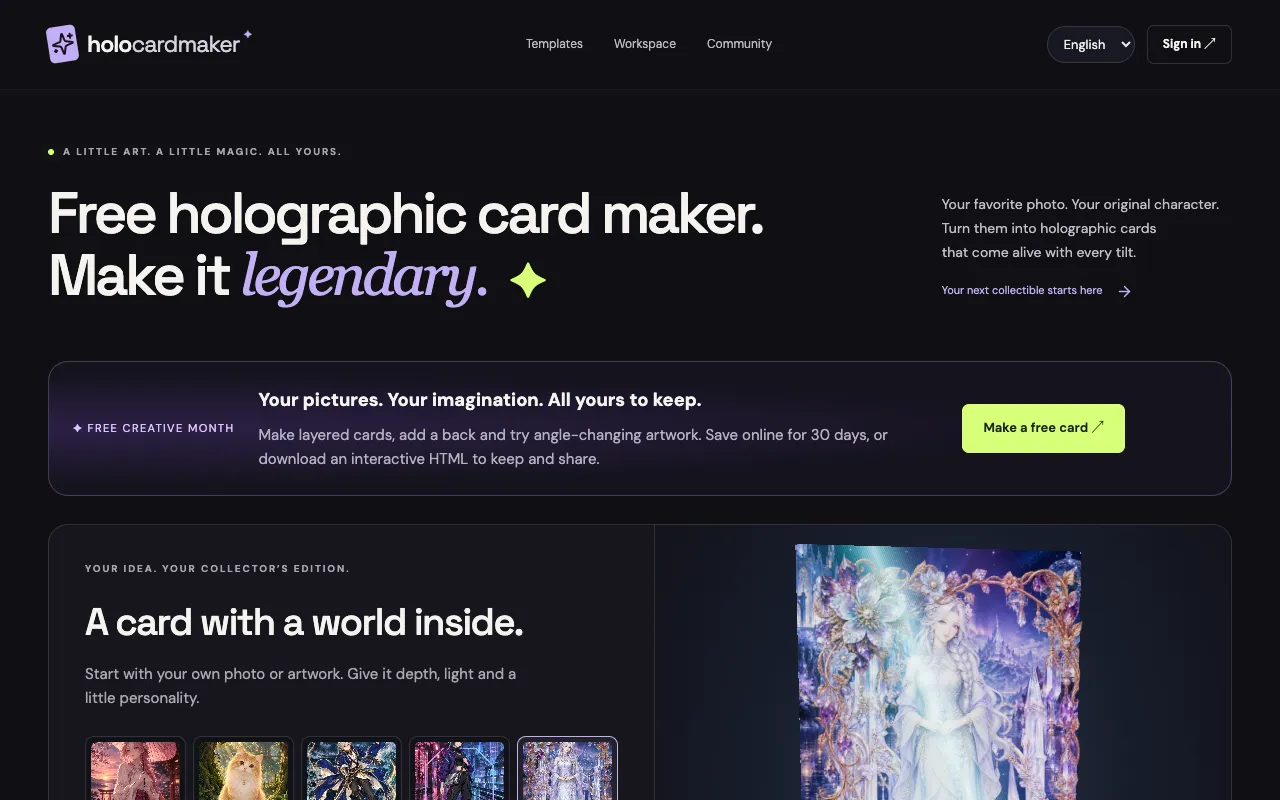
What Holographic Card Maker does
Holo Card Maker turns photos or original artwork into interactive holographic trading cards. Users upload an image and choose a layout tier—Classic for a single image, Depth for two images with transparent edges, Cinematic for three, Advanced for four, or Ultimate for five—then customize text overlays, frames, and styling. The finished cards export as interactive HTML files that retain tilt, foil, and flip animations, viewable in any browser or saved as a keepsake.
How to use the Holo Card Maker Holographic Card Maker
- 1
Upload your image in the workspace
- 2
Select a layout tier (Classic, Depth, Cinematic, Advanced, or Ultimate) to set the number of image layers
- 3
Arrange image layers and tune depth and holographic light in the editing workspace
- 4
Export the card as an interactive HTML file to preserve animations and visual effects
Best for
Artists and collectors who want to turn a single illustration or photo into a multi-layer holographic card without design software, preserving animated effects as shareable HTML files.
Limitations
- Free saves expire online after 30 days
- Ultimate tier with five layers requires Advanced upgrade
- Transparent PNGs work best; other formats may not render depth effects equally
Holographic Card Maker FAQ
- Can I use my own artwork or only photos?
- You can use either your favorite photo or original artwork; the tool accepts JPG, PNG, or WebP files and works beautifully with transparent PNGs for layer depth.
- What happens after I export my holographic card?
- Your card is saved as an interactive HTML file that fully preserves all animations and visual effects; you can re-import and edit any HTML card you’ve previously created, or download a keepsake that opens in any browser.
- How many image layers can I include in one card?
- The layout tiers range from Classic (1 image) to Ultimate (5 images); each tier adds more depth and holographic light, with transparent edges letting background show through as the card turns.
- Is the hologram effect just static or does it animate?
- The exported interactive HTML files preserve dynamic effects such as tilt, foil, and flip animations, so the card comes alive with every tilt in a browser.