AI & LLM Tools
14 tools
Guide
About ai & llm tools tools
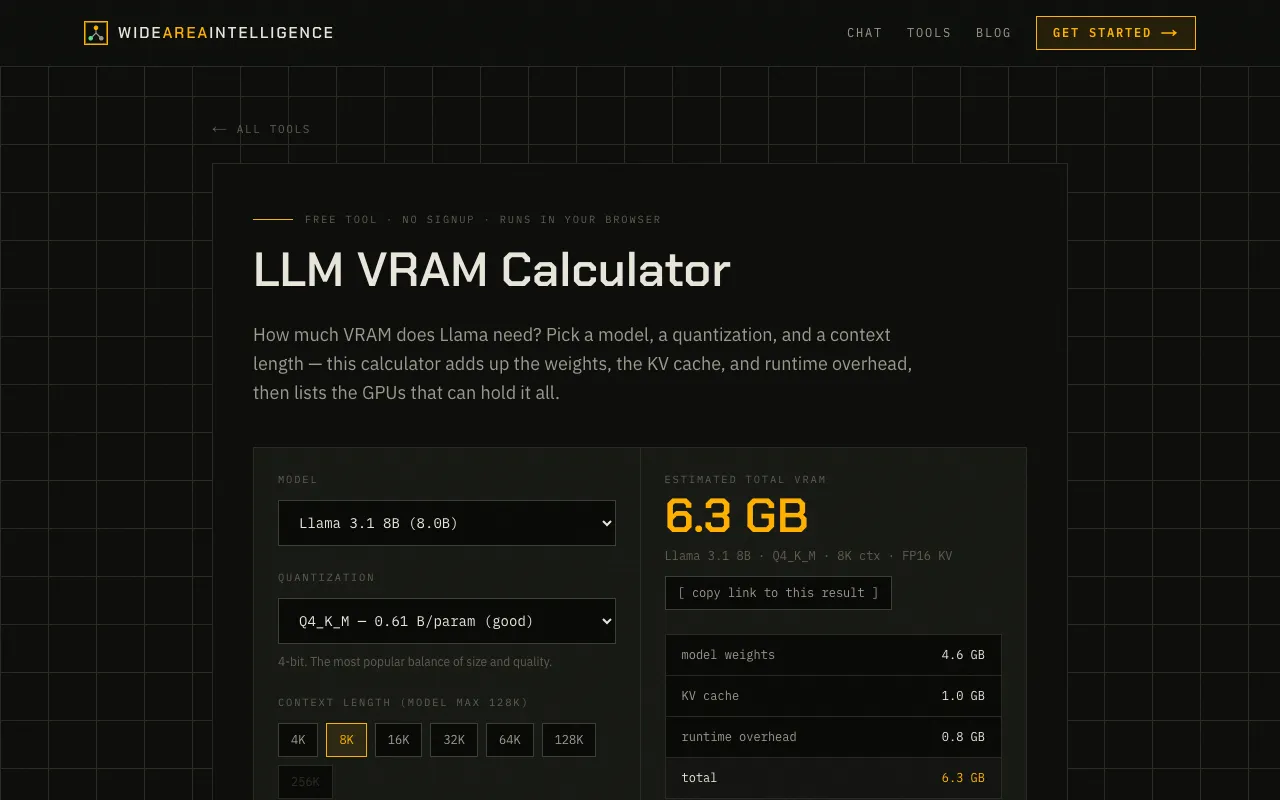
Tools in this category help users navigate the practical challenges of working with large language models and generative AI. Some assist with technical decisions, such as determining whether a GPU has enough VRAM to run a specific model or calculating the memory cost of a model's context window. Others address economic and quality concerns, including estimating API costs across providers, detecting AI-generated text, and estimating the ongoing expense of running an AI agent. A further group focuses on hardware compatibility, quantization options, and integration setups for local deployment.
Before selecting a tool, it helps to understand a few key concepts. VRAM requirements depend on model size, quantization level, and context length, and a small change in any of these can shift the hardware needed. Quantization reduces model size by lowering precision, trading some accuracy for fit on consumer GPUs. API cost calculators typically factor in per-token pricing, request volume, and the break-even point between cloud usage and local inference. Watermark detectors look for statistical artifacts rather than definitive proof, and their results should be treated as indicative rather than conclusive.
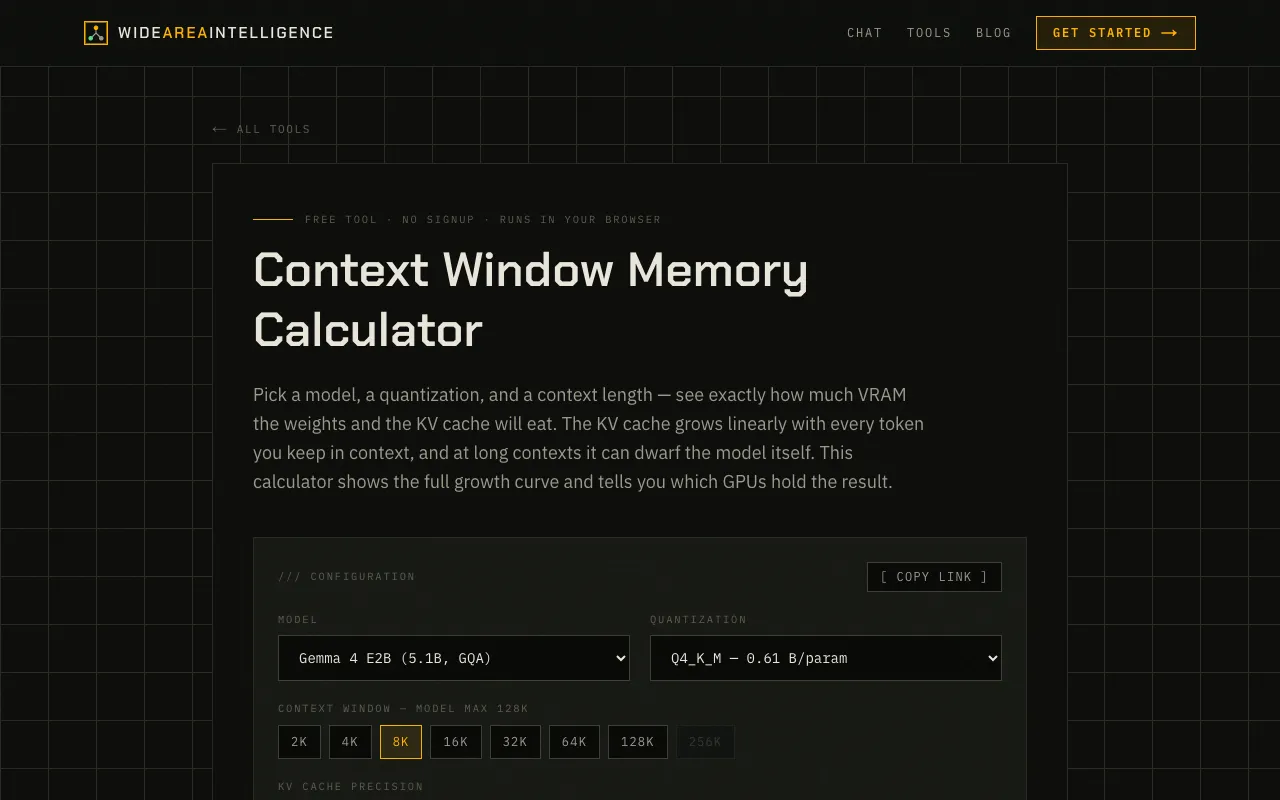
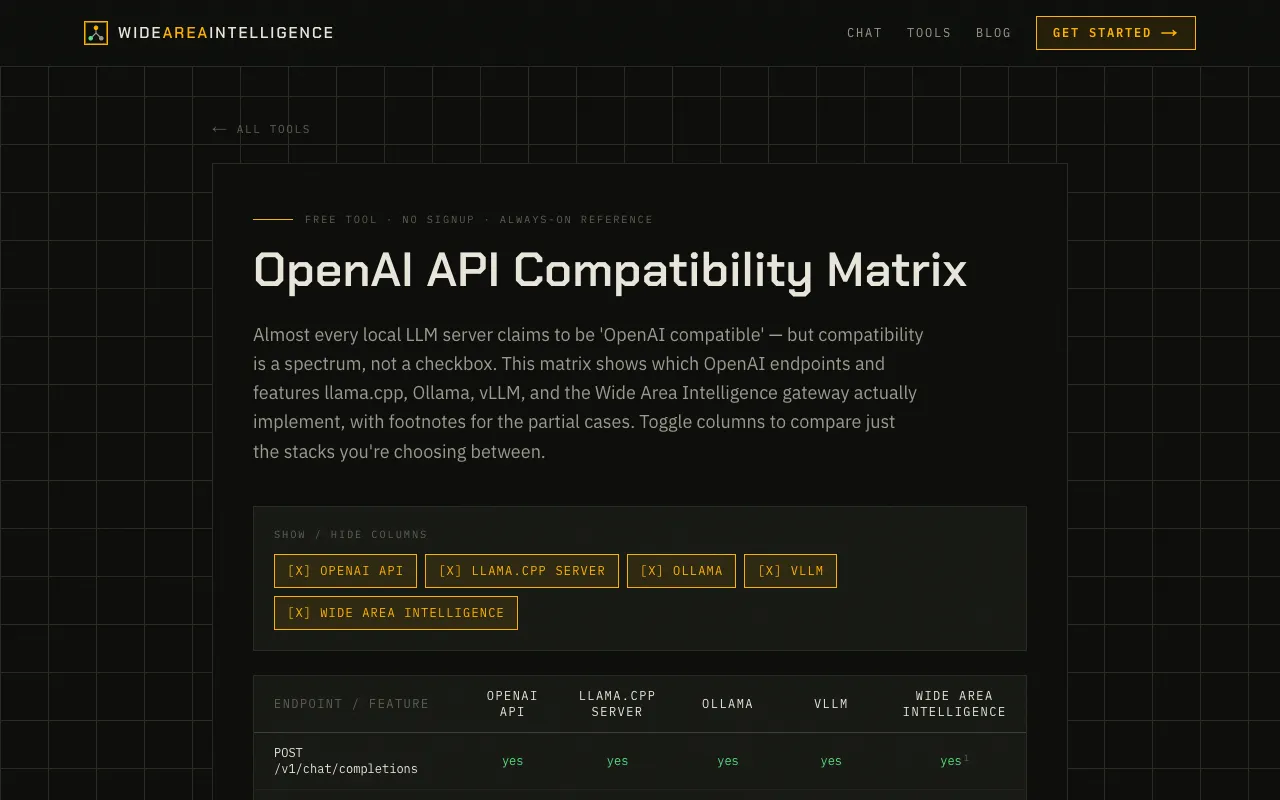
Common pitfalls include underestimating the VRAM needed for a high-context window, assuming that a lower quantization level always suffices for a given task, and overlooking ongoing electricity costs when comparing local versus cloud deployment. Users should also verify that a model's API endpoints match their intended use case, as not all local servers support the full suite of OpenAI-compatible features.
Find the right tool
AI & LLM Tools tools by task
Model Compatibility
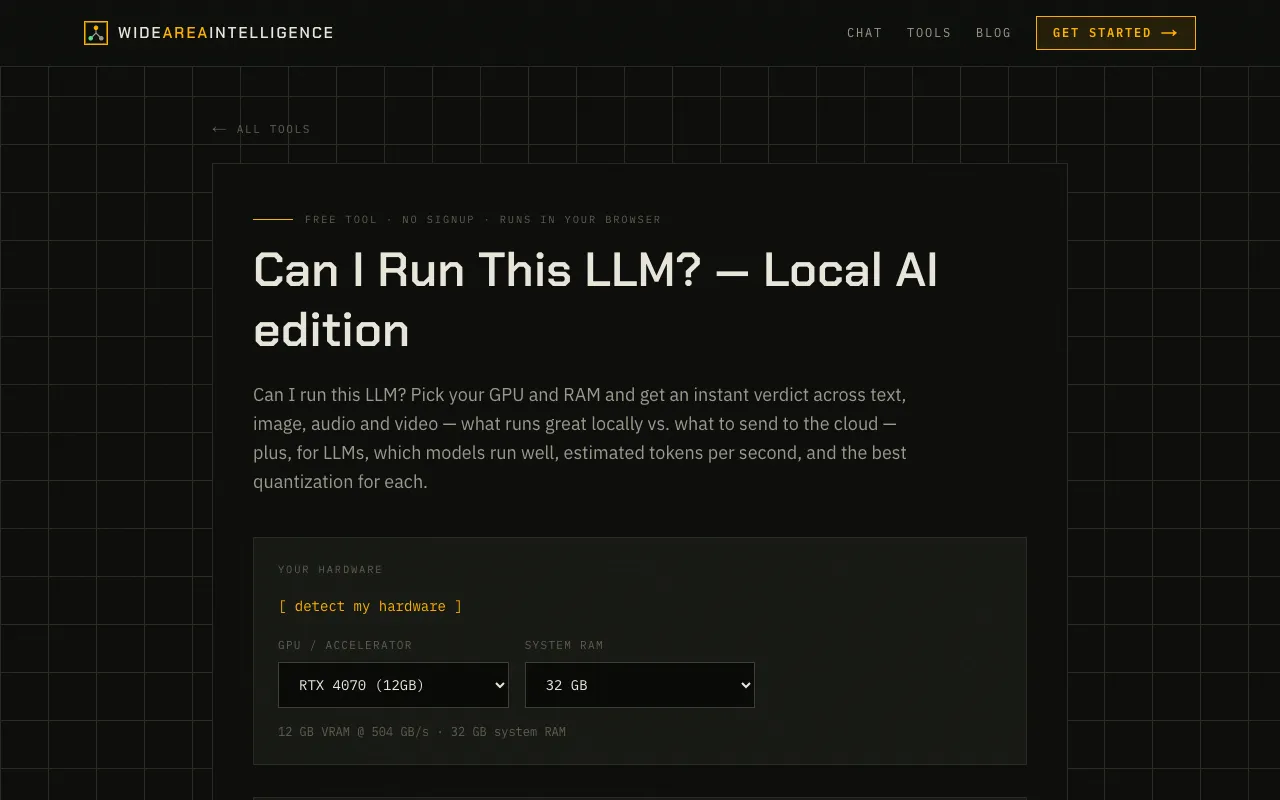
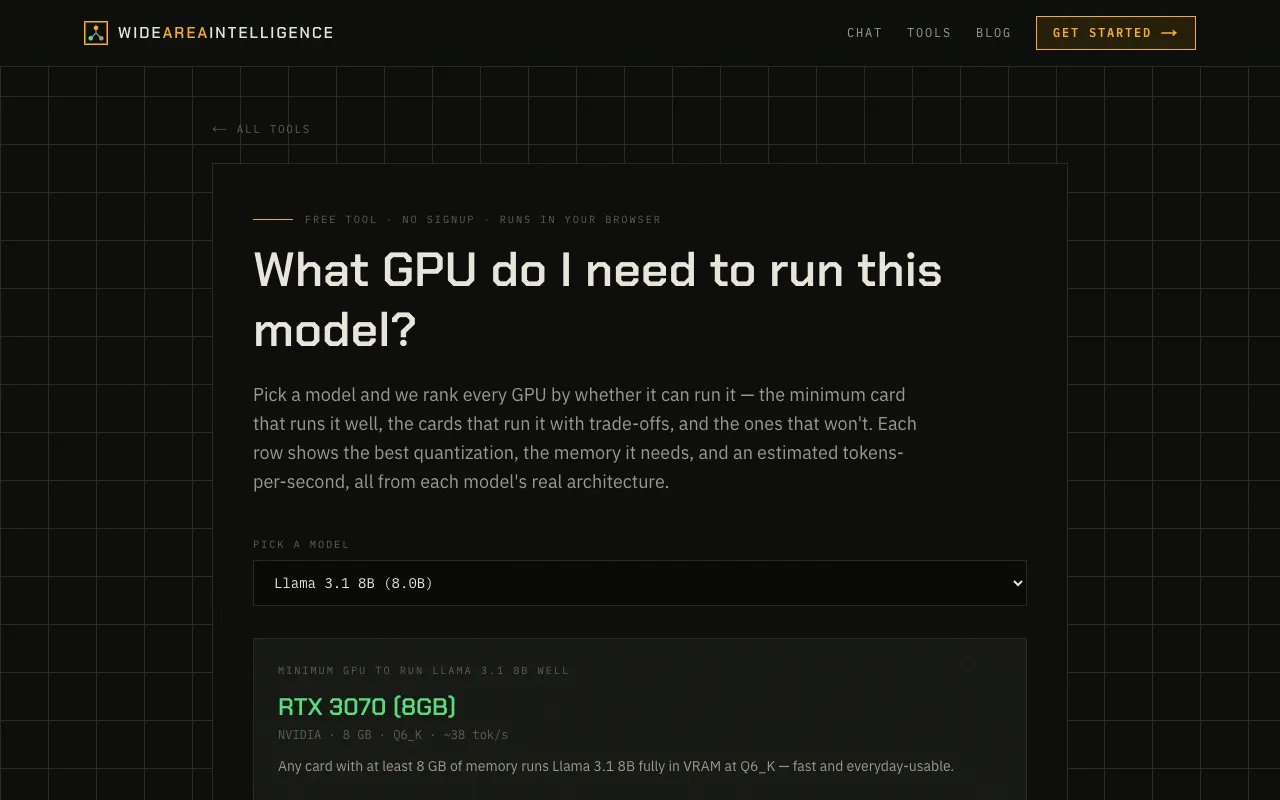
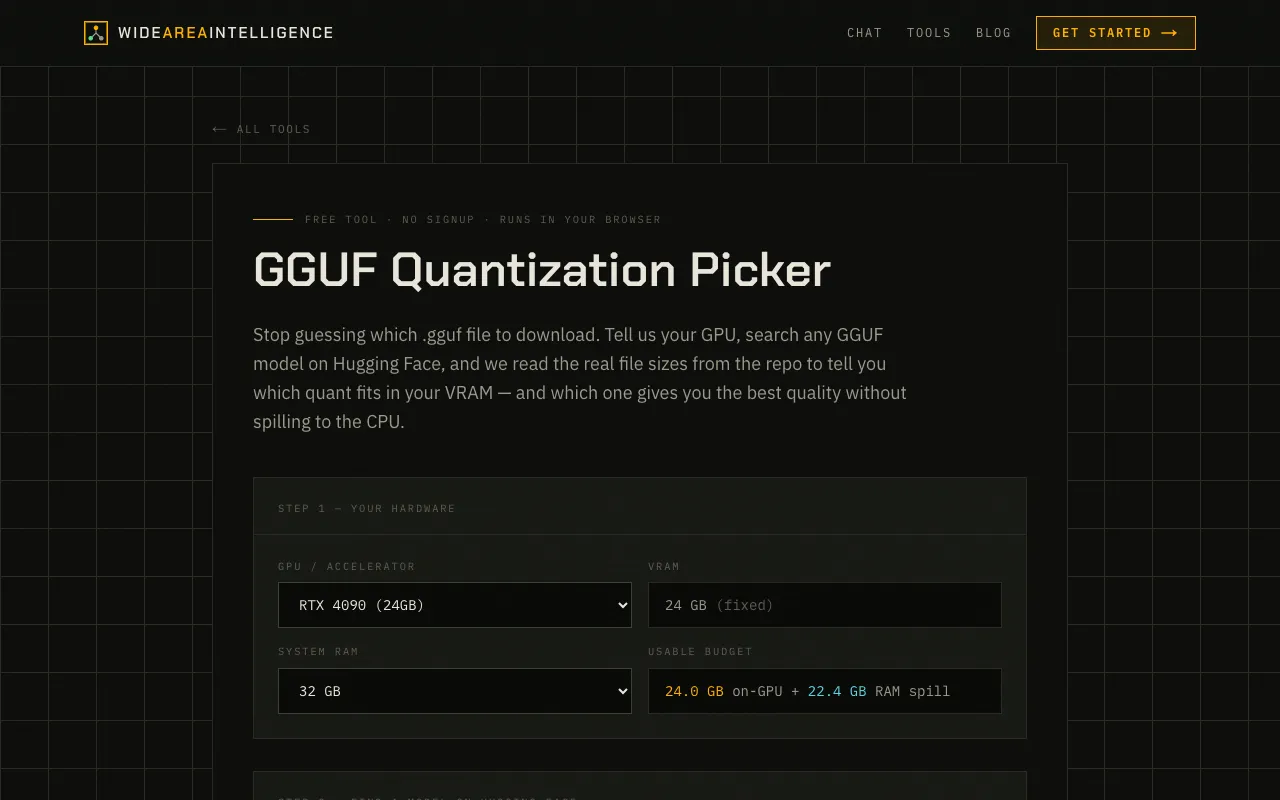
Before downloading or running a local large language model, users need to know if their hardware can support it. These tools check GPU VRAM, quantify memory needs at different precision levels, and verify OpenAI-compatible API support, helping avoid wasted downloads and incompatible setups.
Cost Estimation
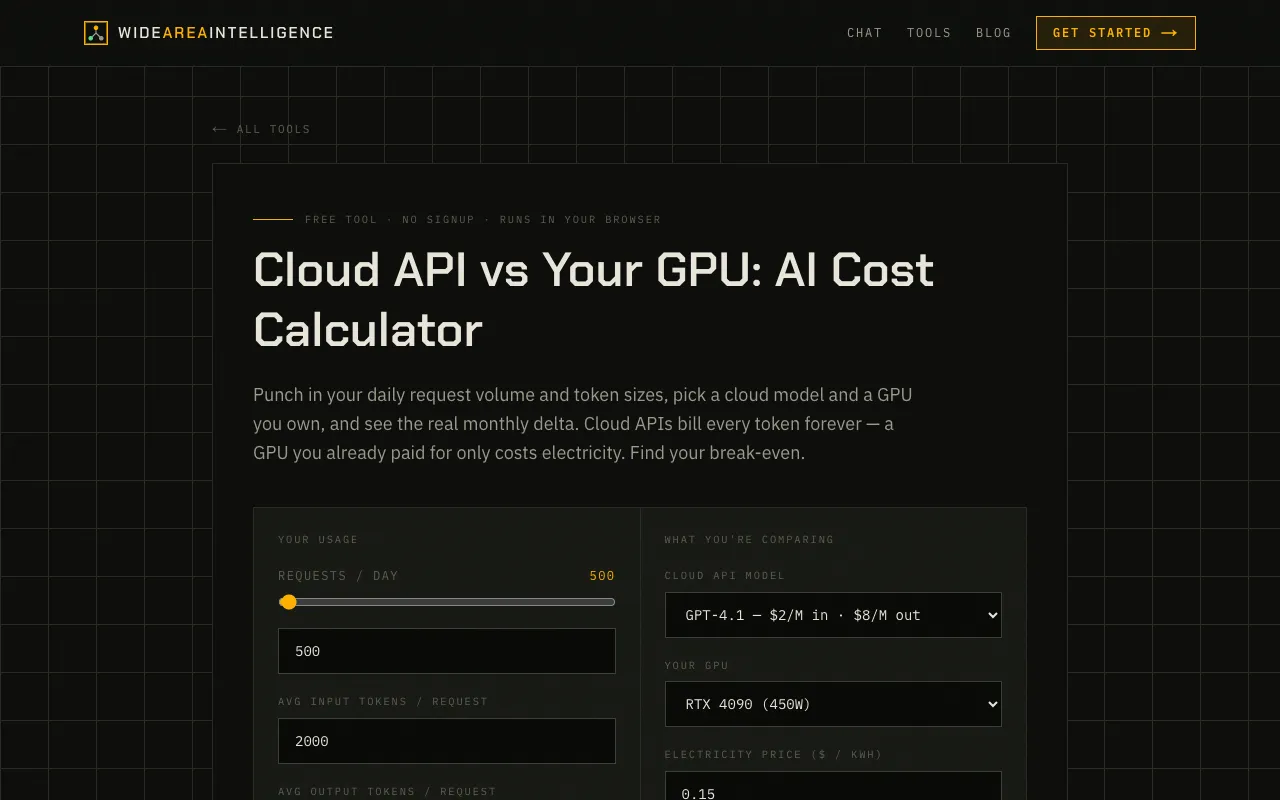
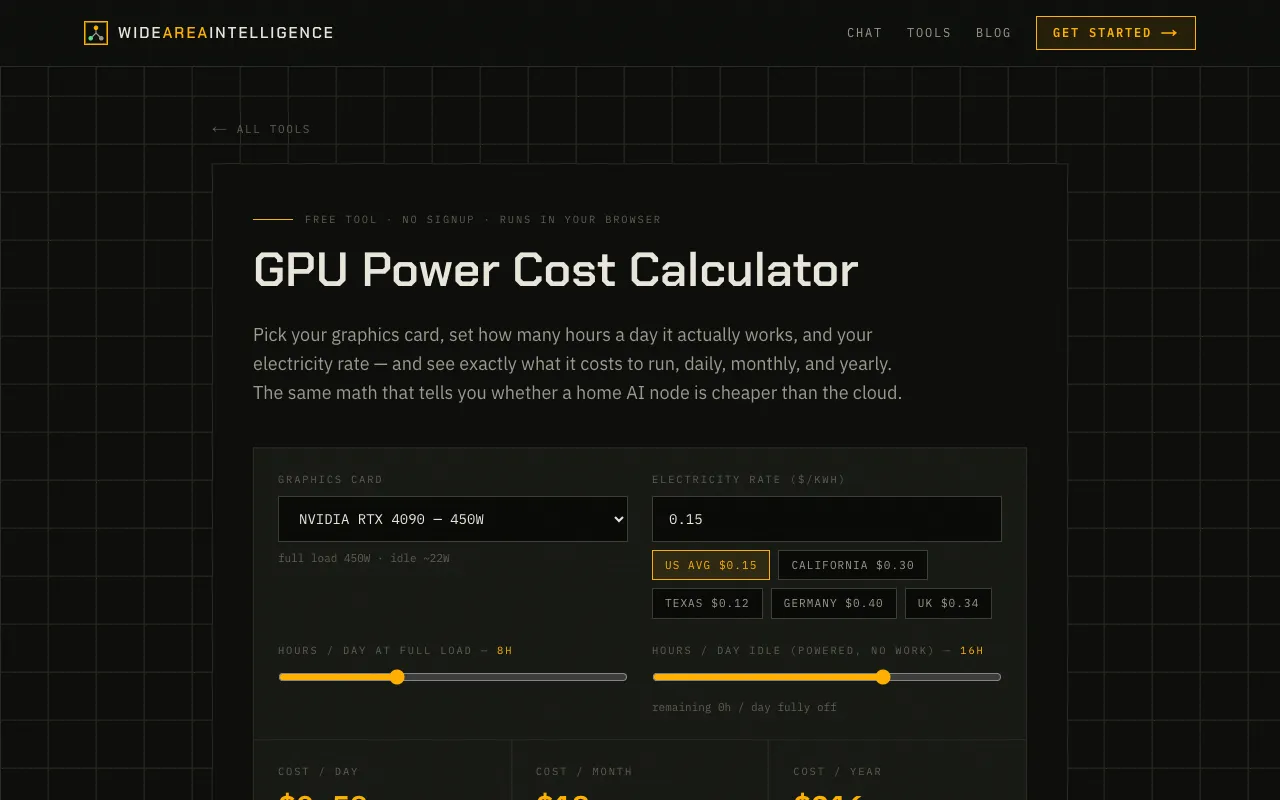
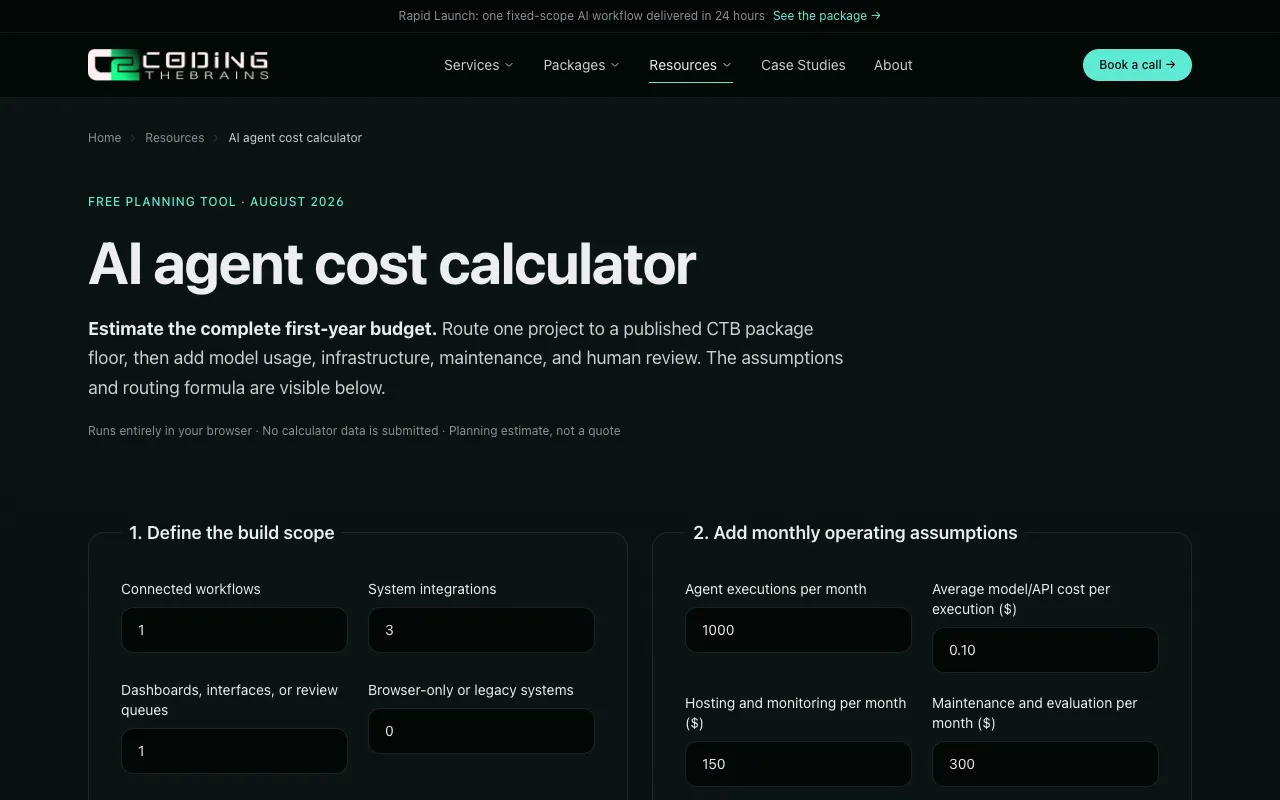
Running AI models—whether in the cloud or on local hardware—incurs financial costs. Calculators in this group estimate API spending across providers, compute electricity expenses for GPU inference, and break down the total cost of ownership for AI agents, enabling users to compare cloud versus on-premises options.
Content and Integration
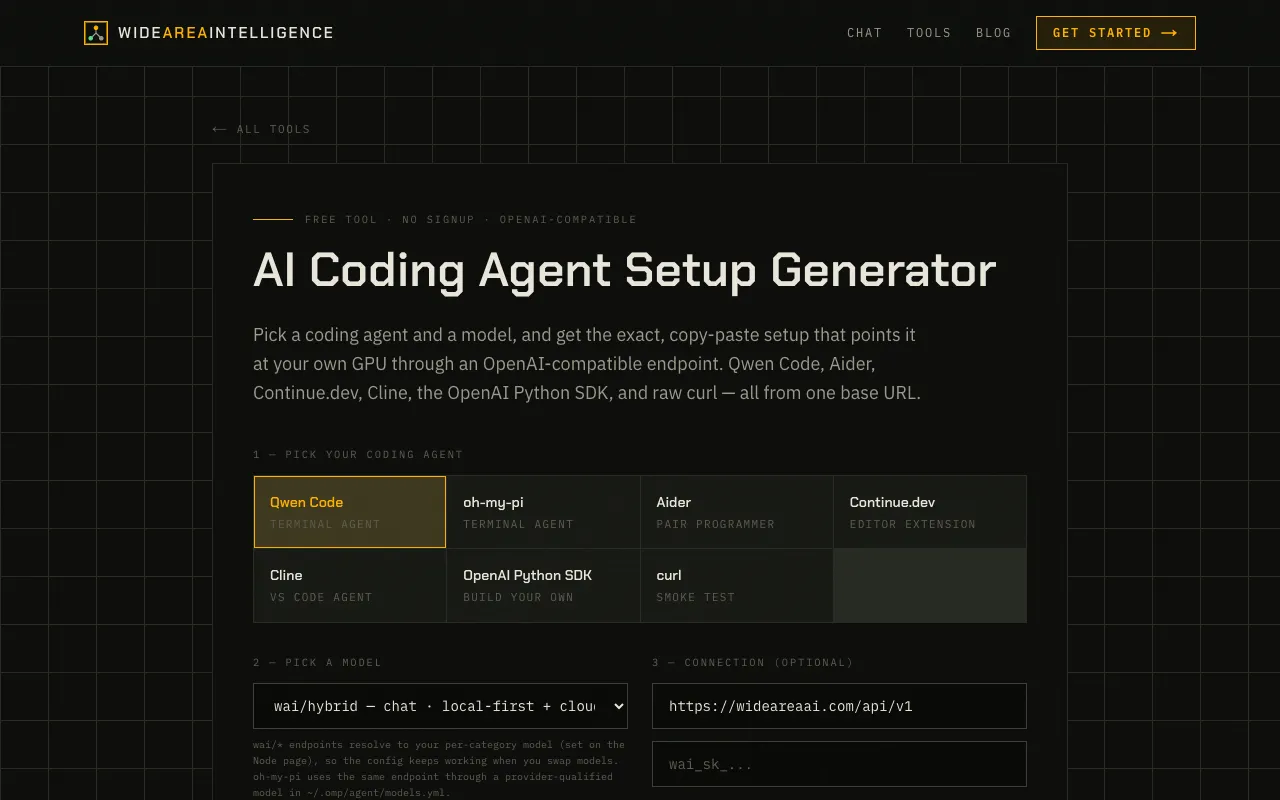
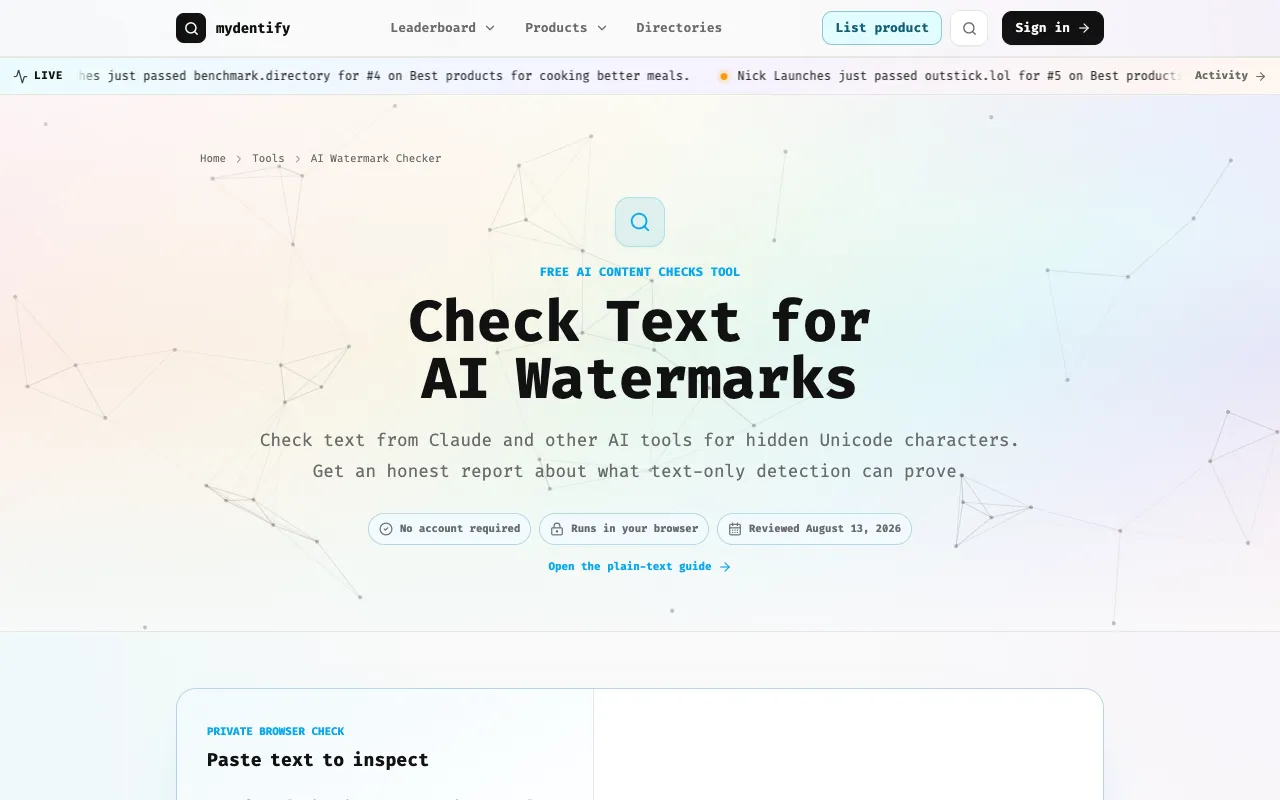
Beyond raw computation, users often need to assess content origin or connect models to downstream applications. Tools exist to detect AI-generated text, generate configuration files for coding agents, and edit or create images from text prompts, bridging the gap between model output and practical workflows.
System Requirements
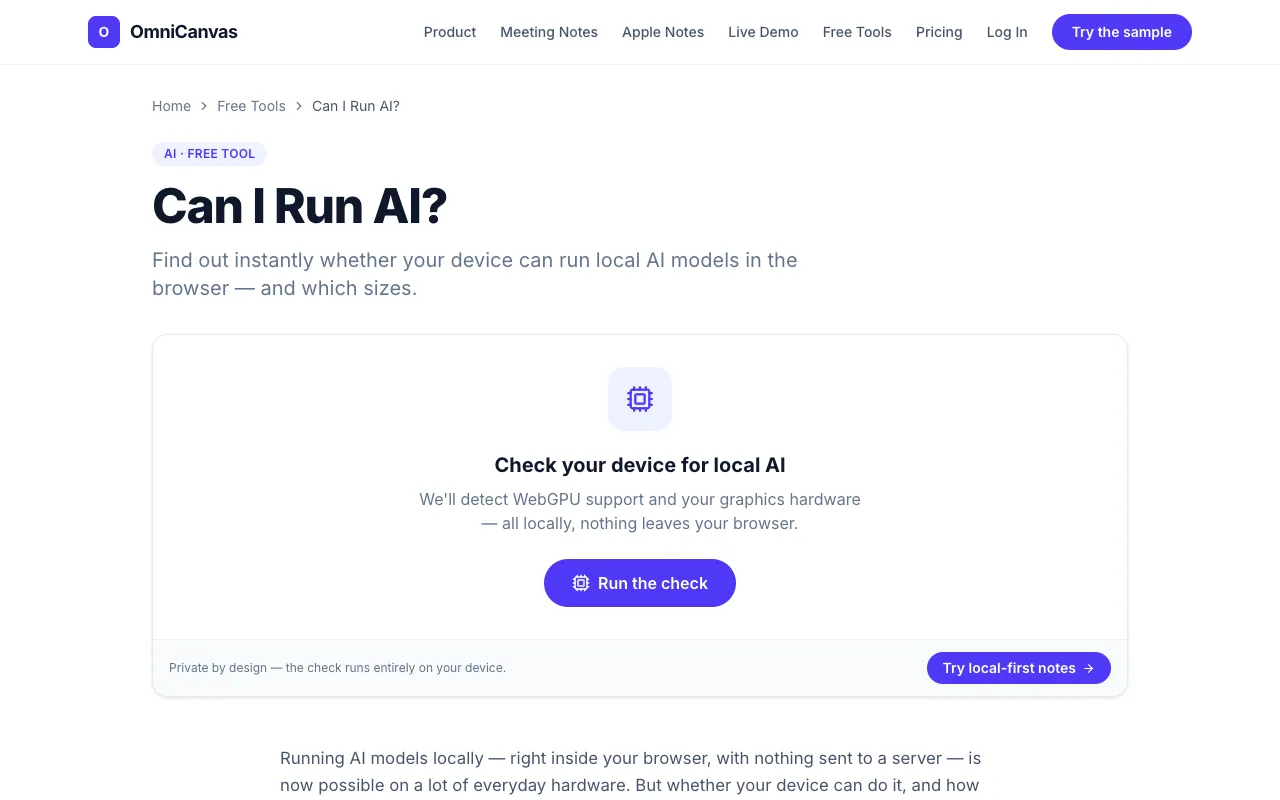
Ensuring a smooth local AI experience starts with knowing your device's capabilities. These tools probe browser WebGPU support, check available system memory, and calculate whether a given model will fit within your GPU's limits before you commit to installation.
Questions
AI & LLM Tools FAQ
- How do I know if my computer can run a local LLM?
- You can use a VRAM calculator or a browser-based checker that probes your GPU memory and WebGPU support. These tools compare your available video memory against the model's requirements at your chosen quantization level and context length.
- What is quantization and why does it matter?
- Quantization reduces a model's precision to use less VRAM, allowing larger models to fit on consumer graphics cards. Lower quantization levels preserve more accuracy but require more memory, while higher compression may degrade output quality for certain tasks.
- How can I estimate my monthly AI API costs?
- An API cost calculator factors in the per-token price of your chosen model, the number of requests you expect, and any volume discounts. It can also show the break-even point where running the model locally becomes cheaper than cloud usage.
- Can AI detectors reliably tell if text was written by a human or an AI?
- AI content detectors analyze statistical patterns and Unicode artifacts to give an indication of machine generation, but they are not foolproof. Results should be treated as suggestive rather than definitive, especially with heavily edited or hybrid text.
- What should I look for in an OpenAI-compatible local server?
- Check which endpoints the server supports—chat, embeddings, or tool use—not all local LLM gateways expose the full suite. If you plan to use agent frameworks, ensure the server’s API matches the expected format before integrating.
- Do I need to account for electricity costs when running a local model?
- Yes, GPU inference consumes power that adds to the total cost of ownership. A power cost calculator can estimate the expense based on your GPU's wattage, daily usage hours, and your local electricity rate, helping you compare local versus cloud pricing accurately.