Context Window Calculator
Work out how much VRAM a model's context window consumes and the maximum context length your GPU can handle for a giv...
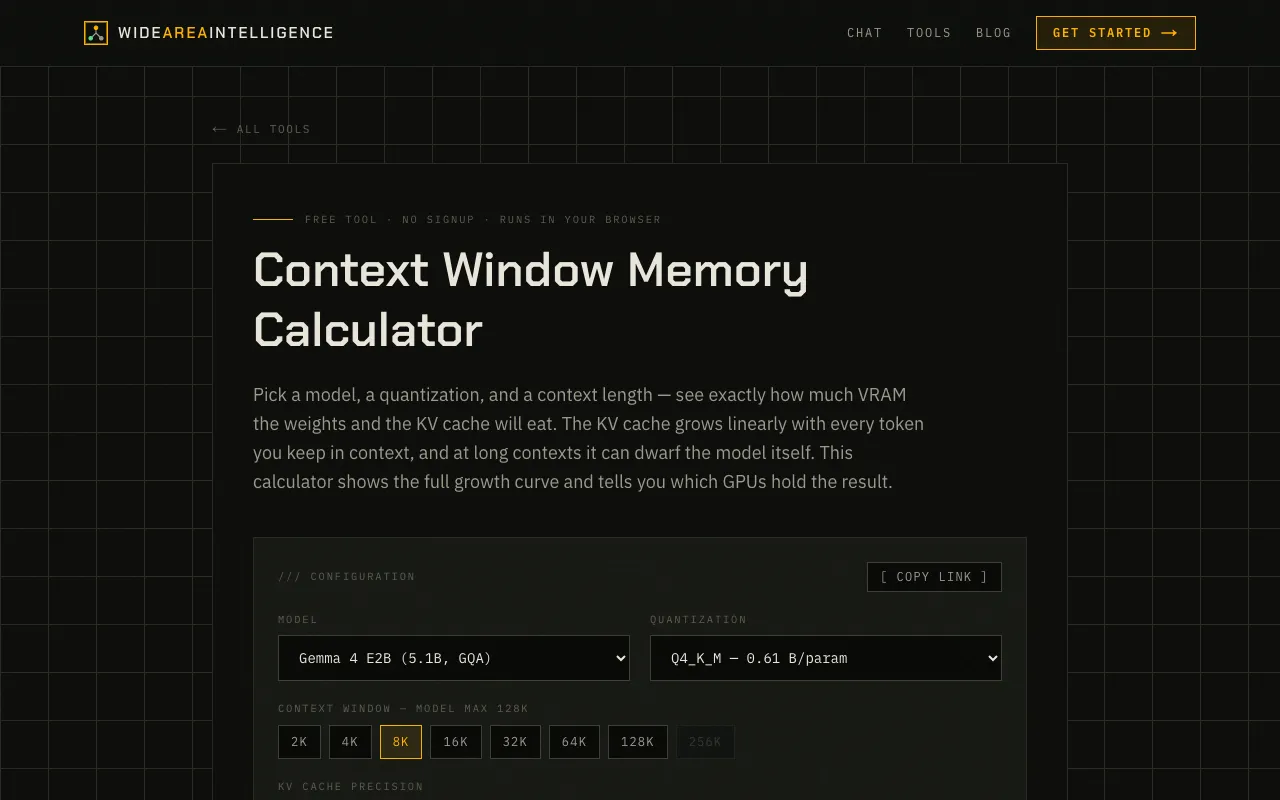
What Context Window Calculator does
The Context Window Calculator on Wide Area AI is a browser-based tool that lets you select a model, its quantization level, and a context length to see exactly how much VRAM the model weights and the KV cache will consume. It visualizes the full growth curve of the KV cache, which increases linearly with every token kept in context and can quickly exceed the model's own size at long contexts. The tool then identifies which GPUs can handle the resulting memory load. It supports a wide range of popular open-source LLMs, including Gemma, Llama, and Qwen families, as well as multimodal and MoE variants. The output is purely technical, focusing on VRAM requirements and GPU compatibility without requiring any account or installation.
How to use the Wide Area AI Context Window Calculator
- 1
Open the Context Window Calculator on Wide Area AI
- 2
Select a model from the dropdown list (e.g., Llama 3.1 8B or Qwen3 14B)
- 3
Choose the model's quantization level
- 4
Set the desired context length in tokens
- 5
View the calculated VRAM usage for model weights and KV cache, and see which GPUs can accommodate the result
Best for
This option suits developers and local LLM enthusiasts who need to verify whether their GPU can support a specific model and context length before running inference.
Limitations
- Results depend on the specific quantization selected; actual usage may vary
- No unit switching between GB and TB; all outputs are in GB
- Estimates are based on standard KV cache growth and may not reflect every model's exact behavior
Context Window Calculator FAQ
- How does the KV cache affect VRAM usage as context length increases?
- The KV cache grows linearly with every token kept in context, and at long contexts it can dwarf the model's own weight size, significantly increasing total VRAM consumption.
- Can this tool tell me if my GPU will run a specific model?
- Yes, after calculating the total VRAM needed for the model weights and KV cache, the tool lists which GPUs can handle that memory load.
- Do I need to install anything to use the Context Window Calculator?
- No, the tool runs entirely in your browser and requires no signup or installation.
- What types of models are supported by the calculator?
- The calculator supports a wide range of open-source LLMs, including Gemma, Llama, and Qwen families, as well as multimodal and Mixture-of-Experts variants.
Similar tools
Based on shared tags