GGUF Quantization Picker
Pick the right GGUF quantization for your hardware. Compare Q4, Q5, Q6, Q8 and more on quality vs. VRAM so you fit th...
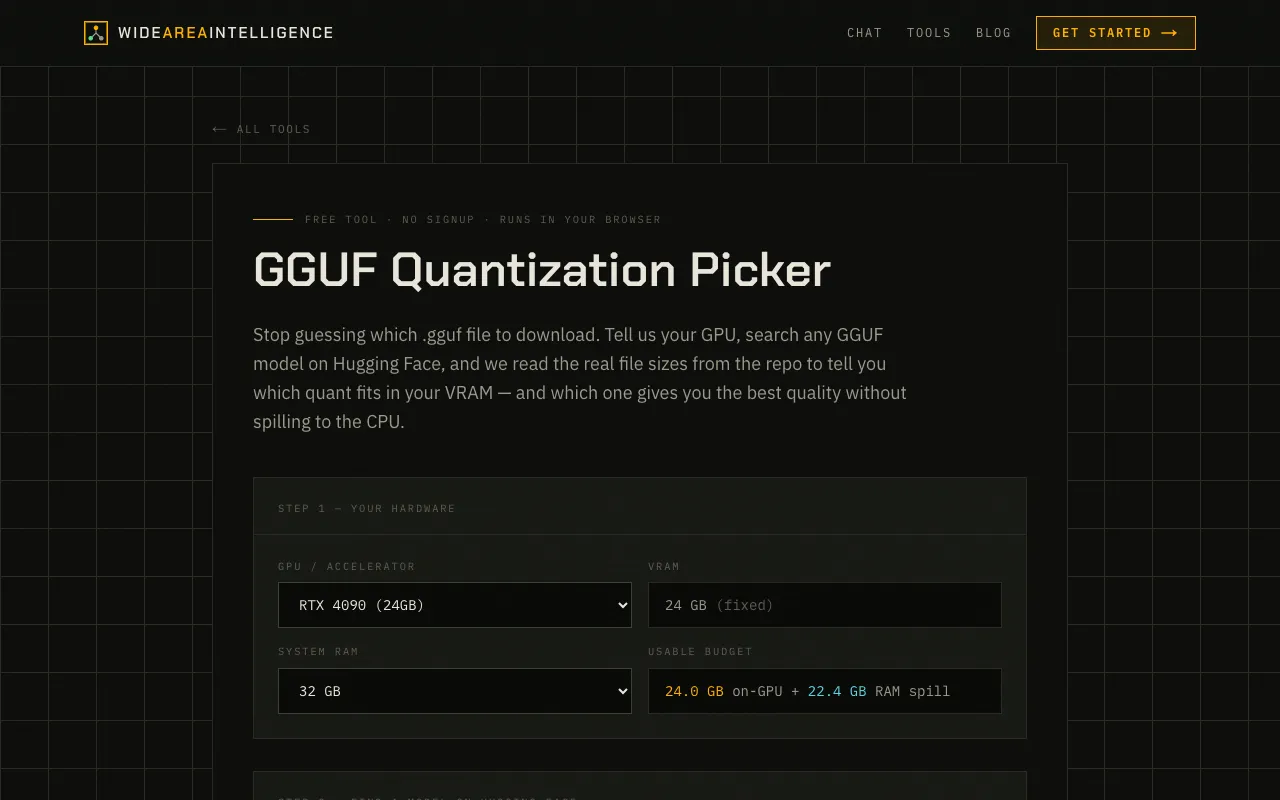
What GGUF Quantization Picker does
The GGUF Quantization Picker at Wide Area AI removes the guesswork in selecting a .gguf model by matching quantization levels to your specific hardware. You input your GPU or accelerator type, then search for any model on Hugging Face. The tool reads the actual file sizes from the repository and calculates which quantization tier—ranging from Q4 to Q8—fits within your VRAM while preserving the highest possible quality, preventing the model from spilling over to your CPU.
How to use the Wide Area AI GGUF Quantization Picker
- 1
Select your GPU or accelerator from the hardware list
- 2
Search for a desired GGUF model on Hugging Face within the tool
- 3
View the recommended quantization tier and VRAM fit
- 4
Download the .gguf file that matches your hardware constraints
Best for
This option suits users with specific GPU hardware who want to run the largest possible GGUF model without performance loss from CPU offloading.
Limitations
- Interface relies on accurate Hugging Face repo data
- Quantization tiers are limited to the standard Q4, Q5, Q6, Q8 levels listed
GGUF Quantization Picker FAQ
- How do I know which quantization level will run smoothly on my graphics card?
- The tool compares the real file sizes of the GGUF model against your GPU's VRAM, then recommends the highest quantization tier that fits without exceeding your memory limit.
- Can I use this tool if I have an AMD or Intel graphics card?
- Yes, the hardware list includes AMD RX series, Intel Arc integrated graphics, and Apple Silicon options, allowing you to select your specific accelerator type.
- What happens if the model I want is not listed on Hugging Face?
- You search for the model on Hugging Face through the tool; if the repository exists, the tool reads the file sizes and quantization options from there.
- Does the tool tell me if a model will run entirely on my GPU or if it will spill to the CPU?
- It calculates which quantization fits your VRAM and indicates which one gives the best quality without spilling to the CPU, helping you choose a configuration that stays on the GPU.
Similar tools
Based on shared tags