Can I Run This AI Model?
Check whether your GPU can run a given local LLM before downloading gigabytes. Compares your available VRAM against t...
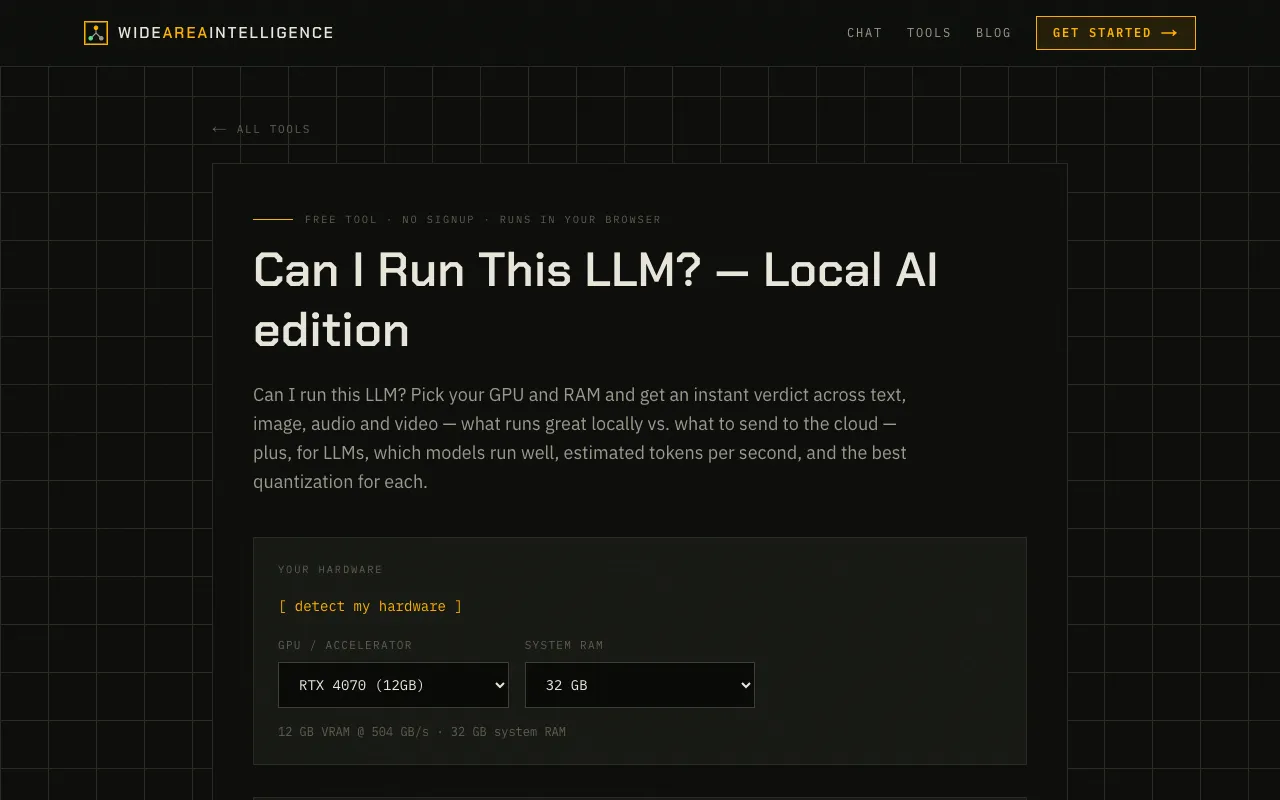
What Can I Run This AI Model? does
Can I Run This AI Model? is a free, browser-based tool that lets you check if your GPU can run a specific local large language model before committing to a download. You select your hardware from an extensive list, and the site instantly compares your available VRAM against the model's requirements across different quantization levels, giving you a clear verdict on what will run locally versus what should go to the cloud. The output includes estimated tokens per second for text generation and recommendations for the best quantization level for your specific hardware configuration.
How to use the Wide Area AI Can I Run This AI Model?
- 1
Open Can I Run This AI Model? on Wide Area AI and click [detect my hardware] to auto-identify your GPU and VRAM, or manually select your graphics card from the comprehensive hardware list.
- 2
Choose the specific LLM you want to test from the model options or enter its name to see its quantization requirements.
- 3
Review the instant verdict that shows which quantization levels your GPU supports, estimated tokens per second, and whether the model will run locally or need cloud offloading.
- 4
Use the quantization recommendations to balance performance and quality for your specific hardware tier.
- 5
Run comparisons across text, image, audio, and video modalities to see what else your hardware can handle locally.
Best for
This tool suits PC gamers, AI enthusiasts, and developers who want to avoid downloading massive models that their GPU cannot run, saving time and bandwidth while ensuring smooth local inference.
Limitations
- Results depend on accurate hardware detection; manual selection may be needed if auto-detect fails.
- Quantization level recommendations are estimates and actual performance may vary based on system configuration.
- The tool focuses on local runtime compatibility and does not provide detailed benchmark scores or real-world performance testing.
Can I Run This AI Model? FAQ
- Can I Run This AI Model? detect my hardware automatically?
- Yes, the tool includes a [detect my hardware] button that attempts to identify your GPU and VRAM automatically, though you can manually select from the full hardware list if needed.
- What quantization levels does the tool check against?
- The tool compares your VRAM against model requirements at each quantization level, showing which quantization tiers your GPU can support for local running.
- Does the tool show performance estimates for running models?
- Yes, for text-based LLMs the tool provides estimated tokens per second to give you an idea of performance at different quantization levels.
- Can I check if my hardware can run image or video models too?
- Yes, the tool allows you to pick your GPU and RAM to get an instant verdict across text, image, audio, and video modalities to see what runs great locally.
Similar tools
Based on shared tags