OpenAI Compatibility Matrix
See which local LLM servers and gateways expose an OpenAI-compatible API, and which endpoints (chat, embeddings, tool...
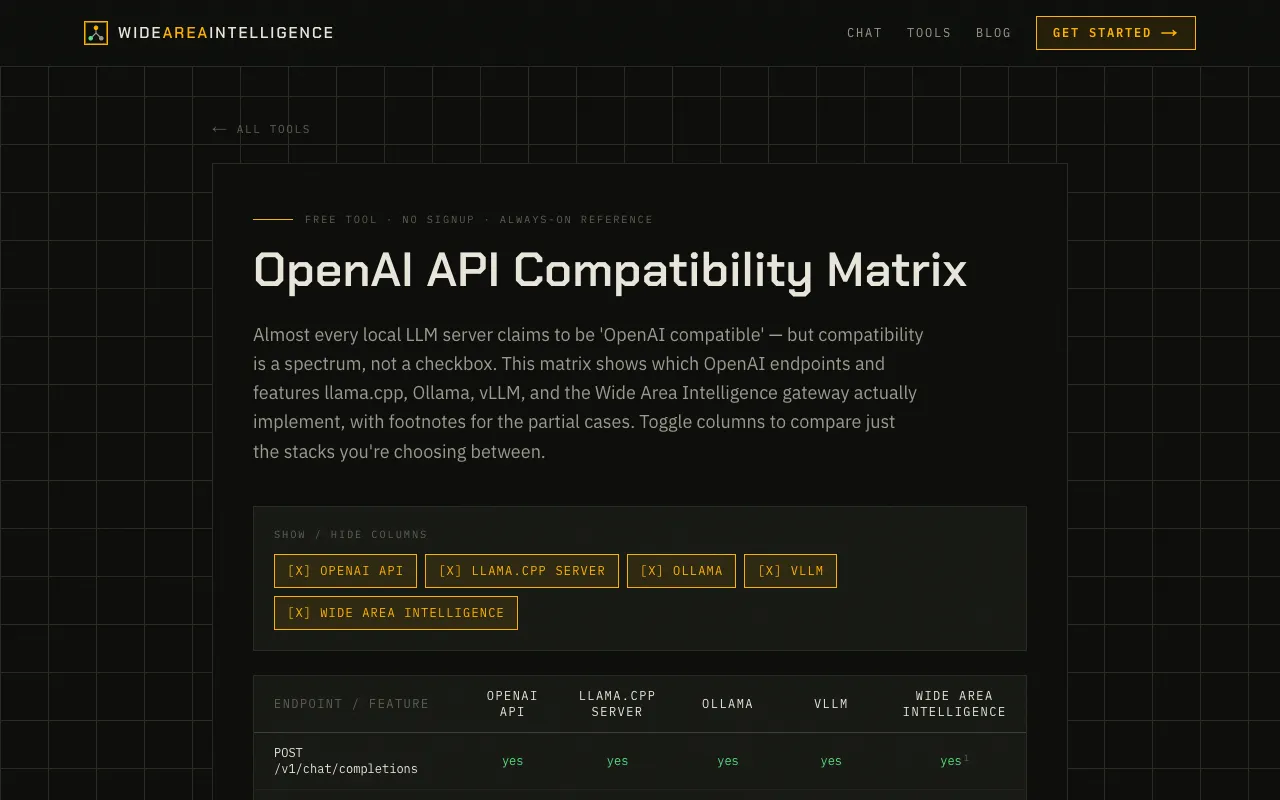
What OpenAI Compatibility Matrix does
The OpenAI Compatibility Matrix on Wide Area AI is a reference table that maps which OpenAI API endpoints and features each major local LLM server and gateway actually implements. It covers llama.cpp, Ollama, vLLM, and the Wide Area Intelligence gateway itself, showing support status for chat completions, embeddings, image generation, tool calling, JSON mode, vision, and more. Each row indicates whether an endpoint is fully supported, partially supported with footnote caveats, or not built in, allowing users to quickly assess which server best matches their API needs without trial and error.
How to use the Wide Area AI OpenAI Compatibility Matrix
- 1
Open the OpenAI Compatibility Matrix page on Wide Area AI
- 2
Locate the endpoint or feature you need, such as chat completions or tool calling
- 3
Toggle columns on or off to compare only the servers you are considering
- 4
Review the footnotes next to partial matches to understand specific caveats or limitations
Best for
Developers and AI enthusiasts who need to verify which local LLM server or gateway exposes the specific OpenAI endpoints required for their project, especially when switching between llama.cpp, Ollama, or vLLM.
Limitations
- Partial support indicators require reading footnotes for full context
- Matrix does not test real-world performance or latency
- Coverage may not include every niche or newly released LLM server
OpenAI Compatibility Matrix FAQ
- Can I use this matrix to find a server that supports function calling?
- Yes, the matrix lists tool/function calling support for llama.cpp, Ollama, and vLLM, with partial flags and footnotes explaining which specific capabilities are available.
- Does the Wide Area Intelligence gateway support all OpenAI endpoints?
- The gateway implements many endpoints, but some features like remote access or certain API keys show partial or no support, as noted in the footnotes.
- How do I know if a partial match is acceptable for my use case?
- Each partial support entry includes a footnote number; clicking or referencing the notes section explains the specific caveats, such as limited vision support or API key authentication requirements.
- Is the matrix updated when new LLM servers release API changes?
- The material does not specify update frequency, but the table is designed as an always-on reference for current compatibility states of major servers.
Similar tools
Based on shared tags