AI Photo Editor
Edit existing photos or generate new images entirely by describing the desired result in plain language. Type your vi...
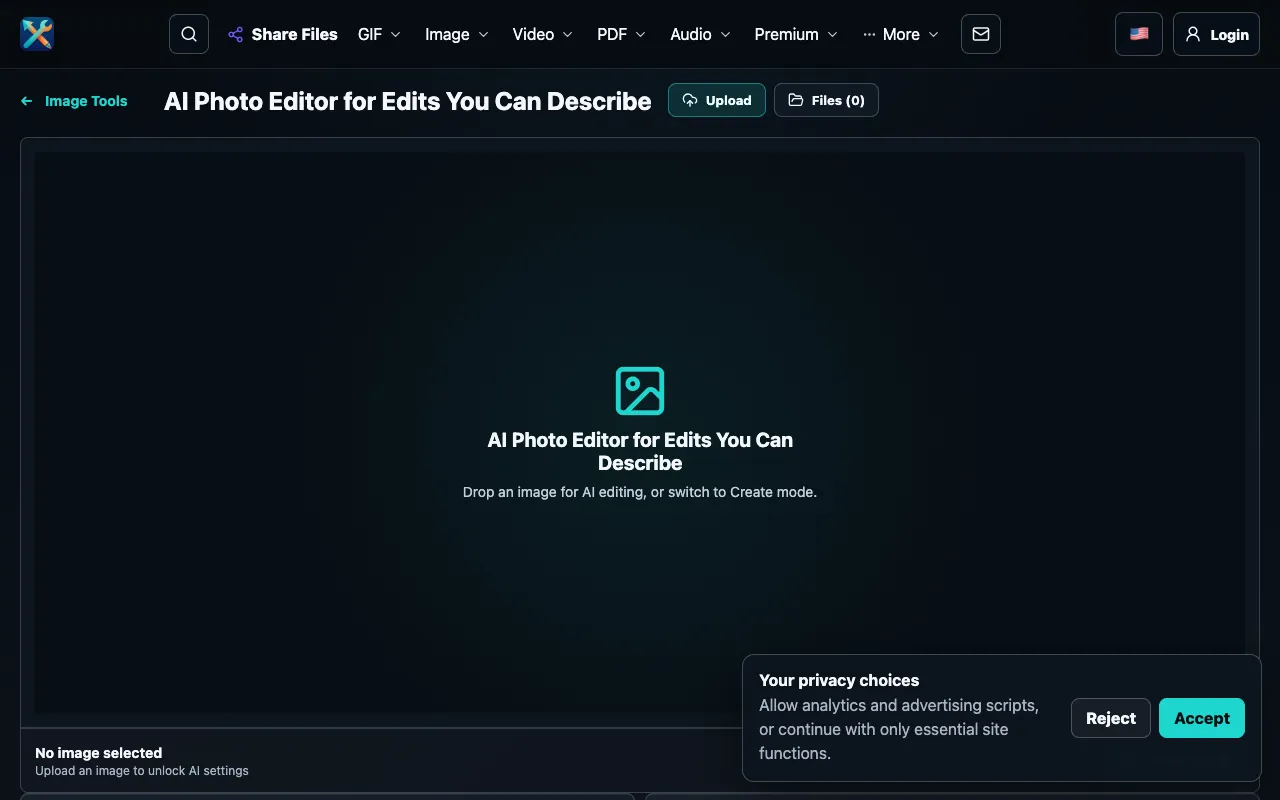
What AI Photo Editor does
AI Photo Editor is a free, web-based tool that lets users edit existing photos or generate new images entirely by describing the desired result in plain language. The service operates without requiring account creation or login, allowing immediate access through a streamlined browser interface. Users can upload an image for AI-powered editing or switch to Create mode to generate visuals from scratch, with the underlying AI engine interpreting natural language descriptions to produce accurate visual results. The platform is designed for users without design experience or specialized skills, making advanced image manipulation accessible to everyone. The tool supports both modifying existing photos and creating entirely new images through simple text descriptions, eliminating the need for traditional design software or training. The AI-powered suggestions and analysis help users achieve their desired results more efficiently, whether they are making subtle adjustments or dramatic transformations to their images.
How to use the ConvertAndEdit AI Photo Editor
- 1
Upload an image file to the AI Photo Editor or switch to Create mode to generate new images from scratch
- 2
Describe in plain language the edits or visual output you want the AI to produce
- 3
Let the AI engine interpret your natural language description and generate the visual result
- 4
Review the AI-powered suggestions and analysis for your image to refine the outcome
- 5
Download or save the edited/generated image directly from the browser interface
Best for
Beginners and non-designers who want to edit photos or create new images without needing design experience, specialized skills, or prior training, and who value immediate access without account requirements.
Limitations
- No unit switching or format conversion options listed in the available material
- Results are AI-generated and may vary in quality depending on description clarity
- Browser-based tool may have file size or resolution limits not specified in the excerpt
AI Photo Editor FAQ
- Do I need to create an account or log in to use AI Photo Editor?
- No, the tool operates without requiring account creation or login, allowing immediate access through the browser interface.
- Can I edit existing photos or only generate new images?
- You can do both - upload an existing image for AI editing or switch to Create mode to generate new images entirely from scratch using text descriptions.
- Is any design experience or specialized skills required to use this tool?
- No design experience, specialized skills, or prior training is required to use AI Photo Editor; it is designed for users of all skill levels.
- What types of edits can the AI perform on my photos?
- The AI can make adjustments to existing images or create entirely new visual outputs based on plain language descriptions of the desired result.
Similar tools
Based on shared tags