214 tools
Counts low (0) bits in binary numbers by analyzing each bit position and tallying occurrences of 0s. Developers, programmers, and anyone working with binary data can use this tool to quickly assess the distribution of zero bits within binary strings. This is particularly useful for optimizing code, debugging, or performing bitwise operations where understanding the balance between zeros and ones is crucial.
Flips all bits in binary numbers, transforming 0s to 1s and 1s to 0s. Converts any given binary sequence into its inverted counterpart quickly and accurately. Developers and programmers use this tool for debugging code, testing algorithms, or manipulating data at a bit level. It aids in understanding binary operations and can be particularly useful when working with low-level programming languages or digital electronics.
Reverses binary numbers by flipping their bit order. Users input a binary number, and the tool outputs the reversed version. Ideal for developers working with binary data or debugging low-level programming issues. Developers frequently need to manipulate binary numbers directly for various tasks such as memory analysis, debugging, and understanding system-level operations. This tool provides an easy way to reverse binary numbers without requiring any technical knowledge, making it a handy utility for anyone involved in software development or related fields.
Shuffles bits in binary numbers, randomly reordering them to create new combinations. Ideal for developers testing algorithms or anonymizing data by obfuscating binary sequences. Useful for cybersecurity professionals, software engineers, and anyone working with digital information needing randomization for testing or security purposes.
Rotate Bits cyclically rotates bits left or right in binary numbers, offering developers an easy way to manipulate binary data. Users can input any binary number and choose the direction and number of rotations desired. Ideal for debugging, cryptography, and other applications requiring bit-level manipulation.
Calculates left bit shifts on binary numbers, shifting all bits to the left by a specified number of positions while appending zeros on the right. Useful for developers needing to manipulate binary data or understand how bitwise operations affect numerical values. Ideal for programming education, debugging, and optimizing code that involves low-level binary manipulation.
Shift Right is an online tool designed to perform a right bit shift operation on binary numbers. Users can input any binary number, and the tool will shift all bits one position to the right. This operation effectively divides the binary number by two while discarding the least significant bit. Developers, programmers, and anyone working with binary data would find this tool useful for manipulating and understanding binary numbers at a fundamental level. It aids in debugging, optimizing code, and performing bitwise operations essential in low-level programming tasks and computer architecture studies.
RegExr Regex Tester helps users create, test, and debug regular expressions (regex) with ease. It offers a visual interface where users can write regex patterns in JavaScript and PCRE syntax side by side, allowing for immediate feedback on how the pattern matches against sample text. The tool also supports named groups, making complex regex more readable and maintainable. Developers, web designers, and anyone working with text processing will find RegExr Regex Tester invaluable. It saves time by enabling quick prototyping and validation of regex patterns, reducing the need for extensive coding or debugging sessions.
Validates and reformats JSON documents, surfacing syntax errors with line and column information. Users can input or paste their JSON data into the tool's interface, which then checks for any formatting issues or syntactic errors. If problems are found, the tool highlights them in real-time, providing precise location details to aid in correcting the data. Developers, API users, and data analysts would benefit from this tool, as it ensures that JSON files adhere to correct syntax, enhancing data integrity and compatibility with various applications and systems that rely on JSON.
Looks up browser support for HTML, CSS, JavaScript, and web platform features with detailed version tables and global usage stats. Developers use Can I Use Browser Compatibility to ensure their websites work across various browsers by checking feature compatibility and seeing which versions of browsers support specific features. It's particularly useful for making informed decisions about when to implement new technologies or libraries in projects.
Crontab Guru helps users understand and create cron schedule expressions by translating them into plain English descriptions. It also shows the next several scheduled run times based on the entered expression, making it easier for developers to set up and verify cron jobs without needing deep knowledge of cron syntax. Developers, system administrators, and anyone who needs to work with cron jobs will find Crontab Guru useful for quickly grasping complex cron schedules and ensuring that their tasks are executed as intended.
Generates SVG status badges for GitHub README files, covering build statuses, versions, licenses, downloads, code coverage, and numerous other endpoints. Easily integrates project metrics into documentation for quick visibility and trustworthiness. Developers, maintainers, and open-source contributors use Shields.io Badge Maker to enhance their repository visibility. By adding relevant badges to READMEs, users can quickly assess a project's health, stability, and compliance with open-source guidelines. This improves user confidence and encourages collaboration.
Optimizes SVG files by removing unnecessary data, simplifying shapes, and reducing file size for web use through a user-friendly web interface. Ideal for designers and developers who need to reduce the load time of their websites or applications by shrinking image file sizes without compromising quality. SVGOMG is perfect for anyone working with scalable vector graphics on the web, whether it's for logos, icons, illustrations, or complex diagrams. Users can upload SVG files directly through the browser interface, and the tool will automatically optimize them using advanced settings to balance between size reduction and visual fidelity, making it an essential tool for efficient image management in digital projects.
Generates current Unix epoch timestamps in seconds and milliseconds and converts between Unix time and human-readable dates. Users can input either a timestamp or a date to get the other format, making it easy for developers, system administrators, and anyone needing to work with Unix time directly. Developers and IT professionals use this tool for debugging, testing scripts, and ensuring compatibility with systems that rely on Unix timestamps. Students and hobbyists interested in programming and computer science can also benefit from understanding how Unix time works.
JSON Formatter & Validator is a free browser-based tool designed for developers who need to quickly format and validate JSON data. Paste any JSON code into the tool to instantly beautify it with proper indentation and syntax highlighting. The tool detects and displays JSON formatting errors, making it easy to spot and fix issues in your data structures. All processing happens directly in your browser, ensuring your data remains private and no account signup is required.
The HTTP Headers Lookup tool inspects all HTTP response headers returned by any URL or web server. Users can analyze server configuration, security headers, caching policies, content encoding, and other HTTP metadata to understand server behavior and responses. Essential for developers, webmasters, and DevOps professionals debugging server configurations, optimizing performance headers, validating security headers, and analyzing web server responses for troubleshooting.
The HTTP/2 Checker quickly tests whether a website or server supports and serves content over the HTTP/2 protocol. Users can verify if their site is taking advantage of modern HTTP/2 improvements for faster performance and improved user experience. Useful for webmasters, developers, and site owners optimizing website performance and ensuring servers are properly configured to use the HTTP/2 protocol for modern web standards and faster content delivery.
The Brotli Compression Checker tests whether a website or web server has Brotli compression enabled for content delivery. Users can verify if their site is using this advanced compression algorithm for faster content delivery and improved performance metrics. Helpful for webmasters, developers, and DevOps professionals optimizing website performance by checking if Brotli compression is properly configured and enabled on their web servers.
The Google Cache Checker determines whether a specific webpage or URL is currently indexed and cached by Google's search engine. Users can verify Google's crawl status, indexation status, and check when Google last cached their content. Useful for SEO professionals, developers, webmasters, and digital marketers monitoring search engine indexation, troubleshooting crawl issues, verifying content is being indexed, and checking Google's cache status.
The URL Redirect Checker traces HTTP redirects by following redirect chains up to 10 hops deep, identifying both 301 permanent and 302 temporary redirects. Users can verify redirect paths, check link integrity, and audit entire redirect chains without technical tools. Essential for webmasters, SEO professionals, and developers checking link integrity, monitoring website migration redirects, auditing redirect chains, and ensuring proper redirect configuration for SEO and user experience.
The Base64 Encoder converts text and binary data to Base64 format, the standard encoding used extensively in web development and data transmission. This browser-based tool runs entirely client-side for secure encoding without server involvement. Essential for developers encoding data for URLs, JSON payloads, XML documents, email attachments, API requests, and other applications requiring Base64-encoded content for cross-platform compatibility.
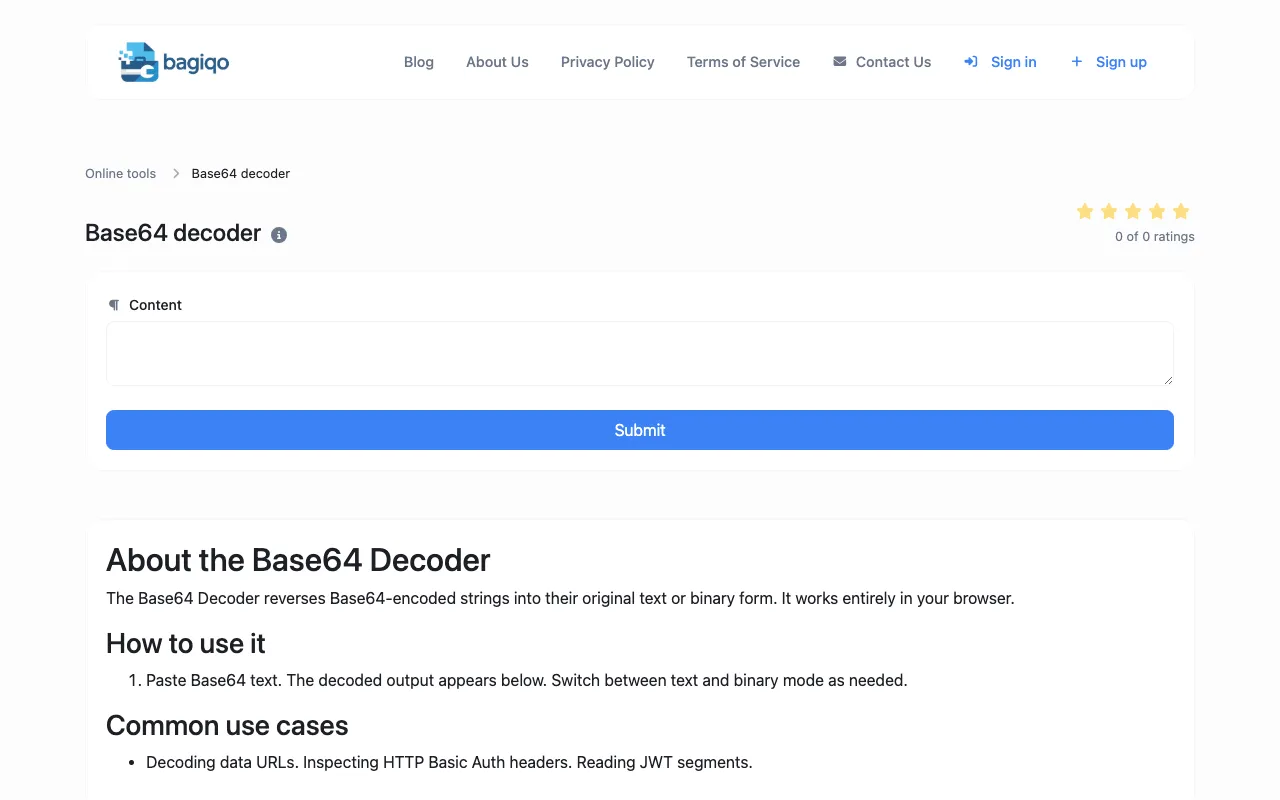
The Base64 Decoder converts Base64-encoded strings back to plain text or binary data, helping developers reverse the encoding process and recover original information. This tool runs entirely in the browser for secure decoding without external services. Useful for developers debugging encoded data, parsing API responses, working with email attachments, decoding data from various web standards and protocols, and troubleshooting Base64-encoded content.