Brotli Compression Checker
The Brotli Compression Checker tests whether a website or web server has Brotli compression enabled for content deliv...
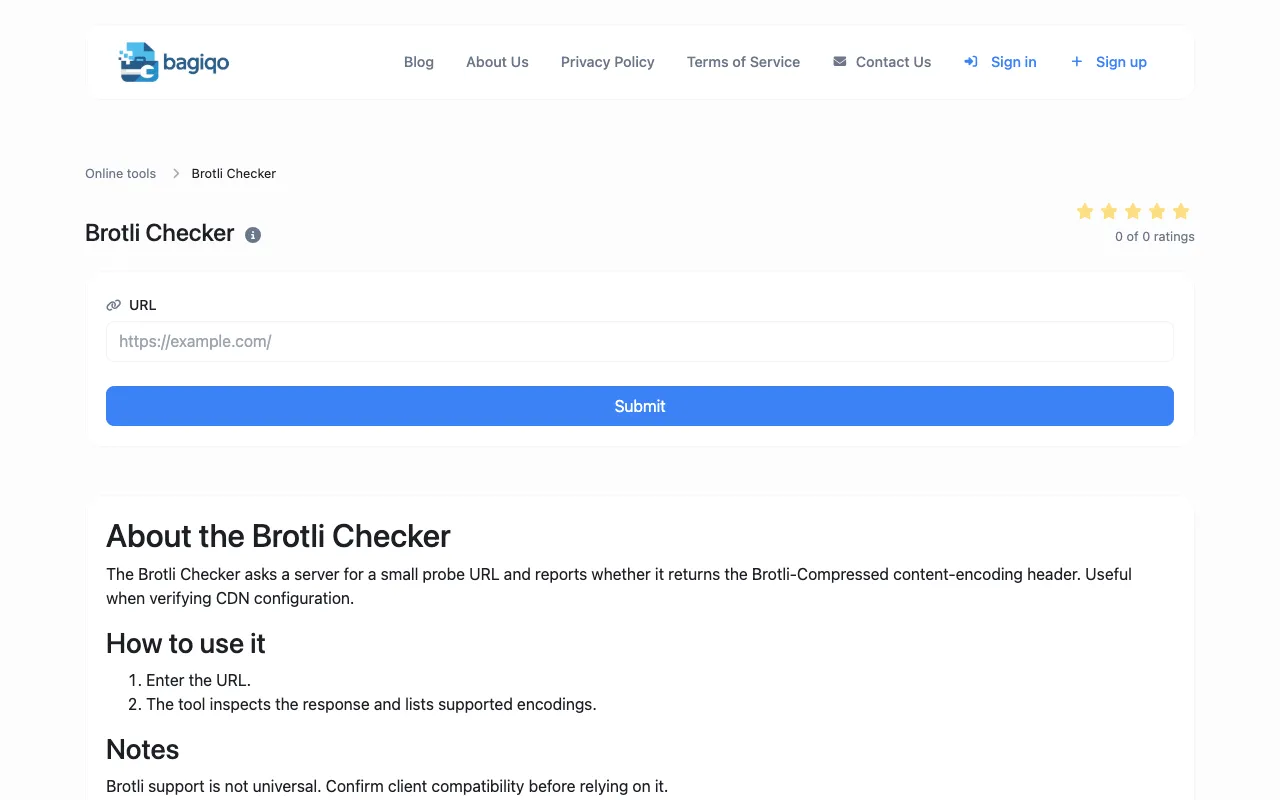
What Brotli Compression Checker does
The Brotli Compression Checker determines whether a website or web server has Brotli compression enabled for content delivery. Users receive a clear report indicating if the Brotli-Compressed content-encoding header is present, confirming if the advanced compression algorithm is active for faster content delivery. The tool is designed for webmasters, developers, and DevOps professionals who need to verify Brotli configuration on their web servers to improve performance metrics. Results are presented as a simple pass/fail status based on the server's response to a probe URL.
How to use the Bagiqo Brotli Compression Checker
- 1
Enter the full URL of the website to check
- 2
Submit the URL to initiate the probe request
- 3
Review the report showing whether Brotli compression is enabled based on the response headers
- 4
Confirm client compatibility if Brotli is detected before relying on it for delivery
Best for
Webmasters, developers, and DevOps professionals optimizing website performance who need to verify Brotli compression is properly configured on their web servers.
Limitations
- Brotli support is not universal across all clients and servers
- Results depend on the specific probe URL and server configuration
- No unit switching or detailed technical metrics beyond header presence
Brotli Compression Checker FAQ
- What does the Brotli Compression Checker actually test?
- It tests whether a website's server returns the Brotli-Compressed content-encoding header when sent a probe URL, indicating if Brotli compression is enabled for content delivery.
- Can I check any website with this tool?
- Yes, you can enter any valid URL to test if that specific site's server has Brotli compression configured and active.
- What if the tool says Brotli is not enabled?
- The server either does not have Brotli configured or does not return the expected content-encoding header for the probe request; you may need to check your server settings or CDN configuration.
- Is Brotli compression better than other compression methods?
- Brotli often provides better compression ratios than gzip, resulting in smaller file sizes and faster load times, but client support must be confirmed before relying on it for content delivery.
Similar tools
Based on shared tags