JSON Formatter & Validator
JSON Formatter & Validator is a free browser-based tool designed for developers who need to quickly format and valida...
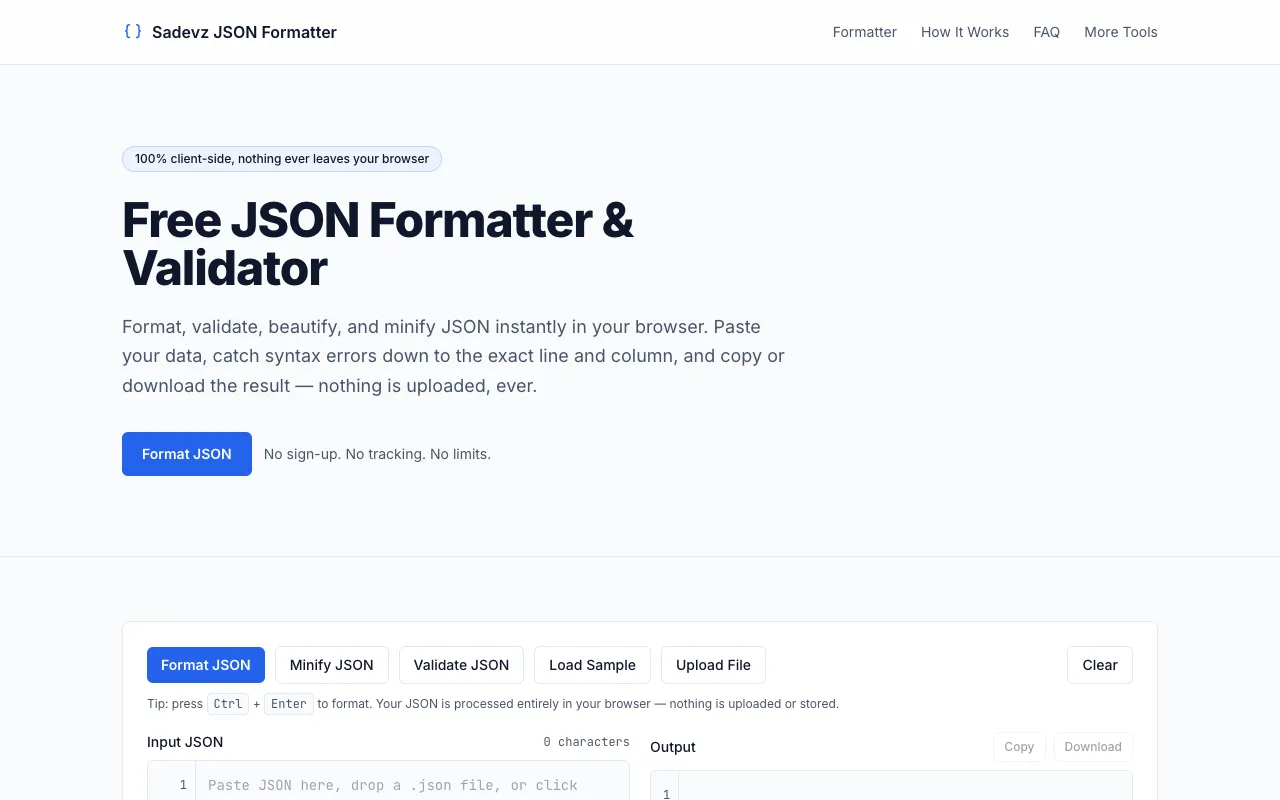
What JSON Formatter & Validator does
JSON Formatter & Validator is a free browser-based tool designed for developers who need to quickly format and validate JSON data. Paste any JSON code into the tool to instantly beautify it with proper indentation and syntax highlighting. The tool detects and displays JSON formatting errors, making it easy to spot and fix issues in your data structures. All processing happens directly in your browser, ensuring your data remains private and no account signup is required. The Sadevz version distinguishes itself through its emphasis on privacy and workflow flexibility. As a 100% client-side tool, no data is ever uploaded or stored, appealing to users handling sensitive information. It offers multiple input methods—paste, direct typing, file upload, or loading sample data—and provides detailed error reporting with exact line and column numbers. Additional features include minification, character and object statistics, and keyboard shortcuts like Ctrl+Enter for faster formatting, all without requiring an account or imposing usage limits.
How to use the Sadevz JSON Formatter & Validator
- 1
Paste or upload your JSON data into the editor on Sadevz
- 2
The browser validates and formats the JSON locally, highlighting any syntax errors with exact line and column numbers
- 3
Review the formatted output with syntax highlighting and statistics, or use the minify option to compress the data
- 4
Copy the result to the clipboard or download it as a .json file
Best for
Developers and programmers who need a private, quick way to format, validate, or minify JSON without uploading data to external servers or creating an account.
Limitations
- No unit switching or advanced JSON schema validation beyond syntax checking
- Primarily designed for formatting and validation rather than complex JSON transformation
- Results depend on the user's browser capabilities and internet connection for sample file loading
JSON Formatter & Validator FAQ
- Is my JSON data safe if I paste sensitive information into the tool?
- Yes, because the tool processes everything entirely within your browser locally. Nothing you paste is uploaded, stored, or transmitted to any server, ensuring your data remains private.
- Can I format a very large JSON file without issues?
- The tool is designed to handle typical developer workloads locally, but extremely large files may impact browser performance. For most common configuration files and API responses, formatting happens instantly.
- What is the difference between formatting and minifying JSON?
- Formatting adds proper indentation and syntax highlighting to make the JSON readable, while minifying removes unnecessary whitespace and characters to reduce file size for production use.
- Do I need to create an account or pay to use the formatter?
- No, the tool is completely free to use with no sign-up required, no tracking, and no stated limits on usage.
Similar tools
Based on shared tags