HTTP/2 Checker
The HTTP/2 Checker quickly tests whether a website or server supports and serves content over the HTTP/2 protocol. Us...
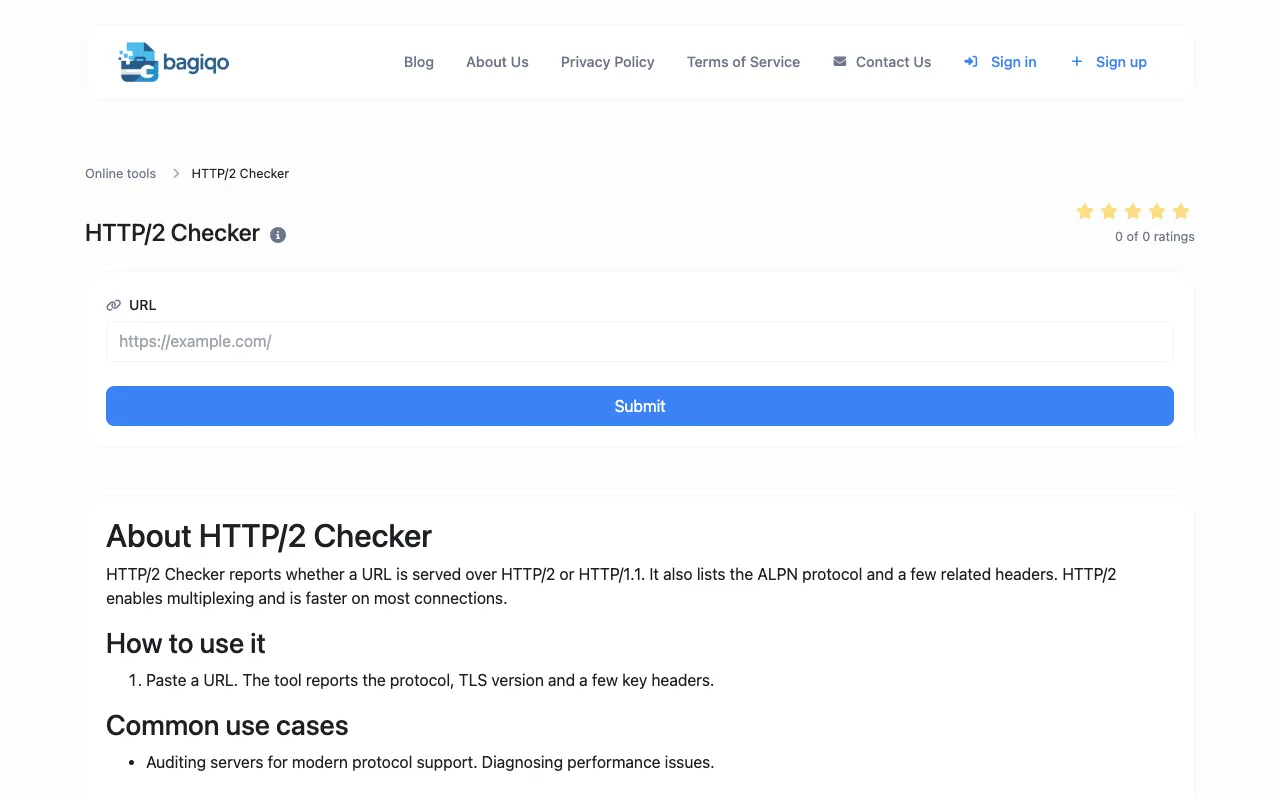
What HTTP/2 Checker does
The HTTP/2 Checker tests whether a given website or server supports and serves content over the HTTP/2 protocol. Users receive a report on the protocol version, TLS details, and key response headers, confirming if their site leverages modern HTTP/2 improvements for faster performance. The Bagiqo version offers a straightforward interface where users paste a URL to receive the protocol, TLS version, and related headers. It distinguishes itself by focusing on the core diagnostic output—protocol status and headers—without the clutter of additional analytics or conversion tools found on the same page. This makes it a focused option for quickly auditing server configuration and diagnosing performance issues related to protocol support.
How to use the Bagiqo HTTP/2 Checker
- 1
Paste the full URL of the website or server to test into the input field
- 2
Submit the URL to initiate the protocol check
- 3
View the report showing whether the site uses HTTP/2 or HTTP/1.1
- 4
Review the listed ALPN protocol and key response headers provided in the results
- 5
Use the output to audit server configuration or diagnose performance-related issues
Best for
Webmasters, developers, and site owners who need a quick, no-frills audit of whether their server is configured to serve content over HTTP/2 for improved performance.
Limitations
- Results are estimates based on the tool's checks
- No unit switching or advanced configuration options available
- Interface is minimal and lacks extensive explanatory text
HTTP/2 Checker FAQ
- What does the HTTP/2 Checker actually test?
- It tests whether a website or server supports and serves content over the HTTP/2 protocol, reporting the protocol version, TLS version, and key response headers.
- Can I use this tool to diagnose slow website performance?
- Yes, checking for HTTP/2 support is a common use case for diagnosing performance issues, as HTTP/2 enables multiplexing and faster content delivery on most connections.
- Do I need to install anything to use the HTTP/2 Checker?
- No, the tool runs directly in the browser; users only need to paste a URL to get a protocol report.
- What information does the tool provide about the server?
- The tool provides the protocol status (HTTP/2 or HTTP/1.1), the ALPN protocol, and a few related response headers.
Similar tools
Based on shared tags